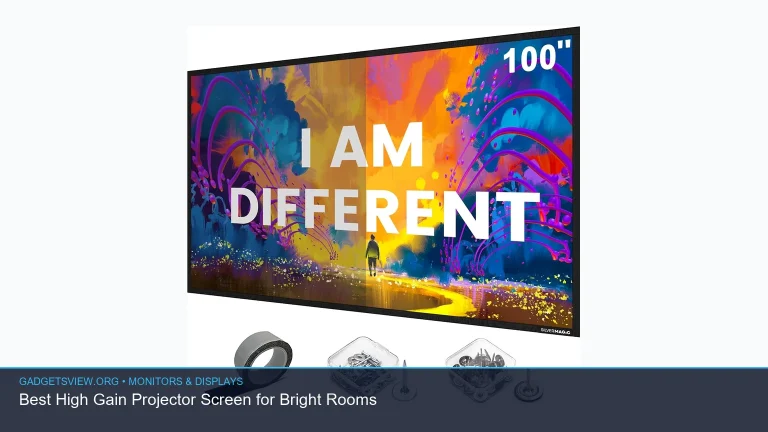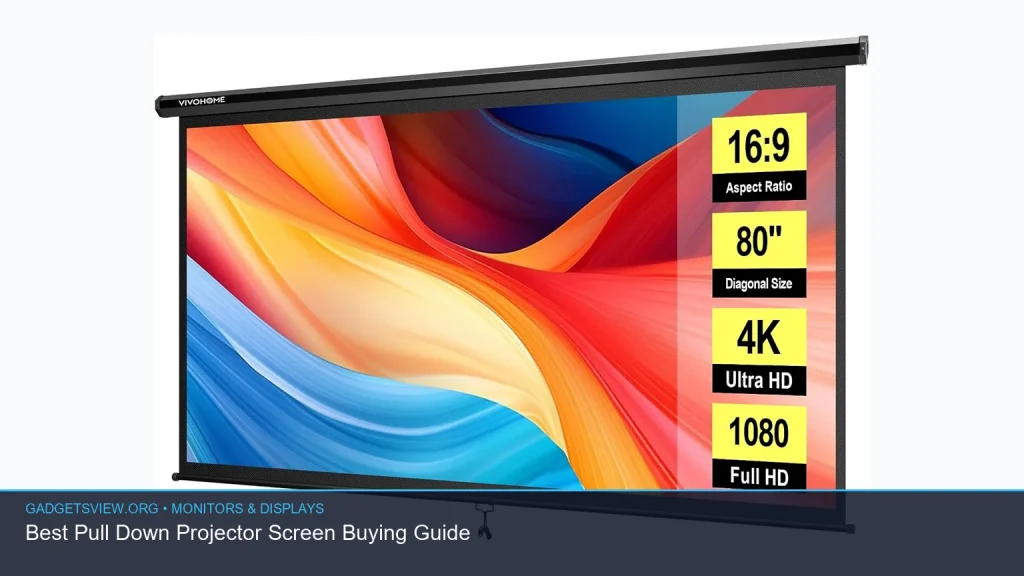
If you’re buying a pull down projector screen, the best choice comes down to room size, screen material, mounting style, and how often you’ll use it. For a home theater, classroom, or meeting room, a manual pull-down screen can be a simple, space-saving upgrade over projecting on a wall. In this guide, you’ll learn how to compare sizes, aspect ratios, and finishes so you can choose the right screen for your setup without overspending or buying the wrong format.
📖 Table of Contents
- What a Pull Down Projector Screen Is Best For
- How to Choose the Right Pull Down Projector Screen
- Comparison of Common Pull Down Projector Screen Options
- White vs Black-Backed Screens: Which Should You Buy?
- Selection Criteria That Matter Most for Commercial Buyers
- Strengths and Limitations of Pull Down Projector Screens
- Who Should Choose Which Type?
- Frequently Asked Questions
- Conclusion: Make the Screen Fit the Room
Products mentioned
- Pyle Manual Pull-Down Projector Screen
View current product details - VIVOHOME 80 Inch 16:9 Pull Down Projector Screen, Black
View current product details - VIVOHOME 80 Inch 16:9 Pull Down Projector Screen, White
View current product details - VIVOHOME 100 Inch 16:9 Pull Down Projector Screen, Black
View current product details - VIVOHOME 100 Inch 16:9 Pull Down Projector Screen, White
View current product details
Availability, specifications, and prices can change; verify them on the product page.
📌 Key Takeaways
- A pull down projector screen is best when you want a clean, wall-mounted display that retracts out of the way.
- Choose the screen size and aspect ratio based on your projector and viewing distance, not just room width.
- Black-backed and matte white screens serve different lighting needs, so match the screen to your room brightness.
- For commercial or shared spaces, durability, easy operation, and simple installation often matter more than extra features.
What a Pull Down Projector Screen Is Best For
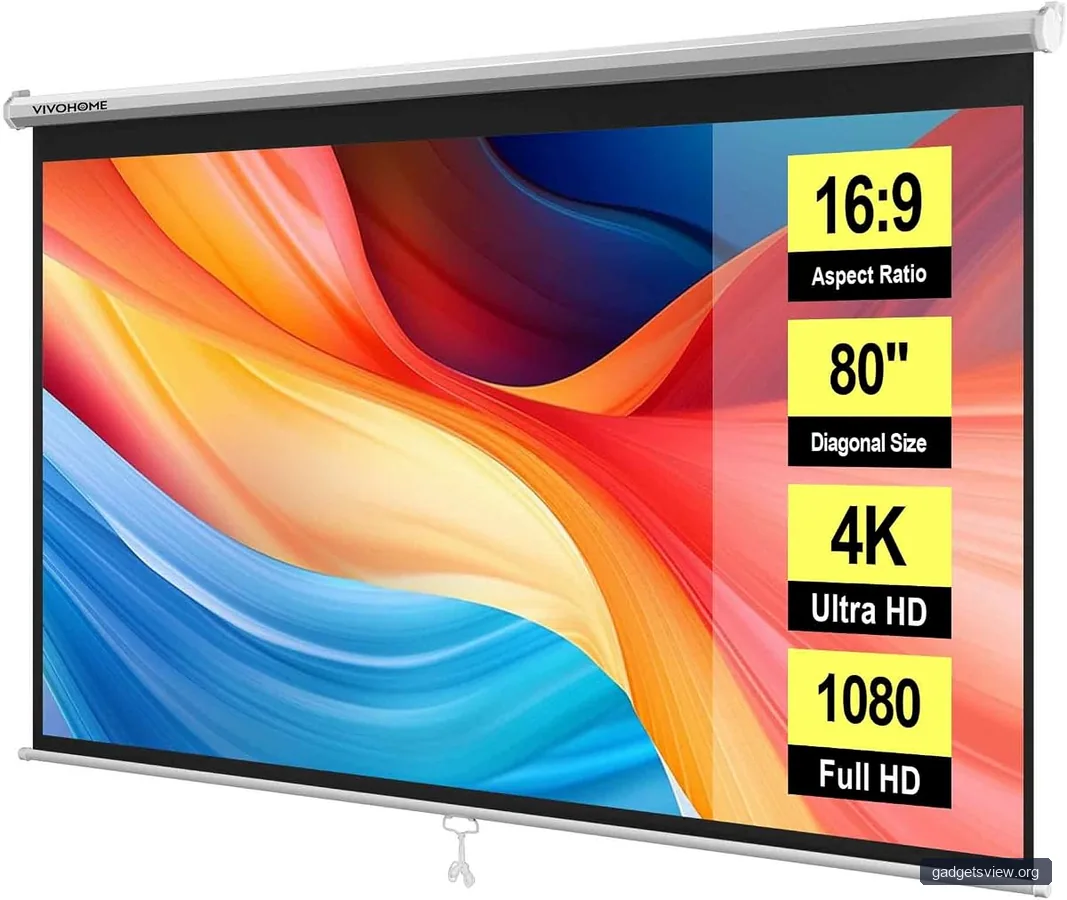
A pull down projector screen is a manual screen that mounts to a wall or ceiling and rolls down when needed. When you are done, it retracts into its housing, which helps keep the room neat and protects the screen surface. That makes it a strong fit for offices, classrooms, conference rooms, and home theaters where permanent flat panels are not practical.
For commercial use, this type of screen is often chosen because it is simple, reliable, and easy for many people to operate. There is no motor to maintain, and there are fewer parts that can fail. If your priority is a straightforward display solution that works in a shared room, a manual pull-down model deserves a close look.
How to Choose the Right Pull Down Projector Screen
The right screen depends on how you use the room and what your projector outputs. Start with the basics: screen size, aspect ratio, surface color, and installation space. These four choices will affect image fit, brightness, and ease of use more than any minor feature.
1. Match the Screen Size to the Room
Screen size should fit both the projector image and the audience. An 80-inch screen can suit smaller rooms, while a 100-inch screen is often better when people sit farther back or when you want a larger presentation area. Measure the wall area carefully and make sure the housing and drop length will not interfere with doors, boards, or cabinets.
2. Pick the Right Aspect Ratio
Aspect ratio matters because it determines the shape of the image. A 16:9 screen is the most common choice for movies, streaming, and many modern presentations. If your projector or content uses a different format, make sure the screen shape matches so you avoid wasted space or cropped edges.
3. Choose White or Black-Backed Based on Light Control
White screens are common because they support a wide range of content and can work well in controlled lighting. Black-backed screens can help reduce light bleed and improve contrast in spaces where light control is not perfect. For commercial rooms with windows or mixed lighting, this can make a noticeable difference in perceived image quality.
4. Consider Manual Use in Shared Spaces
If multiple people will use the screen, think about ease of operation. A smooth pull-down mechanism and stable stop positions matter more than flashy extras. In a classroom or meeting room, a screen that is easy to lower, raise, and keep aligned may be the most practical choice.
Comparison of Common Pull Down Projector Screen Options
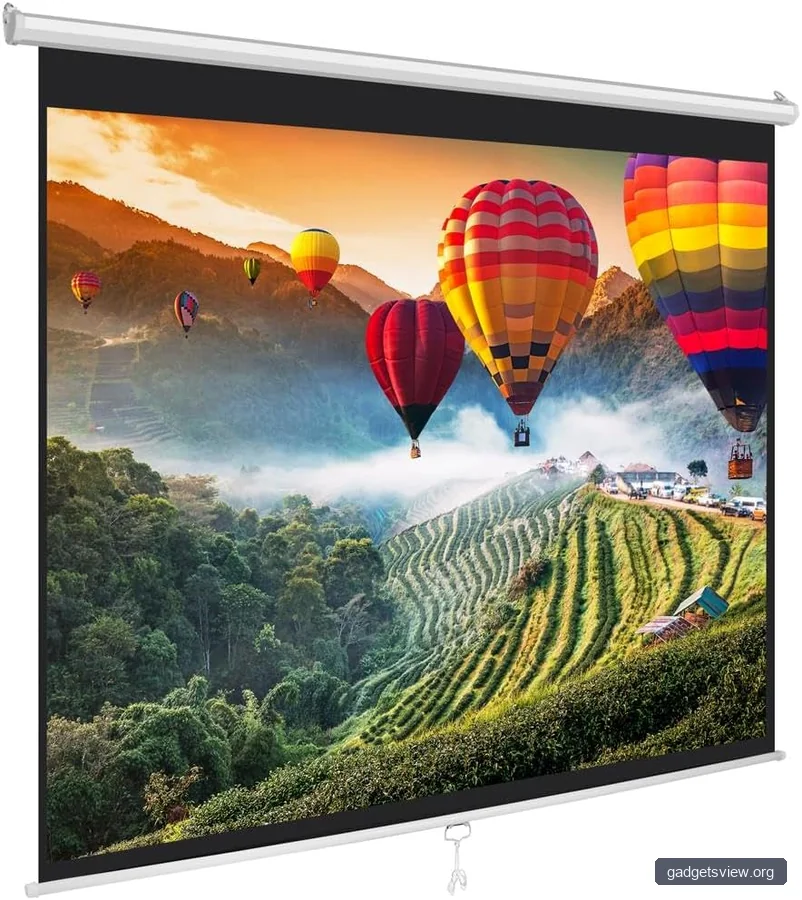
The product names below were surfaced during research and are useful examples of the kinds of options shoppers compare. Exact availability and current specifications should still be verified on the live listing before purchase.
| Option | Best For | Strengths | Limitations |
|---|---|---|---|
| Pyle Manual Pull-Down Projector Screen | General manual-use setups | Simple manual format; suitable for basic display needs | Exact size and surface details must be confirmed on the listing |
| VIVOHOME 80 Inch 16:9 Pull Down Projector Screen, Black | Smaller rooms, more light-sensitive spaces | Black-backed format may help with contrast in mixed light | 80-inch size may be too small for larger rooms |
| VIVOHOME 80 Inch 16:9 Pull Down Projector Screen, White | Controlled-light rooms | Clean presentation surface; common 16:9 format | White surface may be less forgiving in brighter rooms |
| VIVOHOME 100 Inch 16:9 Pull Down Projector Screen, Black | Larger rooms, presentations, entertainment | Bigger viewing area; black backing can help with contrast | Needs more wall space and greater mounting clearance |
| VIVOHOME 100 Inch 16:9 Pull Down Projector Screen, White | Large home theaters and conference rooms | Large image area with familiar white screen finish | May need better ambient light control for best results |
White vs Black-Backed Screens: Which Should You Buy?
Surface color is one of the easiest ways to narrow your options. A white screen is often the default choice because it works well for many setups and looks clean in a finished room. A black-backed screen is often better when you want less light interference from the wall behind the screen.
In practical terms, white is usually the safer pick for a controlled home theater or boardroom. Black-backed models are worth considering if your room has more ambient light, light-colored walls, or less-than-ideal placement. If the room is bright during the day, the backing can be a useful advantage, but it is not a replacement for good projector brightness or room shading.
Quick Decision Table
| Your Room Condition | Better Choice |
|---|---|
| Dark or light-controlled room | White screen |
| Windows, overhead lights, or mixed lighting | Black-backed screen |
| Classroom or meeting room with frequent use | Whichever has the easier manual operation and proper size |
| Home theater with controlled seating | Usually white, unless ambient light is hard to manage |
Selection Criteria That Matter Most for Commercial Buyers
Commercial buyers should think beyond image size. A screen in an office, school, or training room needs to be dependable, easy to use, and simple to maintain. That means mount quality, surface durability, and compatibility with daily use should carry real weight in your decision.
- Installation method: Check whether the screen is meant for wall or ceiling mounting, and confirm the space around it is clear.
- Retractability: A smooth pull-down and secure retraction help reduce wear and make the screen easier to manage.
- Size fit: Confirm the visible image area, not just the overall housing size.
- Room use: Meetings, training, and movie viewing may call for different priorities.
- Surface finish: Match the finish to the room’s ambient light level.
If you manage a shared room, also think about how often the screen will be opened and closed. A model that is easy to operate may save more time and frustration than one that advertises extra features you do not need. In commercial settings, simple often wins.
Strengths and Limitations of Pull Down Projector Screens
Pull-down screens offer a lot of value, but they are not perfect for every environment. Knowing the trade-offs helps you avoid disappointment after installation. The best choice is usually the one that fits your space and use case with the fewest compromises.
Strengths
- Clean look when retracted
- Good for shared or multi-use rooms
- Usually easier to install than more complex motorized systems
- Often a cost-conscious option for large projected images
Limitations
- Manual operation requires someone to lower and raise the screen
- Alignment may depend on careful mounting and setup
- Room lighting can affect image quality more than on some premium surface types
- Exact product details must be checked carefully before purchase
Who Should Choose Which Type?
If you want a simple screen for regular presentations, a standard manual pull-down model is often enough. If your room is smaller and light control is good, an 80-inch white screen can be a practical fit. If you need a bigger image for a conference room or viewing space, a 100-inch option is often the better call.
Choose an 80-inch screen if you want a compact setup, have limited wall space, or sit relatively close to the display. Choose a 100-inch screen if you have a larger room, more viewers, or want a more immersive image.
Choose a black-backed screen if your room has ambient light issues. Choose white if your space is controlled and you want a versatile, classic projector surface. For most buyers, the right answer is the screen that best matches the room, not the one with the longest feature list.
Frequently Asked Questions
Is a pull down projector screen good for a home theater?
Yes, especially if you want a clean wall-mounted option that disappears when not in use. It works best when the room has decent light control and the screen size matches your seating distance.
Should I buy a white or black-backed pull down projector screen?
White is often best for controlled lighting and general use. Black-backed screens can help in rooms with more ambient light or where you want extra light blocking behind the viewing surface.
What size pull down projector screen do I need?
That depends on room size, projector throw distance, and how far viewers sit from the screen. For smaller rooms, 80 inches can be enough; for bigger rooms or presentations, 100 inches is often more practical.
Can I mount a pull down projector screen to the ceiling?
Many manual pull-down screens can be mounted to a wall or ceiling, but you should confirm the specific product instructions before buying. Always check the mounting hardware and clearance needs on the live listing and installation guide.
What should I verify before ordering?
Confirm the screen size, aspect ratio, mounting type, surface color, and the space needed for installation. Also verify current listing details, since product specifications can change over time.
Conclusion: Make the Screen Fit the Room
The best pull down projector screen is the one that matches your room, projector, and viewing needs. For many buyers, the decision comes down to 80-inch versus 100-inch, white versus black-backed, and how much ambient light the room has. If you verify those basics before ordering, you can choose a screen that works well from day one.
Next, measure your space, confirm your projector’s aspect ratio, and compare the live product listing details before you buy. That small step makes it much easier to choose a pull-down screen that feels right for your setup and your budget.