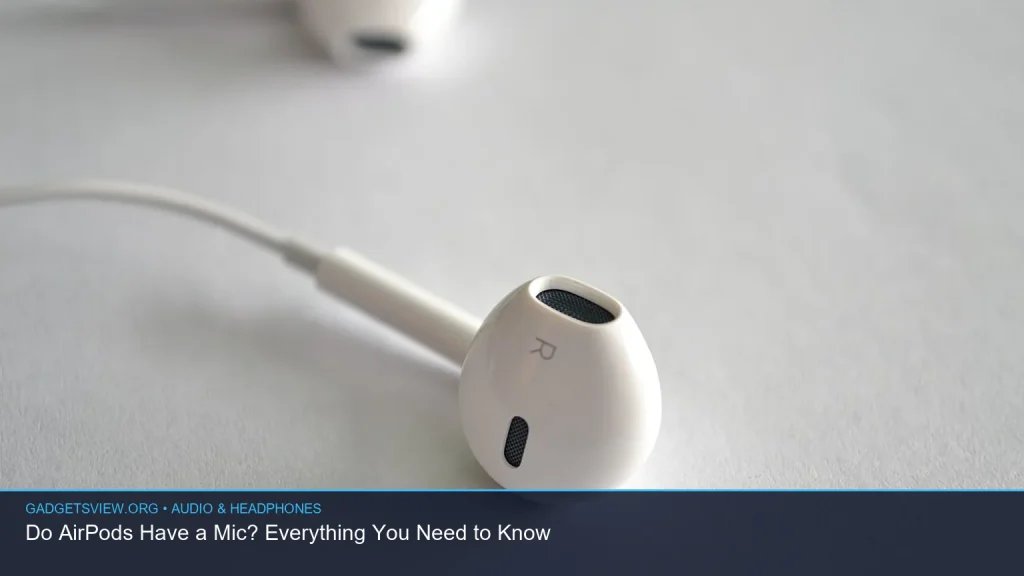
Yes — do AirPods have a mic? They do, and all current AirPods models include built-in microphones for calls, Siri, voice dictation, and noise control features. The exact mic setup depends on the model, but if your AirPods are working properly, they should pick up your voice without needing any extra accessory. In this guide, you’ll learn where the mics are, how they work, what to do if people can’t hear you, and a few common AirPods questions people ask along the way.
📖 Table of Contents
- Do AirPods Have a Mic? Yes, and Here’s How It Works
- How AirPods Microphones Help on Calls and Voice Commands
- How to Tell if Your AirPods Mic Is Working
- AirPods Model Differences: What Changes and What Does Not
- Battery, Water Resistance, and Firmware: What Else Matters
- What to Do if Your AirPods Mic Still Does Not Work
- FAQ: AirPods Mic and Common Questions
- Conclusion: Yes, AirPods Have a Mic — Now Make Sure It Works Well
📌 Key Takeaways
- Yes, AirPods have microphones, and they are used for calls, Siri, and voice features.
- Most AirPods use more than one mic, which helps with voice pickup and noise handling.
- If people cannot hear you, the issue is often dirt, Bluetooth settings, or firmware—not a missing mic.
- AirPods battery life, water resistance, and support coverage can affect daily use, but they do not change the basic answer: AirPods do have a mic.
Do AirPods Have a Mic? Yes, and Here’s How It Works
All AirPods models include microphones. Apple uses them for phone calls, FaceTime audio, Siri, voice memos, and other speech-based features. Some models also use the mics for noise cancellation and transparency features, which help filter outside sound.
The mic system is not the same on every model, but the goal is similar across the line: make your voice clear to the person on the other end. If you have trouble being heard, the problem is usually related to blocked mic openings, Bluetooth glitches, or settings.
Where are the microphones on AirPods?
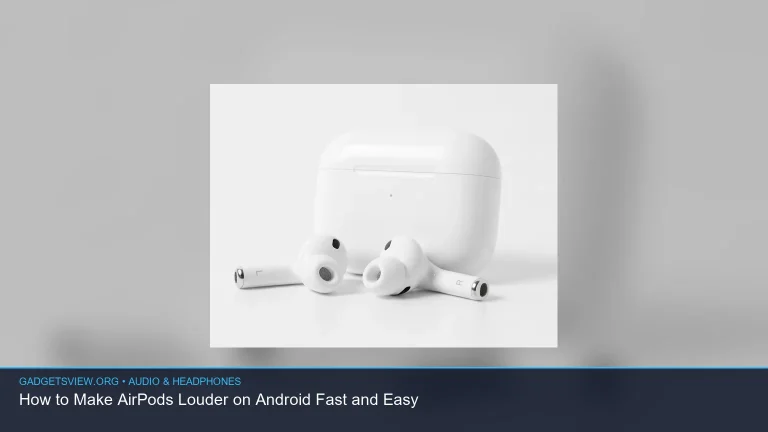
On most AirPods, the microphones are built into the stem or body of the earbud. You may not see them right away because they are small and blended into the design.
Apple places the mics where they can catch your voice while also reducing wind and background noise as much as possible. That is why changing the fit or adjusting the stem can sometimes improve call quality.
How AirPods Microphones Help on Calls and Voice Commands
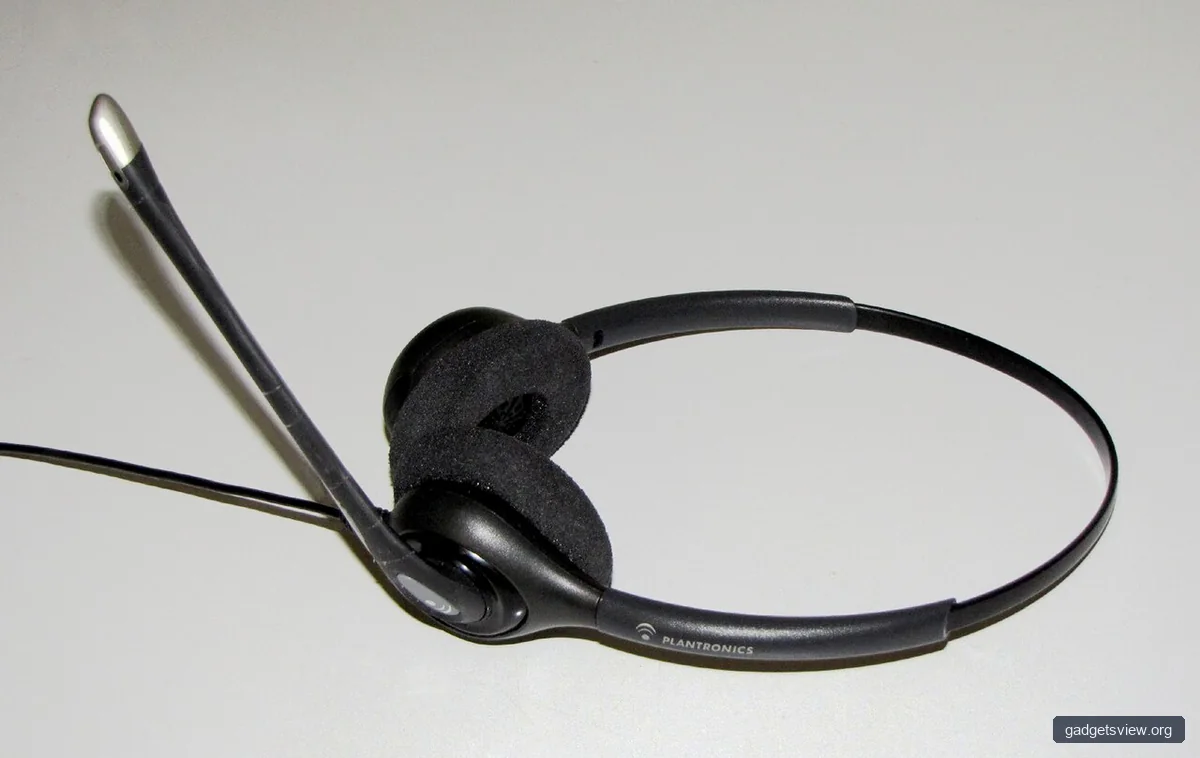
AirPods use microphones for more than just voice calls. They also help Siri hear your commands, support voice dictation, and improve how your voice sounds in noisy places. On some models, the mic array helps the earbuds decide what sound should stay and what sound should be reduced.
This matters most in everyday situations like walking outside, driving, or taking work calls in a busy room. If your voice sounds muffled, it does not usually mean AirPods lack a mic. It often means the mic path is blocked or the wrong input is selected on your device.
Common ways AirPods use microphones
- Phone and FaceTime calls
- Siri voice commands
- Dictation and voice-to-text
- Noise control features on supported models
- Automatic voice detection in some audio modes
How to Tell if Your AirPods Mic Is Working
If you are asking because someone says they cannot hear you, there are a few quick checks you can do. Start by testing the mic in a simple call or by recording a short voice memo. That is the fastest way to confirm whether the issue is the microphone, the phone, or the app.
It also helps to check which microphone mode your AirPods are using. On iPhone, AirPods can sometimes switch between automatic mic selection and a manual setting, and that can affect performance if one earbud is obstructed.
Simple troubleshooting steps
- Clean the mic openings gently with a dry, soft brush.
- Make sure both earbuds are seated correctly in your ears.
- Check Bluetooth connection and reconnect if needed.
- Test the mic in the Voice Memos app or during a phone call.
- Look for firmware updates if voice issues keep happening.
Quick troubleshooting table
| Problem | Likely Cause | What to Try |
|---|---|---|
| People hear you badly | Blocked mic or dirt buildup | Clean the earbuds and retest |
| Mic works in one app but not another | App permissions or input settings | Check app mic access and device input |
| Audio cuts in and out | Bluetooth issue or low battery | Reconnect, charge, and restart device |
| Only one earbud seems to pick up voice | Mic setting locked to one side | Review AirPods microphone settings |
AirPods Model Differences: What Changes and What Does Not

While every AirPods model has microphones, the number, placement, and software features can differ. That is why call quality and background noise handling may feel better on one model than another. Apple’s newer models tend to rely more on software and multiple microphones to isolate your voice.
If you are trying to compare models for voice use, do not focus only on whether they have a mic. Instead, think about call clarity, comfort, battery life, and how often you use voice features. Those factors matter more in daily use.
| What to Compare | Why It Matters | Best For |
|---|---|---|
| Mic clarity | Affects how well your voice comes through on calls | Frequent callers and remote workers |
| Noise handling | Helps reduce background sound | Commuters and busy environments |
| Battery life | Affects how long you can use voice features | Heavy daily users |
| Fit and comfort | Poor fit can hurt mic pickup and comfort | All-day wearers |
Who should choose what? If you mainly need reliable voice calls, choose the AirPods model that fits your ears best and has the voice features you use most. If you take calls in noisy places, prioritize models with stronger noise control and clearer voice pickup. If you mostly listen to music and rarely talk, basic mic performance may be enough.
Battery, Water Resistance, and Firmware: What Else Matters
Battery life matters because a microphone does nothing if the earbuds are dead. If you are asking how long do airpods last on a full charge, the answer depends on the model, usage, volume, and whether noise features are on. Apple’s official estimates change by model, so it is best to check the current product page or your device settings for the latest verified numbers.
You may also wonder whether are airpods 3 waterproof. AirPods are generally not waterproof. Some models have water and sweat resistance, but that is not the same as full waterproof protection, so avoid soaking them or using them in heavy water exposure.
Why firmware updates matter
Voice quality and Bluetooth stability can improve after software updates. If you are searching for latest firmware airpods, the practical step is to check your AirPods version through your iPhone’s Bluetooth settings and compare it with Apple’s current support information. Since firmware can change over time, always verify the newest version directly with Apple.
Updates can help with bug fixes, but they do not repair physical damage. If the mic still fails after cleaning, updating, and reconnecting, the issue may be hardware-related.
Battery note for newer models
People also ask about airpods pro 3 battery life, but current battery estimates should be verified on Apple’s official product pages because specs can change with new releases or regional differences. Treat any battery claim you see elsewhere as temporary unless it is directly confirmed by Apple.
What to Do if Your AirPods Mic Still Does Not Work
If the mic still acts up after basic troubleshooting, move through a few deeper checks. Start by forgetting the AirPods in Bluetooth settings and pairing them again. Then test them with another device to see whether the problem follows the earbuds or stays with one phone.
If the issue appears on multiple devices, the earbuds may need service. That is especially true if one side sounds dead, crackles, or cuts out even after cleaning and resetting.
Decision guide
| If you notice this | Try this first | Next step |
|---|---|---|
| Weak voice pickup | Clean and retest | Check mic settings and firmware |
| No mic on any device | Re-pair AirPods | Contact Apple Support |
| One earbud works, the other does not | Swap ears and test | Check for physical damage |
Coverage questions come up here too. If you are wondering does Apple Care cover lost AirPods, you should verify your plan details with Apple, since coverage terms can vary by region and policy type. Loss is often handled differently from accidental damage, so it is worth checking the official terms before you assume it is included.
FAQ: AirPods Mic and Common Questions
Can AirPods be used as a microphone?
Yes. AirPods can be used as a microphone for calls, voice memos, dictation, and other voice-based tasks. Your phone or computer may also let you choose them as the active input source.
Why can’t people hear me on my AirPods?
The most common causes are dirt in the mic openings, a poor Bluetooth connection, low battery, or a microphone setting issue. Try cleaning the earbuds, reconnecting them, and testing the mic in another app.
Do AirPods use both mics at once?
Many AirPods models use more than one microphone and switch between them as needed. This helps with voice pickup, noise filtering, and call clarity, especially in loud places.
How do I check my AirPods firmware?
Apple does not make firmware checking obvious, but you can view device details on an iPhone through Bluetooth settings and compare the version with Apple’s support information. If you need the latest firmware airpods version, check Apple directly for the current release.
Are AirPods good for calls?
For many users, yes. They are designed with microphones and voice-processing features that support clear calls, though your results can vary with fit, noise, and model type.
Conclusion: Yes, AirPods Have a Mic — Now Make Sure It Works Well
So, do AirPods have a mic? Absolutely. Every AirPods model includes microphones, and they are a core part of how the earbuds handle calls, Siri, and voice features. If your voice is not coming through clearly, the fix is usually simple: clean the earbuds, check settings, update firmware, and re-pair the device.
If those steps do not help, test the AirPods on another device and contact Apple Support if needed. For ongoing use, keep battery life, water resistance, and coverage details in mind by checking Apple’s current official information.