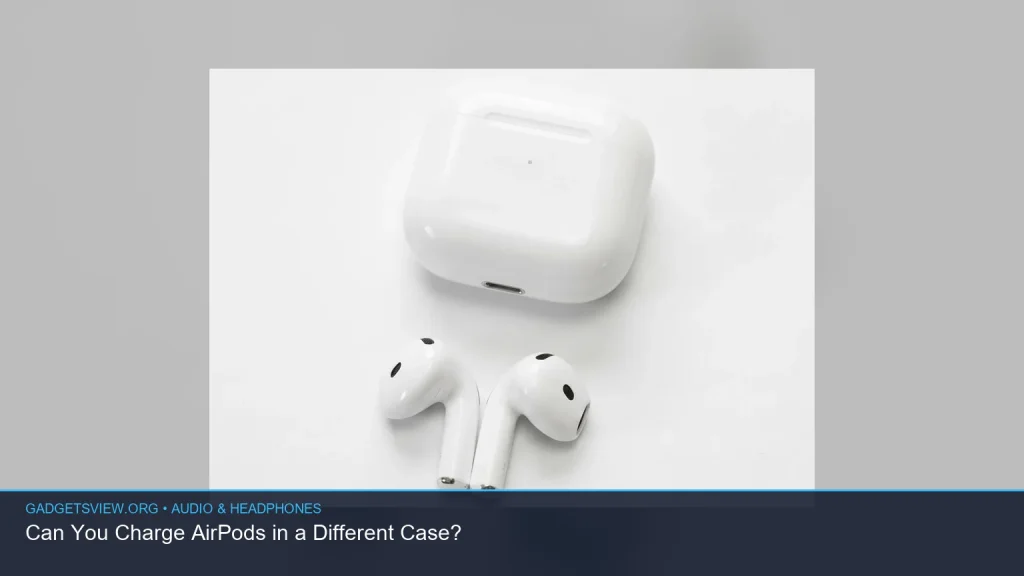
If you’re wondering can you charge AirPods in a different case, the short answer is: sometimes, yes — but only if the replacement case is the correct type and model family. AirPods are not fully universal, so a mismatched case may not charge, may not pair right, or may cause fit issues. In this guide, I’ll explain which cases are compatible, how to check before you try, and what to do if your AirPods still won’t charge.
📖 Table of Contents
- Can You Charge AirPods in a Different Case?
- How to Check Case Compatibility First
- When a Different Case Might Work
- How to Charge AirPods Safely in Another Case
- Can You Charge AirPods Without the Case?
- Why One AirPod May Be Quieter or Not Charging Properly
- How to Find AirPods When Dead
- Which Option Is Best for Your Situation?
- FAQ
📌 Key Takeaways
- You can charge AirPods in a different case only if the case is made for the same AirPods model or the same case generation.
- An incompatible case may physically fit poorly, fail to charge, or create pairing problems.
- If one AirPod is not charging or one of my airpods is quieter than the other, the issue may be dirt, balance settings, or battery wear — not just the case.
- If your AirPods and case are both dead, learning how to find airpods when dead can still help you narrow down their last known location.
Can You Charge AirPods in a Different Case?
In some cases, yes. AirPods can usually charge in another case if that case is designed for the same model and generation. For example, a case made for one AirPods version may work with the matching earbuds from the same family, but not with older or newer versions that use a different shape or charging setup.
The important thing is not whether the case looks similar, but whether it is truly compatible. Apple has changed AirPods designs over time, so two cases that seem close may still be different inside.
How to Check Case Compatibility First
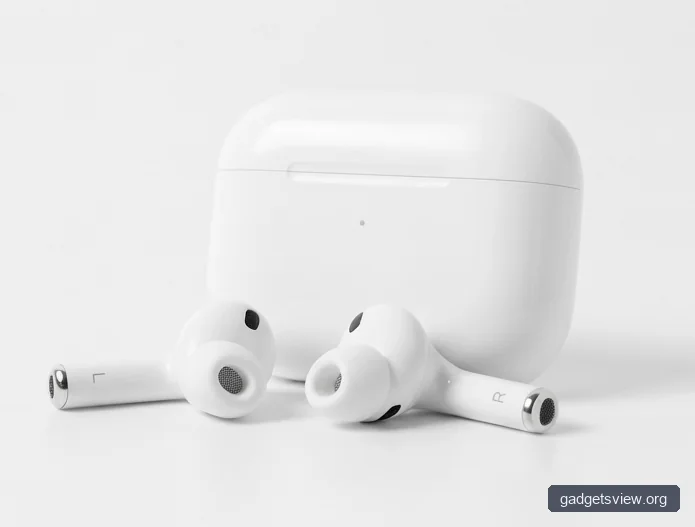
Before you try a different case, confirm the model of your AirPods and the case. This helps you avoid a mismatch that could waste time or damage the fit. If you are unsure, check the model number on the AirPods, the charging case lid, or the Settings screen when the AirPods are connected.
| What to Check | Why It Matters | What to Look For |
|---|---|---|
| AirPods generation | Different generations may use different case designs | Exact model match |
| Charging type | Some cases support wired charging, some wireless, and some both | Charging port and case style |
| Earbud fit | A weak fit can stop charging or cause unreliable contact | Smooth seating with no wobble |
| Pairing behavior | Some cases help with reset and pairing | Case light and Bluetooth prompts |
If you do not know the exact model, compare the shape carefully and verify through your device settings or Apple support materials. That is the safest way to avoid using the wrong case.
When a Different Case Might Work
A different case may work when it is built for the same AirPods generation and supports the same charging contacts. In that situation, the case should hold the earbuds securely and allow them to charge as expected. This is most likely when you are replacing a lost or damaged case with an identical one.
It may also work temporarily if you are using a borrowed case from the same model family. Even then, check the fit and charging light behavior before assuming everything is fine.
Signs the case is compatible
- The AirPods sit snugly in the case without forcing them in.
- The charging light responds when the earbuds are inserted.
- Your device recognizes the AirPods after opening the lid nearby.
- Both earbuds charge at a normal pace.
Signs the case is not compatible
- The earbuds feel loose or do not close properly.
- One earbud does not charge consistently.
- The case does not trigger pairing or reset correctly.
- The lid will not close without pressure.
How to Charge AirPods Safely in Another Case
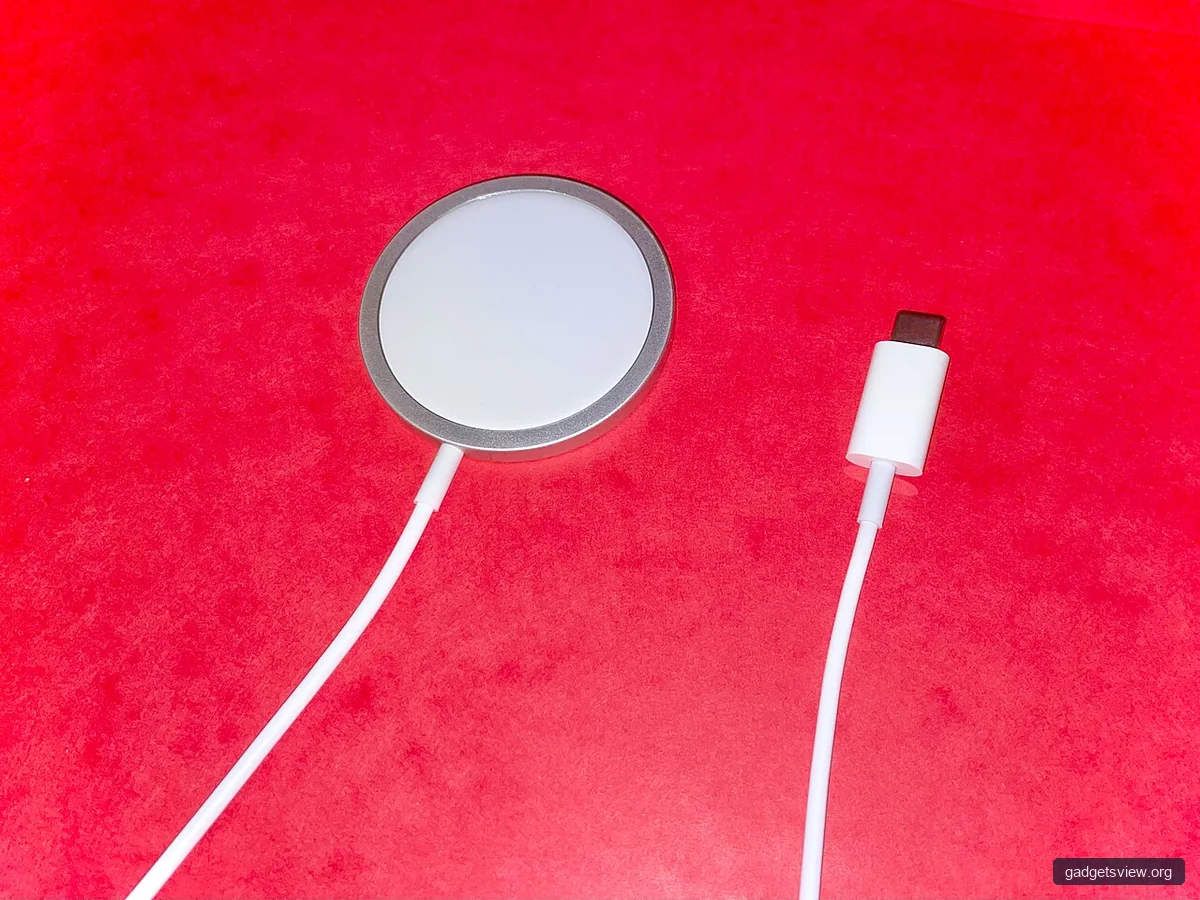
If you have confirmed the case is compatible, use it carefully. A good fit matters because the charging contacts inside the case need clean alignment. Small bits of dust or earwax can stop charging even when the case is correct.
- Place both AirPods into the replacement case.
- Make sure each earbud seats fully in its slot.
- Close the lid and wait a few seconds.
- Check whether the case light or your device shows charging.
- Remove and reseat an earbud if one side still does not charge.
If one earbud charges and the other does not, clean both the case contacts and the bottom of the AirPods with a dry, soft, lint-free cloth. Avoid liquid cleaners unless Apple’s official guidance says they are safe for your model.
Troubleshooting Table
| Problem | Likely Cause | What to Try |
|---|---|---|
| AirPods do not charge in the new case | Case incompatibility or dirty contacts | Verify the model match and clean the contact points |
| One earbud charges, one does not | Poor seating, debris, or battery issue | Reseat the bud, clean it, and test again |
| Case light behaves oddly | Reset or pairing problem | Try a reset with a compatible case |
Can You Charge AirPods Without the Case?
For normal use, no. If you are asking can you charge airpods without the case, the answer is that AirPods are designed to charge inside their charging case. The case is not optional for standard charging because it provides the connection and power transfer needed for the earbuds.
If the case is lost or broken, the practical fix is usually to replace it with the correct compatible case. If you are trying to get by temporarily, focus on locating the missing case or obtaining a proper replacement rather than improvising with an unsafe workaround.
Why One AirPod May Be Quieter or Not Charging Properly
Sometimes the issue is not the case at all. If one of my airpods is quieter than the other, the cause may be earwax buildup, audio balance settings, a weak battery, or a connection problem. A bad charging case can also make one bud seem weak if it is not charging fully.
Start with the simple checks. Clean the mesh gently, confirm audio balance settings are centered, and test each AirPod alone. If the quiet side is also the one that does not charge well, the problem may be linked to battery health or charging contact issues.
Quick fixes to try
- Clean the speaker mesh and charging contacts.
- Check left/right audio balance in your device settings.
- Fully charge both earbuds in a known compatible case.
- Forget and reconnect the AirPods if they seem unstable.
How to Find AirPods When Dead
If your AirPods and case are both dead, you still have a few options for finding them. The Find My network may show the last known location before the battery ran out, which can be a big help. That is why people often search for how to find airpods when dead after a lost charge case or drained earbuds.
Open Find My on your iPhone or iPad and look for the last seen location. Then retrace your steps from that point. If the earbuds were separated, check places where they may have slipped out, like couch cushions, car seats, or bags.
Which Option Is Best for Your Situation?
If you only need a temporary fix, a compatible replacement case from the same AirPods model family is the best option. If you are not sure about the model, do not guess. A close-looking case is not enough if the fit, charging points, or pairing behavior are wrong.
| Choice | Best For | Strengths | Limitations |
|---|---|---|---|
| Same-model replacement case | Lost or broken original case | Most likely to work correctly | Must match the exact model family |
| Borrowed compatible case | Short-term charging needs | Fast way to test charging | May not pair to your account permanently |
| Random different case | Usually not recommended | May appear to fit | Risk of charging failure and poor fit |
Who should choose what: If your goal is reliable daily use, choose the exact compatible case. If you need a quick test, a matching borrowed case is fine. If you are unsure about model compatibility, avoid using a random case and verify before trying again.
FAQ
Can all AirPods charge in any AirPods case?
No. AirPods cases are not fully universal. A case must match the correct model family and generation to work properly.
What happens if I put the wrong AirPods in a case?
They may not fit well, may fail to charge, or may not reset and pair correctly. In some cases, the lid may close poorly or not at all.
Why is one AirPod charging but not the other?
This is often caused by poor seating, dirty contacts, or battery wear. It can also happen if the case itself is not fully compatible.
Can I charge AirPods without the original case if I lost it?
Not in the normal way. AirPods are designed to charge in a compatible charging case, so replacing the case is usually the best solution.
How do I know if my AirPods case is real or compatible?
Check the model number and compare it with the AirPods generation. When in doubt, verify with Apple support materials or official documentation rather than guessing from the outside shape alone.
So, can you charge airpods in a different case? Yes, but only when the case is the right match. If the fit, model, or charging behavior is off, stop and verify compatibility before relying on it. For the best results, confirm the model, clean the contacts, and use a case made for your exact AirPods version.