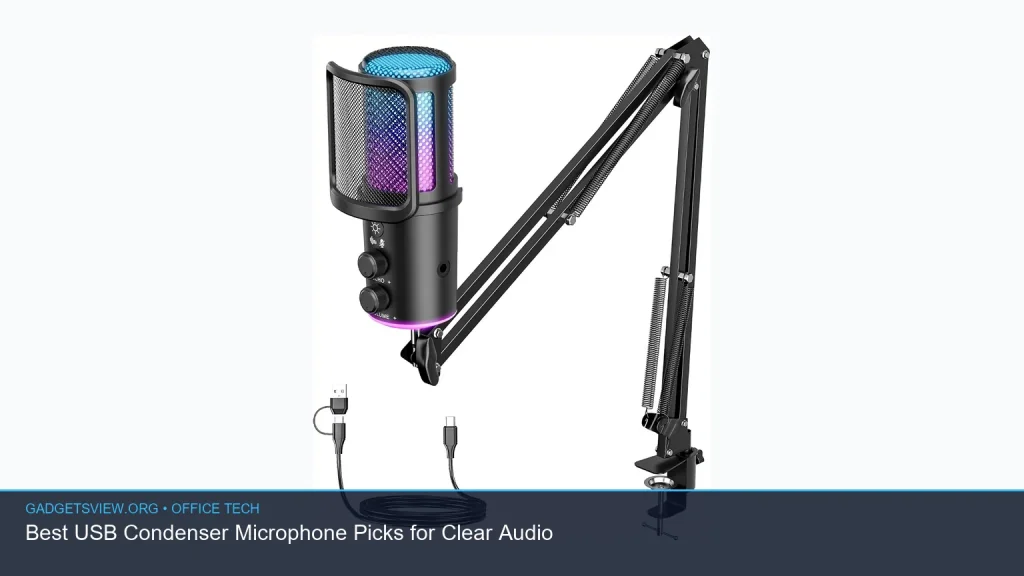
If you need a usb condenser microphone for clearer calls, recordings, or streaming, the best choice depends on how you work. Some buyers want simple plug-and-play setup for meetings and voice notes. Others need better gain control, mute buttons, or monitoring for podcasts and live content. This guide breaks down the most useful options, what they do well, and who should buy each one so you can choose with confidence.
📖 Table of Contents
Products mentioned
- Gaming Microphone for PC: USB Mic for Podcasts Videos & Streaming
View current product details - Amazon Basics Condenser Microphone for PC, Cardioid Pickup, USB Mic for Streaming, Recording, and Podcasting, 360° Adjustable Stand, Plug and Play, 5.8″ x 3.4″
View current product details - Gaming USB Microphone, Noise Cancellation Condenser Mic with Mute,Boom Arm Mic-Reverb Adjustment, Monitoring for Streaming, Podcasting, Discord, YouTube,PC, Com
View current product details - TONOR Dynamic Gaming Microphone XLR/USB Mic with AI Noise Cancellation
View current product details - ZealSound Podcast Microphone for PC, Noise Cancellation USB Mic with Gain, Volume Adjustment & Mute Button, Monitoring & Echo, for YouTube, TikTok, Podcasting
View current product details
Availability, specifications, and prices can change; verify them on the product page.
📌 Key Takeaways
- A usb condenser microphone is a strong pick for voice-heavy work when you want easy setup and clear sound.
- For most office tech buyers, useful extras like mute buttons, gain control, and monitoring matter more than flashy claims.
- Simple models are best for calls and basic recording, while more advanced mics suit podcasts, streams, and content creation.
- Check connection type, pickup pattern, and control layout before buying so the mic fits your workflow.
What a USB condenser microphone is and why it matters

A usb condenser microphone connects directly to a computer through USB, so you do not need extra audio gear to get started. That makes it a practical choice for remote work, voiceovers, podcasting, and streaming.
Condenser mics are known for picking up more detail than many basic headset mics. That can help your voice sound clearer, but it also means room noise can matter more. If your office is noisy, features like cardioid pickup, noise reduction, and a mute button become especially useful.
Best USB condenser microphone picks for different needs
The right microphone depends on how you use it. Below is a concise comparison of the products that most directly fit this search.
| Product | Best for | Main strengths | Limitations |
|---|---|---|---|
| Amazon Basics Condenser Microphone for PC | Simple office use, streaming, podcasting | Plug and play, cardioid pickup, adjustable stand | May be too basic for users who want more controls |
| Gaming USB Microphone, Noise Cancellation Condenser Mic | Streaming, Discord, YouTube, home studio basics | Mute, boom arm, monitoring, reverb adjustment | Extra features may be more than some office users need |
| ZealSound Podcast Microphone for PC | Podcasts, voice content, desktop recording | Gain, volume, mute, monitoring, echo control | May require more setup than the simplest USB mics |
| TONOR Dynamic Gaming Microphone XLR/USB Mic | Users who want flexibility | USB/XLR flexibility, AI noise cancellation | Not a pure USB condenser choice |
| Gaming Microphone for PC: USB Mic for Podcasts Videos & Streaming | General content creation | Broad use case, likely aimed at creators | Listing alone does not confirm the feature set |
Amazon Basics Condenser Microphone for PC
This is the cleanest fit for buyers who want a straightforward usb condenser microphone for everyday use. The listing points to plug-and-play setup, cardioid pickup, and a 360-degree adjustable stand, which is a practical mix for desks, home offices, and basic recording.
Strengths: easy setup, familiar brand, and a useful stand for positioning. Limitations: it appears aimed at simplicity, so power users may want more on-mic controls or monitoring options.
Gaming USB Microphone, Noise Cancellation Condenser Mic
This option fits users who want more control. Based on the listing, it includes mute, monitoring, boom arm support, and reverb adjustment, which makes it attractive for streaming, podcasting, and voice work.
Strengths: more hands-on control and better flexibility for creator-style setups. Limitations: the extra features may be unnecessary if you only need a dependable office mic for calls.
ZealSound Podcast Microphone for PC
The ZealSound mic looks aimed at creators who want clear voice capture with convenient controls. The listing suggests gain, volume adjustment, mute, monitoring, and echo functions, which are all helpful when dialing in voice output.
Strengths: strong feature set for podcasting and content creation. Limitations: if your goal is only internal meetings, some of these controls may go unused.
TONOR Dynamic Gaming Microphone XLR/USB Mic
This model stands out because it is an XLR/USB microphone, not a pure USB condenser mic. It still deserves mention for buyers who want flexibility and may later expand into more advanced audio setups.
Strengths: USB convenience with upgrade potential. Limitations: since it is dynamic and not condenser-based, it is not the best match if your priority is specifically a USB condenser microphone.
How to choose the right mic for your workspace
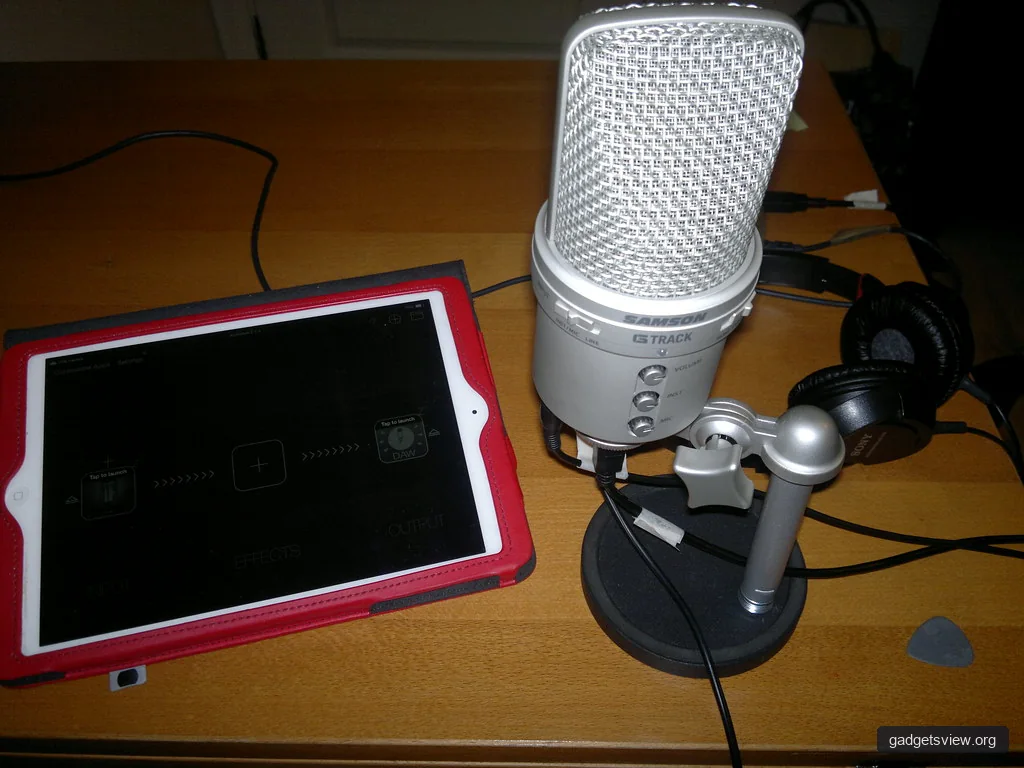
Buying a microphone is easier when you focus on use case first. The right choice for a quiet office is not always the right choice for a podcast corner or gaming desk.
Use the criteria below to narrow your options fast:
- Pickup pattern: Cardioid is usually best for one speaker because it focuses on the front and helps reduce side noise.
- Controls: Mute, gain, and volume knobs matter if you change levels often.
- Monitoring: Headphone monitoring helps you hear how your voice sounds in real time.
- Desk setup: A stable stand is enough for some users, while others will prefer a boom arm.
- Workflow: Choose plug-and-play if you want speed; choose more controls if you edit, stream, or record often.
Who should choose what
If you want the simplest path to better audio, the Amazon Basics Condenser Microphone for PC is the best fit from this list. It suits office users, beginners, and anyone who wants a clear upgrade from a laptop mic without a complicated setup.
If you create content or want more control over your sound, the Gaming USB Microphone, Noise Cancellation Condenser Mic and the ZealSound Podcast Microphone for PC are stronger picks. They offer the kinds of features that help with live voice work, such as mute, gain adjustment, and monitoring.
If flexibility matters more than staying strictly with a USB condenser mic, the TONOR Dynamic Gaming Microphone XLR/USB Mic is worth a look. It is better for users who expect their setup to grow over time.
What to check before you buy
Product listings can be helpful, but they are not enough on their own. Before you decide, confirm the connection type, included accessories, and whether the mic fits your desk space.
It also helps to verify current listing details if a feature matters to you, since specs can change. For example, if monitoring or noise cancellation is essential, make sure the current product page still confirms it.
| Need | Best feature to prioritize | Best match from this list |
|---|---|---|
| Fast setup for meetings | Plug and play, stand included | Amazon Basics Condenser Microphone for PC |
| Content creation and streaming | Mute, monitoring, gain control | Gaming USB Microphone, Noise Cancellation Condenser Mic |
| Podcast-style recording | Voice controls and monitoring | ZealSound Podcast Microphone for PC |
| Future upgrade path | USB/XLR flexibility | TONOR Dynamic Gaming Microphone XLR/USB Mic |
FAQ
Is a USB condenser microphone good for Zoom or Teams calls?
Yes. A USB condenser microphone is often a strong upgrade for video calls because it can capture clearer voice detail than a typical laptop mic. If your room is noisy, look for cardioid pickup and a mute button.
Do I need an audio interface with a USB microphone?
No. That is one of the main benefits of USB mics. They connect directly to your computer, which keeps setup simple.
What is the difference between condenser and dynamic microphones?
Condenser microphones usually pick up more detail and are popular for voice recording. Dynamic mics often reject room noise better and can be a good choice in louder spaces.
Should I buy a microphone with monitoring?
If you record, stream, or care about sound control, monitoring is very useful. It helps you hear your voice in real time so you can adjust volume and placement.
Conclusion
The best usb condenser microphone for you depends on how much control you want and how you plan to use it. For most office buyers, the Amazon Basics model is the simplest choice. For creators, the Gaming USB Microphone and ZealSound mic offer more useful controls. Review the current listing details, match the features to your workspace, and choose the mic that fits your daily routine best.