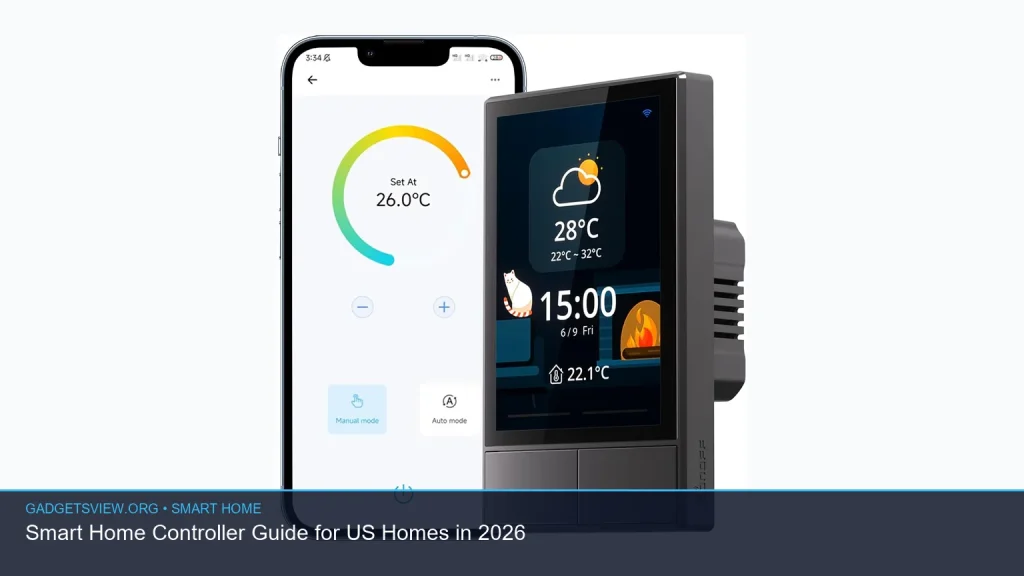
If you want a smart home controller for a US home in 2026, the best choice depends on how you live. Some homes need a wall-mounted panel for fast lighting and scene control. Others do better with a simple button, a hub with Alexa built in, or a touchscreen switch that replaces old wall controls. This guide breaks down what matters, which product types fit different homes, and how to choose a controller that is useful now and flexible later.
📖 Table of Contents
Products mentioned
- SONOFF NSPanel Smart Switch
View current product details - MOES Smart Home Control Panel with Alexa Built-in, Zigbee Hub
View current product details - Wireless Zigbee Smart Button, 4-Way Remote Switch and Scene Controller
View current product details - SONOFF Smart Switch, 2-Switch Panel Home Control, WiFi Smart Scene Wall Switch with Touchscreen, Smart Temperature Function, Lights Control, Compatible with Ale
View current product details - LANBON L10 Large LCD Smart Light Switch, Custom Display & Icons, 6-in-1 1/2/3/4-Load & Curtain, 2.4GHz WiFi, Alexa/Google Home, Motion Wake, Single-Gang Box, No
View current product details - SONOFF NSPanel Pro 120 Smart Control Panel
View current product details
Availability, specifications, and prices can change; verify them on the product page.
📌 Key Takeaways
- A smart home controller is best when it makes daily tasks faster, not more complex.
- For most US homes, the right pick depends on wiring, whether you want wall control or portable control, and which ecosystem you already use.
- Touch panels are best for shared spaces, while small buttons are better for simple scenes and flexible placement.
- Check compatibility with Alexa, Google Home, Zigbee, and your existing switches before you buy.
What a smart home controller should do
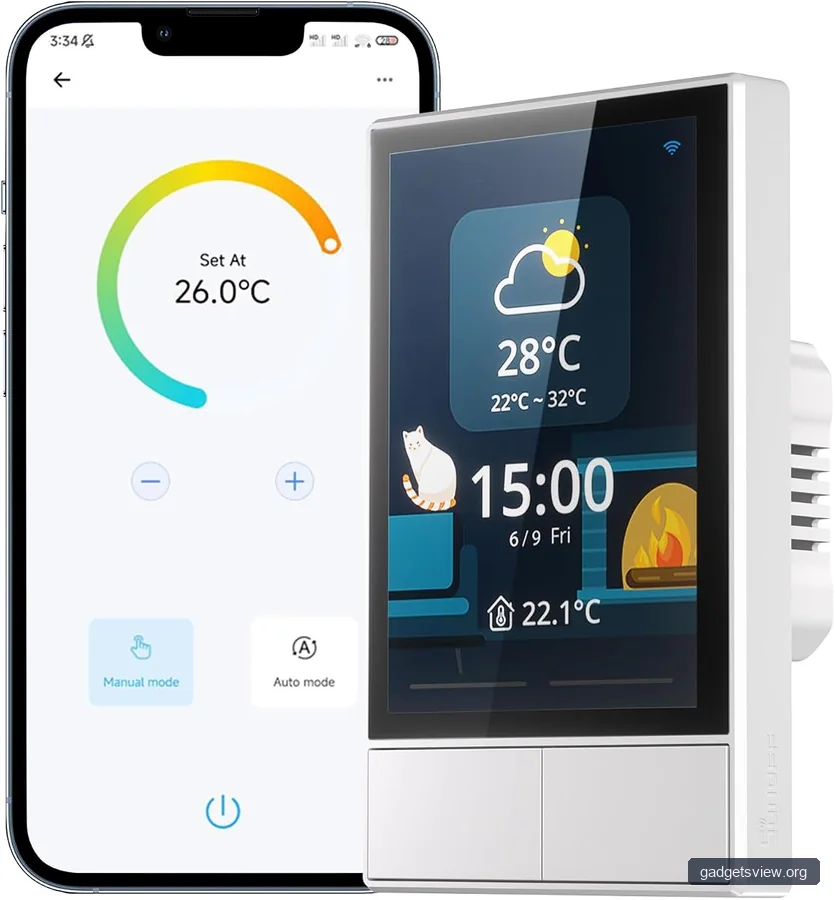
A smart home controller is the central way you manage lights, scenes, and connected devices. In a US home, that may mean a wall panel in the entryway, a touchscreen switch in the kitchen, or a compact remote button for a bedroom. The best controller is easy to reach, quick to understand, and reliable during everyday use.
The main job is simple: reduce taps, apps, and confusion. If you still need to open three separate apps to turn off lights, start a scene, and adjust a room, the controller is not doing enough. A good system should bring the most-used actions into one place.
Core features to look for
- Scene control: one-tap control for “Good Night,” “Movie,” or “Away” modes.
- Device support: lights, switches, curtains, sensors, and voice assistant integration.
- Easy access: wall-mounted, portable, or both, depending on the room.
- Clear interface: labels, icons, or touch zones that make sense to guests and family members.
How to choose the right smart home controller for your home
The best choice comes down to your space, your wiring, and your control style. A large family room may need a wall panel with visible buttons or a screen. A small apartment may only need one compact controller that handles lights and scenes without extra hardware.
Also think about who will use it. If children, guests, or older family members will use the system, simpler controls usually work better than a menu-heavy panel. The easiest controller is often the one people actually use every day.
| Controller type | Best for | Strengths | Limitations |
|---|---|---|---|
| Touchscreen wall panel | Shared spaces, main rooms, entryways | Fast scene control, easy to see, central location | Needs wall space and may require more setup |
| Smart switch panel | Replacing a standard wall switch | Familiar control, direct lighting access | May be less flexible for scenes than a full panel |
| Wireless scene button | Bedrooms, desks, bedside tables, rentals | Portable, easy to place, simple to use | Usually limited to a few actions |
| Hub-based controller | Homes with Zigbee devices and multiple automations | Good device coordination, broader system control | May be more than some homes need |
Best product types to consider in 2026
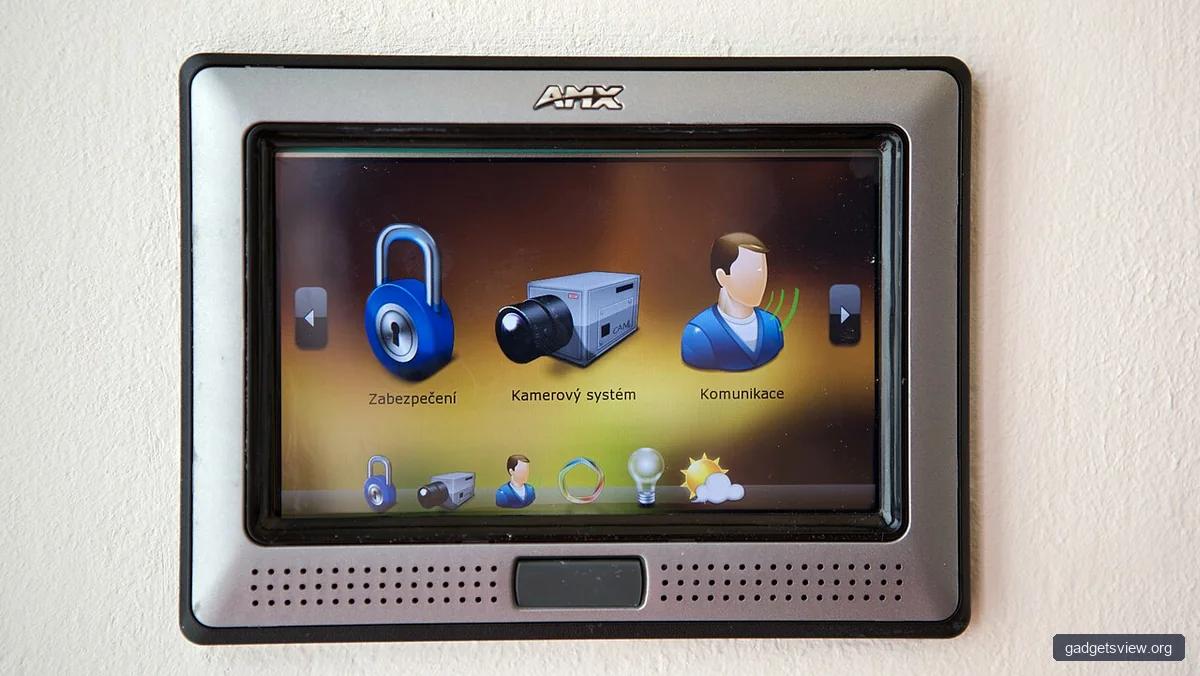
Research listings point to a few common product directions that match real-world needs. The names below are useful as discovery evidence, but the exact feature set should always be checked on the current product page before buying.
SONOFF NSPanel Smart Switch and SONOFF NSPanel Pro 120 Smart Control Panel are most relevant if you want a wall-style touchscreen approach. These types fit homes that need visible control in a central spot, especially for lighting and scenes.
MOES Smart Home Control Panel with Alexa Built-in, Zigbee Hub is notable if you want a more integrated panel style and already plan to use Zigbee devices. A built-in voice assistant and hub function can reduce the number of separate boxes on your network, if current verification confirms the features you need.
Wireless Zigbee Smart Button, 4-Way Remote Switch and Scene Controller is the simpler option. It is a strong fit for bedroom shortcuts, desk use, and quick scene launching without replacing wall hardware.
SONOFF Smart Switch, 2-Switch Panel Home Control, WiFi Smart Scene Wall Switch with Touchscreen, Smart Temperature Function, Lights Control, Compatible with Alexa appears aimed at users who want a wall switch plus smart control in one unit. That makes it interesting for rooms where a traditional switch format still feels natural.
LANBON L10 Large LCD Smart Light Switch stands out for buyers who want a display-driven switch with custom icons and multi-load control. It may make sense in a room where labels and visual clarity matter, such as a shared family area, but current compatibility and installation details should be verified carefully.
Who should choose which type
- Choose a touchscreen panel if you want one central place to manage rooms and scenes.
- Choose a smart switch panel if you want a familiar wall-control feel with smart features added in.
- Choose a wireless button if you want the easiest setup and the most flexible placement.
- Choose a hub-based panel if your home already uses Zigbee and you want broader device coordination.
Selection criteria that matter most before you buy
Commercial intent shoppers should narrow the decision using a few practical filters. Start with installation, because the wrong fit can create frustration before the controller is even set up. Then move to software support and how the device will behave with your existing ecosystem.
Use this checklist
- Installation type: wall-mounted, retrofit switch, or wireless placement.
- Ecosystem support: Alexa, Google Home, Zigbee, or app-based control.
- Room use: master bedroom, hallway, living room, kitchen, or office.
- User simplicity: how easy it is for visitors and family members to understand.
- Expansion: whether you may add more lights, buttons, or sensors later.
Also check whether the controller needs a hub, a neutral wire, a specific gang box size, or a compatible switch setup. These small details matter more than flashy features. A controller that fits your wiring and habits will outperform a “smarter” device that is awkward to use.
Strengths and limitations of the main controller styles
Every smart home controller has tradeoffs. Touchscreens give you more control, but they can feel like overkill for a single bedroom lamp. Buttons are fast and simple, but they usually cannot show as much information or manage as many actions.
Wall switches are the most natural upgrade for many US homes because they keep the control point where people already expect it. Still, if your goal is scene control across multiple rooms, a larger panel may be a better long-term fit.
| Style | Main strength | Main limitation |
|---|---|---|
| Touch panel | More control in one place | Can be more complex than needed |
| Smart switch | Feels familiar and works fast | May offer fewer scene options |
| Wireless button | Simple, flexible, portable | Limited control depth |
Practical setup tips for US homes
Before installation, map out the rooms where you want the controller to do the most work. The best placement is usually where your hand naturally reaches when entering or leaving a room. That may be by the front door, beside the bed, or near the main seating area.
When you set up scenes, keep them obvious. “All Off,” “Reading,” and “Night Light” are easier to remember than custom labels only one person understands. In many homes, a few well-chosen scenes are better than a long menu of rarely used options.
Common setup mistakes to avoid
- Buying a controller before checking wiring and box size.
- Adding too many scenes on day one.
- Placing the controller where guests will not notice it.
- Mixing platforms without confirming compatibility first.
FAQ
What is the best smart home controller for most US homes?
There is no single best choice for every home. For many households, a smart switch panel or wall-mounted touchscreen is the most practical because it is easy to reach and simple to use. If you want something lighter and more flexible, a wireless scene button may be a better fit.
Do I need Zigbee for a smart home controller?
Not always. Zigbee is helpful if you already have Zigbee lights, sensors, or switches, and it can make control more efficient in some setups. If your home mostly uses WiFi devices and Alexa or Google Home, a Zigbee hub may not be necessary.
Should I choose a wall panel or a portable button?
Choose a wall panel if you want a central control point for a room or floor. Choose a portable button if you want something easy to move, easy to install, or better suited to one or two repeated actions.
Can one smart home controller replace all my apps?
It can reduce app use a lot, but not always eliminate it. Many controllers handle the most common tasks well, while setup, advanced automation, and device updates may still happen in an app. The goal is less app switching, not necessarily zero app use.
What should I verify before buying?
Check compatibility with your ecosystem, wiring requirements, hub needs, and the type of devices you already own. Because product listings can change, it is wise to confirm current details on the seller page before purchase.
Conclusion
The best smart home controller is the one that matches your room, your wiring, and your daily habits. For a lot of US homes in 2026, that means choosing between a touchscreen panel, a smart switch, or a simple wireless button based on how much control you really need.
Start by picking the room that would benefit most, then compare ecosystem support and installation needs. If you verify compatibility first, you are far more likely to end up with a controller that feels natural every day, not just impressive on paper.