If you are comparing a smart home control panel for your US home, the right choice depends on what you want to control, how many devices you already own, and whether you prefer a wall-mounted hub, a tablet-style dashboard, or an app-first setup. This guide breaks down the main options, what matters most for compatibility and ease of use, and how to choose a system that fits your home without overspending or locking yourself into the wrong ecosystem.
📖 Table of Contents
- What a Smart Home Control Panel Does
- How to Choose the Right Smart Home Control Panel
- Smart Home Control Panel Comparison
- Compatibility and Ecosystem: The Biggest Buying Factor
- Installation, Setup, and Daily Use
- Security, Privacy, and Reliability Considerations
- Best-Fit Use Cases for US Homeowners
- FAQ
- Conclusion
📌 Key Takeaways
- A smart home control panel works best when it matches your devices, your preferred voice assistant, and the rooms you use most.
- Compatibility matters more than flashy features. Check support for your lights, locks, cameras, thermostats, and hubs before you buy.
- Wall-mounted panels are good for shared family use, while app-based control is better if you want low cost and flexibility.
- Look for simple setup, strong security features, and reliable local control if you want fewer headaches later.
What a Smart Home Control Panel Does
A smart home control panel gives you one place to manage connected devices around your house. It can help you turn lights on, adjust temperature, view cameras, lock doors, and run routines without jumping between different apps.
For many homeowners, the real value is convenience. A good panel reduces clutter, makes daily tasks faster, and helps family members control the home without learning several separate systems.
Common forms of control panels
- Wall-mounted touch panels for fixed in-home control
- Tablet dashboards placed on stands or docks
- App-based dashboards used on phones and tablets
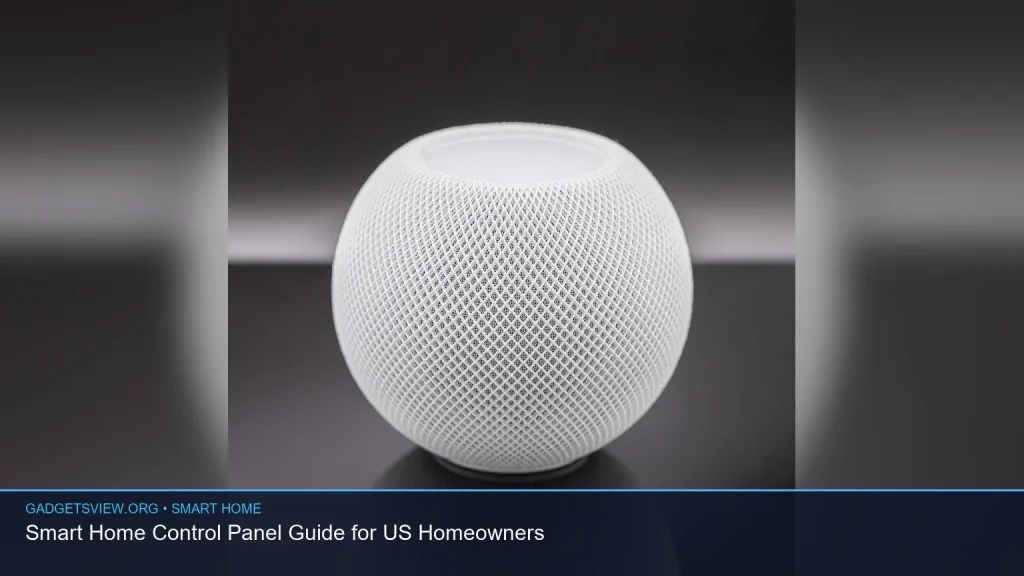
- Voice assistant hubs that combine voice and screen control
The best format depends on how you live. A wall panel may be ideal in a busy kitchen or entryway, while an app-first setup may suit renters or homeowners who want a lower-cost path.
How to Choose the Right Smart Home Control Panel
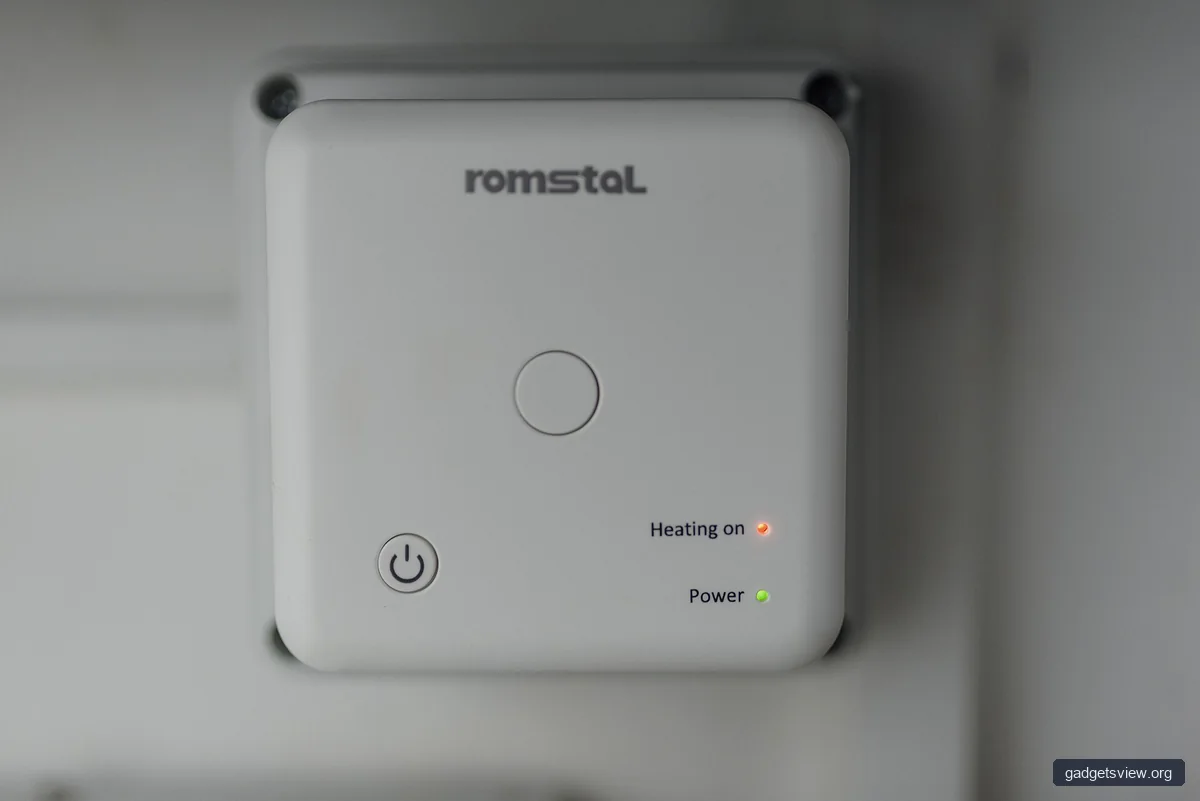
If you are shopping for a smart home control panel, start with your current devices. The most common mistake is buying a beautiful panel that does not work well with the products already in your home.
Think about your lights, locks, thermostat, cameras, speakers, and any smart hubs you already use. Then compare ecosystem support, control options, and whether the panel can grow with your setup.
Selection criteria that matter most
- Compatibility: Works with your smart devices and platforms
- Control methods: Touch, voice, app, automations, and remote access
- Installation: Easy setup or professional installation needs
- Placement: Wall mount, countertop, or portable use
- Security: User access controls, updates, and account protection
- Future flexibility: Can it support new devices later?
Also think about who will use it. A panel for a couple may need less complexity than one for a large household with kids, guests, and frequent visitors.
Smart Home Control Panel Comparison
For most US homeowners, the choice usually comes down to three practical paths. Use the table below to compare them based on strengths, limits, and the type of buyer they fit best.
| Option | Strengths | Limitations | Best For |
|---|---|---|---|
| Wall-mounted panel | Easy shared use, always in place, good for family routines | May need installation, less portable, can be tied to one location | Homeowners who want a central control point in a main room |
| Tablet-style dashboard | Flexible placement, familiar interface, easy to update | Can be removed, charged, or misused; may need stand or dock | Users who want a versatile setup without hard wiring |
| App-first control | Low cost, easy to start, works well with many ecosystems | Less convenient for guests and children, depends on phones | Budget-minded buyers and renters |
Who should choose what: If you want a central family-friendly command spot, pick a wall-mounted panel. If you want flexibility and easy placement, choose a tablet dashboard. If you want the lowest-friction start, app-first control is usually enough.
Compatibility and Ecosystem: The Biggest Buying Factor
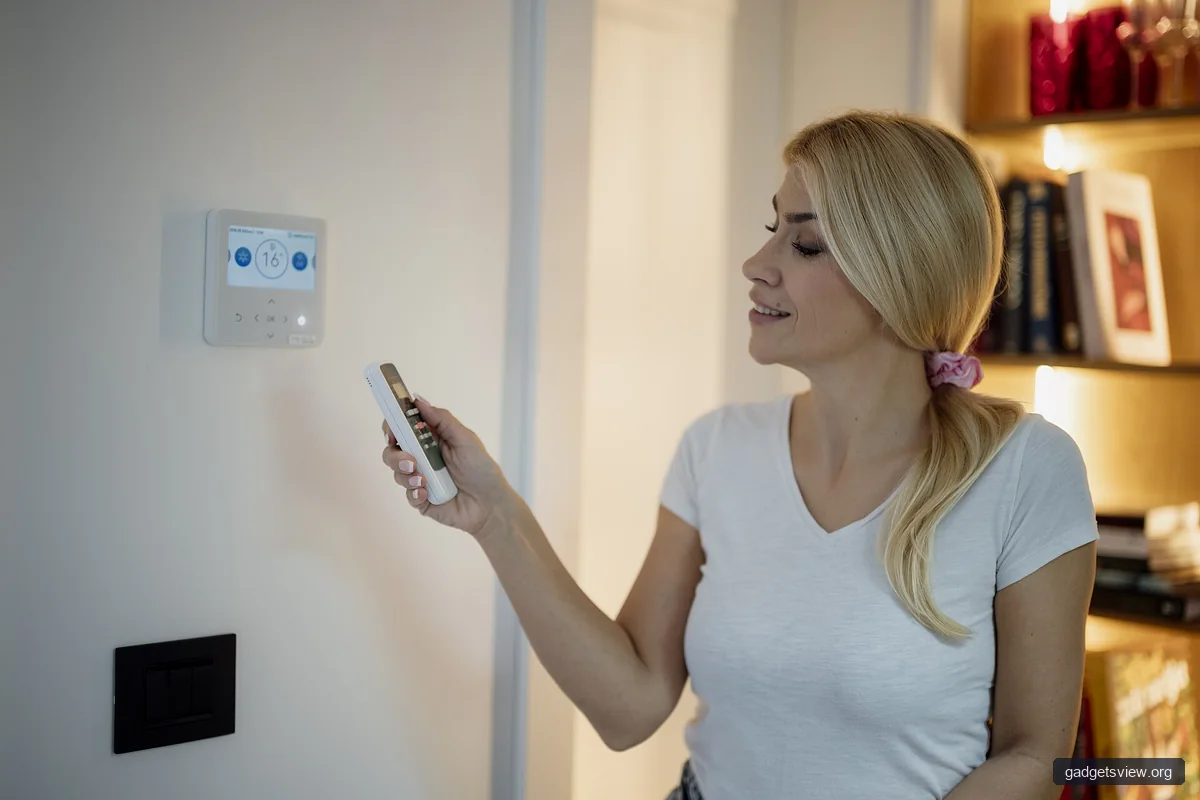
A smart home control panel is only useful if it can talk to the devices you already own. That means checking whether it supports the ecosystem you rely on most, such as Apple Home, Google Home, Alexa, or a hub-based platform.
If your devices come from several brands, look for broad platform support and simple scene creation. If you already use one ecosystem heavily, staying inside it may give you the cleanest experience.
Questions to ask before buying
- Does it support my current lights, locks, thermostat, and cameras?
- Can it run scenes and routines across different brands?
- Will it work with future devices I may add?
- Does it require a separate hub or subscription for full use?
- Can multiple family members access it easily?
In many homes, compatibility is worth more than extra features. A panel that works smoothly with your setup will feel better every day than one with a long feature list but weak device support.
Installation, Setup, and Daily Use
Setup should be simple enough that you will actually use the panel. If a system feels complicated on day one, it may become a burden later, especially when you need to add a new device or help a guest use it.
Before purchase, confirm whether installation is plug-and-play or whether you need wiring, mounting hardware, or a separate power source. Also check whether the interface is easy to read from a few feet away.
Practical setup steps
- List your current devices and note which apps or hubs already control them.
- Choose the control style that fits your home: wall, tablet, or app.
- Check platform support for voice assistants, scenes, and automations.
- Plan the location where people naturally stop, such as the entry, kitchen, or hallway.
- Test daily tasks like lights, locks, and thermostat changes before committing.
Keep the interface simple. A good panel should make common actions obvious, not hide them behind too many menus.
Security, Privacy, and Reliability Considerations
Because a smart home control panel can access cameras, locks, and other sensitive devices, security should be part of the buying decision. Look for account protection, permission controls, and regular software updates.
It is also smart to think about reliability. If your internet goes down, can you still control essential functions locally? In a home setting, basic offline or local control can be very helpful.
Security checklist
- Use strong passwords and multi-factor authentication when available
- Separate guest access from full admin access
- Keep firmware and apps updated
- Review shared access for children, guests, and service providers
- Prefer systems that explain how data is stored and used
If privacy matters to you, read the device’s data policy before buying. For products that rely on cloud services, verify what functions still work if the service has an outage.
Best-Fit Use Cases for US Homeowners
Different homes need different control strategies. The right smart home control panel for one household may be a poor fit for another, even if both are using similar devices.
Here is a simple way to think about the most common buyer types.
| Buyer Type | Best Choice | Why It Fits |
|---|---|---|
| Busy family | Wall-mounted panel | Easy for everyone to use in one fixed location |
| Renter | App-first control or tablet dashboard | Less permanent, easier to move, lower setup effort |
| Tech-focused homeowner | Flexible tablet or advanced panel setup | Better for custom scenes, multiple devices, and experimentation |
| Simple starter home | App-first control | Good value when you only need core control |
Clear verdict: choose wall-mounted if shared convenience matters most, tablet-style if flexibility matters most, and app-first if value and simplicity matter most.
FAQ
Do I need a hub to use a smart home control panel?
Not always. Some panels work directly with supported cloud platforms and devices, while others need a hub for broader compatibility or local control. Check the product’s supported ecosystems before you buy.
Can one smart home control panel manage different brands?
Often yes, but only if the panel supports those brands through the same platform or through a compatible hub. Mixed-brand homes should pay extra attention to integration support.
Is a wall-mounted control panel better than a tablet?
It depends on how you use it. Wall-mounted panels are better for shared, everyday access. Tablets are better if you want more placement freedom and easier replacement.
What features matter most for older homes?
Older homes often benefit from simple installation, strong Wi-Fi coverage, and flexible device support. A clear interface and good local control can also make daily use easier.
How do I avoid buying the wrong system?
Start with your current devices, then confirm platform support, installation needs, and who will use the panel most often. If a system does not handle your most-used devices well, it is probably not the right fit.
Conclusion
The best smart home control panel is the one that fits your devices, your home layout, and your daily routine. For many US homeowners, the smart choice is less about having the most features and more about getting dependable control where it matters most.
Before you buy, compare compatibility, installation style, and security. Then choose the option that makes your home easier to manage today and easier to expand tomorrow.