What is smart home automation? It is the use of connected devices, software, and routines to let your home do tasks with less manual effort. That can mean lights turning on at sunset, a thermostat adjusting when you leave, or a door lock responding to a schedule or voice command. In simple terms, smart home automation helps your home react to your habits, not the other way around. This guide explains how it works, what it can automate, and how to set up a system that is useful, secure, and easy to manage.
📖 Table of Contents
- What Is Smart Home Automation?
- How Smart Home Automation Works
- What Can You Automate in a Smart Home?
- Smart Home Automation vs. Smart Devices vs. Smart Assistants
- How to Build a Smart Home Automation System
- What to Consider Before You Buy or Expand
- Common Problems and Quick Troubleshooting
- FAQ: Smart Home Automation Basics
📌 Key Takeaways
- Smart home automation connects devices so they can act on schedules, sensors, routines, or triggers with little manual input.
- The best systems start with a few high-value tasks like lighting, temperature, security, and energy use.
- Compatibility matters more than brand names. A good setup is one your devices can all talk to reliably.
- Good automation should save time and reduce friction, not create more alerts, apps, or troubleshooting.
What Is Smart Home Automation?
Smart home automation is the process of linking devices in your home so they can respond automatically to conditions you choose. Those conditions may include time of day, motion, temperature, door status, voice commands, or your location. Instead of opening an app for every small task, automation lets the system handle them for you.
Think of it as a set of rules. If the front door unlocks after 6 p.m., then the hallway light can turn on. If no one is home, the thermostat can shift to an energy-saving mode. The goal is to make everyday actions simpler, faster, and more consistent.
How Smart Home Automation Works
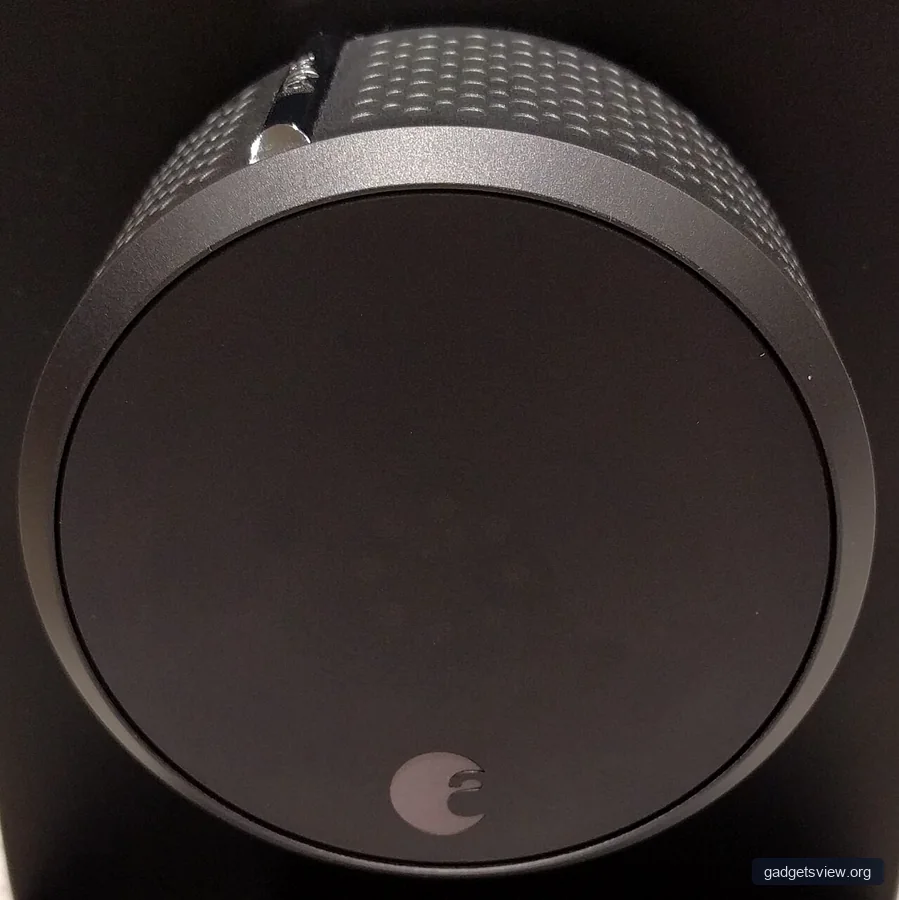
Most systems use four building blocks: devices, sensors, a hub or platform, and automation rules. Devices include lights, thermostats, plugs, cameras, locks, and speakers. Sensors collect information, such as motion, temperature, or whether a door is open.
The hub or platform connects everything and tells it what to do. The automation rule is the logic layer. For example, a rule may say, “When motion is detected in the hallway after dark, turn on the light for five minutes.”
Common automation triggers
- Time-based: Run a task at a set hour or day.
- Sensor-based: React to motion, light, temperature, or contact sensors.
- Presence-based: Use your phone or a geofence to detect when you arrive or leave.
- Voice-based: Start a routine with a voice assistant.
- Event-based: Trigger actions when a device changes state, such as a lock opening.
In most homes, the strongest results come from combining triggers. A motion sensor alone is helpful, but motion plus time of day plus light level can make the system feel much smarter and more useful.
What Can You Automate in a Smart Home?
You do not need a fully connected house to get value from automation. Start with tasks that happen often or are easy to forget. That is where automation can save the most time and reduce small daily frustrations.
Below are the most common categories people automate in U.S. homes.
- Lighting: Turn lights on when you enter a room, dim them in the evening, or shut them off when no motion is detected.
- Climate: Adjust heating and cooling based on occupancy, schedule, or weather.
- Security: Lock doors at night, arm sensors when you leave, or receive alerts for unexpected activity.
- Energy management: Reduce standby power, run devices during preferred hours, or track usage patterns.
- Entertainment: Start music, lower blinds, or set a movie-night scene with one command.
- Safety: Trigger lights or alerts when smoke, carbon monoxide, or water leaks are detected.
Smart Home Automation vs. Smart Devices vs. Smart Assistants
These terms are often mixed together, but they are not the same. A smart device is a single connected product. A smart assistant is the voice or app interface you use to control things. Smart home automation is the system that makes them work together automatically.
This distinction matters because a home can have many smart devices without having real automation. If you must tap each app every time, that is control, not automation. The real value comes when the system handles routine tasks for you.
| Option | Best for | Strengths | Limitations | Who should choose it |
|---|---|---|---|---|
| Smart device only | Basic remote control | Simple to start, low setup effort | Requires manual use most of the time | People testing one or two devices |
| Smart assistant setup | Voice control and simple routines | Convenient, familiar, easy to expand | Can become scattered across apps | Households that want easy voice control |
| Full automation platform | Cross-device routines | More flexible, more powerful, better coordination | Needs planning and compatibility checks | Users who want a true connected home |
How to Build a Smart Home Automation System
The best setup is the one that solves real problems in your home. Start small, test each piece, and expand only after the basics feel stable. A well-planned system is easier to use than a large one with too many overlapping rules.
- List your repeat tasks. Note the actions you do every day, like turning off lights, adjusting temperature, or locking doors.
- Choose your first priority. Pick one category, such as lighting or climate, and build there first.
- Check compatibility. Make sure devices can work with the same platform or standard before you buy more.
- Set up simple routines. Use clear rules with one trigger and one or two actions.
- Test for real-life use. Watch how the system behaves on weekdays, weekends, and when people are home.
- Adjust and simplify. Remove rules that are annoying, repetitive, or unreliable.
A good caution: do not automate everything at once. Too many triggers can create confusion, especially in shared homes. Start with routines that are useful every day and easy to understand.
What to Consider Before You Buy or Expand
Smart home automation works best when you think beyond features and focus on fit. A system should match your home size, internet reliability, comfort with technology, and privacy needs. It should also be easy for everyone in the home to use.
- Compatibility: Can your devices work together without constant workarounds?
- Ease of use: Will everyone in the household understand the controls?
- Reliability: Do automations still work when the internet is slow or unavailable?
- Privacy and security: Are accounts protected with strong passwords and two-factor authentication?
- Scalability: Can the system grow with you over time?
| Selection Criterion | Why It Matters | What Good Looks Like |
|---|---|---|
| Device support | Prevents setup conflicts | Your main devices work in one platform |
| Automation quality | Keeps routines useful | Simple rules that save time |
| Privacy controls | Protects your home data | Strong account security and clear permissions |
| Local reliability | Keeps key actions working | Important routines still function during outages when possible |
Who should choose what? If you want a few simple conveniences, start with standalone smart devices and one assistant. If you want better coordination across rooms and routines, choose a broader automation platform. If privacy, reliability, and future expansion matter most, prioritize compatibility and local control options first.
Common Problems and Quick Troubleshooting
Even good smart home systems can become frustrating if they are overbuilt or poorly connected. Most issues are not caused by the idea of automation itself. They usually come from weak Wi-Fi, mismatched devices, or too many overlapping rules.
| Problem | Likely Cause | What to Do |
|---|---|---|
| Routine does not run | Trigger or permission issue | Check app permissions, schedules, and device status |
| Device responds slowly | Network lag or overloaded hub | Restart equipment and reduce network congestion |
| Automation feels annoying | Too many rules | Delete low-value routines and simplify triggers |
| Devices do not work together | Platform mismatch | Confirm ecosystem support before adding more devices |
FAQ: Smart Home Automation Basics
Is smart home automation worth it for a small home or apartment?
Yes, if you choose a few high-use automations. Small spaces often benefit from lighting, climate, and entry routines because those tasks repeat often and are easy to simplify.
Do I need a hub for smart home automation?
Not always. Some devices work through a phone app or cloud platform alone. A hub can help if you want more reliable device coordination or broader compatibility.
Is smart home automation hard to set up?
Basic setups are usually straightforward. The key is to begin with one room or one use case, then expand only after the first routines work well.
How do I keep my smart home secure?
Use strong, unique passwords, turn on two-factor authentication, and review device permissions. It also helps to update firmware and remove devices or accounts you no longer use.
What should I automate first?
Start with the task you do most often or forget most often. For many households, that means lighting, thermostat control, or locking doors at night.
Conclusion: Smart home automation is about making your home work for your daily habits. The best systems are simple, reliable, and built around real needs, not novelty. Start with one or two useful routines, check compatibility before expanding, and focus on convenience, security, and control. If you want the biggest payoff, begin with the tasks you repeat every day.