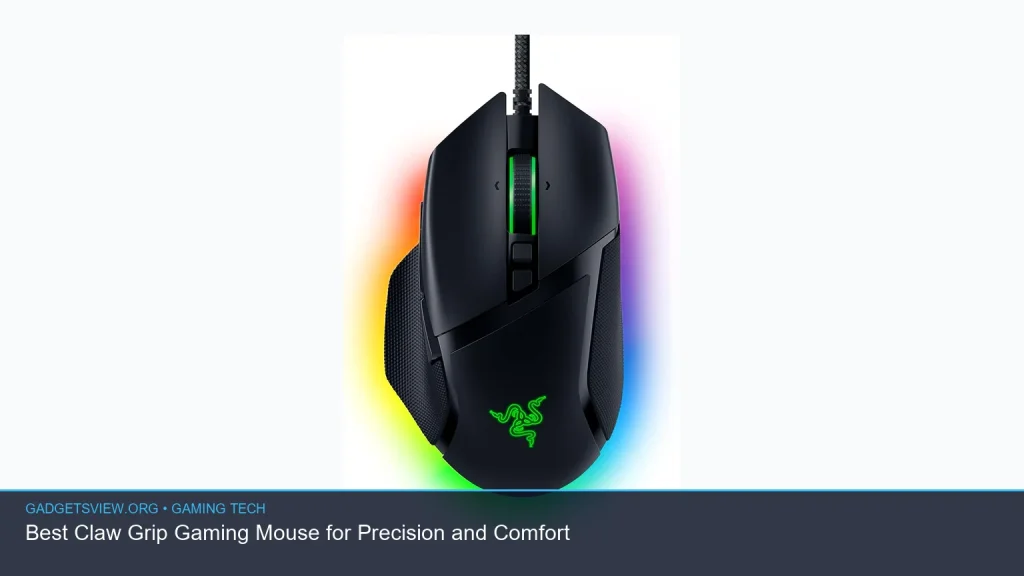
If you want the best claw grip gaming mouse, look for a shape that supports a quick finger-led grip, a light body, and controls that feel easy to reach without stretching. Claw grip players usually need more palm lift, fast micro-adjustments, and enough side support to stay steady in long sessions. The best choice depends on your hand size, button layout, and whether you prefer wired or wireless. Below, we break down what matters most, compare smart options, and help you choose a mouse that fits your grip and your game.
📖 Table of Contents
Products mentioned
- V8 Gaming Mouse, Ultra-Lightweight 36g±3g, Symmetrical Shape, Kailh Optical Switch, Nordic 52840 MCU, PAW 3950 Chip, Web Based Driver, for Claw and Fingertip Ga
View current product details
Availability, specifications, and prices can change; verify them on the product page.
📌 Key Takeaways
- The best claw grip gaming mouse is usually light, compact, and shaped for fast finger control.
- Claw grip users should pay close attention to button placement, hump shape, and side support.
- A gaming mouse with side buttons can help in FPS, MOBAs, and MMOs, but only if the buttons are easy to reach without changing grip.
- If you want freedom from cable drag, a budget friendly wireless gaming mouse can be a strong pick as long as it stays comfortable and responsive.
What Makes a Mouse Good for Claw Grip?
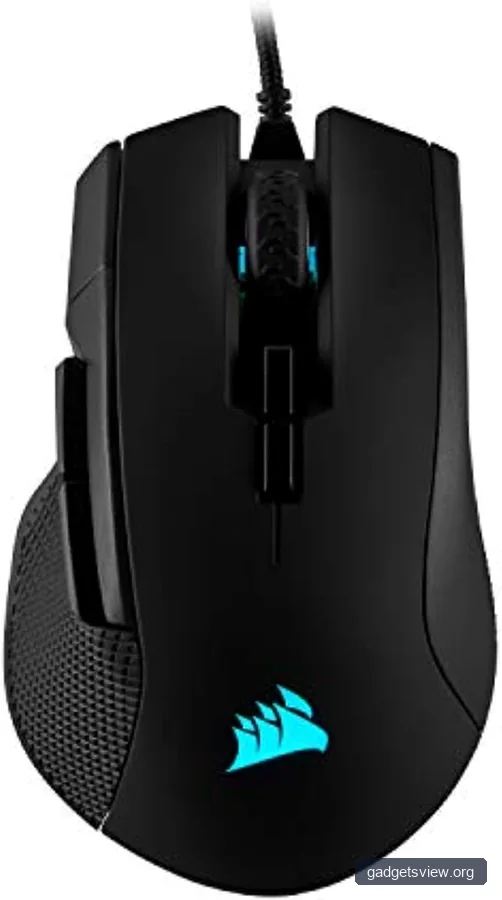
Claw grip sits between fingertip and palm grip. Your palm usually rests less on the mouse, while your fingers arch and do more of the work. That means shape matters a lot more than it does for some other grip styles.
A good claw grip mouse should feel easy to lift, easy to flick, and stable when you stop suddenly. Many players prefer a medium hump and a shorter body, since these can support the back of the hand without forcing the fingers into an awkward angle.
Core shape traits to look for
The right shape depends on your hand size, but these traits are common wins for claw grip players:
- Low to moderate weight: easier to move fast and stop on target.
- Compact or mid-size body: helps the fingers stay relaxed.
- Center or rear hump: gives the hand a place to anchor.
- Clear left-right balance: often useful if you switch games or aim styles often.
One example from current product discovery is the V8 Gaming Mouse, which is listed as an ultra-lightweight symmetrical mouse aimed at claw and fingertip styles. That kind of shape can be a fit for users who want a simpler, faster feel, but you should still check the real measurements and reviews before buying.
How to Choose the Best Claw Grip Gaming Mouse
When shopping for the best claw grip gaming mouse, it helps to focus on a few decision points instead of chasing specs alone. A mouse can have strong marketing claims and still feel wrong in hand if the shape does not suit your grip.
Use the criteria below to narrow your choices.
| What to check | Why it matters for claw grip | Best fit |
|---|---|---|
| Weight | Lighter mice are easier to lift, track, and correct quickly. | Fast-paced FPS and low-sensitivity aim styles |
| Shape | A good hump and short body support the arch of the hand. | Players who keep fingers bent most of the time |
| Side buttons | You want side controls you can hit without shifting your thumb too far. | FPS, MOBA, and general-purpose gaming |
| Connection | Wireless removes cable drag, while wired can still be a simple value choice. | Players who want either clean desk space or a lower-cost setup |
| Switch feel | Clicks should feel crisp and controlled for rapid taps. | Anyone who values speed and consistency |
If you want a mouse for both work and play, look for a shape that stays comfortable during long desk sessions. If you mostly game, prioritize control and responsiveness over extra features you may not use.
Best Shape and Feature Combinations for Different Players
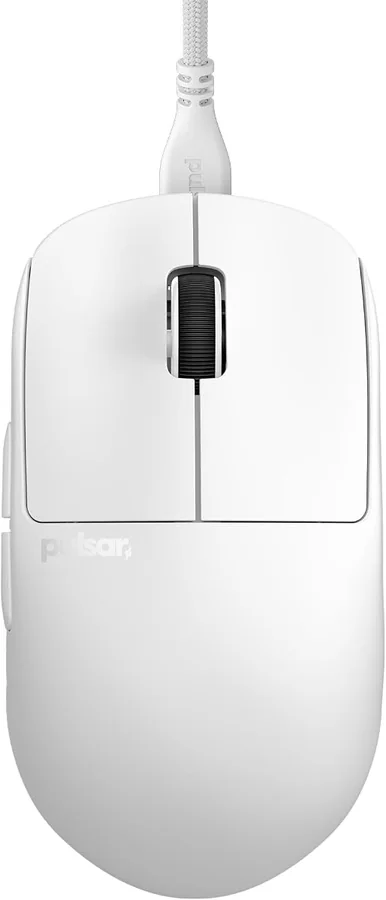
There is no single perfect mouse for every claw grip user. The right pick depends on whether you want more control, more comfort, or more flexibility across genres.
For FPS players: A lighter mouse with a clean symmetrical shell can make flicks and corrections feel easier. Many claw grip users in shooters prefer a shape that lets the fingers steer without the palm taking over.
For MMO and MOBA players: A gaming mouse with side buttons can be a smart choice if the thumb buttons sit naturally under your thumb. Just make sure the side panel is not so crowded that you press the wrong button under pressure.
For mixed-use gamers: A balanced shape with moderate side support often works best. You get enough stability for gaming and enough comfort for browsing or office use.
Strengths and limits of common claw-grip styles
- Symmetrical mice: Often feel nimble and simple, but may offer less hand contour support.
- Ergonomic mice: Can improve comfort for some hands, but may feel bulkier for quick claw movements.
- Ultra-light mice: Great for speed, though some users prefer a slightly fuller shell for control.
- Wireless mice: Clean and flexible, but battery life and weight balance should still be checked.
The V8 Gaming Mouse listing is a good example of the kind of product many claw and fingertip players browse: ultra-light, symmetrical, and built around gaming-focused controls. Treat it as a starting point for comparison, not automatic proof that it will fit your hand.
Wired vs Wireless: Which Is Better for Claw Grip?
Both wired and wireless mice can work well for claw grip. The better option depends on how much you value cable freedom, desk simplicity, and price sensitivity.
If you want the cleanest feel, wireless often wins. If you want the simplest purchase and do not mind the cable, wired can still be a strong value pick.
| Type | Strengths | Limitations | Best for |
|---|---|---|---|
| Wired | Simple, dependable, often lower cost | Cable drag can affect fast claw movement | Budget-focused players and desk-bound setups |
| Wireless | More freedom, less cable resistance | Battery and charging still matter | Players who want a cleaner, easier glide feel |
If you are shopping for a budget friendly wireless gaming mouse, focus on shape and comfort first. A wireless mouse only becomes a good value if it still feels natural in your grip and does not overload you with features you do not need.
Who Should Choose What?
Here is a simple way to decide based on your priorities.
- Choose a lightweight symmetrical mouse if you want fast motion, easy lifting, and a simple claw or fingertip feel.
- Choose a mouse with side buttons if you play games that reward quick access to abilities, push-to-talk, or melee controls.
- Choose wireless if you want less drag and a cleaner desk setup.
- Choose wired if you want a straightforward, often lower-cost option and do not mind the cable.
For many claw grip players, the sweet spot is a compact, light mouse with a shape that supports the back of the hand without forcing the palm down. If a mouse looks great on paper but feels too tall, too wide, or too flat in hand, it is probably not the best fit.
FAQ
What is the best claw grip gaming mouse shape?
The best shape is usually compact to mid-size with a hump that supports the back of your hand. Many claw grip users also like symmetrical designs because they feel quick and easy to steer.
Do I need a gaming mouse with side buttons for claw grip?
Not always, but side buttons can be very helpful if you play FPS, MOBA, or MMO games. The key is placement; they should be easy to reach without changing your grip.
Is a budget friendly wireless gaming mouse good for claw grip?
Yes, if it has a shape that fits your hand and feels stable in fast movements. Wireless can be a great value for claw grip users who want less cable drag, but comfort and button layout still matter most.
Are ultra-light mice better for claw grip?
Often, yes. Many claw grip players like lighter mice because they are easier to flick, stop, and lift. Still, some people prefer a little more body or hump support for control.
Should I choose symmetrical or ergonomic for claw grip?
Symmetrical mice are often the safer first choice for claw grip because they usually feel nimble and balanced. Ergonomic mice can still work, especially if the shape matches your hand well.
Conclusion
The best claw grip gaming mouse is the one that matches your hand, your game, and your comfort needs. Start with shape, then check weight, side buttons, and whether you want wired or wireless. If you are comparing options now, use the criteria above to narrow your shortlist, then confirm the latest specs and measurements before you buy.
For most US gamers, the smartest next step is simple: compare a few light, compact models, verify the button layout, and pick the mouse that feels natural in claw grip rather than the one with the biggest spec sheet.