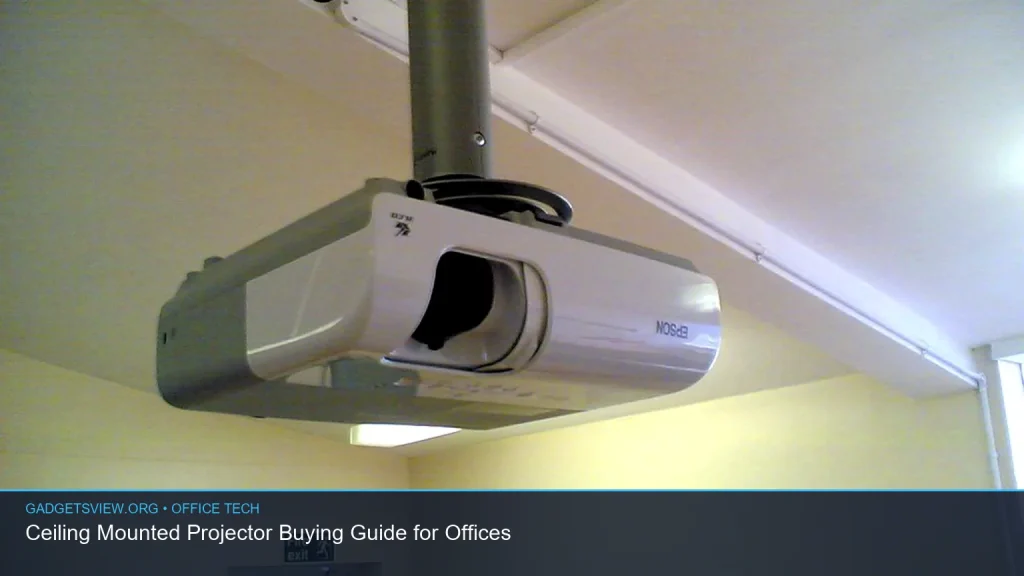
If you’re choosing a ceiling mounted projector for an office, the goal is simple: get a setup that is bright enough, easy to control, safe to install, and suited to the room size. The right choice depends on more than resolution alone. You also need to think about ambient light, mounting height, throw distance, input options, and whether the projector will be used for meetings, training, or hybrid calls.
📖 Table of Contents
- What a ceiling mounted projector does best in office spaces
- How to choose the right ceiling mounted projector
- Ceiling mount setup: what offices should check before buying
- Comparison table: which projector type fits your office?
- Commercial buying criteria that matter most
- Who should choose what: clear verdict for office buyers
- Common mistakes to avoid
- FAQ
- Conclusion
Products mentioned
- VIVO Universal Extending 14 x 9 in Projector Tray Ceiling Mount
View current product details - Smart 4K Projector [Bundled with Google TV Stick] with WiFi and Bluetooth, 3000ANSI, Auto Lens Cap, Portable Outdoor Movie Projector with Built-in Apps Auto Foc
View current product details - 4K-Projector with WiFi and Bluetooth, AI Auto Focus&6D Keystone Dolby Audio HDR10+, KOGATA Smart Projector with Built-in Apps, Outdoor Movie Portable for Home T
View current product details
Availability, specifications, and prices can change; verify them on the product page.
📌 Key Takeaways
- A ceiling mounted projector is best for fixed office rooms where clean wiring, stable alignment, and easy sharing matter.
- For bright rooms, prioritize a bright projector with enough lumen output for your screen size and lighting conditions.
- Check throw ratio, mounting compatibility, lens shift or keystone tools, and noise level before you buy.
- Use a ceiling mount rated for your projector’s size and weight, and confirm cable routing and power access before installation.
What a ceiling mounted projector does best in office spaces
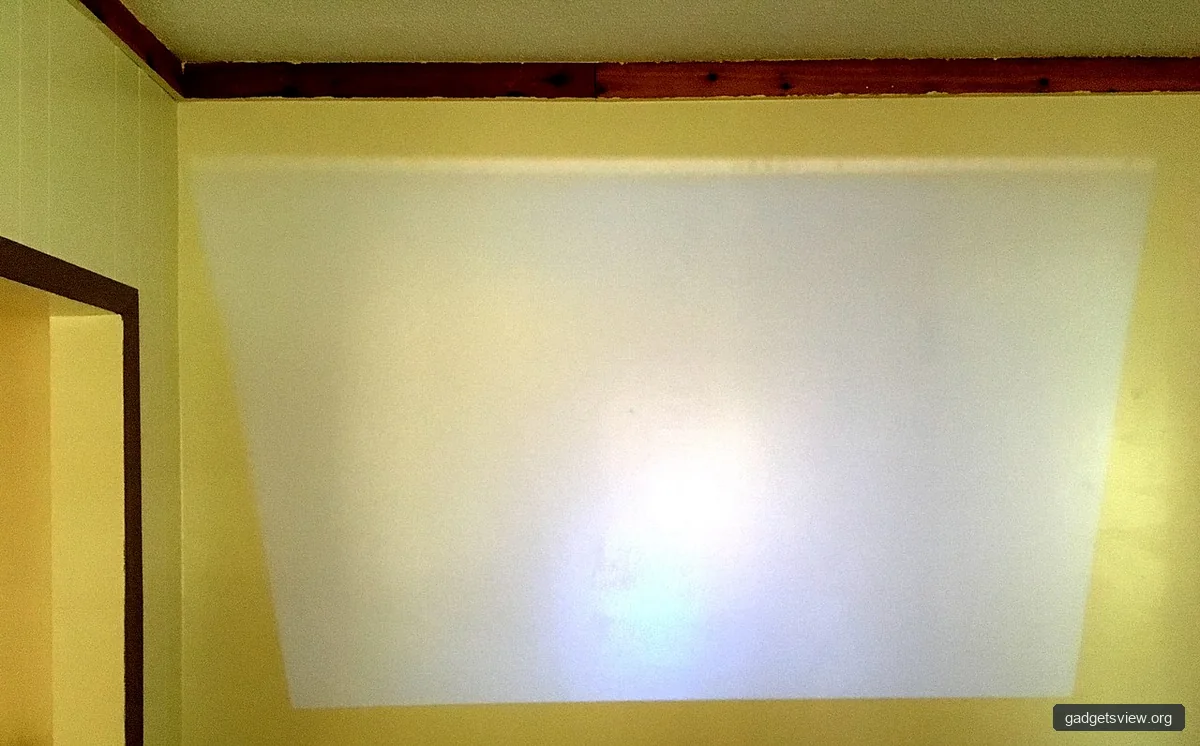
A ceiling mounted projector is a strong fit for conference rooms, training rooms, huddle spaces, and classrooms used by businesses. Once installed, it stays out of the way, which helps with room layout, security, and a clean look. It also makes it easier to keep the image aligned from one meeting to the next.
This setup is especially useful when the projector will be used often and by different people. Instead of moving a portable unit around, you get a more permanent solution that is easier to manage. That matters in commercial spaces where uptime and simplicity are important.
If you are comparing office projectors, think in terms of use case first. A small meeting room has very different needs from a large boardroom or a training space with windows and overhead lights.
How to choose the right ceiling mounted projector
The best buying decision comes down to room conditions and how the projector will be used. A model that looks excellent on paper may still perform poorly if the mount, throw distance, or brightness does not match the room.
1. Start with brightness and room light
For offices, brightness is one of the most important factors. If the room has strong daylight or ceiling lights, look for a projector that can hold up in those conditions. This is where the search for the brightest projector often starts, but the real answer depends on your screen size, wall color, and light control.
In a darker room, you may not need as much output. In a bright conference room, higher brightness helps preserve text clarity, chart detail, and video visibility. Always check current manufacturer specs before you buy, since brightness claims should be verified.
2. Match the throw ratio to your ceiling height and screen size
Throw ratio tells you how far the projector must sit from the screen to create a certain image size. This is critical for ceiling installs because the mount position affects everything from image fit to cable length. If the room is narrow, a short-throw or standard short-throw design may be easier to place.
Measure the screen area and projected distance before making a choice. A poor throw match can force awkward mounting, excessive keystone correction, or a smaller-than-planned image.
3. Check resolution for the type of content you share
For slide decks, spreadsheets, and video calls, resolution affects sharpness and text readability. A Full HD or 4K-capable projector can be valuable in a boardroom where fine text and detailed visuals matter. If most of your use is basic presentations, the key is still readability rather than headline resolution alone.
For offices that also run trainings or client demos, clearer detail can improve professionalism. Make sure your source devices, adapters, and content format all align with the projector’s input and display capabilities.
4. Look for practical image adjustment tools
Ceiling installs are easier when the projector offers lens shift, digital keystone correction, or auto setup tools. These features can help fine-tune the image after the mount is in place. That said, optical alignment is always better than relying heavily on digital correction.
Auto focus can also help in rooms where staff may not manage the projector every day. Still, the best installation is one that needs minimal adjustment in the first place.
5. Review connectivity and office compatibility
Modern office projectors should work smoothly with laptops, conferencing devices, and streaming sources. HDMI remains a core requirement, and wireless screen sharing can be helpful for guest presenters. Bluetooth audio may matter in rooms that use external speakers or soundbars.
If you want built-in smart features, confirm that they truly fit office use. Some consumer-style smart projectors are better suited to casual media use than to reliable business presentations.
Ceiling mount setup: what offices should check before buying
Buying the projector is only half the job. The mount, ceiling type, and cable plan all affect the final result. A well-installed projector should feel secure, neat, and easy to service.
One practical example from product research is the VIVO Universal Extending 14 x 9 in Projector Tray Ceiling Mount. A tray-style mount like this can be useful when you need a more universal mounting approach, especially if the projector does not fit a typical three- or four-arm bracket cleanly. It is still important to confirm compatibility with the projector’s dimensions and mounting points before purchase.
Installation checklist
- Measure the room and confirm the screen position.
- Check ceiling material and anchor requirements.
- Verify the projector’s mounting pattern and weight.
- Plan power, HDMI, and any network cable routing.
- Confirm ventilation space around the projector.
- Test the image before final tightening.
For commercial rooms, this step matters as much as image quality. A secure mount reduces vibration, keeps the picture stable, and makes the space safer and more polished.
Comparison table: which projector type fits your office?
Use this quick comparison to narrow your choice before you shortlist products. The right option depends on room size, light control, and how formal the space is.
| Office need | Best projector fit | Strengths | Limitations |
|---|---|---|---|
| Small huddle room | Compact ceiling mounted projector | Clean install, easy sharing, saves table space | May need careful throw-distance planning |
| Bright conference room | High-brightness projector | Better image visibility in ambient light | Often costs more and may need stronger cooling |
| Training room with varied content | Full HD or 4K-capable ceiling unit | Clear text, charts, and video detail | Needs compatible sources and proper setup |
| Multi-use space with casual media | Smart projector with wireless features | Flexible streaming and casting options | May be less robust than business-first models |
Commercial buying criteria that matter most
In office environments, the best projector is not always the one with the longest spec sheet. It is the one that fits the room, the team, and the workflow with the least friction.
- Brightness: Needed for rooms with daylight or overhead lighting.
- Mount compatibility: Check the bracket style, adjustment range, and weight support.
- Noise level: Quieter operation helps in meetings and presentations.
- Connectivity: HDMI, wireless casting, and audio outputs should match your devices.
- Ease of alignment: Lens shift, keystone, and zoom can save time during setup.
- Service access: Plan for lamp or filter access if the model uses them.
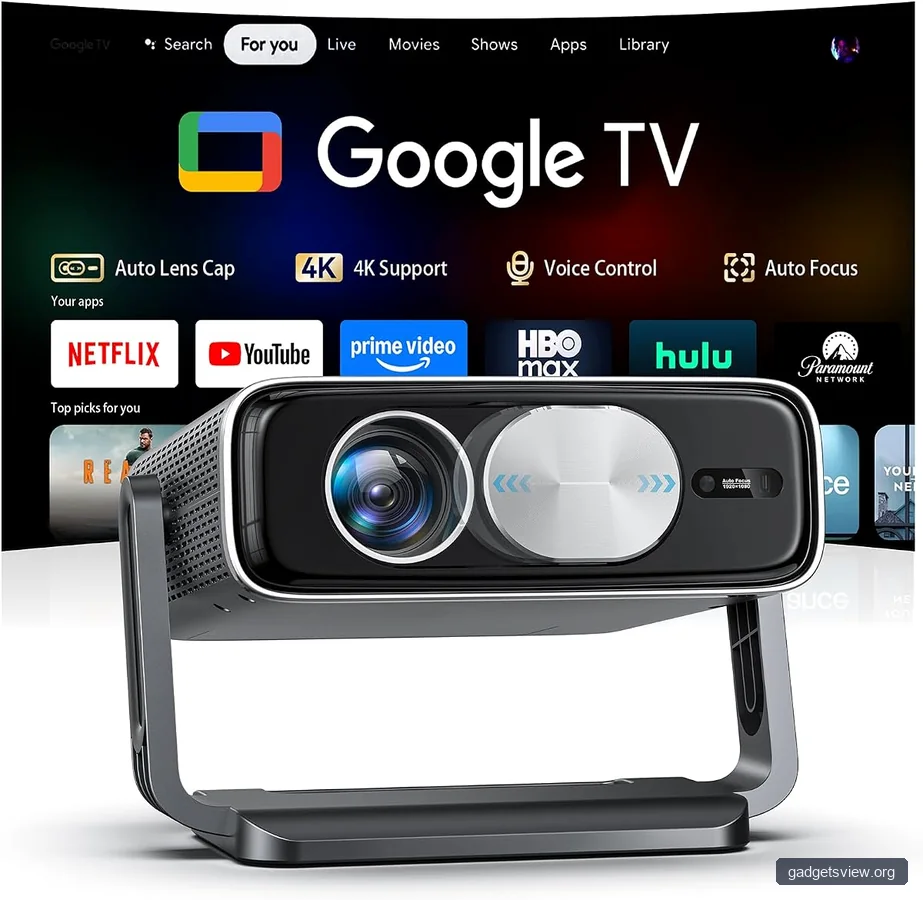
Some consumer-oriented models can still be useful in a hybrid office, especially if the room is flexible and the user wants smart features. For example, listing research surfaced products such as a Smart 4K Projector [Bundled with Google TV Stick] with WiFi and Bluetooth, 3000ANSI, Auto Lens Cap, Portable Outdoor Movie Projector with Built-in Apps and a 4K-Projector with WiFi and Bluetooth, AI Auto Focus&6D Keystone Dolby Audio HDR10+, KOGATA Smart Projector with Built-in Apps. These titles suggest feature-rich designs, but office buyers should still verify current specs, mounting support, input options, and whether the smart features truly fit business use.
Strengths and limitations of smart-style projectors in offices
Strengths: They may offer built-in apps, wireless streaming, and easier setup for occasional use.
Limitations: Some are optimized more for entertainment than for repeated commercial use, which can affect mounting flexibility, brightness consistency, or long-term manageability.
Who should choose what: clear verdict for office buyers
If your office runs frequent meetings in a fixed room, choose a business-ready ceiling mounted projector with the brightness and connectivity to match the space. If the room is bright, prioritize visibility first. If the room is small, prioritize throw ratio and installation flexibility first.
If you want the simplest path, look for a projector with straightforward HDMI support, dependable mounting compatibility, and enough image adjustment to fine-tune the setup. If the room is used for both work and casual media, a smart projector may be worth considering, but only if it still meets office standards for clarity and stability.
Best choice by scenario: fixed boardroom = ceiling-mounted business projector; bright training room = high-brightness model; compact collaboration room = short-throw or flexible-mount option; mixed-use space = smart projector with verified office-friendly inputs.
Common mistakes to avoid
Many office buyers focus too much on resolution and not enough on installation. That can lead to a projector that looks good on a spec sheet but is hard to place, hard to read, or hard to maintain.
- Buying before measuring throw distance.
- Ignoring ceiling type and mount support.
- Choosing low brightness for a room with daylight.
- Overusing digital keystone instead of proper alignment.
- Forgetting cable, audio, and power planning.
If the room is also used for instruction, a classroom projector can follow many of the same rules. The main difference is that classrooms often need even better visibility, simpler controls, and faster day-to-day setup for different users.
FAQ
What is the best ceiling mounted projector for an office?
The best one is the model that matches your room size, lighting, and content type. For many offices, that means a projector with solid brightness, reliable HDMI support, and enough adjustment tools for a clean ceiling install.
How bright should a conference room projector be?
It depends on how much ambient light the room has and how large the screen is. A brighter room needs a stronger projector to keep text and charts readable, so verify current specs against your space before buying.
Can a classroom projector also work in an office?
Yes. A classroom projector can work well in an office if it offers the right brightness, mounting options, and inputs. The main goal in both settings is clear visibility for text, slides, and video.
Is a smart projector a good choice for meetings?
Sometimes. A smart projector can be useful for casual or flexible rooms, but office buyers should check whether it supports dependable wired connections and stable mounting. Built-in apps are convenient, but they should not replace core business features.
Do I need a special mount for a ceiling mounted projector?
Often, yes. The mount must support the projector’s weight and fit its mounting pattern. A universal tray-style option, such as the VIVO Universal Extending 14 x 9 in Projector Tray Ceiling Mount, may help in some setups, but compatibility still needs to be confirmed.
Conclusion
Choosing a ceiling mounted projector for office use is mostly about matching the projector to the room, not chasing the longest feature list. Start with brightness, throw distance, mounting support, and connectivity. Then confirm that the installation plan works for your ceiling and your workflow.
If you are ready to compare models, measure your room first, check your light levels, and shortlist only projectors that fit your mounting and presentation needs. That is the fastest way to end up with a setup that looks professional and works well every day.
Featured image: Photo: comedy_nose / Public domain via flickr