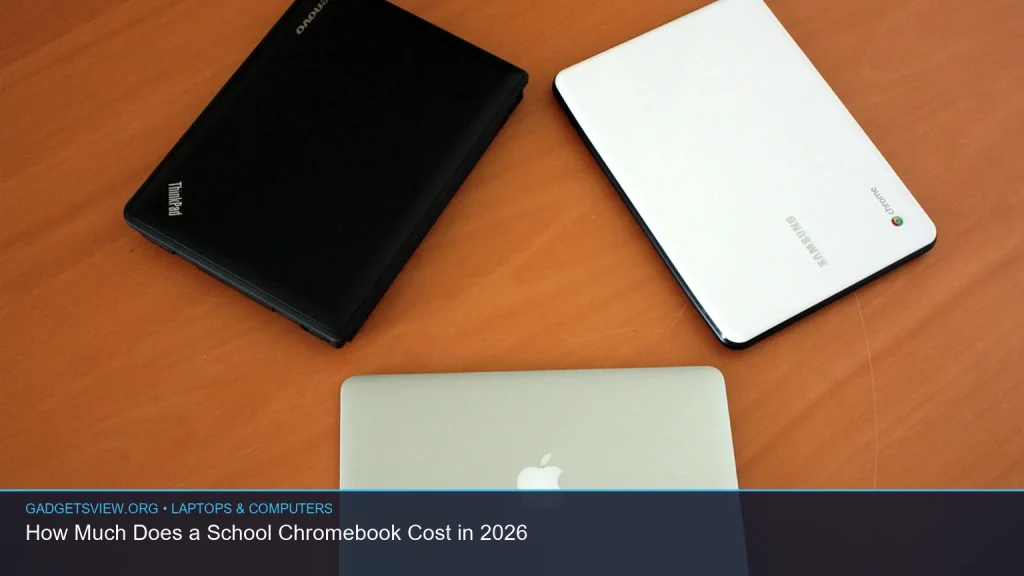
If you’re asking how much does a school Chromebook cost in 2026, the short answer is that most school-issued or school-friendly Chromebooks usually fall into a low-cost range compared with Windows laptops and iPads. The exact price depends on whether you’re buying a basic model for classroom work, a more durable education model, or a higher-end Chromebook for home use. This guide breaks down what affects the cost, what schools typically look for, and how to choose the right option without overpaying.
📖 Table of Contents
- What a School Chromebook Usually Costs in 2026
- What Drives the Price Up or Down?
- Budget, Mid-Range, and Durable School Chromebook Tiers
- What Schools Look For When Choosing Chromebooks
- How to Decide What a Student Actually Needs
- Extra Costs to Plan For
- Who Should Choose Which Type of Chromebook?
- FAQ: School Chromebook Costs in 2026
- Conclusion
📌 Key Takeaways
- School Chromebooks are usually budget devices, but the price can change a lot based on durability, screen size, battery life, and management features.
- The cheapest option is not always the best value for students, especially if the laptop will be used daily at school and at home.
- Schools often prefer models that are easy to manage, tough enough for student use, and simple to repair or replace.
- If you are buying for a student, focus on school requirements first, then compare total cost, not just the sticker price.
What a School Chromebook Usually Costs in 2026
When people ask how much does a school Chromebook cost, they usually want a practical range, not a luxury-device estimate. In most cases, school Chromebooks are meant to be affordable, simple, and easy to support at scale. That means the price is usually lower than a typical Windows laptop with similar screen size.
The final cost depends on whether the device is purchased by a school district, bought by a parent, or chosen for a student who needs extra durability. School-use models often prioritize basic performance and long battery life over premium features. That keeps costs down, but it can also limit storage, screen quality, and speed.
Because product pricing changes quickly, any exact number should be verified before you buy. For 2026 planning, it is safest to think in terms of budget, mid-range, and durable school-ready tiers rather than a single fixed price.
What Drives the Price Up or Down?
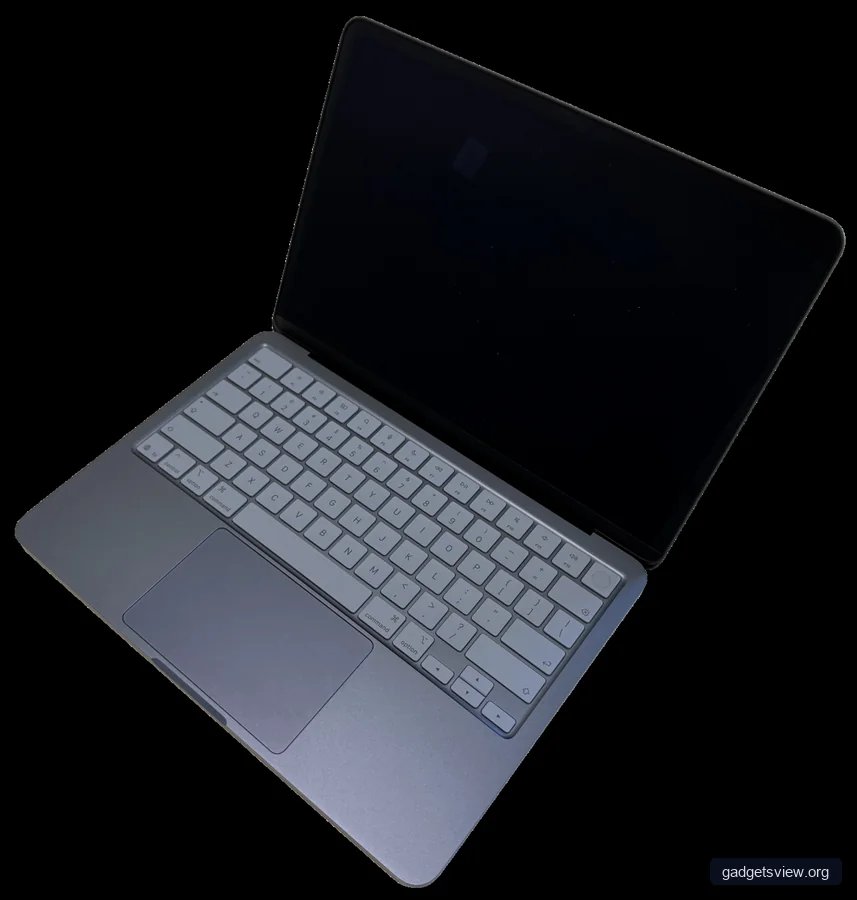
Not all Chromebooks are priced the same, even when they look similar. A device built for classroom carts and everyday student use often costs more than a basic consumer Chromebook because it may include stronger hinge design, spill resistance, rubber bumpers, or easier serviceability.
Performance parts also affect price. A Chromebook with more memory, a larger display, a faster processor, or more storage will usually cost more. The same goes for touchscreens, 2-in-1 hinges, and brighter displays, which can be useful but are not always necessary for schoolwork.
Common factors that matter
- Durability: School-friendly builds often cost more because they are made to handle daily transport and rough use.
- Battery life: Longer battery life can raise price, but it reduces the chance of a student needing to charge during the day.
- Display type: Touchscreens and higher-quality panels usually add cost.
- Memory and storage: More RAM and storage can improve responsiveness, especially with multiple tabs and web apps.
- Management features: Devices meant for school fleets may support easier administration and security controls.
Budget, Mid-Range, and Durable School Chromebook Tiers
If you are comparing options, it helps to think in tiers. This is the easiest way to understand how much does a school Chromebook cost without getting lost in model names or marketing terms. The table below shows the general tradeoffs to expect.
| Tier | Best For | Strengths | Limitations |
|---|---|---|---|
| Budget | Basic classroom work, typing, web-based assignments | Lower cost, simple setup, good for standard school tasks | May feel slow with many tabs, less durable, basic display quality |
| Mid-range | Students who use the device daily at school and home | Better balance of speed, battery, and build quality | Costs more than a bare-bones option |
| Durable school model | Younger students, heavy daily use, shared school environments | Built for rough handling, easier school deployment, often long-lasting | Usually the highest upfront cost in the Chromebook category |
The best tier depends on use, not just budget. A lower-priced Chromebook can be fine for light schoolwork, while a more durable option may save money over time if it lasts longer. That is why schools often care about total value, not just the first purchase price.
What Schools Look For When Choosing Chromebooks
Schools do not usually choose devices the same way families do. A district buying hundreds of units cares about repair rates, ease of management, battery consistency, and how well the device holds up over time. Those needs often shape the final purchase more than display size or premium features.
For most schools, the goal is a device that can handle online learning, writing, research, quizzes, and cloud-based tools. That means the Chromebook should be fast enough for classroom tasks, sturdy enough for repeated transport, and simple enough to support across many students.
Selection criteria schools often use
- Durability: Hinges, keyboard, ports, and chassis quality matter a lot.
- Battery life: Students may need a full school day without charging.
- Manageability: IT teams want easy updates, restrictions, and enrollment.
- Repair and replacement: Schools value devices that are simpler to service.
- Consistency: Buying the same or similar model makes support easier.
If a school publishes device requirements, follow those first. A Chromebook that looks like a good deal may still be a poor fit if it does not meet testing rules, network standards, or classroom software needs.
How to Decide What a Student Actually Needs
The right Chromebook is not always the cheapest one, and it is not always the most expensive one either. Start with how the student will use it. A child who mainly logs into assignments and writes short reports does not need the same device as a student who keeps many browser tabs open or uses creative apps.
Think about where the Chromebook will be used. If it stays mostly at home, a basic model may be enough. If it moves between school, home, and extracurricular activities every day, stronger build quality becomes more important.
Simple decision guide
- Check school requirements first. Make sure the Chromebook matches grade-level rules and software needs.
- Estimate daily use. Light use and heavy use call for different hardware choices.
- Decide how much durability matters. Younger students and shared devices often need tougher builds.
- Balance battery and performance. A device that slows down quickly can hurt productivity.
- Set a total budget. Include accessories, protection, and any school fees if needed.
In many cases, the best choice is a mid-range school Chromebook. It is often the most balanced option for speed, battery life, and long-term value. Budget models can still work well, but they may feel limiting sooner.
Extra Costs to Plan For
The laptop price is only part of the story. Families often forget about the smaller expenses that come with a school device. Those extras can change the real total cost more than expected.
Common add-ons may include a protective case, sleeve, headphones, a mouse, and a charger replacement if the original is lost. Some schools also require device insurance or a technology fee. If the Chromebook is used for years, repair costs and battery wear may also matter.
| Cost Item | Why It Matters |
|---|---|
| Protective case or sleeve | Helps reduce damage from drops and backpack wear |
| Headphones | Often needed for lessons, videos, and testing |
| Repair or warranty coverage | Can lower long-term surprise costs |
| Replacement charger | Useful if the original is misplaced or damaged |
If you are budgeting for a student, it is smarter to think in terms of total ownership cost. A cheap device that breaks early can end up costing more than a stronger model that lasts longer.
Who Should Choose Which Type of Chromebook?
Here is the clearest way to compare your options. Match the device to the student, not just the price tag. That keeps the purchase practical and helps avoid regret later.
Choose a budget Chromebook if the student mainly uses web-based schoolwork, needs a simple device, and the school has no special hardware demands. This is the best fit when keeping the upfront cost as low as possible matters most.
Choose a mid-range Chromebook if the student uses the device every day and needs a better balance of speed, battery, and comfort. This is often the safest choice for most families because it gives more flexibility without jumping to premium pricing.
Choose a durable school model if the Chromebook will face heavy daily use, frequent transport, or younger users who need a more rugged device. The higher starting cost can be worth it if the laptop needs to survive real school life.
If you are still unsure, ask one question: will this Chromebook be used lightly, daily, or heavily? That answer often points to the right purchase tier faster than any spec sheet.
FAQ: School Chromebook Costs in 2026
Are school Chromebooks cheaper than regular laptops?
Usually, yes. Chromebooks are built around web-based work and simple software, so they are often priced lower than many Windows laptops. That said, durable school models and better-equipped Chromebooks can cost more than basic consumer laptops.
Is it worth paying more for a durable Chromebook?
It can be. If the device will be carried daily, used by a younger student, or handled in a busy classroom, better durability may reduce repair and replacement costs later. The right choice depends on use, not just the initial price.
Do schools require a certain Chromebook model?
Some do, while others only list approved specs or basic requirements. Always check the school’s device policy before buying, because software compatibility and testing rules can matter more than the brand name.
Should I buy a Chromebook with a touchscreen for school?
Only if the student will use it often. A touchscreen can be helpful for note-taking, drawing, or easy navigation, but it is not necessary for every student. If your goal is to save money, skipping touch support may lower the cost.
What is the smartest way to compare Chromebook prices?
Compare total value, not just the sticker price. Look at durability, battery life, warranty support, and whether the Chromebook meets school requirements. A slightly higher-cost model can be the better deal if it lasts longer and works more smoothly.
Conclusion
If you are trying to figure out how much does a school Chromebook cost, the best answer is that it depends on the student’s needs, the school’s rules, and the device’s durability. Budget models can work well for basic school tasks, while mid-range and rugged school Chromebooks often offer better long-term value.
Before buying, check the school’s required specs, set a full budget, and compare total cost instead of chasing the lowest price. That simple approach makes it much easier to choose a Chromebook that fits the student and lasts through the school year.
Featured image: Photo: seanmfreese / CC BY 2.0 via flickr