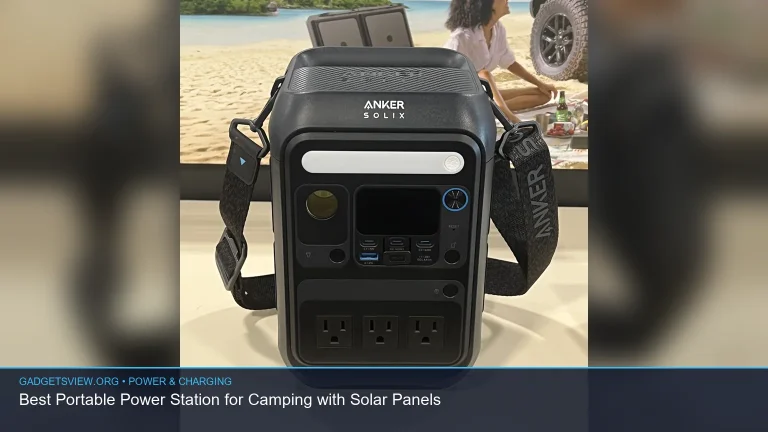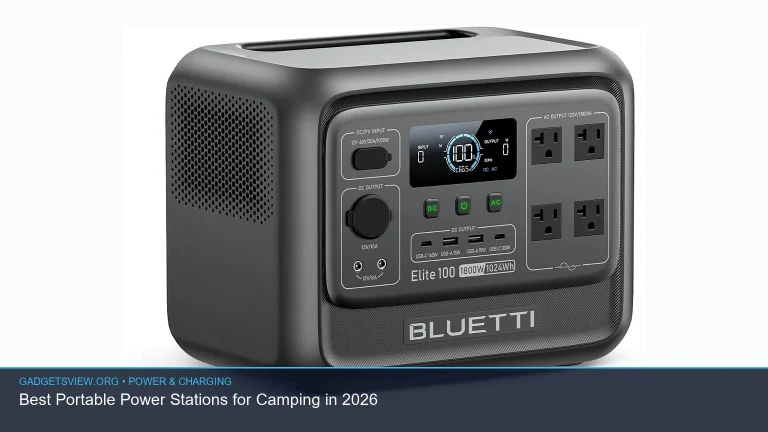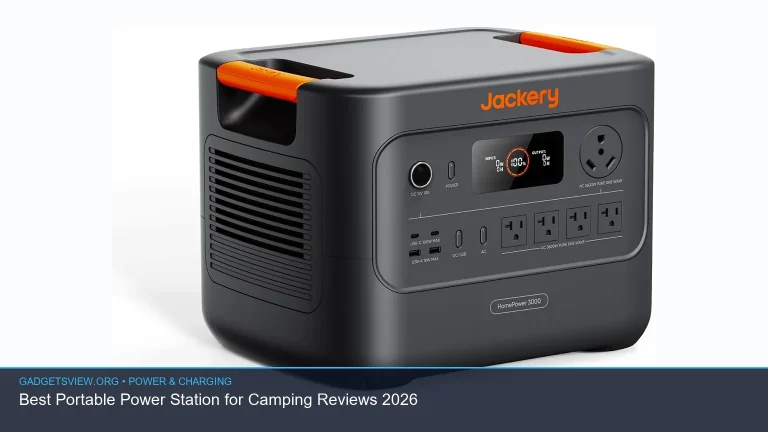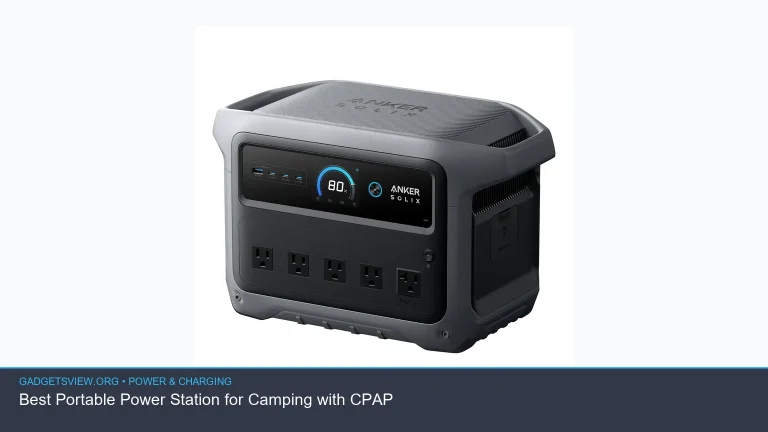
If you want to know how to use a portable power station safely and easily, the process is simpler than many first-time users expect. Start by checking the unit’s charge level, learn its output ports, match the right cable or plug to the device you want to power, and keep an eye on wattage limits. The most important rule is to use the power station within its rated capacity and follow basic battery safety habits. This guide walks you through setup, everyday use, charging, and safe storage so you can use one with confidence.
📖 Table of Contents
📌 Key Takeaways
- Always check the power station’s output limits before plugging in devices, especially high-wattage appliances.
- Use the right port for the job: AC for household plugs, USB for small electronics, and DC where supported.
- Keep the unit in a cool, dry, ventilated space and never block its vents while in use or charging.
- For best results, charge the power station regularly, store it partly charged, and read the owner manual before using solar or AC charging.
What a Portable Power Station Does
A portable power station is a rechargeable battery pack with built-in outlets. It stores energy and then sends it to your devices through AC, USB, or DC ports. People use them for backup power, camping, tailgating, work sites, and short outages.
The key difference from a gas generator is that a power station runs quietly and produces no exhaust. That makes it useful indoors, in cars, and in other enclosed spaces where fuel-powered machines would be unsafe.
How to Use a Portable Power Station Step by Step
Once you understand the basics, the process is straightforward. The goal is to connect the right device to the right port and stay within the unit’s limits.
- Check the battery level before use. Turn on the power station and look at the display or battery indicator. If the charge is low, recharge it before relying on it.
- Choose the correct output. Use AC outlets for items that normally plug into the wall, USB ports for phones and tablets, and DC outputs for compatible 12V gear. Do not force a plug into a port that does not match.
- Verify the wattage needs of your device. Your power station must be able to handle the device’s running wattage. Some items also need a higher starting surge, such as fridges or power tools.
- Turn on the right output mode. Many units require you to switch on AC or DC output before power flows. If nothing happens, check whether the output button is enabled.
- Plug in one device at a time when you are unsure. This helps you avoid overloading the unit and makes troubleshooting easier.
- Watch for error messages or shutdowns. If the station turns off, beeps, or shows an overload warning, unplug the device and reduce the load.
- Disconnect safely. Turn off the device first, then unplug it from the power station. After that, switch off the output if the manual recommends it.
Simple rule for beginners
If your device uses less power than the station can supply, and the plug fits the correct port, you are usually on the right track. When in doubt, start with small electronics such as a phone, lamp, or fan before moving to larger appliances.
How to Match Devices to the Right Port
One of the easiest ways to use a portable power station safely is to know which port type to use. This helps protect both the station and your gear.
| Port Type | Best For | Strengths | Limitations |
|---|---|---|---|
| AC outlet | Laptops, small appliances, devices with wall plugs | Works with many everyday plugs | Often uses more battery power than USB |
| USB-A / USB-C | Phones, tablets, earbuds, cameras | Efficient and simple for small devices | Not for high-power appliances |
| 12V DC output | Some coolers, air pumps, vehicle accessories | Useful for compatible car-style devices | Connector compatibility matters a lot |
Who should use what? If you are charging a phone, use USB. If you need to run a laptop charger or a small fan with a wall plug, use AC. If your gear is made for 12V vehicle power, use DC only when the connector and voltage match the device’s requirements.
How to Charge the Power Station Correctly
Charging is just as important as discharging. The safest method is the one recommended by the manufacturer, because charging options can differ from model to model.
Common charging methods
- Wall charging: Usually the easiest and fastest way to recharge at home.
- Car charging: Helpful on road trips, but often slower than wall charging.
- Solar charging: Great for off-grid use, but it depends on sunlight, panel size, and compatible input settings.
Before using solar input, confirm that the panel’s voltage and connector type match the station’s input range. If those do not line up, you could get poor charging performance or damage the unit.
Also, avoid charging in direct heat. A garage, car trunk, or sunny windowsill can make the battery hotter than it should be. A cooler, open area is usually a better choice.
Safety Tips That Matter Every Time
Portable power stations are designed to be user-friendly, but safe use still depends on a few habits. These small steps can help prevent overheating, overloads, and battery stress.
- Do not cover the vents. Airflow helps the unit stay within a safe temperature range.
- Keep away from water. Moisture can damage electronics and create a shock risk.
- Use the right cable. Damaged or low-quality cables can lead to slow charging, poor connections, or heat buildup.
- Do not exceed the output rating. High-draw items may trip the protection circuit or shut the station down.
- Let the unit rest if it gets warm. If the case feels unusually hot, unplug devices and let it cool.
- Store it safely. Keep it in a dry place away from extreme heat or freezing temperatures.
For long-term storage, many manufacturers recommend keeping lithium batteries partially charged rather than empty or fully topped off. If you are storing the unit for a while, check the manual for the best storage charge level and refresh schedule.
Troubleshooting Common Problems
If your power station does not work as expected, the fix is often simple. Start with the basics before assuming there is a major problem.
| Problem | Likely Cause | What to Do |
|---|---|---|
| Device will not power on | Output not enabled, battery too low, loose cable | Turn on the correct output and check the charge level |
| Station shuts off suddenly | Overload or surge from the connected device | Unplug the load and try a smaller device |
| Charging is very slow | Weak power source, improper settings, cable issue | Check the input source, cable, and charging mode |
| Unit feels hot | High load, poor airflow, hot environment | Move it to a cooler space and reduce use |
If a problem continues after these checks, stop using the station and review the manufacturer’s support guidance. Do not open the battery housing yourself unless the product manual specifically allows service by the user.
Buying and Setup Checklist for First-Time Users
Even though this article is about use rather than shopping, a quick checklist helps you avoid common mistakes when you bring a unit home. The right setup makes daily use much easier.
- Read the quick-start guide and the full manual.
- Learn the input limit, output limit, and supported port types.
- Identify which of your devices are best run from USB versus AC.
- Keep the charging cable, solar cable, and adapters in one place.
- Test the station with a small device before relying on it in an outage.
Selection criteria: If you plan to power phones and laptops, prioritize easy charging and enough AC/USB output. If you want backup for longer outages, focus on runtime planning and the ability to recharge the station the way you actually expect to use it, such as from wall power or solar.
Strengths of a well-matched setup: easier use, fewer overloads, less battery waste, and fewer charging surprises.
Limitations to keep in mind: no power station runs everything forever, and larger appliances can drain a battery quickly. Knowing those limits helps you use the unit wisely instead of expecting generator-level endurance.
FAQ
Can I leave a portable power station plugged in all the time?
Some models can stay plugged in for maintenance charging, but you should verify this in the manual. Long-term constant charging is not always ideal, especially if the unit is stored in a warm area.
What should I power first during an outage?
Start with the most important low-wattage devices, such as phones, lights, a modem, or medical equipment if your station supports it. Avoid turning on high-draw appliances unless you know the unit can handle them.
Is it safe to use a portable power station indoors?
Yes, portable power stations are generally safe for indoor use because they do not produce exhaust. Still, keep them dry, ventilated, and away from heat sources.
Why does my power station run out faster than expected?
Higher-wattage devices drain the battery quickly, and AC power conversion can use more energy than USB charging. Battery age, cold temperatures, and repeated overloads can also reduce useful runtime.
Can I use a power station while it is charging?
Many models support pass-through use, but not all do. Check your manual before doing this, because behavior can vary by brand and design.
Conclusion
Learning how to use a portable power station comes down to three habits: match the right port to the right device, stay within the wattage limits, and keep the unit cool and dry. Once you understand those basics, the station becomes a simple and reliable power source for everyday backup and travel.
Before your first real use, read the manual, test a small device, and confirm how the unit charges best. That small bit of setup will make the power station easier and safer to use every time.
Featured image: Photo: NRCgov / CC BY 2.0 via flickr