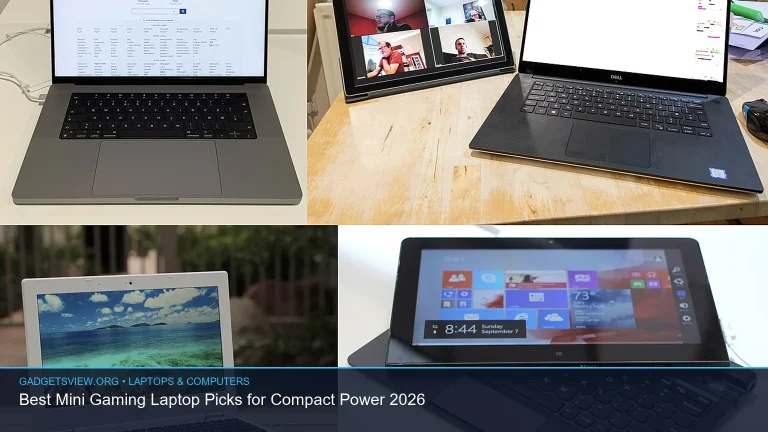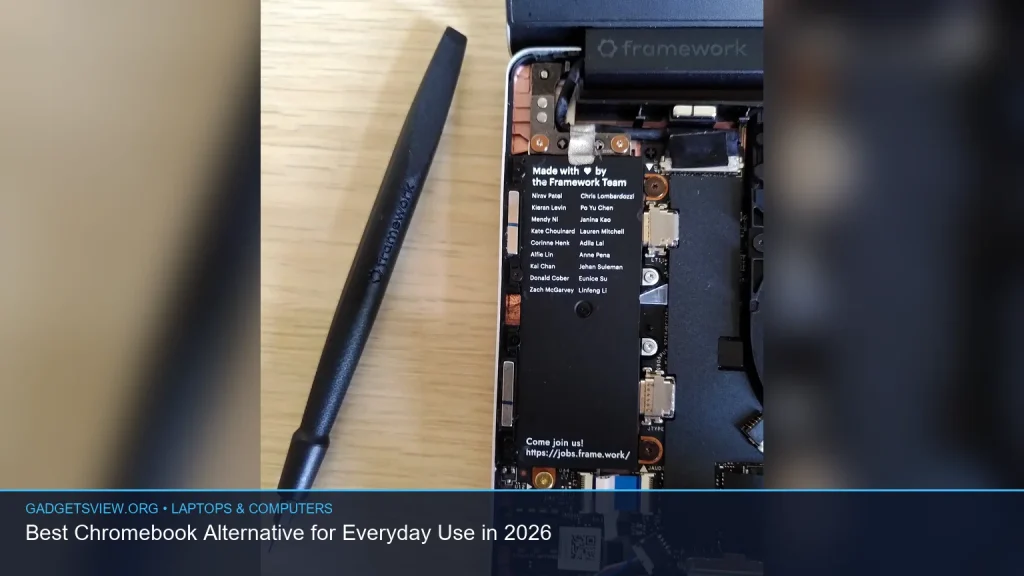
If you want a Chromebook alternative for everyday use in 2026, the best choice is usually a compact Windows laptop or a MacBook-style notebook, depending on the apps you need and how you work. Chromebooks are great for basic web tasks, but many people outgrow them once they need full desktop software, better offline use, or more flexible file handling. The right alternative should feel simple, fast, and dependable without locking you into a browser-first setup. Below, you’ll find how to choose one, what to avoid, and which type of laptop fits different users best.
📖 Table of Contents
- What makes a good Chromebook alternative?
- Chromebook vs notebook: what is the difference between notebook and chromebook?
- Best Chromebook alternative for everyday use in 2026: the short answer
- How to compare your options without getting stuck on specs
- Strengths and limitations of Chromebook alternatives
- How to choose the right one for your daily routine
- FAQ
- Conclusion: the best Chromebook alternative is the one that fits your workflow
📌 Key Takeaways
- A strong Chromebook alternative usually means a lightweight Windows laptop or a Mac notebook with better app support and offline flexibility.
- For most everyday users, the best pick balances battery life, a comfortable keyboard, fast startup, and enough storage for files and apps.
- If you need Microsoft Office desktop apps, creative tools, or more file control, a Chromebook alternative is often the better long-term choice.
- The best option depends on your use case: school, remote work, family use, travel, or light content creation.
What makes a good Chromebook alternative?
A good Chromebook alternative should keep the same easygoing feel that makes Chromebooks appealing: quick boot time, simple setup, and low maintenance. But it should also give you more freedom with apps, storage, and offline work. For most people, that means a laptop that runs Windows or macOS and can handle everyday tasks without feeling slow or limited.
Start with the basics. Look for at least solid battery life, an SSD for fast loading, and enough memory to keep browser tabs and apps running smoothly. If you plan to use Zoom, Office, photo apps, or multiple work tools, you will want more headroom than a basic cloud-first device can offer.
Selection criteria that matter most
- App support: Can it run the software you already use?
- Ease of use: Is it simple enough for daily tasks without a steep learning curve?
- Battery life: Can it last through work, school, or travel?
- Portability: Is it light enough to carry often?
- Storage and memory: Does it have enough room for files, photos, and updates?
Chromebook vs notebook: what is the difference between notebook and chromebook?

If you are asking what is the difference between notebook and chromebook, the short answer is that a notebook is usually a broader category, while a Chromebook is a specific type of notebook that runs ChromeOS. A notebook can run Windows, macOS, or sometimes Linux. A Chromebook is built around browser-based use, Google services, and web apps.
That difference changes how each one feels in daily use. A Chromebook is often simpler and more secure by design, but it can feel limited if you need desktop software or more advanced file workflows. A notebook gives you more choice and flexibility, which is why it often becomes the better Chromebook alternative for people who have outgrown browser-only computing.
| Feature | Chromebook | Notebook alternative |
|---|---|---|
| Operating system | ChromeOS | Windows, macOS, or Linux |
| Best for | Web tasks, Google apps, simple use | Broader app needs, offline work, multitasking |
| Software flexibility | More limited | Much broader |
| Offline use | Works, but more dependent on web apps | Usually stronger offline support |
Best Chromebook alternative for everyday use in 2026: the short answer
For most everyday users, the best Chromebook alternative is a lightweight Windows notebook with good battery life, an SSD, and enough memory for normal multitasking. That type of device keeps the simple day-to-day feel people like in Chromebooks, but it opens the door to full desktop apps, better local storage, and stronger compatibility with common work and school tools.
If you already live in Apple’s ecosystem and want a smooth, low-maintenance experience, a macOS notebook can also be an excellent alternative. It is especially appealing if you value battery life, a polished interface, and reliable performance for browsing, writing, meetings, and media use. The “best” answer depends on whether your priority is compatibility, simplicity, or long-term flexibility.
Who should choose a Windows notebook?
Choose Windows if you need the widest app support and the easiest path to common school or work software. It is a strong fit for users who want Microsoft Office desktop apps, local file control, printers, external accessories, or occasional specialty software.
Who should choose a Mac notebook?
Choose Mac if you want a smooth daily experience, long battery life, and a clean interface, and if your apps are available on macOS. It is a smart choice for people who browse, write, stream, manage photos, and join meetings more than they game or use niche Windows-only tools.
How to compare your options without getting stuck on specs
Many shoppers focus on the processor first, but everyday use is usually shaped more by the whole package. A fast chip does not help much if the laptop has poor battery life, a cramped keyboard, or too little storage. Instead, compare each laptop against how you actually use it.
If your routine is email, web browsing, Google Docs, streaming, and video calls, you do not need a high-performance machine. If you also edit photos, run multiple office tools, or keep lots of files local, a more capable notebook makes more sense. The goal is not the most powerful device. The goal is the one that feels easy every day.
| User need | Best fit | Why it works |
|---|---|---|
| Basic browsing and streaming | Entry-level Windows or Mac notebook | Simple, fast enough, and easy to carry |
| Schoolwork and Office apps | Windows notebook | Best app compatibility and file support |
| Travel and long battery use | Mac notebook or efficient Windows ultrabook | Usually better battery and standby behavior |
| Mixed work and home use | Midrange Windows notebook | More flexible for many different tasks |
Strengths and limitations of Chromebook alternatives
The biggest strength of a Chromebook alternative is freedom. You can install more software, work offline with fewer limits, and store more locally without relying on cloud tools for everything. That makes it better for users who need a true general-purpose computer.
The main limitation is that more flexibility can also mean more choices, settings, and maintenance. Windows laptops, in particular, can vary a lot in quality. Some are excellent value, while others feel slow or cluttered if the hardware is too weak or the software setup is messy.
Common strengths
- Better compatibility with desktop apps
- Stronger offline use
- More storage options
- Greater flexibility for work, school, and personal tasks
Common limitations
- Can cost more than basic Chromebooks
- May require more maintenance or updates
- Battery life varies more by model
- Some devices are heavier or less simple to manage
How to choose the right one for your daily routine
A simple decision process helps more than chasing specs or brand names. Think about where, when, and how you use your laptop most often. Then match the device to that routine instead of choosing the one with the longest feature list.
- List your top 3 tasks. For example: web browsing, document editing, video calls.
- Check your must-have apps. If one only runs well on Windows or macOS, that narrows the field fast.
- Decide how portable it must be. If you carry it daily, weight and battery matter more.
- Choose enough storage and memory. Avoid bare-minimum configurations if you keep files local or multitask often.
- Look for a comfortable keyboard and trackpad. You will feel the difference every day.
Here is a quick rule of thumb. If your laptop life is mostly browser tabs, cloud docs, and streaming, a simple notebook is enough. If you need full app support, better file control, or stronger offline capability, choose a Chromebook alternative instead.
FAQ
Is a Chromebook alternative better than a Chromebook?
It depends on your needs. A Chromebook alternative is often better if you need desktop apps, more offline flexibility, or wider file compatibility. A Chromebook can still be better if you want a very simple, low-maintenance device for basic web use.
What is the best type of Chromebook alternative for students?
For most students, a lightweight Windows notebook is the safest choice because it works with a wide range of school software and file types. If the school ecosystem is built around Google tools only, a Chromebook may still be enough. The key is matching the laptop to the school’s required apps.
Can a notebook replace a Chromebook for everyday home use?
Yes. In many homes, a notebook is the better everyday device because it handles browsing, streaming, printing, online banking, and document work with fewer limits. It also gives you more room to grow if your needs change later.
Do I need a powerful laptop to replace a Chromebook?
No. Most people do not need a powerful laptop to replace a Chromebook. For everyday use, stability, battery life, a good keyboard, and enough memory matter more than high-end performance.
Should I choose Windows or Mac as a Chromebook alternative?
Choose Windows if you want broad compatibility and the easiest fit for general software needs. Choose Mac if you prefer a polished experience and your apps work well on macOS. Either can be a strong Chromebook alternative if it matches your daily routine.
Conclusion: the best Chromebook alternative is the one that fits your workflow
The best Chromebook alternative for everyday use in 2026 is usually a lightweight Windows notebook, with a Mac notebook as a strong second option for users who want a polished and low-maintenance experience. The right choice depends less on brand and more on what you do each day.
Before buying, confirm your must-have apps, check battery expectations, and make sure the keyboard and storage fit your habits. If you want more flexibility than a Chromebook can offer, a well-chosen notebook is often the smarter long-term move.