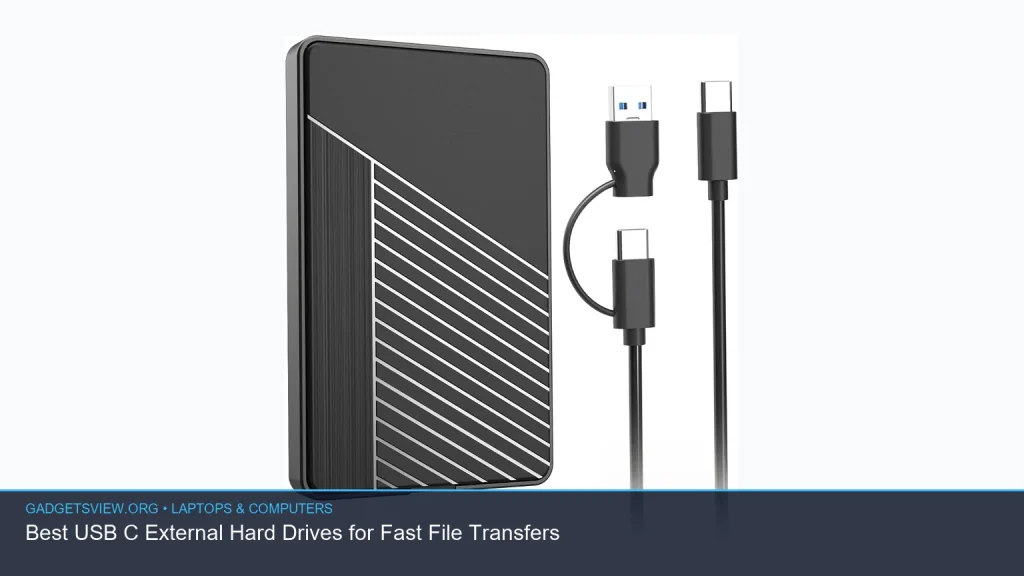
If you need a usb c external hard drive for fast file transfers, the best choice depends on more than capacity alone. USB-C can make plugging in easier and help you move large files with less hassle, but real-world speed also depends on the drive type, the USB standard, and your laptop or desktop port. Below, you’ll find the best options for different needs, plus a simple buying guide so you can choose the right drive for backups, media, and everyday storage.
📖 Table of Contents
- What to look for in a USB-C external hard drive
- Best USB-C external hard drives by use case
- Best overall for speed: SanDisk 2TB Extreme Portable SSD
- Best value for backups: WD 5TB My Passport Ultra
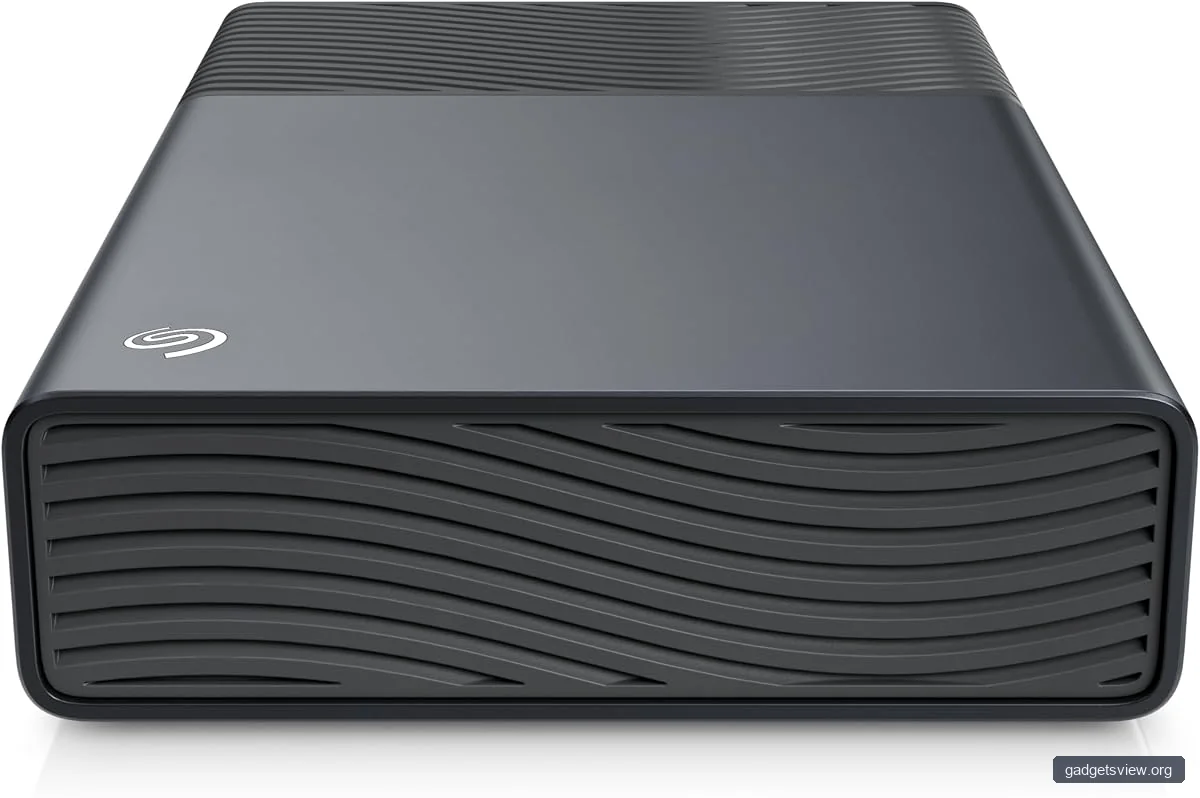
- Best for large desktop storage: Seagate One Touch 8TB External Hard Drive Desktop HDD
- Best portable HDD options for everyday use
- How to choose the right drive for your laptop or desktop
- Who should choose what: clear verdict
- FAQ
- Conclusion
Products mentioned
- Seagate One Touch 8TB External Hard Drive Desktop HDD
View current product details - Portable External Hard Drive 1TB USB 3.1 Type C 2.5″ Black
View current product details - 500GB External Hard Drive,USB 3.0 and USB-C Storage Expansion Mobile HDD
View current product details - WD 5TB My Passport Ultra, Blue, Portable External Hard Drive, backup software with defense against ransomware, and password protection, USB-C and USB 3.1
View current product details - Seagate 2TB Portable Hard Drive | USB 3.0 (STGX2000400)
View current product details - Sandisk 2TB Extreme Portable SSD, Up to 1050MB/s, USB-C, USB 3.2 Gen 2, IP65 Water and Dust Resistance, Updated Firmware, External Solid State Drive, SDSSDE61-2
View current product details
Availability, specifications, and prices can change; verify them on the product page.
📌 Key Takeaways
- SSD models are the fastest choice for large file transfers, while portable HDDs usually offer more storage for less money.
- USB-C is the connector, not the speed rating; a drive with USB-C may still transfer at modest speeds if the internal drive is an HDD.
- Match the drive to your use case: backups and archives often favor capacity, while creative work and frequent file moves favor speed.
- Check your laptop’s port support so you get the fastest transfer rate your system can actually use.
What to look for in a USB-C external hard drive
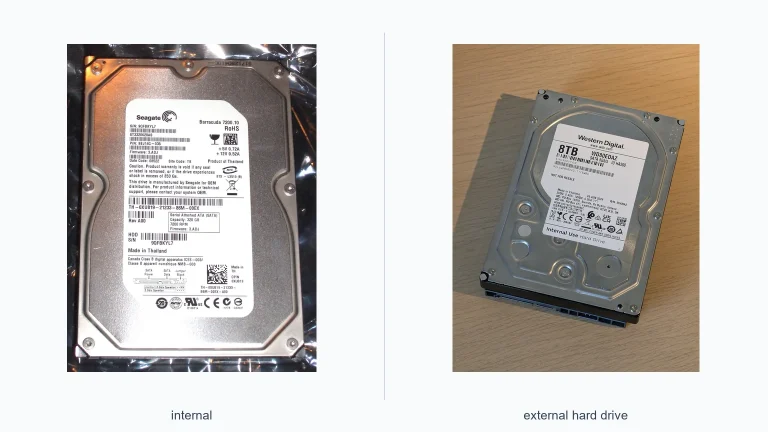
When shoppers search for a usb c external hard drive, they often want two things: easy connection and quick transfers. That is a good starting point, but the most important factor is the type of storage inside the enclosure. Traditional hard drives are better for big, affordable storage, while solid-state drives are usually much faster for moving large files.
USB-C also does not guarantee top speed on its own. A drive can have a USB-C port and still run on a slower USB standard, so it helps to read the full product listing carefully. If you transfer photo libraries, video projects, or game installs often, speed matters more than raw capacity.
Quick selection criteria
- Drive type: SSD for speed, HDD for value and larger capacities.
- USB version: Look for USB 3.2 Gen 2 or better when speed is a priority.
- Capacity: 1TB to 2TB suits many users; 5TB and above fits large archives and backups.
- Portability: Slim bus-powered drives are easiest to carry.
- Protection: Password protection, backup software, and rugged design can matter for travel or business use.
Best USB-C external hard drives by use case
The best drive for you depends on how you work. Some people need a compact drive for moving documents between a laptop and desktop. Others want a larger backup drive for family photos, school files, or a full system backup. The products below fit different needs based on their listing titles and general product positioning.
| Product | Best for | Strengths | Limitations |
|---|---|---|---|
| SanDisk 2TB Extreme Portable SSD | Fast transfers, travel use, frequent file movement | SSD speed, USB-C, rugged positioning | Usually costs more per GB than HDD options |
| WD 5TB My Passport Ultra | Backups, everyday storage, security features | USB-C, password protection, backup software | HDD speed is slower than an SSD |
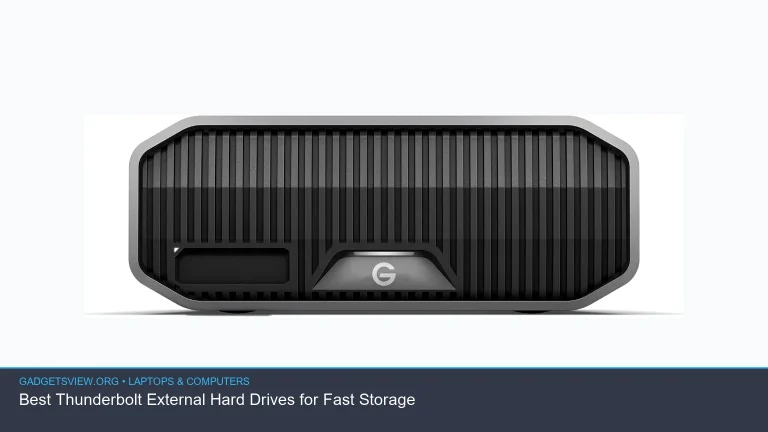
| Seagate One Touch 8TB External Hard Drive Desktop HDD | Large desktop backups and archives | High capacity, good for big libraries | Less portable, usually not ideal for on-the-go use |
| Seagate 2TB Portable Hard Drive (STGX2000400) | Simple portable storage | Good balance of size and portability | Not as fast as an SSD |
| Portable External Hard Drive 1TB USB 3.1 Type C 2.5″ Black | Light everyday use and basic file transfers | Compact, USB-C compatible form factor | Listing details may vary, so verify controller and drive type |
| 500GB External Hard Drive, USB 3.0 and USB-C Storage Expansion Mobile HDD | Budget expansion and light storage needs | Small size, flexible connectivity | Limited capacity for large media libraries |
Best overall for speed: SanDisk 2TB Extreme Portable SSD
If fast transfers are your top priority, the SanDisk 2TB Extreme Portable SSD is the strongest fit in this group. It is an SSD, which generally means much faster file movement than a traditional spinning hard drive. The listing also highlights USB-C and USB 3.2 Gen 2, which is a good sign for users who want speed on supported devices.
This kind of drive makes sense for photographers, video editors, and anyone who copies large folders often. It is also a practical pick for people who travel with their files, since portable SSDs are usually smaller and more resistant to bumps than mechanical drives. The main tradeoff is cost per gigabyte, which is typically higher than HDDs.
Who should choose it
- Users moving large files every week
- Creative professionals and students with media-heavy projects
- Travelers who want a compact, faster drive
Best value for backups: WD 5TB My Passport Ultra
The WD 5TB My Passport Ultra stands out for users who want a mix of portability, backup features, and USB-C support. The listing mentions backup software, ransomware defense, password protection, USB-C, and USB 3.1, which makes it a strong candidate for everyday backup use. For many people, that is more useful than raw peak speed.
Because it is a hard drive, it will not match an SSD for speed. Still, for time machine-style backups, document storage, photo archives, and general laptop expansion, it offers a sensible balance. If your main goal is keeping a second copy of important files, this is one of the better options to consider.
Strengths and limitations
- Strengths: high capacity, backup tools, security features, USB-C convenience.
- Limitations: slower than SSDs, and mechanical drives are less ideal for repeated rough travel.
Best for large desktop storage: Seagate One Touch 8TB External Hard Drive Desktop HDD
The Seagate One Touch 8TB External Hard Drive Desktop HDD is a good fit when you need a lot of space rather than maximum portability. Desktop-style drives are often used for backups, media libraries, and long-term storage at a desk. If you have large video files, old photo archives, or a full household backup plan, this type of drive can make sense.
Since it is a desktop HDD, it is not the best choice for commuters or frequent travel. It is better viewed as a high-capacity storage station that stays near your computer. If you mainly want a drive to leave plugged in, this category is worth a close look.
Best portable HDD options for everyday use
Not everyone needs the fastest drive. For many US shoppers, the real goal is dependable, portable storage that works with a modern laptop without adding bulk. That is where smaller USB-C portable hard drives can be useful, especially if the transfer workload is light to moderate.
Seagate 2TB Portable Hard Drive (STGX2000400)
The Seagate 2TB Portable Hard Drive is a straightforward portable storage option. A 2TB drive is often enough for documents, school files, music, and many photo libraries, while still staying simple and easy to carry. For users who do not need SSD-level speed, this can be a practical middle ground.
Portable External Hard Drive 1TB USB 3.1 Type C 2.5″ Black
This generic-style listing suggests a compact 2.5-inch portable drive with USB-C support. That makes it appealing for light daily use, especially if you want a simple drive for file transfers between a laptop and desktop. Because listing details can vary, it is smart to confirm the exact interface and drive type before buying.
500GB External Hard Drive, USB 3.0 and USB-C Storage Expansion Mobile HDD
This smaller-capacity option is best for basic storage expansion, not big media projects. A 500GB drive can work well for documents, downloads, and occasional backups, but it fills up quickly if you store video or large game libraries. It is a reasonable budget choice if your needs are modest.
How to choose the right drive for your laptop or desktop
Choosing the right external drive gets easier when you separate capacity, speed, and portability. If you mostly back up files and want the lowest cost per gigabyte, an HDD is usually the smart move. If you regularly move large files or want a drive that feels quick and modern, an SSD is usually worth the extra money.
You should also check your computer’s USB support. A USB-C port can still support different USB generations, and the fastest drive will only perform as well as the port and cable allow. When possible, verify compatibility with your laptop manual or the manufacturer’s specs.
| If you need… | Choose this type | Why |
|---|---|---|
| The fastest file transfers | Portable SSD | Much faster than a mechanical drive |
| Affordable high-capacity backups | Portable or desktop HDD | More storage for the money |
| Travel-friendly storage | Portable SSD or compact HDD | Small, easy to pack |
| Basic extra space | 500GB to 1TB portable HDD | Simple and sufficient for light use |
Who should choose what: clear verdict
If your priority is speed, choose the SanDisk 2TB Extreme Portable SSD. It is the best fit for people who move large files often and want a compact drive that feels quick in daily use. If your priority is backup capacity and security tools, the WD 5TB My Passport Ultra is a stronger all-around storage choice.
If you want the most storage for a desktop setup, the Seagate One Touch 8TB External Hard Drive Desktop HDD is the best match. If you just need basic portable expansion, the Seagate 2TB portable drive or the smaller generic USB-C HDD options may be enough. In short: buy SSD for speed, HDD for value, and desktop storage for large archives.
FAQ
Is a USB-C external hard drive always faster than USB-A?
Not always. USB-C is just the connector shape. The actual speed depends on the drive type and the USB version supported by the drive, cable, and computer.
Should I buy an SSD or HDD for file transfers?
Buy an SSD if file transfer speed matters most. Buy an HDD if you want more capacity for less money and do not mind slower transfers.
Can I use a USB-C external hard drive with an older laptop?
Often yes, but you may need a USB-A to USB-C cable or adapter. Just remember that the older port may limit performance.
What capacity is best for most users?
Many users are well served by 1TB to 2TB for everyday storage. If you keep large video files, backups, or many years of photos, 5TB or more may be a better fit.
Do I need backup software?
Not always, but it can help. If you want simple scheduled backups or extra file protection, a drive that includes backup software can make setup easier.
Conclusion
The best usb c external hard drive is the one that matches how you work. For speed, choose an SSD like the SanDisk 2TB Extreme Portable SSD. For larger backups and lower cost per gigabyte, a drive like the WD 5TB My Passport Ultra or Seagate One Touch desktop model is often the better choice.
Before you buy, check your device’s USB support, decide how much storage you really need, and confirm whether portability or capacity matters more. That simple check will help you avoid paying for speed you cannot use, or storage you will outgrow too soon.