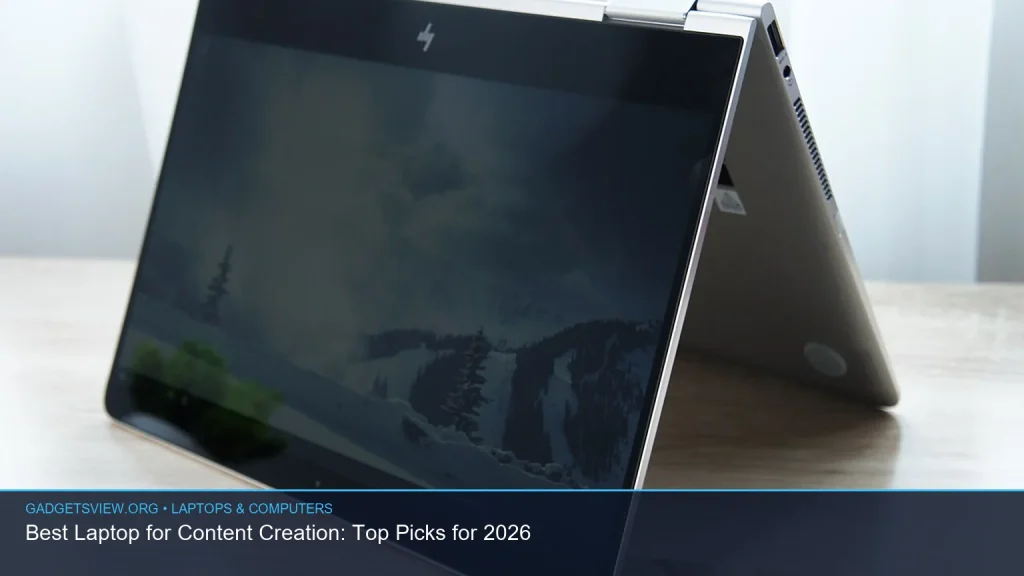
If you are looking for the best laptop for content creation, the right pick depends on what you make most often. Video editors, designers, photographers, writers, and streamers all need different things from a machine. In 2026, the best choice is usually a laptop with strong CPU performance, a fast GPU for creative apps, plenty of memory, accurate color, and long battery life. This guide breaks down what matters, which laptop types fit each creator, and how to choose with confidence.
📖 Table of Contents
- What Content Creators Should Look For First
- Best Laptop for Content Creation: Which Type Fits You?
- Display Quality Can Make or Break Creative Work
- Performance Specs That Matter Most in 2026
- Comparison Table: How to Choose by Budget and Workflow
- Strengths and Limitations to Weigh Before You Buy
- How to Shop Smart for the Best Laptop for Content Creation
- FAQ
- Conclusion
📌 Key Takeaways
- The best laptop for content creation is the one that matches your workflow, not just the one with the highest specs.
- Creators should prioritize CPU speed, GPU power, RAM, display quality, and storage before paying for extras.
- Video editors and 3D creators usually need the most powerful hardware, while writers and photo editors can often choose lighter systems.
- Always verify current model specs, port selection, display ratings, and software support before you buy.
What Content Creators Should Look For First
Content creation covers a lot of ground. A laptop that works well for writing and photo editing may fall short for 4K video editing or motion graphics. That is why the best laptop is not the same for everyone.
Start with your main workload. If you edit video, render timelines, or work in 3D, you need more graphics power and more memory. If you mostly write, manage social content, or edit photos, you can focus more on portability, screen quality, and battery life.
Core features that matter most
- Processor: Look for a modern CPU with enough cores for editing, exporting, and multitasking.
- Graphics: A dedicated GPU helps with video editing, effects, and some creative apps.
- Memory: More RAM makes large files and multiple apps easier to handle.
- Storage: Fast SSD storage improves loading, caching, and export workflows.
- Display: Color accuracy, brightness, and resolution matter for visual work.
- Ports and expandability: Creators often need card readers, USB-C, HDMI, and external display support.
Best Laptop for Content Creation: Which Type Fits You?
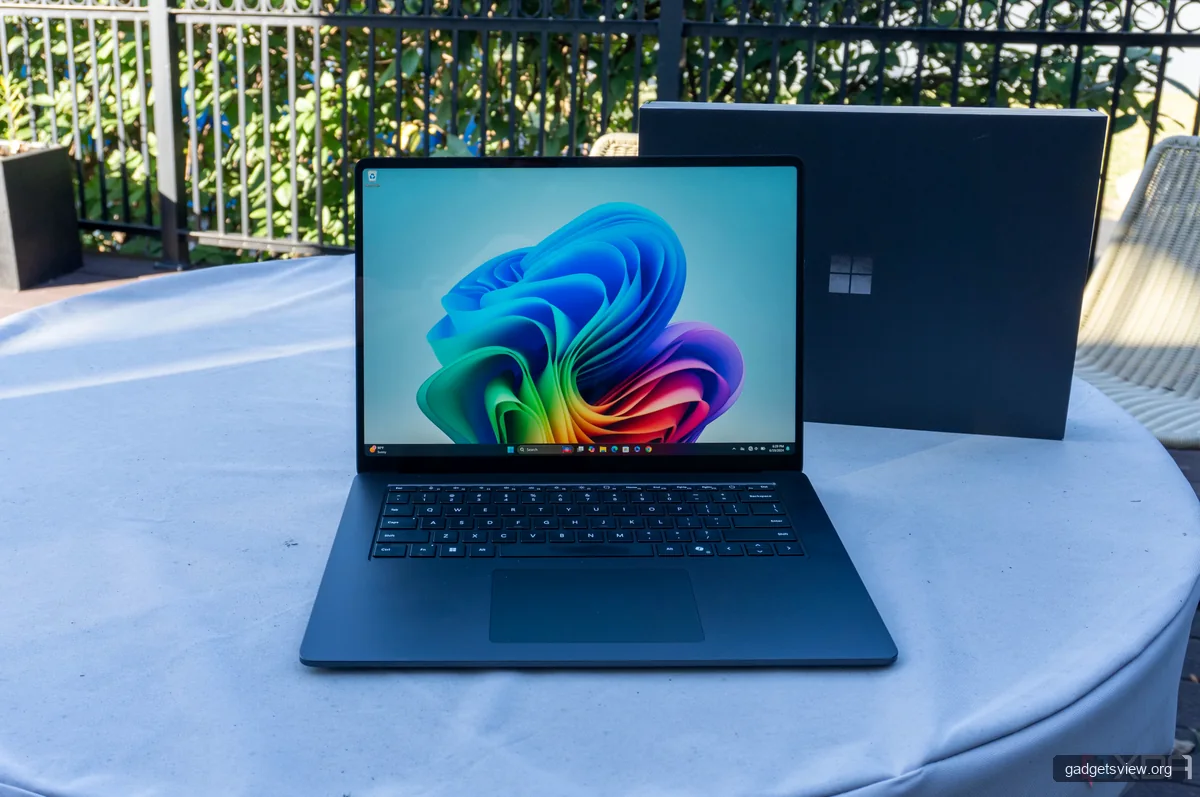
Because no product listings were provided, the smartest way to shop is by creator profile. This helps you compare options without getting distracted by marketing terms. It also keeps you focused on the features that actually improve work speed and output quality.
| Creator Type | Best Fit | Strengths | Limitations |
|---|---|---|---|
| Writer / Blogger | Light, efficient laptop with long battery life | Portable, quiet, easy to carry | May not suit heavy creative workloads |
| Photo Editor | Color-accurate laptop with strong CPU and RAM | Better image review, smooth multitasking | May need external storage for large libraries |
| Video Editor | Performance-focused laptop with dedicated GPU | Faster edits, exports, and effects handling | Usually heavier and less battery-friendly |
| Motion / 3D Creator | High-end creator laptop with strong GPU and cooling | Handles demanding renders and layers | Higher cost, more heat, more fan noise |
Who should choose what? Writers and marketers should favor portability and battery life. Photo creators should choose display quality first. Video editors and 3D artists should prioritize performance and thermal design over thinness.
Display Quality Can Make or Break Creative Work
A strong display is one of the most important features in a content creation laptop. If you edit photos or color video, the screen must show accurate color and enough brightness to work in different lighting conditions. A great processor cannot fix a poor display.
Look for a panel with good color coverage, consistent brightness, and a sharp enough resolution for your workflow. Many creators also prefer larger screens because they make timelines, toolbars, and split views easier to manage.
Display features worth checking
- Color accuracy: Important for photography, branding, and video work.
- Brightness: Helps in bright rooms and with HDR or outdoor viewing.
- Resolution: Higher resolution gives you more workspace and clearer detail.
- Panel type: Matters for viewing angles and image consistency.
- Refresh rate: Useful for smooth motion, though not always essential for all creators.
If you are buying for visual work, always verify current display claims from the manufacturer or a trusted independent review. Specs can change by configuration, even within the same laptop family.
Performance Specs That Matter Most in 2026
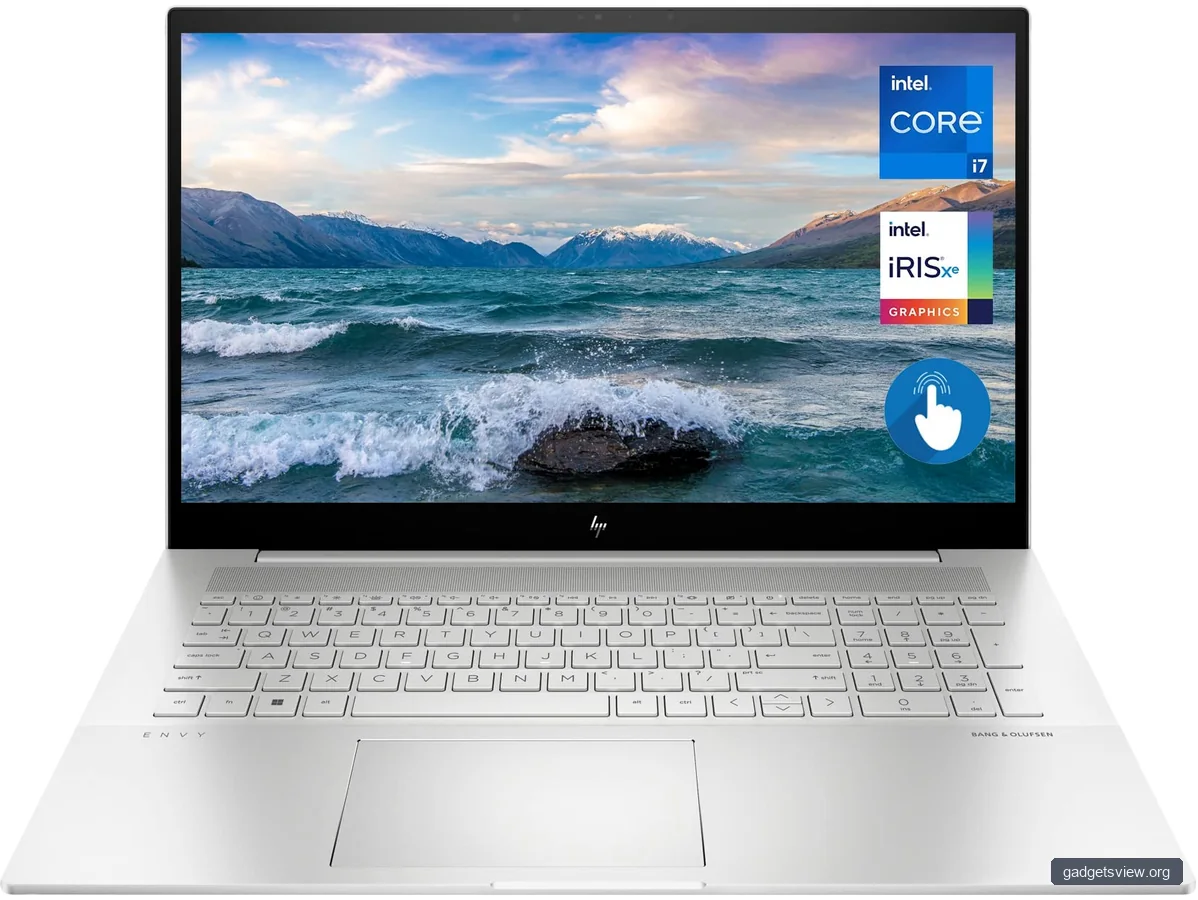
When comparing laptops, do not get stuck on one number. A balanced machine is often better than an overbuilt one with weak storage or a dim screen. For creators, the best laptop for content creation is usually the one that keeps editing, previewing, and exporting smooth under load.
CPU performance is important for general speed and multitasking. GPU performance matters more when your apps rely on acceleration, such as video effects, rendering, and some AI-enhanced workflows. RAM and storage help with large projects, caches, and working across multiple apps at once.
Simple performance priorities by workload
- Writing and research: CPU efficiency, keyboard comfort, battery life.
- Photo editing: Display quality, RAM, CPU speed, storage.
- Video editing: CPU, GPU, cooling, RAM, fast SSD.
- Motion graphics and 3D: GPU, RAM, cooling, and sustained performance.
Creators who use large Adobe, DaVinci Resolve, Final Cut, or similar projects should be careful about thermal limits. Thin laptops can be fast for short bursts but slow down during long exports if cooling is not strong enough.
Comparison Table: How to Choose by Budget and Workflow
If you are shopping commercially, the best approach is to match the laptop tier to your actual work. This helps you avoid overspending on power you do not need, or underbuying and slowing down your workflow.
| Buy If You Need | What to Prioritize | Best For | Watch Out For |
|---|---|---|---|
| Light daily content work | Portability, battery, comfortable keyboard | Writers, bloggers, social media managers | Weak screens and limited ports |
| Balanced creative work | Better display, more RAM, solid SSD | Photo editors, hybrid creators | Do not ignore cooling and port choice |
| Heavy video or motion work | Powerful CPU, dedicated GPU, strong cooling | Editors, 3D artists, animators | Expect more weight and less battery life |
Selection tip: If your work is mostly editing and exporting large files, choose performance first. If your work is mobile and mixed, choose a balanced machine with a great screen and enough battery to last a workday.
Strengths and Limitations to Weigh Before You Buy
Every creator laptop involves tradeoffs. The thinnest machines are easy to carry, but they may run hotter and offer fewer ports. High-power systems are faster, but they can be heavier and less convenient for travel.
The goal is not to find a perfect laptop. It is to find the one whose strengths match your daily tasks. That is how you get the best long-term value.
Common strengths
- Fast editing and smoother previews
- Better multitasking with more RAM
- Sharper, more accurate displays
- Faster file transfers with modern SSDs and ports
Common limitations
- Higher-end models can be expensive
- Performance laptops may have shorter battery life
- Ultra-thin designs may throttle under long workloads
- Some creator laptops still lack the ports professionals want
How to Shop Smart for the Best Laptop for Content Creation
Use a simple buying process so you do not get distracted by shiny features you will rarely use. The right laptop should fit your software, file sizes, and work habits first. Then you can compare design, portability, and extras.
- List your main tasks. Write down whether you edit video, create graphics, write, or do a mix.
- Set your performance floor. Decide the minimum RAM, storage, and GPU level you need.
- Check the display. Make sure the screen supports your color and brightness needs.
- Review ports and accessories. Look for external drive, monitor, and camera support.
- Confirm cooling and battery expectations. A laptop should stay usable through long sessions.
- Verify current specs before buying. Manufacturer pages and recent reviews matter because configurations change.
Caution: Do not assume every model in a laptop line is equally good for creators. A base model may look similar to a higher-end version but can have a weaker screen, less memory, or a different GPU.
FAQ
What is the most important feature in a content creation laptop?
It depends on your work. For video and 3D, CPU and GPU power matter most. For photo work, the display and RAM are often more important. For writing and basic content tasks, battery life and keyboard comfort can matter more than raw speed.
Is a gaming laptop good for content creation?
Often, yes. Gaming laptops can offer strong CPU and GPU performance, which helps with editing and rendering. The tradeoff is that they may be heavier, louder, and less color-focused than creator-specific models, so check the display carefully.
How much RAM do creators need?
That depends on workload size and app use. Light content work needs less than large video timelines or layered design files. If you multitask heavily or edit large projects, more RAM usually improves the experience. Always verify app recommendations and system needs before buying.
Should I choose a Mac or Windows laptop for content creation?
Both can work well. Your best choice depends on the software you use, your preferred workflow, and the ports or accessories you need. Before buying, confirm that your key creative apps and plugins support the platform you want.
Do I need a dedicated GPU for content creation?
Not always. Writers, many photo editors, and general creators may do fine without one. But for video editing, motion graphics, 3D work, and some AI-assisted tools, a dedicated GPU can make a major difference in speed and responsiveness.
Conclusion
The best laptop for content creation in 2026 is the one that fits your workload, not just your budget or brand preference. Start with your main tasks, then compare display quality, CPU and GPU power, RAM, storage, and battery life. If you verify current specs and match the machine to your workflow, you will make a smarter buy and get more done with less friction.
Next step: shortlist two or three laptops that fit your creator type, compare their current configurations, and choose the one that balances performance, screen quality, and portability best for your day-to-day work.