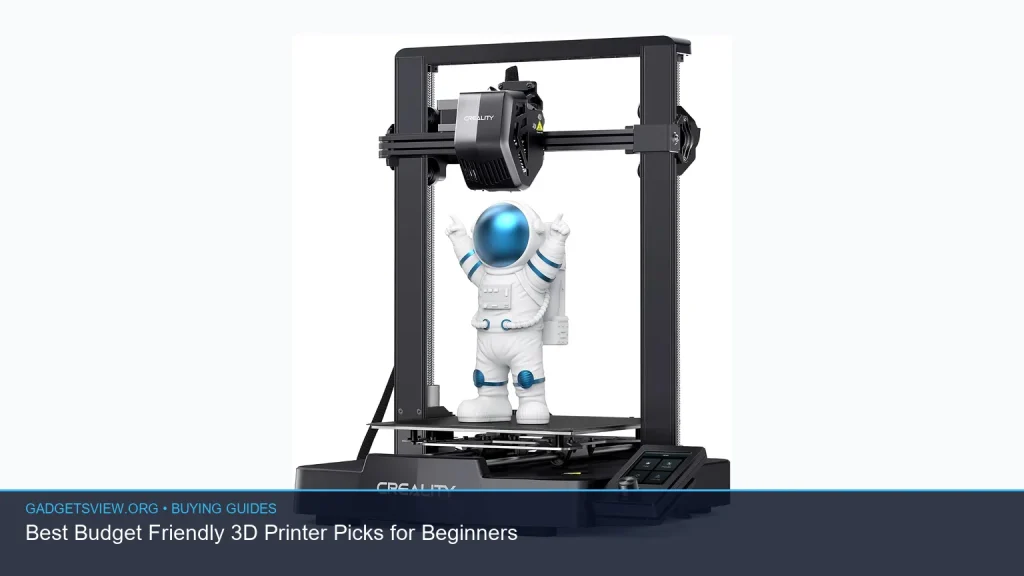
If you want a budget friendly 3D printer for home use, the best choice is usually the one that is easy to set up, reliable on common materials, and simple to learn on. Beginners do not need every premium feature. They need a printer that lowers frustration and helps them finish real projects. In this guide, you’ll learn what matters most, how much a 3D printer cost can vary, and how to choose between a new model, a used 3D printer, or a 3D printer kit.
📖 Table of Contents
- What to Look for in a Beginner 3D Printer
- How Much Does a 3D Printer Cost for Beginners?
- New vs Used vs Kit: Which Budget Friendly 3D Printer Path Fits You?
- Best Features to Prioritize in a Budget Friendly 3D Printer
- Common Mistakes Beginners Make When Buying Cheap
- Quick Decision Guide: Which Option Should You Buy?
- FAQ
- Conclusion
📌 Key Takeaways
- For beginners, ease of use matters more than advanced specs. Look for simple setup, stable printing, and good community support.
- A budget friendly 3D printer can be a smart first step. It helps you learn without a big upfront risk.
- New, used, and kit options each have trade-offs. Choose based on your comfort level with setup, repairs, and troubleshooting.
- The cheapest printer is not always the lowest-cost choice. Failed prints, missing parts, or poor support can raise the real cost fast.
What to Look for in a Beginner 3D Printer
A good beginner 3d printer should make the first few prints easy, not stressful. The best models usually have a clear setup process, stable motion, and simple controls. If you are new to the hobby, those traits matter more than raw speed or advanced customization.
Start with the basics: build volume, bed leveling, filament support, and software ease. A larger build volume is helpful, but only if the printer remains consistent. A smaller machine that prints well is often a better starter choice than a larger one that needs frequent tuning.
Selection criteria that matter most
- Ease of setup: Fewer steps usually means fewer early mistakes.
- Bed leveling method: Automatic leveling can reduce trial and error.
- Print stability: A steady frame and clean motion help with first-layer success.
- Material support: Most beginners start with PLA because it is easier to learn.
- Software support: Good slicer compatibility and active user forums make a big difference.
- Parts availability: Replacement nozzles, belts, and beds should be easy to find.
Also check whether the printer needs assembly. Some buyers want a ready-to-use machine, while others do not mind building a 3d printer kit to save money or learn how the machine works. Your patience level matters here.
How Much Does a 3D Printer Cost for Beginners?
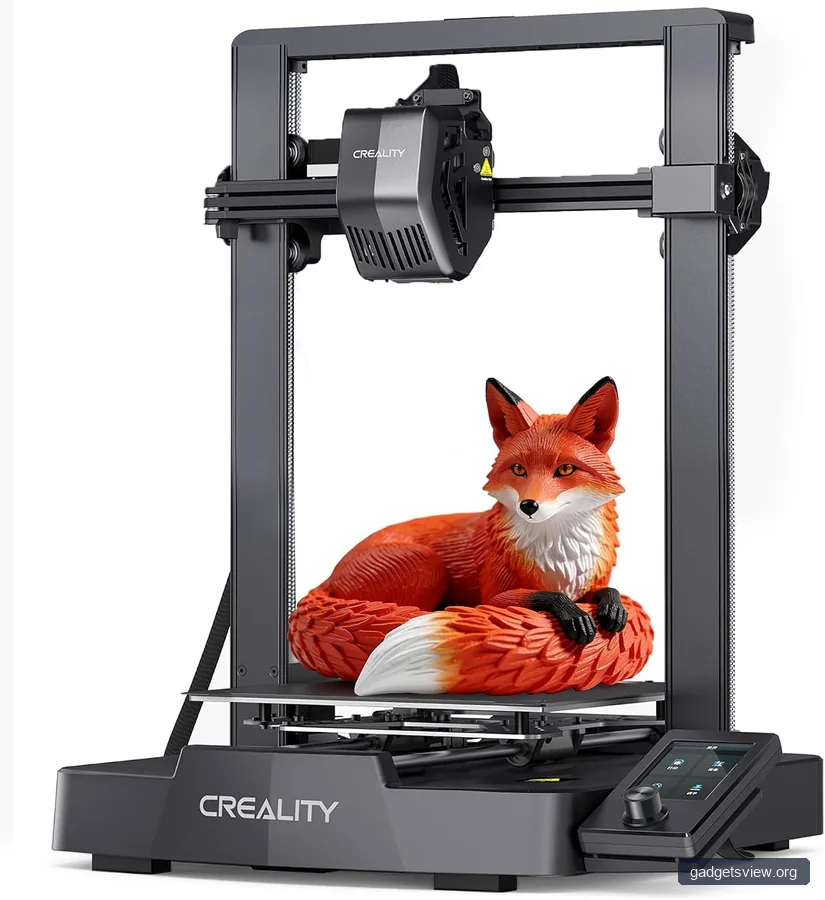
If you are asking how much does a 3d printer cost, the honest answer is that it depends on the level of convenience you want. Entry-level printers can be affordable, but the total cost includes filament, spare parts, and maybe tools or upgrades. A lower sticker price may still lead to higher ownership costs if the printer needs lots of calibration or repairs.
For beginners, it helps to think in three bands: basic starter printers, mid-range beginner models, and used equipment. The cheapest path is not always the best path if you value your time and want a smoother learning curve. If you are comparing a used 3d printer with a new one, check the condition of the nozzle, bed, belts, and electronics carefully.
| Option | Best for | Strengths | Limitations |
|---|---|---|---|
| New budget printer | Most beginners | Warranty, cleaner setup, less risk | May cost more upfront than used |
| Used 3D printer | Hands-on buyers | Lower purchase price, possible upgrades included | Wear, missing parts, no support |
| 3D printer kit | Tinkerers and learners | Educational, often lower cost, easier to understand | Assembly time, tuning required |
Verdict: if you want the smoothest first experience, choose a new beginner printer. If you enjoy fixing things and want to stretch your budget, a used 3d printer can make sense. If you want to learn the machine inside and out, a 3d printer kit is a strong option.
New vs Used vs Kit: Which Budget Friendly 3D Printer Path Fits You?
The best route depends on your goal. Some buyers want to print as soon as the box arrives. Others want the lowest entry cost, even if that means more setup time. A beginner 3d printer should match your comfort with assembly, calibration, and repairs.
Choose a new printer if you want the easiest start
New printers are usually the safest pick for most first-time buyers. They often include setup guides, active support communities, and at least some warranty coverage. That does not guarantee perfect prints, but it does reduce the chance of starting with hidden wear or damage.
Choose a used 3D printer if you know what to inspect
A used 3d printer can be a strong value if the previous owner maintained it well. Before buying, check the frame, bed surface, wiring, motion system, and whether key parts are still available. Ask whether the printer has been modified, because custom changes can help or cause headaches.
Used machines are best for buyers who are comfortable troubleshooting. If you do not want to replace parts or search for firmware help, the savings may not be worth the risk.
Choose a 3D printer kit if you want to learn by building
A 3d printer kit is a great fit for practical learners. Building the machine can teach you how motion, leveling, and extrusion work. That knowledge can make later repairs much easier.
The trade-off is time. Kits often require careful assembly, tuning, and patience before you get clean prints. If you want convenience first, a kit may not be the best starting point.
Best Features to Prioritize in a Budget Friendly 3D Printer
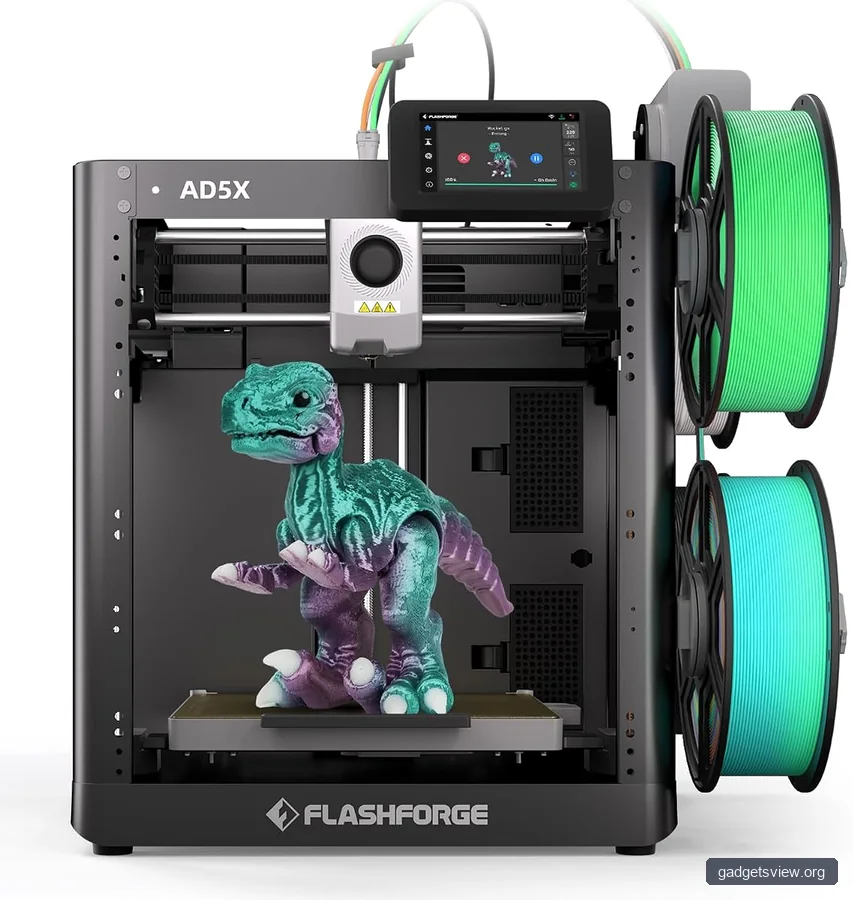
When shopping for a budget friendly 3d printer, focus on features that help you succeed early. Fancy extras are nice, but they should not outrank reliability. The goal is fewer failed prints and less frustration.
1. Automatic bed leveling
This feature can simplify the first layer, which is often the hardest part for beginners. A good first layer helps the rest of the print go smoothly. It does not replace good setup, but it can reduce one major source of error.
2. Simple touchscreen or clear controls
Easy menus can save time and confusion. New users often benefit from direct controls that clearly show temperature, leveling, and print progress. If the interface is confusing, even a good printer can feel difficult.
3. Reliable filament path
Extrusion problems can ruin prints quickly. Look for a machine with a clean filament path and easy access to the nozzle area. That makes maintenance simpler and jams easier to clear.
4. Strong community support
For beginners, a large user community is extremely valuable. You may find setup tips, troubleshooting guides, and part recommendations faster than official support alone. This matters even more for a low-cost printer.
5. Open material support
Most beginners should start with PLA because it is forgiving and widely supported. If you want flexibility later, confirm the printer can handle other common filaments with the right settings. Always verify the printer’s material guidance from the manufacturer before buying.
Common Mistakes Beginners Make When Buying Cheap
The lowest price can hide real problems. Many first-time buyers focus on the box price and forget to think about setup time, replacement parts, and print quality. A cheap printer that fails often can cost more in wasted filament and frustration.
- Buying based on price only. A low cost means little if the printer is hard to calibrate.
- Ignoring support and spare parts. If parts are hard to find, simple fixes become slow and expensive.
- Choosing a printer that is too advanced. Beginners often do better with simple, forgiving machines.
- Overlooking used-condition risks. A used 3d printer may need belts, fans, nozzles, or a new build surface.
- Assuming assembly is easy. A kit can be rewarding, but it is not always plug-and-play.
One useful rule is to buy for your current skill level, not your future one. If you want to learn gradually, a simpler printer is usually a better first purchase than a complex machine with many advanced settings.
Quick Decision Guide: Which Option Should You Buy?
| If you want… | Best choice | Why |
|---|---|---|
| The easiest first experience | New budget printer | Less risk, clearer setup, better support |
| The lowest purchase price | Used 3D printer | Can be cheaper if it is in good shape |
| A hands-on learning project | 3D printer kit | Teaches assembly, tuning, and maintenance |
| The least hassle over time | New beginner 3D printer | Usually the most balanced choice for beginners |
If you want a simple answer, most beginners should start with a new beginner 3d printer that has strong community support and easy leveling. That gives you the best mix of convenience and value. If you enjoy tinkering, then a kit or used machine may be more appealing.
FAQ
Is a budget friendly 3D printer good enough for beginners?
Yes, as long as it is stable, well-supported, and easy to learn. Many beginners do better with a simple machine than with a more expensive printer that has advanced features they do not need yet. The key is consistency, not complexity.
Should I buy a used 3D printer or a new one?
A used 3d printer can save money, but it comes with more risk. Choose used only if you are comfortable checking wear, asking questions, and replacing parts when needed. If you want fewer surprises, buy new.
Is a 3D printer kit a good first purchase?
A 3d printer kit is a good choice if you want to learn how the printer works and do not mind assembly. It can be very rewarding, but it usually takes more time and patience than a pre-assembled printer. Beginners who want fast results may prefer a ready-to-use model.
How much does a 3D printer cost after setup?
The machine price is only part of the total. You also need filament, replacement parts, and possibly tools or spare nozzles. When comparing options, think about the full ownership cost, not just the initial price tag.
What filament should beginners use first?
Most beginners start with PLA because it is easier to print with than many other materials. It is widely available and often works well on entry-level machines. Always verify the recommended materials for your printer before buying or printing.
Conclusion
The best budget friendly 3D printer for beginners is the one that helps you print successfully without making setup too hard. For most people, that means a new, easy-to-use model with strong support. If you like projects and do not mind troubleshooting, a used 3d printer or a 3d printer kit can also be a smart buy.
Before you purchase, compare ease of setup, support, part availability, and total cost. That simple checklist will help you choose a printer that fits your goals and your budget.