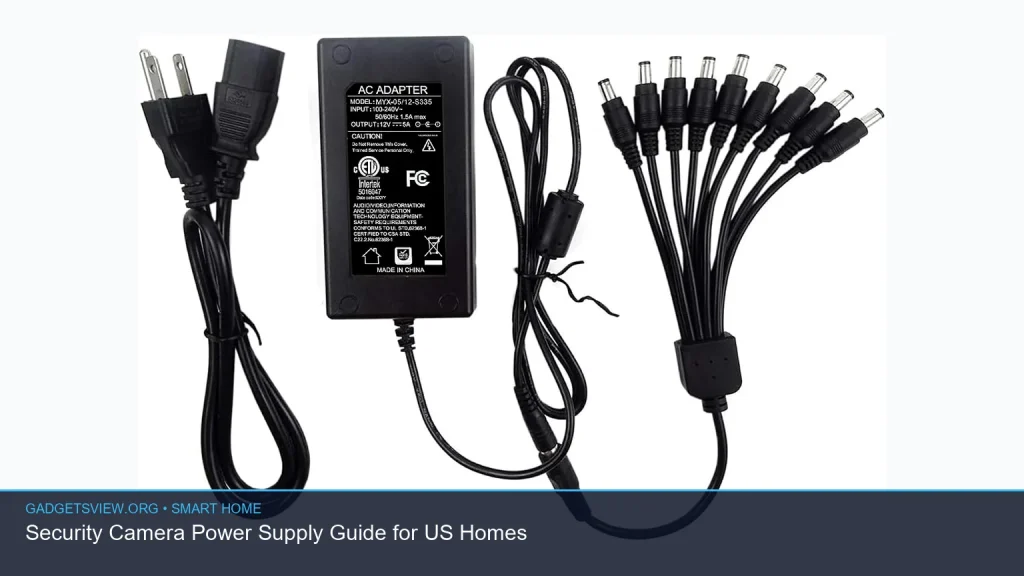
If you are planning a security camera power supply for a US home, the key is to match the camera type with the right power source, wire length, weather conditions, and backup plan. Some cameras need a simple outlet adapter. Others use PoE, low-voltage wiring, or battery power with charging. The best choice depends on where the camera is mounted, how far it is from power, and whether you want easy setup or a more permanent install. This guide explains the main options, what to check before buying, and how to avoid common power problems.
📖 Table of Contents
- What a Security Camera Power Supply Actually Does
- Common Power Options for US Homes
- How to Choose the Right Security Camera Power Supply
- PoE, Plug-In, Battery, or Hardwired: Which Is Best?
- Installation Tips That Help Prevent Power Problems
- Troubleshooting a Security Camera Power Supply
- Safety Rules to Follow in US Homes
- FAQ
- Conclusion
📌 Key Takeaways
- The right security camera power supply depends on camera type, distance from an outlet, and whether you want wired, PoE, or battery power.
- For stable uptime, check voltage, amperage, cable length, and whether the camera or power adapter is rated for indoor or outdoor use.
- PoE is often the cleanest choice for new installs because it sends power and data through one cable, but it needs compatible equipment.
- Always plan for weather, surge protection, and backup power if your cameras protect entry points or critical areas.
What a Security Camera Power Supply Actually Does
A security camera power supply turns household power into the right electrical output for the camera. That may be a standard wall adapter, a low-voltage DC adapter, a PoE switch, a transformer, or a rechargeable battery system. The goal is simple: keep the camera on, stable, and safe.
Not every camera uses power the same way. Some plug into a nearby outlet. Others need power over Ethernet. Wireless cameras may still need a cord if they are not battery powered. Before choosing a setup, confirm the camera’s required voltage and connector type in the manual or product label.
Common Power Options for US Homes
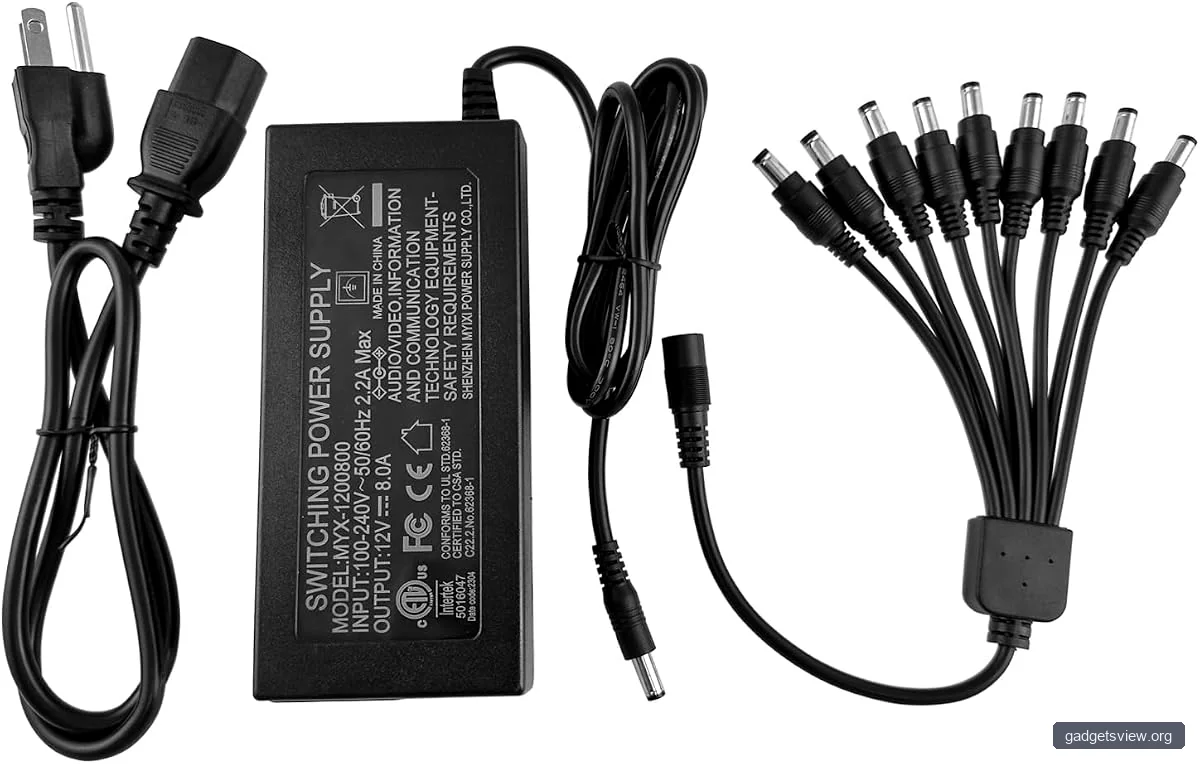
Most home security setups fall into a few power categories. Each one has trade-offs in convenience, installation effort, and reliability. The best option is usually the one that fits your layout without forcing long extension runs or unsafe wiring.
| Power Option | Best For | Strengths | Limitations |
|---|---|---|---|
| Plug-in AC adapter | Indoor cameras or outdoor cameras near outlets | Simple setup, common, easy to replace | Needs outlet access, cord management matters |
| PoE | New installs, wired networks, multiple cameras | One cable for power and data, stable connection | Needs PoE equipment and cable planning |
| Low-voltage wired power | Permanent mounts with hidden wiring | Clean look, reliable when installed well | More labor, must match voltage and wire size |
| Battery power | Rental homes, hard-to-wire spots | Flexible placement, fewer cables | Needs recharging or battery changes |
Who should choose what? If you want the easiest setup, a plug-in adapter is often best. If you want a neater and more dependable multi-camera system, PoE is often the better long-term choice. If wiring is difficult or not allowed, battery power can be the most practical option.
How to Choose the Right Security Camera Power Supply
Start with the camera, not the cable. The camera’s power label tells you the required voltage, current, and connector type. Using the wrong output can cause unstable performance, restarts, poor video quality, or damage.
Then look at the install path. A camera on a front porch may reach an outlet easily. A camera on a detached garage or long driveway may need a different plan. If you are running cable through walls or outdoors, check local electrical rules and consider a licensed electrician for permanent wiring.
Selection criteria that matter most
- Voltage match: The adapter output must match the camera requirement.
- Current capacity: The power supply should provide at least the camera’s required amperage.
- Cable length: Longer runs can cause voltage drop if the wire is too thin.
- Indoor vs. outdoor rating: Outdoor gear should be rated for the weather it will face.
- Backup needs: If power loss is a concern, consider battery backup or a UPS.
For US homes, it also helps to think about standard outlet placement and attic access. A power source that looks simple on paper may be awkward once you factor in walls, soffits, and mounting height. Good planning saves time and reduces the chance of unsafe cord runs.
PoE, Plug-In, Battery, or Hardwired: Which Is Best?
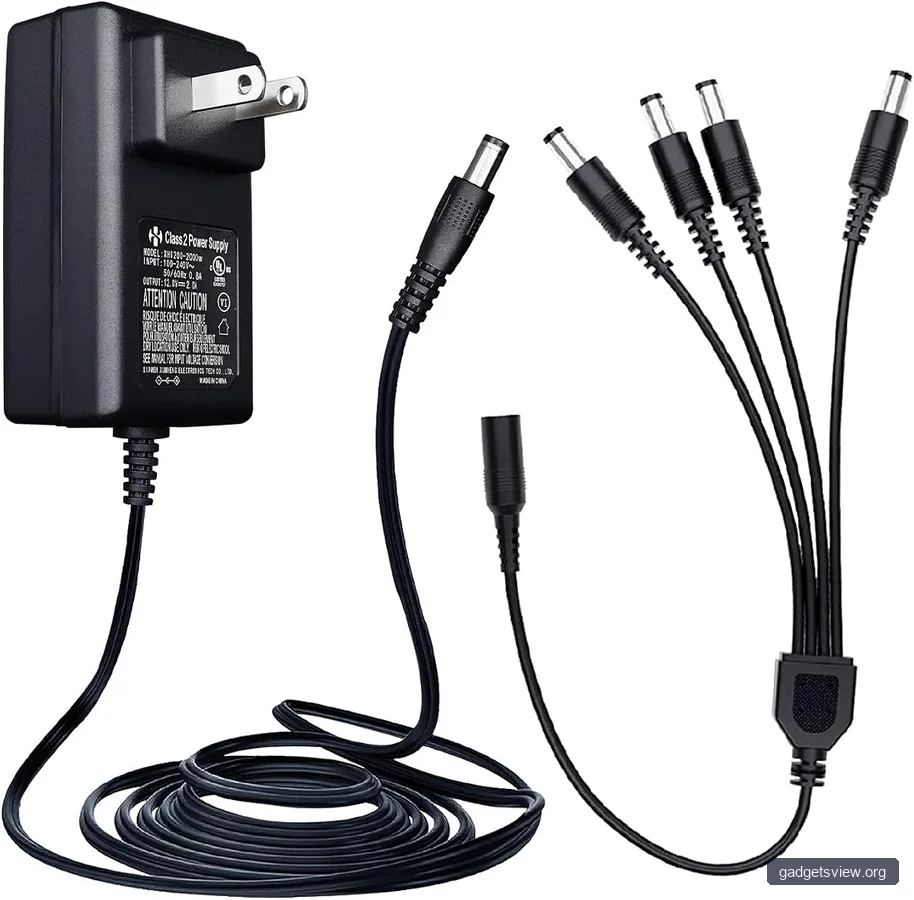
Different homes need different power strategies. The right choice depends on whether you value speed, appearance, uptime, or installation ease. Here is a practical way to compare the main paths.
| Option | Best Use Case | Main Advantage | Main Drawback |
|---|---|---|---|
| PoE | Structured home installs | Clean and dependable | Requires compatible network gear |
| Plug-in adapter | Quick install near an outlet | Easy and low effort | Visible cord and outlet dependence |
| Battery | Temporary or flexible placement | No wiring required | Ongoing charging and maintenance |
| Hardwired low-voltage | Permanent outdoor placement | Durable and tidy | More complex installation |
Verdict: Choose PoE if you are building a more permanent system and want simple cabling. Choose plug-in power if you want an easy install near an outlet. Choose battery power if flexibility matters most. Choose hardwired low-voltage power if you want a cleaner permanent setup and are comfortable with a more involved install.
Installation Tips That Help Prevent Power Problems
A camera that gets the wrong amount of power may reboot, disconnect, or miss motion events. Careful installation helps prevent those issues. Small mistakes, like using a cable that is too thin or leaving a connector exposed to rain, can cause bigger problems later.
- Confirm the camera label first. Match the voltage, polarity, and current needs before running any cable.
- Measure the distance. Long runs may need thicker cable or a different power method.
- Keep outdoor connections protected. Use weather-rated parts and seal exposed areas properly.
- Separate power from data when needed. Avoid clutter and reduce interference where possible.
- Test before final mounting. Power the camera and confirm live video, night vision, and motion alerts.
- Add surge and backup protection. A UPS or surge protector can help during storms or outages.
If you are mounting outdoors, also think about temperature and sunlight. Power adapters and connectors can fail sooner when they are exposed to heat, moisture, or direct rain. A sheltered location often lasts longer than an exposed one.
Troubleshooting a Security Camera Power Supply
If your camera is not working as expected, power is one of the first things to check. Many issues that look like Wi-Fi trouble or app problems are really power problems in disguise. A simple checklist can save time.
| Symptom | Likely Cause | What to Check First |
|---|---|---|
| Camera keeps restarting | Undersized adapter or voltage drop | Power rating, cable length, connector fit |
| No power light | Bad outlet, failed adapter, loose plug | Outlet, adapter, and cable continuity |
| Night vision fails at dusk | Unstable power under load | Amperage headroom and cable quality |
| Camera works indoors but not outside | Weather exposure or poor sealing | Outdoor rating and junction protection |
If a camera fails only at certain times, the issue may be load-related. For example, infrared night vision can draw more power than daytime use. That means a weak adapter may seem fine until the camera switches modes.
Safety Rules to Follow in US Homes
Power and wiring should be handled carefully. For plug-in systems, keep cords neat and away from damage. For outdoor installations, use products meant for exterior use and avoid running cables where they can be pinched, cut, or soaked.
If you need new electrical wiring, contact a qualified professional. Permanent wiring, junction boxes, and hidden cable runs may be subject to local code rules. When in doubt, it is safer to verify before installing than to fix a risky setup later.
Also, avoid mixing random adapters and cameras unless the output matches exactly. Even if a plug fits, that does not mean the power is correct. Voltage mismatch can damage the camera or shorten its life.
FAQ
Can I use any adapter for my security camera?
No. The adapter must match the camera’s required voltage, polarity, and current needs. A plug that fits is not enough. Check the camera label or manual before using a replacement power supply.
Is PoE better than a regular plug-in power supply?
PoE is often better for permanent wired installs because it combines data and power in one cable. It can be cleaner and more reliable. A plug-in adapter is still a good choice when the camera is close to an outlet and you want a simpler setup.
Do outdoor cameras need special power supplies?
Usually, yes. Outdoor setups should use weather-rated equipment and protected connections. Even if the camera itself is outdoor-ready, the power supply and cable path also need to handle moisture, heat, and exposure.
What causes a camera to lose power at night?
Night vision often increases power demand. If the adapter or cable is weak, the camera may fail when infrared lights turn on. Check the power rating, cable length, and connector quality.
Should I use a UPS for security cameras?
A UPS can be a smart choice if you want cameras to keep running during short outages. It is especially useful for entry points, garages, or other key areas. Verify the total load before choosing a UPS.
Conclusion
The best security camera power supply is the one that fits your camera, your home layout, and your reliability needs. Start by checking the camera’s power requirements, then choose between plug-in, PoE, hardwired low-voltage, or battery power based on placement and permanence. If the install is outdoors or complex, protect connections and consider professional help.
For the smoothest setup, measure first, match the specs, and test before final mounting. That simple process prevents many common camera power issues and helps your system stay on when it matters most.