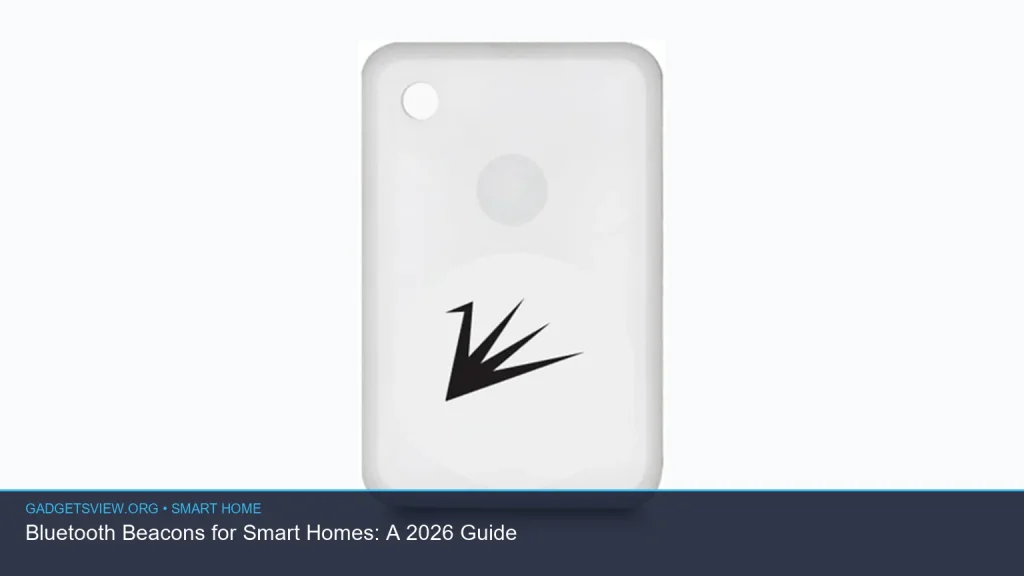
Bluetooth beacons are small, low-power wireless devices that can help a smart home respond to where you are, what room you’re in, and what device you’re near. In 2026, they matter most for convenience, automation, and location-based control, not for replacing your Wi-Fi or your smart hub. If you want lights, locks, speakers, or routines to react more naturally as you move through the house, beacons can be a useful layer. This guide explains what they do, where they fit, and how to decide whether they make sense for your home.
📖 Table of Contents
- What Bluetooth Beacons Do in a Smart Home
- How Bluetooth Beacons Work with Other Smart Home Tech
- Where Bluetooth Beacons Fit Best
- Choosing the Right Setup: What to Look For
- How to Set Up Bluetooth Beacons the Smart Way
- Troubleshooting Common Bluetooth Beacon Problems
- Privacy, Security, and Battery Life Considerations
- Frequently Asked Questions
- Conclusion: Is a Bluetooth Beacon Setup Worth It?
📌 Key Takeaways
- Bluetooth beacons use short-range signals to support room-level awareness and simple automations.
- They work best as a helper technology, not as the main network for a smart home.
- Placement and app support matter more than raw hardware specs for good results.
- Privacy settings, battery upkeep, and testing routines are key to reliable use.
What Bluetooth Beacons Do in a Smart Home
Bluetooth beacons are small transmitters that send out a signal at regular intervals. Nearby phones, hubs, or smart home devices can detect that signal and use it as a location cue. That makes them useful for simple actions like turning on lights when you enter a room or triggering a scene when a family member arrives home.
In practice, bluetooth beacons add context. They can help a system know not just that a phone is connected, but that someone is near the kitchen, front entry, or garage. That can make automations feel less random and more natural.
Common smart home uses
- Room-based lighting scenes
- Entry or exit automations
- Presence-aware reminders
- Hands-free app triggers on nearby phones
- Asset or device location support in larger homes
How Bluetooth Beacons Work with Other Smart Home Tech
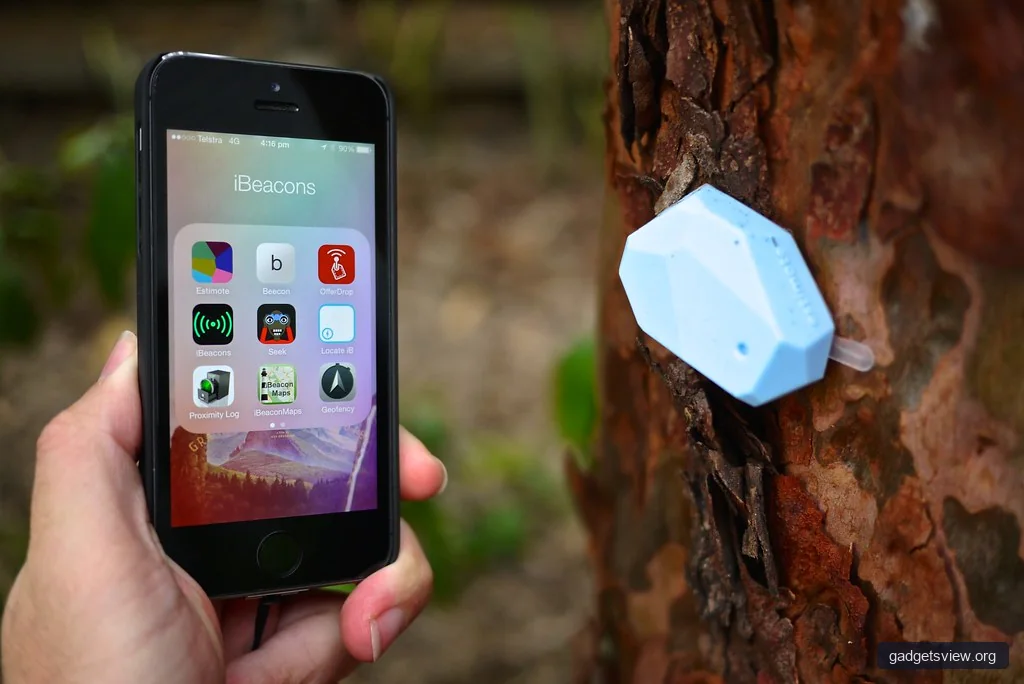
Bluetooth beacons are not meant to do everything by themselves. They usually work alongside a smart home platform, phone app, bridge, or hub that can read the beacon signal and turn it into an action. In many homes, the beacon is just the trigger, while the platform handles the actual automation.
This matters because the quality of the experience depends on software support. A beacon can be technically fine but still underperform if your app cannot detect it reliably or if your automations are too broad. Before buying anything, check whether your smart home ecosystem supports beacon-based triggers.
Best-fit roles for beacons
Think of bluetooth beacons as a location layer. Wi-Fi handles internet access, Zigbee or Z-Wave may handle sensors and low-power devices, and beacons help define proximity. That mix often gives you better control than relying on one wireless method alone.
Where Bluetooth Beacons Fit Best
Bluetooth beacons make the most sense in homes where location matters. If you want a light to change when you enter the bedroom, a speaker to wake with your presence, or a routine to launch near the garage, beacons can help create that behavior. They are especially useful when GPS is too rough indoors and motion sensors are too narrow in coverage.
They are less useful when you need long-range coverage or complex whole-home networking. Beacons are short-range by design, so they work best in targeted spots. That means careful placement is more important than buying more devices.
Good scenarios
- Apartment or condo entry automation
- Single-room or zone-based control
- Senior-friendly reminder systems
- Kids’ room routines and bedtime scenes
- Garage, mudroom, or hallway triggers
Less ideal scenarios
- Large homes with many dead zones
- Setups that need precise tracking through walls
- Homes where users disable Bluetooth often
- Systems with poor app support for location triggers
Choosing the Right Setup: What to Look For
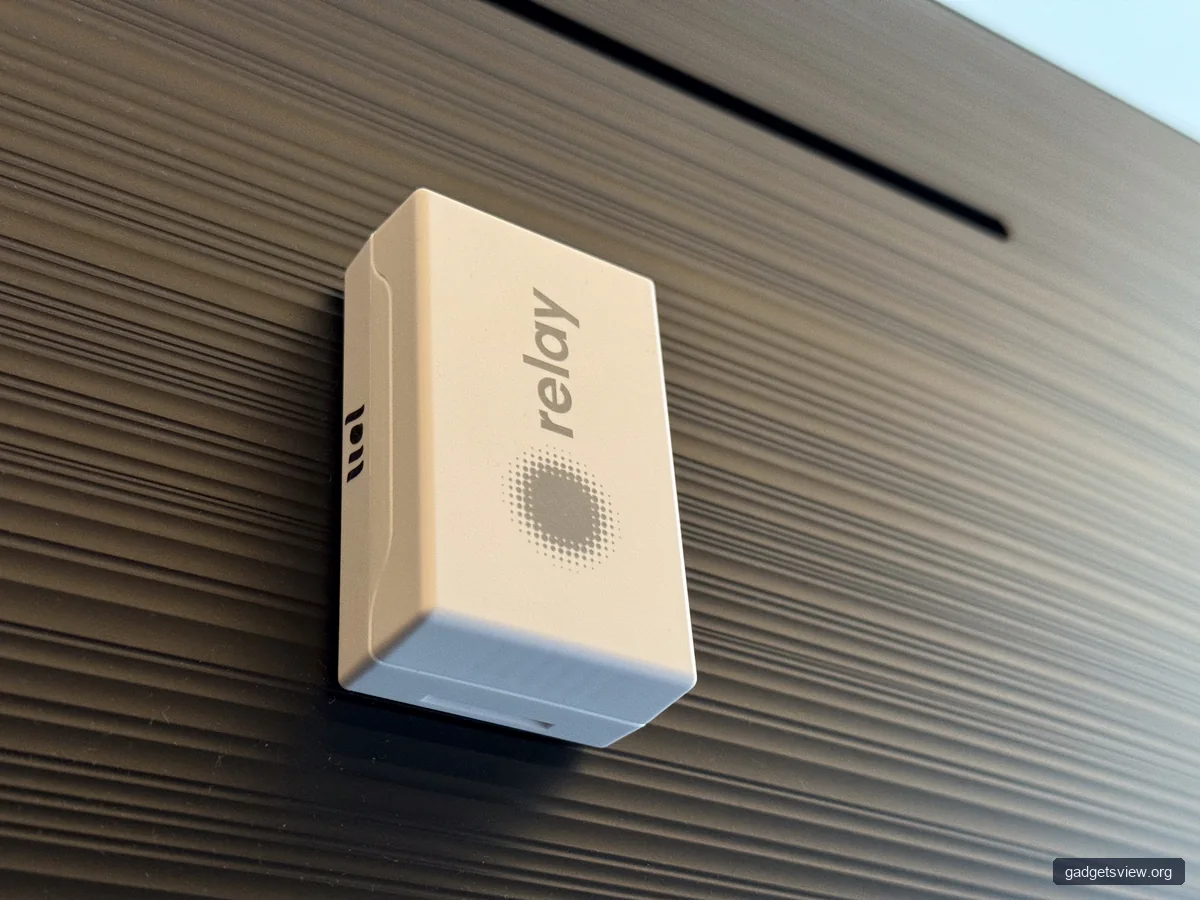
If you are comparing options, focus on compatibility, battery life, placement, and management tools. The most advanced beacon is not always the best choice if your platform cannot use it well. For most buyers, the real question is whether the beacon fits the software and home layout you already have.
| Selection Criterion | Why It Matters | What to Check |
|---|---|---|
| Platform support | Controls whether automations actually work | Native support, app integrations, hub compatibility |
| Range and placement | Affects detection reliability | Room size, wall interference, mounting location |
| Battery upkeep | Impacts long-term maintenance | Replacement method, low-battery alerts, accessibility |
| Privacy controls | Important for location-aware systems | Permissions, user profiles, data handling options |
Strengths
- Low power use
- Simple room-level triggers
- Helpful for presence-aware routines
- Works well in compact spaces
Limitations
- Short range
- Needs compatible software
- May require battery changes
- Can be affected by walls, metal, and interference
Who should choose what
If you want quick, local automations in a few rooms, bluetooth beacons are a good fit. If you want broad house-wide sensing, a different mix of motion sensors, smart switches, and hub-based presence tools may be better. For many homes, the best answer is not beacon-only or sensor-only, but a combination.
How to Set Up Bluetooth Beacons the Smart Way
A good setup starts with one clear goal. Do not try to automate the entire home at once. Start with a single entry point, hallway, or room, then expand once you know the system is stable.
- Pick one use case. For example, trigger a foyer light when you arrive home.
- Confirm software support. Make sure your smart home app or hub can read beacon signals.
- Place the beacon carefully. Mount it where the signal is strong, but not so broad that it spills into nearby rooms.
- Name everything clearly. Use room-based labels that are easy to recognize later.
- Test the automation in real life. Walk the path you normally take and check for misses or false triggers.
- Tighten the rules. Add time windows, user filters, or delay settings if needed.
Caution matters here. A beacon that is too close to a doorway may trigger from the wrong side of a wall. One that is hidden too deeply in furniture or behind metal can become inconsistent. Small placement changes often solve problems faster than app settings do.
Troubleshooting Common Bluetooth Beacon Problems
Most beacon issues come from placement, power, or app permissions. Before replacing hardware, check the basics. Many smart home failures are really setup problems, not device defects.
| Problem | Likely Cause | What to Try First |
|---|---|---|
| Automation does not trigger | Permissions or platform mismatch | Check app access, beacon support, and hub settings |
| False triggers | Range overlap or poor placement | Move the beacon or narrow the trigger rules |
| Weak or inconsistent signal | Battery issues or interference | Replace battery, avoid metal surfaces, retest location |
| Works for one user but not another | Profile or phone settings | Review Bluetooth, location, and app permissions on each device |
Privacy, Security, and Battery Life Considerations
Because bluetooth beacons are tied to presence and location, privacy deserves attention. Review what data your smart home app collects, who can see it, and whether family members can opt out of certain automations. In shared homes, clear naming and separate user profiles can reduce confusion.
Battery life is the other practical issue. Beacons are meant to be low-power, but they still need maintenance. Set reminders to check batteries and test automations on a regular schedule so you do not find problems only after a routine fails.
Simple best practices
- Use the lowest level of location tracking that still works.
- Limit automations to useful tasks, not constant tracking.
- Review permissions after app updates.
- Keep a spare battery on hand if your beacon uses replaceable power.
Frequently Asked Questions
Are bluetooth beacons the same as Bluetooth trackers?
No. Trackers are usually built to help you find lost items, while beacons are designed to broadcast a signal that other devices can use for location-based automations. Some devices may overlap in function, but the goal is different.
Do bluetooth beacons work without Wi-Fi?
They can still broadcast without Wi-Fi, but your smart home system may need Wi-Fi or another network path to receive the signal and run automations. The beacon itself is only one part of the setup.
Can bluetooth beacons control every smart home device?
Not directly. They can act as triggers, but the device being controlled must be supported by your smart home platform. Check integration support before building a routine around them.
Are bluetooth beacons hard to set up?
They are usually simple to place and pair, but the logic behind them can take some testing. The easiest setups are one-room or one-entry automations with clear rules.
What is the biggest mistake people make with bluetooth beacons?
The most common mistake is expecting perfect room detection without testing placement. Signal range, walls, and nearby electronics can all affect reliability, so fine-tuning matters.
Conclusion: Is a Bluetooth Beacon Setup Worth It?
For the right smart home, bluetooth beacons are a practical way to add room-level awareness and smoother automations. They are not a replacement for your main smart home network, but they can make everyday routines feel more responsive and personal. Start with one clear use case, test placement carefully, and expand only after the first automation works well.
If you are building a smarter home in 2026, think of bluetooth beacons as a precision tool. Use them where proximity matters most, keep privacy in mind, and pair them with the rest of your smart home ecosystem for the best result.