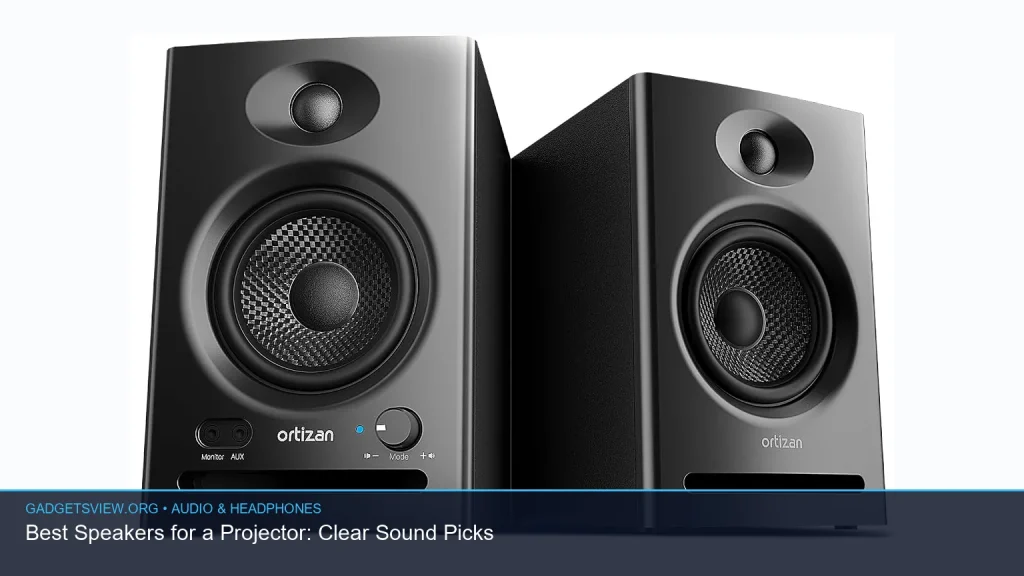
If you need speakers for a projector, the best choice depends on how you watch, where you watch, and how much setup you want. Some people need simple wired speakers for a living room or office. Others want a portable Bluetooth set for backyard movie nights. Below, you’ll find clear recommendations, what each type does best, and how to choose a model that fits your projector setup without overbuying.
📖 Table of Contents
- What to look for in speakers for a projector
- Best speakers for a projector by use case
- Why wired speakers still make the most sense for many projector owners
- When Bluetooth speakers are the better fit
- Which product type fits your room and budget style
- How to set up speakers for a projector the right way
- Common mistakes to avoid before buying
- FAQ about speakers for a projector
- Final verdict: the best speakers for a projector depend on your setup
Products mentioned
- OR O R O W OROW Computer Speakers,12W Mini Desktop Speaker with Volume Control, 3.5mm AUX Speaker, USB Powered Laptop Speakers,Great for PC/Monitor/mac/iMac/Pro
View current product details - FUNLOGY Speaker
View current product details - SOWO Wireless Dual Bluetooth Speakers Set, Stereo Sound, Adjustable Stands
View current product details - 1Mii 3.5mm Computer Speakers for Desktop Laptop Tablet with Volume Control
View current product details - Amazon Basics Stereo 2.0 Speakers for PC or Laptop with Volume Control, 3.5mm Aux Input, USB-Powered, 1 Pair, Black
View current product details - LENRUE G11 Computer Speakers for Desktop, Touch Lights PC Speakers with Surge Clear Sound, USB C/USB Powered, AUX Audio for Computer Desktop PC Laptop Desk
View current product details
Availability, specifications, and prices can change; verify them on the product page.
📌 Key Takeaways
- Match the connection first: use 3.5mm AUX, USB power, or Bluetooth based on your projector’s outputs.
- Best overall for simplicity: compact wired desktop speakers are often the easiest low-fuss option.
- Best for flexibility: Bluetooth speaker sets are useful when the projector is used in different rooms or outdoors.
- Check for latency and placement: audio delay and speaker location can matter as much as sound quality.
What to look for in speakers for a projector
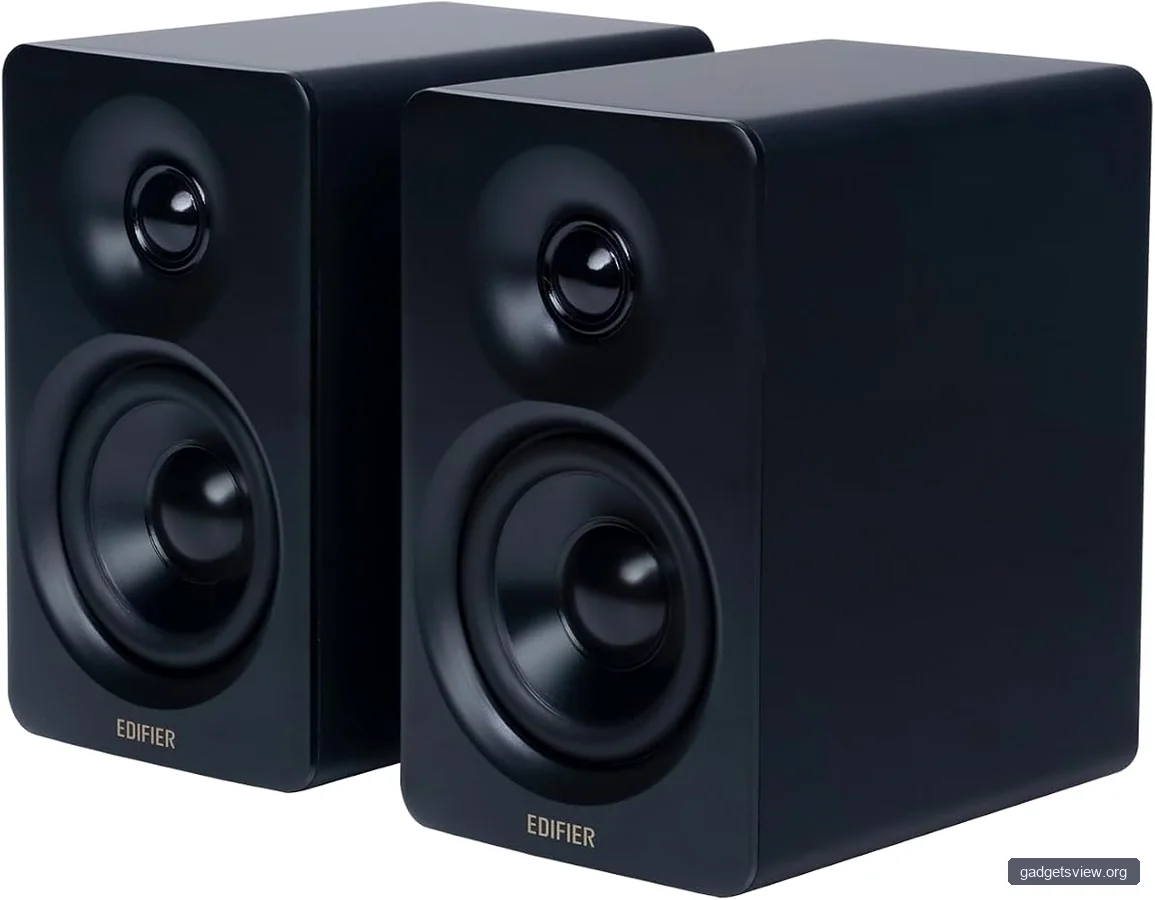
The right speaker choice starts with your projector’s audio outputs. Many projectors still rely on a 3.5mm audio jack, while others support Bluetooth or external audio through a receiver, soundbar, or streaming device. If the connection does not match, even a good speaker can be frustrating to use.
Think about the room too. In a small bedroom or office, compact speakers may be enough. For a larger wall projection or movie night setup, you may want louder stereo sound, better bass, or a wireless pair that can be placed farther apart.
Selection criteria that matter most
- Connection type: AUX, Bluetooth, USB power, or a mix of these.
- Ease of setup: plug-and-play is better for casual projector users.
- Stereo separation: two speakers or a paired set can improve movie dialogue and effects.
- Placement: compact speakers are easier to position near a screen or on a shelf.
- Use case: indoor movie nights, presentations, dorm rooms, or outdoor viewing.
Best speakers for a projector by use case
Because “best” depends on your setup, it helps to compare the common options by strengths and tradeoffs. The products below surfaced during research and are useful examples of the kinds of speakers that often fit projector use. Use them as starting points, then verify current specs and compatibility before buying.
| Option | Best for | Strengths | Limitations |
|---|---|---|---|
| Amazon Basics Stereo 2.0 Speakers | Simple indoor projector setups | Wired, easy to place, familiar desktop format | Not ideal for larger rooms without stronger output |
| 1Mii 3.5mm Computer Speakers | Budget-conscious desktop or bedroom use | Compact, straightforward, typically easy to connect | May not satisfy users wanting fuller movie sound |
| LENRUE G11 Computer Speakers | Desk setups and casual media viewing | USB-powered, AUX support, simple desktop footprint | Desktop styling may not suit larger entertainment areas |
| SOWO Wireless Dual Bluetooth Speakers Set | Portable movie nights and flexible placement | Wireless convenience, stereo pair, adjustable stands | Bluetooth can introduce delay depending on the source |
| FUNLOGY Speaker | Minimalist setups where small size matters | Potentially simple and compact for casual use | Verify inputs and power method before pairing with a projector |
| OR O R O W OROW Computer Speakers | Basic projector audio for monitors, laptops, and desktops | Compact form factor, USB-powered, AUX connection | Best suited to close-range listening, not big-room sound |
Why wired speakers still make the most sense for many projector owners
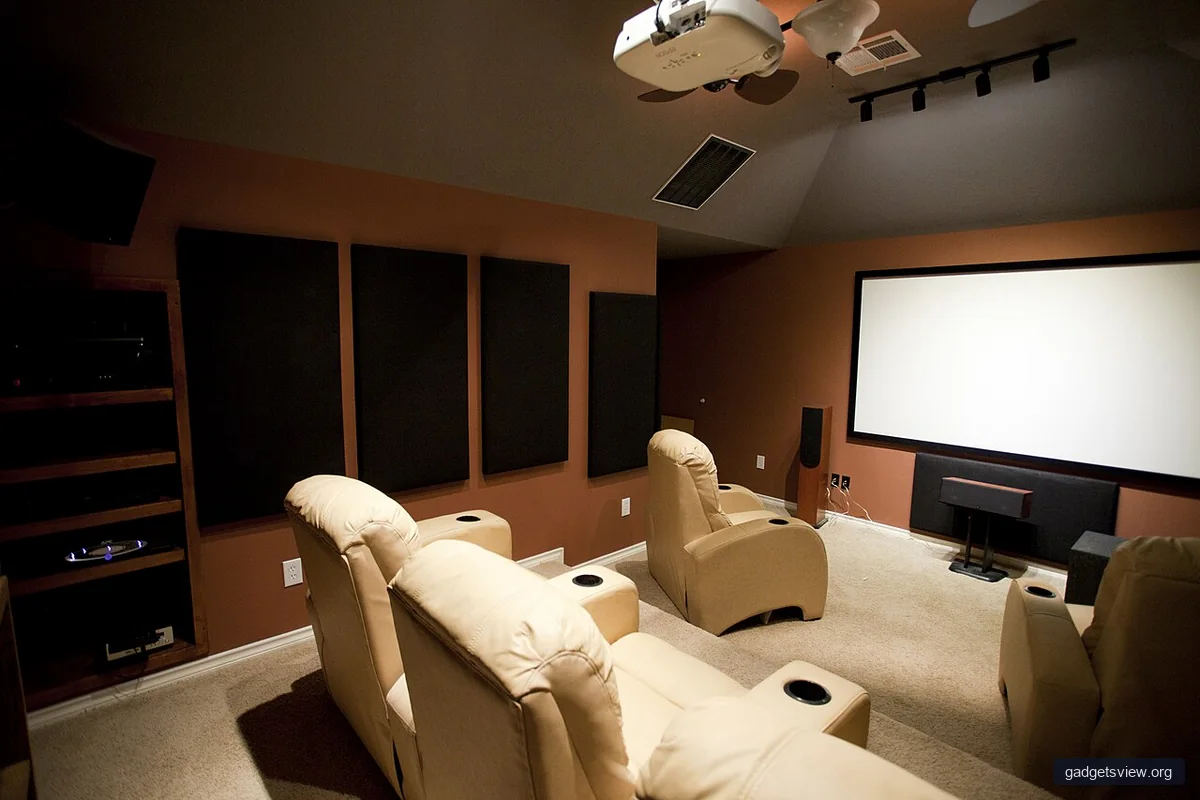
For many users, wired speakers are the easiest and most dependable answer. A 3.5mm AUX connection avoids Bluetooth pairing issues and usually keeps setup simple. If your projector has a headphone or audio-out jack, this is often the quickest path to better sound.
Wired options also work well in fixed spaces, like a bedroom wall, home office, or small living room. You plug in the audio cable, power the speakers, and you are ready to go. That makes products like the Amazon Basics Stereo 2.0 Speakers, 1Mii 3.5mm Computer Speakers, and LENRUE G11 Computer Speakers practical choices for many projector users.
Who should choose wired speakers
- People who want the least complicated setup.
- Users who keep the projector in one room.
- Viewers who prefer stable audio with no pairing steps.
- Anyone using a projector for presentations or casual streaming.
When Bluetooth speakers are the better fit
Bluetooth speakers make sense when portability matters. If you move your projector between rooms or use it outdoors, a wireless pair can reduce cable clutter and give you more placement options. The SOWO Wireless Dual Bluetooth Speakers Set is a relevant example of a projector-friendly wireless setup because it focuses on stereo sound and adjustable positioning.
That said, Bluetooth is not always the best choice for video. Some setups may introduce a small audio delay, which can be distracting during movies or gaming. If you use wireless speakers, check whether your projector or source device supports latency-friendly audio features, and verify compatibility before buying.
Pros and limitations of Bluetooth
- Pros: cleaner setup, easier portability, flexible placement.
- Limitations: possible audio delay, battery management on some models, pairing steps.
Which product type fits your room and budget style
The right pick is usually the one that matches your room size and viewing habits. Small speakers can sound fine at close range, but they may struggle in open spaces. A projector used for a 100-inch wall image in a living room often benefits from a stronger stereo pair than a laptop-style desk setup.
If you want a compact and affordable path, the Amazon Basics Stereo 2.0 Speakers, 1Mii 3.5mm Computer Speakers, LENRUE G11 Computer Speakers, and OR O R O W OROW Computer Speakers fit the “simple wired desktop” category. If flexibility matters more than simplicity, the SOWO Wireless Dual Bluetooth Speakers Set is the more adaptable style. If you want a smaller, less cluttered option, the FUNLOGY Speaker may be worth checking, but confirm exact connection and power details first.
Who should choose what
- Choose wired desktop speakers if you want easy setup and reliable audio.
- Choose Bluetooth speakers if you move your projector often or need fewer cables.
- Choose a stereo pair if dialogue clarity and separation matter to you.
- Choose a compact single speaker if space is tight and the setup is casual.
How to set up speakers for a projector the right way
A good speaker can still sound poor if it is placed badly. For the clearest results, keep the speakers near the front of the room and aim them toward the listening area. If you use a stereo pair, place the speakers a few feet apart when possible so sound does not collapse into the center.
Also check your audio source settings. If you are streaming through a device attached to the projector, the source device may control the sound output, not the projector itself. If dialogue sounds delayed or thin, test both the projector’s audio output and the source device’s audio settings.
Quick setup checklist
- Confirm your projector’s audio output type.
- Pick wired AUX or Bluetooth based on that output.
- Connect power through USB or the speaker’s included power method.
- Place speakers toward the listening area, not behind the projector.
- Test a movie scene with dialogue and music to check balance and delay.
Common mistakes to avoid before buying
The biggest mistake is buying speakers that do not match the projector’s outputs. A second mistake is assuming all Bluetooth speakers will sound synchronized with video. A third is choosing a tiny speaker for a large room and expecting theater-like sound.
It also helps to avoid overfocusing on brand name alone. For projector use, the real questions are connection, size, placement, and audio timing. If those line up, even a simple speaker can be a good solution.
FAQ about speakers for a projector
Can I use regular computer speakers with a projector?
Yes, if the projector has a compatible audio output such as a 3.5mm jack, or if your source device can send audio to the speakers. Many desktop-style speakers work well for this use.
Is Bluetooth good for projector sound?
It can be, especially for portable setups. Just be aware that some Bluetooth connections may have a slight delay, so it is smart to test video playback before a movie night.
Do I need stereo speakers for a projector?
Not always, but stereo speakers usually give better separation for dialogue, music, and effects. They are often a better fit for movies than a single small speaker.
What if my projector has no audio output?
Check whether your streaming device, laptop, or media player can output audio directly to the speakers. In some setups, that is the simplest workaround.
Are USB-powered speakers enough for a projector?
Yes for many small rooms and casual setups. USB power is convenient, but the overall sound level still depends on the speaker design and room size.
Final verdict: the best speakers for a projector depend on your setup
If you want the safest all-around answer, choose wired stereo speakers with a 3.5mm AUX connection. For that style, the Amazon Basics Stereo 2.0 Speakers, 1Mii 3.5mm Computer Speakers, and LENRUE G11 Computer Speakers are the most natural fits from the products surfaced in research. If portability and flexible placement matter more, a wireless pair like the SOWO Wireless Dual Bluetooth Speakers Set is the stronger direction.
Before you buy, check your projector’s outputs, decide where the speakers will sit, and think about whether you need wired simplicity or wireless freedom. That one decision will narrow the field fast and help you choose speakers that actually improve your projector experience.