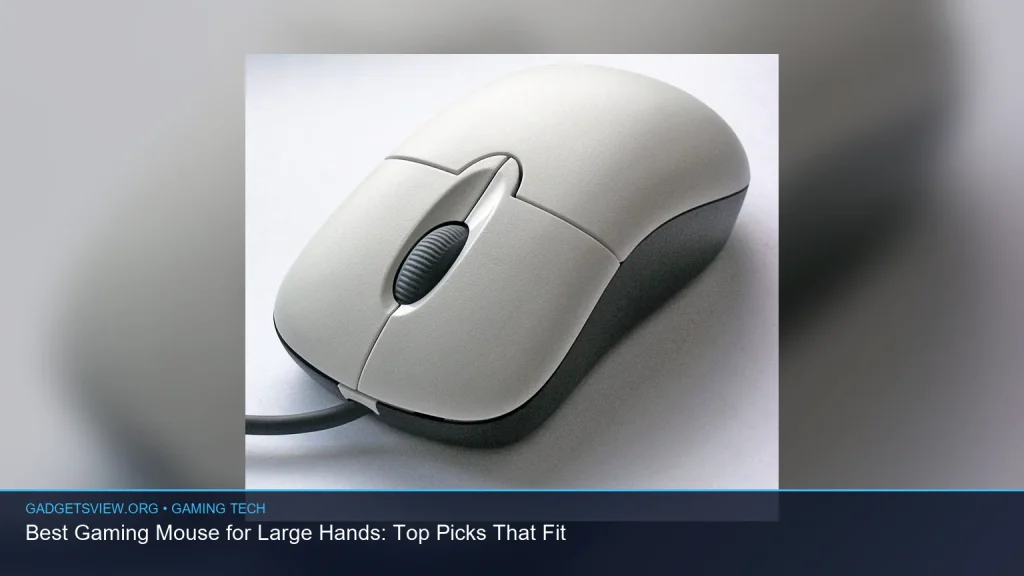
If you have large hands, the best gaming mouse for large hands is the one that lets your palm rest naturally, keeps your fingers relaxed, and still gives you fast, accurate control. The right shape matters more than flashy RGB or extra buttons. In this guide, you’ll learn how to judge fit, what features matter most, and which mouse styles are usually best for bigger hands. By the end, you’ll know how to narrow the choices to a comfortable, competitive pick for your grip style and game type.
📖 Table of Contents
- What makes a gaming mouse fit large hands well?
- How to choose the best gaming mouse for large hands
- Best shape types for bigger hands
- Important features to prioritize before you buy
- Who should choose what: practical verdict by user type
- How to test fit before you commit
- Common mistakes large-handed gamers should avoid
- FAQ
- Conclusion: choose comfort first, then fine-tune performance
📌 Key Takeaways
- For large hands, shape and length matter more than raw sensor specs.
- Look for a taller hump, longer body, and enough width for relaxed finger placement.
- The best fit depends on your grip style: palm, claw, or fingertip.
- Compare shape, weight, button layout, and side support before you buy.
What makes a gaming mouse fit large hands well?
A mouse for large hands should support your hand without forcing your wrist or fingers into a tight posture. If the shell is too short, your palm may hang off the back. If it is too narrow, your fingers can feel cramped or your grip can become tense.
The best fit usually starts with overall size, but shape is just as important. A mouse with a higher back can give palm support, while a longer body can help larger hands rest more fully across the shell.
Key fit traits to look for
- Length: Helps your palm sit on the mouse instead of overhanging it.
- Width: Gives your fingers room to relax on the sides.
- Height or hump: Supports the center of the palm, especially for palm grip.
- Button reach: Should not force your fingers to stretch too far forward.
- Side contour: Helps with control and reduces hand strain.
Two mice can have similar specs and still feel very different in hand. That is why shape is often the deciding factor for large-handed players, not sensor marketing or software features.
How to choose the best gaming mouse for large hands
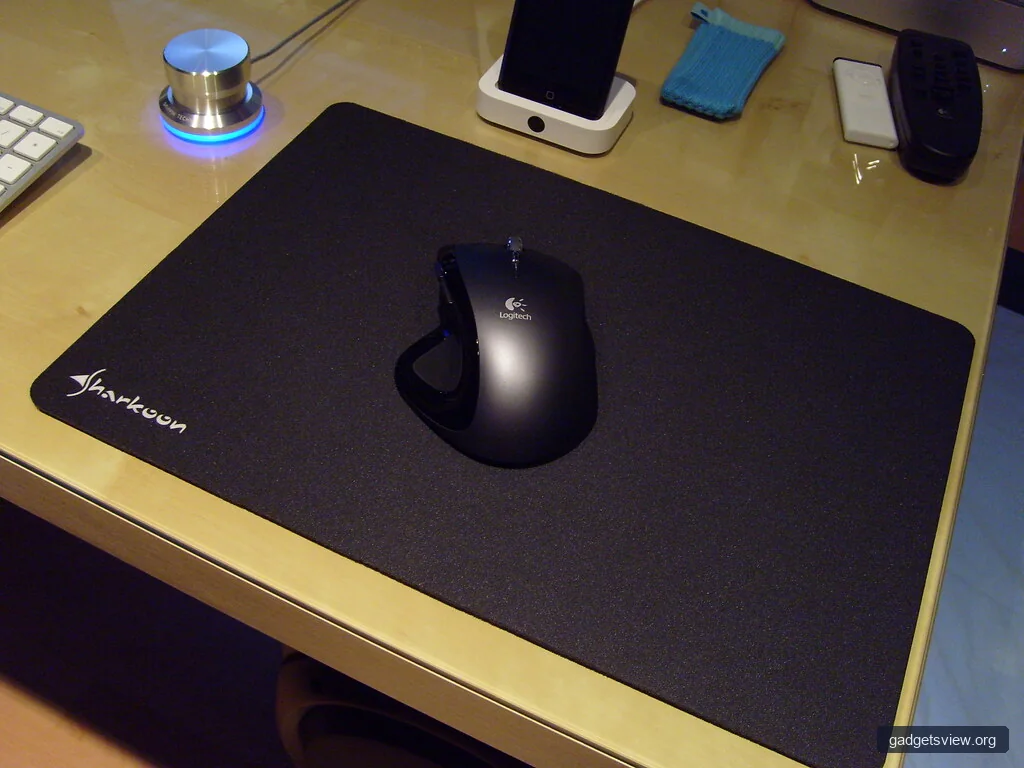
If you want the best gaming mouse for large hands, start by matching the mouse to your grip style. A large mouse that feels perfect for palm grip may feel clumsy for fingertip grip. The goal is comfort and control, not just bigger dimensions.
| What to compare | Why it matters | Best for |
|---|---|---|
| Length and width | Affects palm support and finger room | Large hands, palm grip |
| Hump position | Changes wrist angle and hand comfort | Palm and claw grip |
| Weight | Impacts speed and fatigue | Fast-paced FPS, long sessions |
| Button placement | Affects access to clicks and macros | MMO, MOBA, productivity |
| Surface coating | Changes grip security during long use | Sweaty hands, long sessions |
Select by grip style
Palm grip: Usually works best with larger mice that have a fuller back and wider body. This grip spreads the hand across the mouse, so a short shell can feel unstable.
Claw grip: Can work well with medium-to-large mice that still give some palm support. A slightly shorter or more sculpted shell can help keep the fingers arched without feeling cramped.
Fingertip grip: Needs less overall size, but large hands may still prefer a wider shape for stability. Too small a mouse can feel twitchy or hard to guide.
Best shape types for bigger hands
There is no single perfect shape for everyone with large hands. Still, a few design patterns tend to work better because they reduce strain and improve control.
Ergonomic right-handed mice
These are often a strong match for large hands, especially if you use palm grip. The curved shape supports the thumb and ring finger, which can make long sessions feel more natural.
Strengths: Comfort, palm support, relaxed posture.
Limitations: Usually right-handed only, and some models can feel less agile for quick aim.
Large ambidextrous mice
Ambidextrous mice can still fit large hands well if they are long enough and have a pronounced hump. They often feel more balanced and can suit claw grip players who want a more neutral shape.
Strengths: Versatile, stable, often easier for claw grip.
Limitations: Side shape can be flatter, which may reduce palm comfort.
High-profile mice
A mouse with a higher back can help large hands feel more supported. This is often helpful if your hand feels cramped on low-profile models.
Strengths: Better palm contact, more support.
Limitations: May feel bulky if you like quick, lifted movements.
Important features to prioritize before you buy
When shopping for a gaming mouse, it is easy to focus on sensor numbers first. For large hands, comfort should come before fine technical details. Once the mouse fits well, the other features matter more.
Weight and balance
Lighter mice can feel faster and easier to move, but balance still matters. A well-balanced heavier mouse may feel better than a lighter one with awkward weight distribution. If you play for long periods, comfort and control should guide your choice.
Sensor quality
A modern gaming sensor should track smoothly without skipping or jitter. You do not need to chase extreme numbers if the mouse already has solid tracking for your game type. For most players, reliable performance matters more than marketing terms.
Switch feel and click shape
Large hands often place more pressure on the main buttons. Clear click feedback and easy-to-reach buttons can reduce finger fatigue, especially in fast-click games. Side buttons should be reachable without stretching your thumb.
Cable or wireless
Wireless mice can feel cleaner and more flexible on a large mousepad. A good cable can still work well, but a stiff cord may be more noticeable if you make broad hand movements. Either can be a good choice if the shape is right.
Who should choose what: practical verdict by user type
If you are trying to decide between styles, match the mouse to how you actually play. The right option for one large-handed user may feel wrong for another.
| User type | Best choice | Why |
|---|---|---|
| Palm grip, long sessions | Large ergonomic mouse | Best support and least hand tension |
| Claw grip, mixed gaming | Large ambidextrous mouse | Balanced control and easier repositioning |
| Fingertip grip, high speed | Medium-large lightweight mouse | Enough room without feeling oversized |
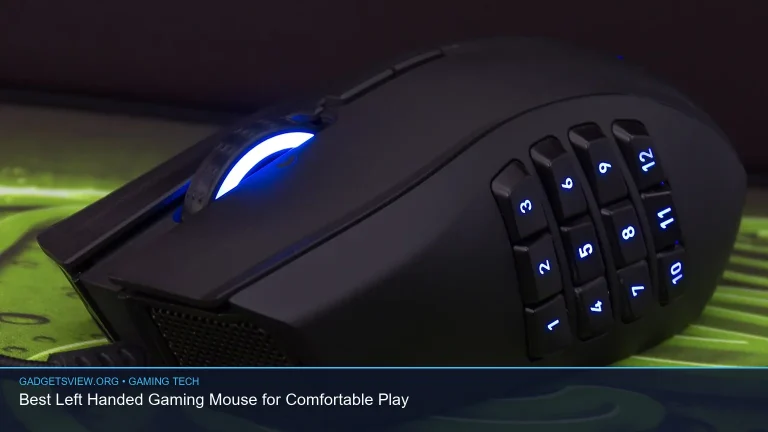
| MMO or macro-heavy play | Ergonomic mouse with extra side buttons | Quick access to commands and abilities |
Clear verdict: If comfort is your top priority, start with a large ergonomic mouse. If you want more flexibility across genres, a large ambidextrous model is often the safer all-around pick. If speed is your focus, choose the lightest large mouse that still supports your palm and thumb well.
How to test fit before you commit
Because product pages do not tell the full story, fit should be checked carefully before buying. A mouse can look large enough on paper and still feel awkward in hand. A few simple checks can help you avoid a bad match.
- Measure your hand length and width. Compare those numbers to the mouse dimensions.
- Check your grip style. Decide whether you use palm, claw, or fingertip most of the time.
- Look at hump position. A rear hump often suits palm grip, while a centered hump can help claw grip.
- Review side shape. Make sure your thumb and ring finger have enough room.
- Think about session length. If you play for hours, comfort matters more than slight speed gains.
If possible, compare the mouse to one you already use. If your current mouse feels too short, too flat, or too narrow, look for a larger body with more support in those exact areas. That simple comparison can save time and reduce returns.
Common mistakes large-handed gamers should avoid
One common mistake is buying the biggest mouse available without considering grip. A mouse can be large overall and still feel wrong if the hump shape or button layout does not match your hand. Bigger is not always better.
Another mistake is focusing only on sensor specs. Most modern gaming mice are accurate enough for everyday competitive play, so comfort and control are usually the better differentiators. The shape that lets you stay relaxed will often improve performance more than an extra feature.
Finally, do not ignore side grip and coating. If the mouse slips in your hand, you may press harder than needed, which can lead to fatigue. A secure, comfortable hold is a major part of long-term use.
FAQ
What size mouse is best for large hands?
Large hands usually do best with a mouse that offers extra length, enough width, and a shape that supports the palm or fingers without crowding them. Exact sizing depends on grip style, so hand dimensions and comfort matter more than a single universal number.
Are ergonomic mice better for large hands?
Often yes, especially for palm grip and long gaming sessions. Ergonomic mice can reduce strain by supporting the hand in a more natural position, but the right choice still depends on whether the shape fits your grip and reach.
Should large-handed players avoid lightweight mice?
No. Lightweight mice can still work well for large hands if the shape is large enough and the shell feels stable. The key is to balance low weight with enough support so the mouse does not feel hard to control.
Is a wireless gaming mouse a good choice for large hands?
Yes, if the shape is right. Wireless can improve freedom of movement and reduce cable drag, which may be helpful with a bigger mouse. Fit, button placement, and comfort should still come first.
How do I know if a mouse is too small for my hand?
If your palm hangs off the back, your fingers feel cramped, or you need to tighten your grip to keep the mouse steady, it is probably too small. A better fit should let your hand rest more naturally with less tension.
Conclusion: choose comfort first, then fine-tune performance
The best gaming mouse for large hands is the one that matches your grip, supports your hand, and stays comfortable through long sessions. Start with shape and size, then compare weight, buttons, and sensor quality. If you are choosing between options, prioritize the model that feels natural in your hand over the one with the biggest spec sheet.
Next, measure your hand, confirm your grip style, and shortlist mice with the right body shape. That simple process will help you find a gaming mouse that fits better and plays better too.