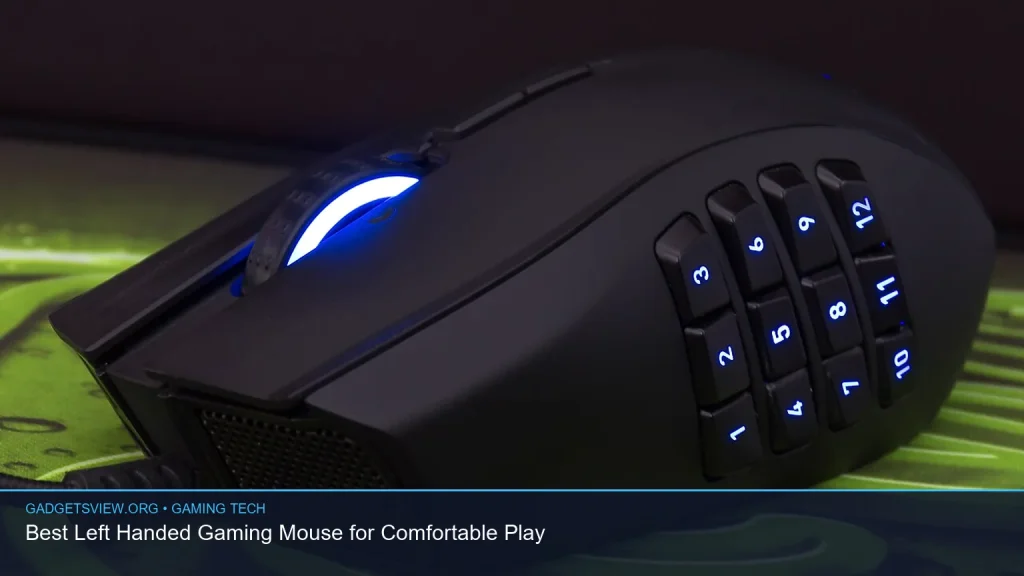
If you want a left handed gaming mouse that feels natural in long sessions, the best choice is one that matches your grip style, button layout, and game genre. Left-handed players often settle for ambidextrous models, but the right fit can improve comfort, reduce strain, and make aiming feel more controlled. In this guide, you’ll learn what to look for, which design features matter most, and how to choose a mouse that fits your setup and play style without wasting money.
📖 Table of Contents
- What Makes a Left Handed Gaming Mouse Worth Buying?
- How to Choose the Right Fit for Your Play Style
- Grip Style Matters More Than Many Buyers Think
- Features That Matter Most for Left-Handed Gamers
- Comparison Guide: Which Type Should You Choose?
- Practical Buying Criteria Before You Check Out
- Common Mistakes to Avoid When Buying
- FAQ: Left Handed Gaming Mouse
- Conclusion: The Best Choice Is the One That Fits Your Hand
📌 Key Takeaways
- A true left handed gaming mouse is usually either fully left-specific or ambidextrous with buttons that suit left-handed use.
- Comfort matters as much as sensor quality, especially for long sessions, claw grip, and palm grip players.
- Side button placement, shape, and weight are often more important than flashy lighting or extra software features.
- If you cannot find a dedicated left-handed model, a well-designed ambidextrous mouse is often the safest commercial choice.
What Makes a Left Handed Gaming Mouse Worth Buying?
A good left handed gaming mouse does more than simply flip the design. It should feel balanced in the left hand, place buttons where your thumb can reach them easily, and avoid awkward curves that force your wrist into a strained position. For many players, this is the difference between a mouse that feels “usable” and one that feels truly comfortable.
The main goal is a natural hand posture. That means your fingers should rest without stretching, your thumb should have stable support, and the mouse should glide smoothly without forcing you to twist your wrist. If you game often, even small comfort problems can become irritating over time.
Dedicated left-handed vs. ambidextrous
Dedicated left-handed models are shaped specifically for left-hand use. They often feel best right away, but they can be harder to find. Ambidextrous mice are more common and work well for many players, though some still place extra buttons or thumb rests in a way that feels less ideal.
If you want the best fit, look first for true left-hand layouts. If selection is limited, a symmetrical ambidextrous mouse is usually the next best option.
How to Choose the Right Fit for Your Play Style
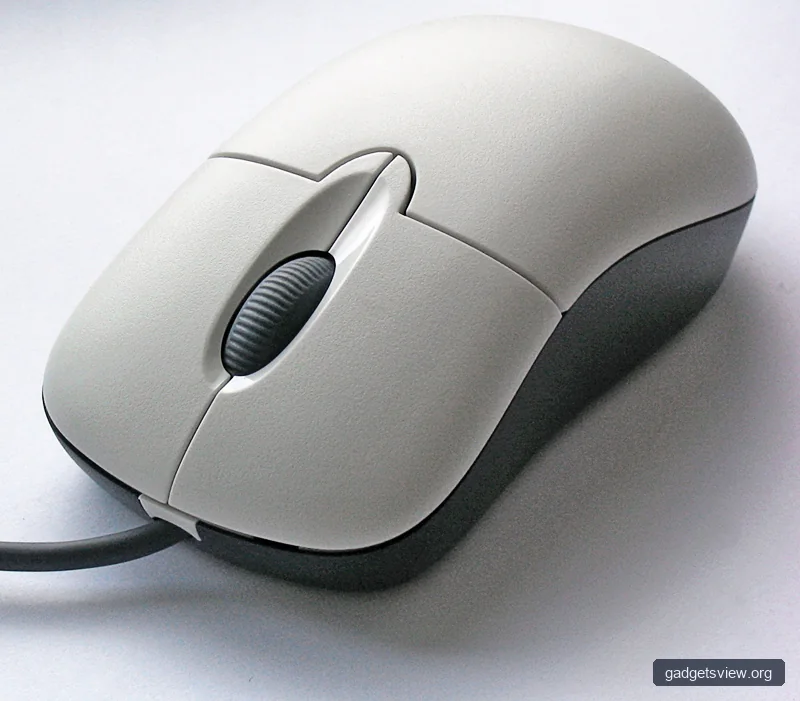
Not every gamer needs the same mouse. A fast shooter player may want a light mouse with quick tracking, while a strategy or MMO player may care more about extra buttons and comfort. The right left handed gaming mouse depends on how you play, how long you play, and what grip style you use.
Start by thinking about your current pain points. If your hand feels cramped, shape matters most. If your aim feels sluggish, weight and sensor response deserve more attention. If you use many game commands, button layout becomes the priority.
| What to Compare | Why It Matters | Best For |
|---|---|---|
| Shape | Affects comfort and wrist position | Long sessions, ergonomic needs |
| Button layout | Controls how easily you can trigger commands | MMO, MOBA, productivity-heavy use |
| Weight | Changes how fast and controlled the mouse feels | FPS and fast-paced play |
| Sensor quality | Affects tracking stability and precision | Competitive gaming |
| Grip support | Improves control and reduces fatigue | Palm, claw, and hybrid grip users |
Grip Style Matters More Than Many Buyers Think
Grip style is one of the most useful filters when shopping for a left handed gaming mouse. A mouse can be excellent on paper, but still feel wrong if its height, length, or side slope does not match your grip. The goal is to let your hand rest naturally without forcing extra pressure on the fingers.
Most players fall into one of three main grip styles. Each one favors a different shape, and knowing your style can help narrow the field quickly.
Palm grip
Palm grip users rest most of the hand on the mouse. This style usually benefits from a fuller, more supportive shape with enough length for the palm to settle comfortably. If the mouse is too small, the hand may feel cramped.
Claw grip
Claw grip users keep the palm raised and use bent fingers for faster clicks and more direct control. This style often works well with a shorter or more sculpted mouse that gives the fingers room to move.
Fingertip grip
Fingertip grip depends more on finger movement than full-hand support. Lightweight models are often a strong choice here, since they are easier to steer in quick motions. Shape still matters, but overall size tends to be less dominant than for palm grip users.
Features That Matter Most for Left-Handed Gamers
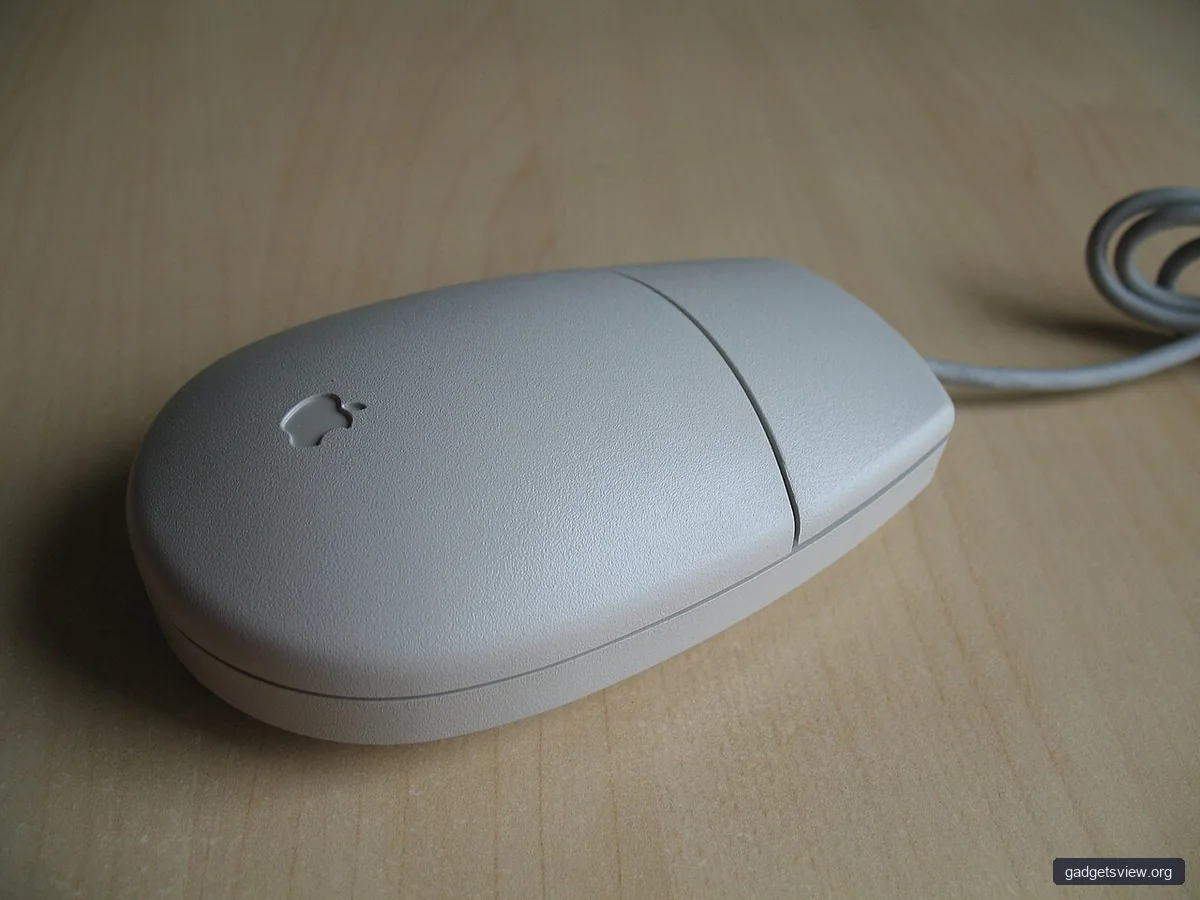
When comparing models, focus on the features that affect daily use. Marketing terms can be distracting, but comfort and control are what usually decide whether a mouse feels good after an hour or after five hours. A strong left handed gaming mouse should make your hand feel relaxed, not busy.
Below are the features that deserve the most attention before you buy.
- Symmetrical or true left-hand design: Helps ensure the mouse fits naturally in your left hand.
- Reversible or accessible side buttons: Important if you rely on extra commands in-game.
- Lightweight build: Can improve speed and reduce strain during long sessions.
- Comfortable surface texture: Helps with grip and reduces slippage if your hands get warm.
- Reliable sensor tracking: Matters for aiming, camera control, and smooth cursor movement.
- Software customization: Useful for remapping buttons, adjusting sensitivity, and saving profiles.
Weight is often a personal decision. Some players prefer a lighter mouse for fast movement, while others like a bit more mass for steadier control. The best option is the one that feels stable without tiring your hand.
Comparison Guide: Which Type Should You Choose?
If you are shopping commercially, the simplest way to choose is to match the mouse type to your use case. The table below compares the most common options for left-handed players and shows who should choose each one.
| Mouse Type | Strengths | Limitations | Who Should Choose It |
|---|---|---|---|
| Dedicated left-handed mouse | Best natural fit for left-hand use | Harder to find, fewer options | Players who want the most comfortable left-hand shape |
| Ambidextrous mouse | Wide availability, flexible design | May feel less tailored to left-handed use | Most left-handed gamers, especially first-time buyers |
| Lightweight performance mouse | Quick movement, low fatigue | May feel too small or too floaty for some users | FPS players and fast aim-focused gamers |
| Feature-rich multi-button mouse | Useful for MMO, MOBA, and shortcuts | Can feel crowded or bulky | Players who need many bindings |
Practical Buying Criteria Before You Check Out
Before you buy, use a simple checklist. This reduces regret and helps you avoid paying for features you will not use. It also makes it easier to compare products from different brands on equal terms.
- Confirm left-hand compatibility. Check whether the mouse is truly left-handed or just ambidextrous.
- Match the shape to your grip. Palm, claw, and fingertip users all need different profiles.
- Check button placement. Make sure side buttons can be reached without shifting your thumb.
- Review software needs. If you remap keys or use profiles, confirm the software is easy to use.
- Think about desk space. Larger mice and cable routing can matter in smaller setups.
- Consider your games. FPS, MMO, and general use all reward different designs.
If possible, also look at return policies. Comfort is personal, and a mouse that seems perfect on paper may still feel wrong in your hand. A flexible return option can make the purchase much safer.
Common Mistakes to Avoid When Buying
One of the biggest mistakes is choosing by looks alone. A sharp design or RGB lighting does not guarantee comfort, and the wrong shape can make gaming feel tiring very quickly. Focus first on fit, then on features.
Another common mistake is assuming all ambidextrous mice work equally well for left-handed players. Some are truly versatile, but others place buttons in ways that still favor the right hand. Always verify button layout and shape before buying.
Finally, do not overpay for extras you will never use. If you mostly play casual games, a simpler mouse with a comfortable shell may be better than a crowded, highly specialized model.
FAQ: Left Handed Gaming Mouse
Are left-handed gaming mice hard to find?
Yes, dedicated left-handed gaming mice are less common than standard right-handed models. That is why many left-handed gamers choose ambidextrous mice instead. They are easier to find and often offer strong performance with the right shape.
Is an ambidextrous mouse good enough for gaming?
For many players, yes. A good ambidextrous mouse can be an excellent choice if it fits your hand and button needs. The main tradeoff is that it may not feel as naturally sculpted as a true left-handed model.
What matters more: sensor quality or comfort?
Both matter, but comfort usually comes first for most buyers. A high-end sensor will not help much if the mouse causes fatigue or awkward hand posture. For most users, a balanced mix of comfort and reliable tracking is the best target.
Should I choose a lighter mouse for competitive gaming?
Often, yes, if you play fast-paced games and prefer quick movement. A lighter mouse can reduce effort and help with rapid aim adjustments. Still, some players prefer a bit more weight for steadier control, so personal feel matters.
Can left-handed players use right-handed mice?
They can, but it is usually not ideal for long-term comfort. Right-handed shapes often place curves and buttons in positions that do not suit the left hand well. If you game regularly, a left-friendly design is usually the better choice.
Conclusion: The Best Choice Is the One That Fits Your Hand
The best left handed gaming mouse is the one that feels natural, supports your grip, and matches the way you play. For most buyers, that means starting with an ambidextrous model or a dedicated left-handed design, then checking shape, buttons, and weight before anything else.
Use the comparison points in this guide to narrow your options, then verify current product details and availability before buying. If comfort and control are your priorities, you will make a better choice and enjoy a more relaxed gaming setup.