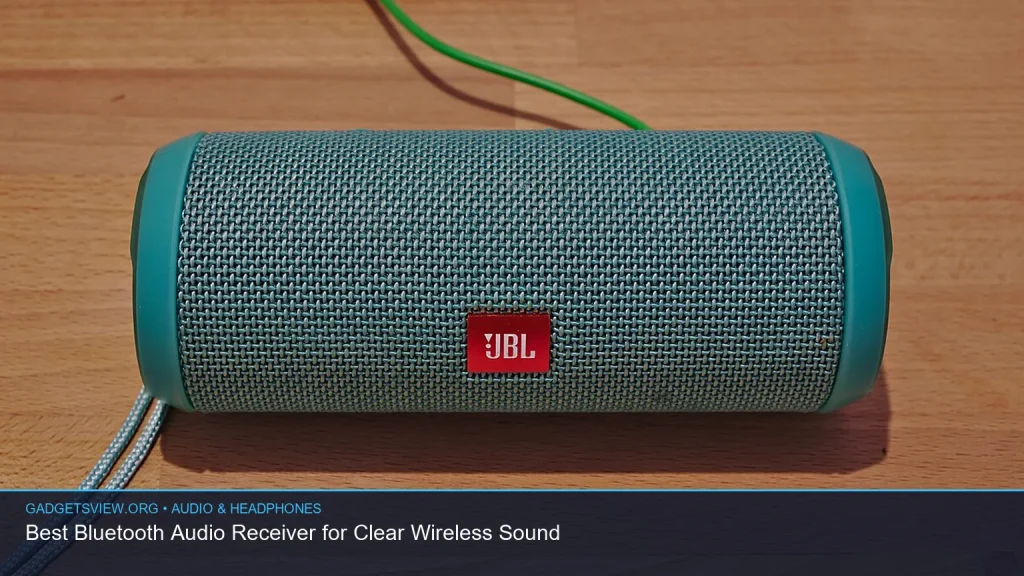
If you want to add wireless streaming to an older stereo, car, or pair of wired speakers, a bluetooth audio receiver is often the easiest fix. It takes audio from your phone, tablet, or laptop and sends it to a device with an AUX, RCA, or 3.5mm input. The best setup depends on where you plan to use it, how much range you need, and whether you also want transmit support. Below, you’ll learn how to choose the right receiver, when a bluetooth transmitter and receiver combo makes more sense, and how to set it up for clear sound.
📖 Table of Contents
📌 Key Takeaways
- A bluetooth audio receiver adds wireless streaming to wired speakers, stereos, and car systems without replacing the whole setup.
- For the clearest sound, match the receiver to your input type, codec support, and power source.
- If you need to both send and receive audio, a bluetooth transmitter and receiver combo can be more flexible than a receiver alone.
- For older systems, an aux cord to bluetooth solution is usually the fastest and simplest upgrade.
What a Bluetooth Audio Receiver Does
A bluetooth audio receiver receives wireless audio from a phone, tablet, or computer and outputs it through a wired connection. Most models connect through a 3.5mm AUX port, RCA jacks, or sometimes optical input on higher-end gear. That makes them useful for home stereos, powered speakers, car stereos, and desktop audio setups.
This is different from a transmitter. A transmitter sends audio out to wireless headphones or speakers, while a receiver brings wireless audio into a wired system. If your goal is to play music from your phone on an older speaker, a receiver is the right tool.
The idea is simple, but the result can be very practical. With the right unit, you can keep good speakers you already own and add easy wireless playback.
How to Choose the Right Bluetooth Audio Receiver
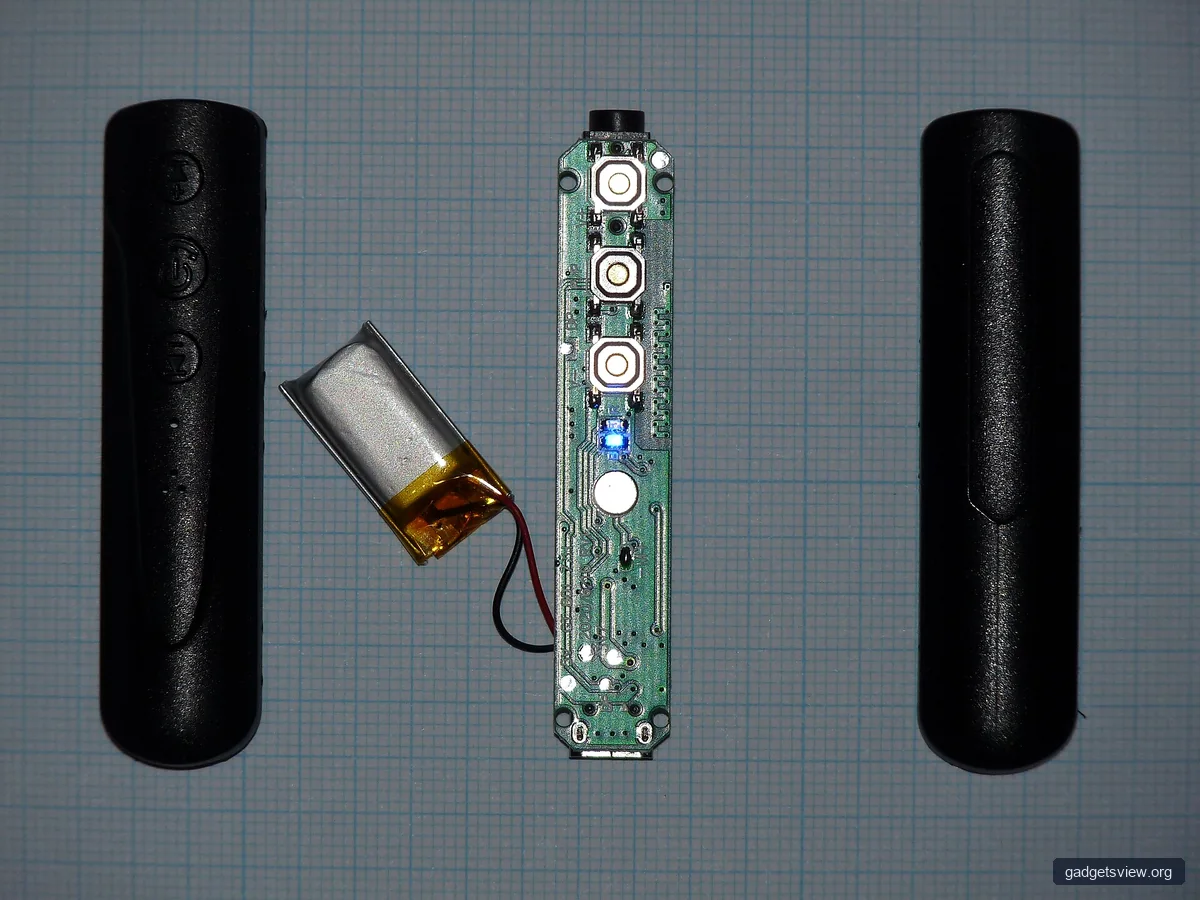
The best choice depends on how you plan to use it. Start with the input type on your speaker or stereo, then check range, power, and connection stability. A good fit should feel simple, not fussy.
1. Check the output connection you need
If your device has an AUX port, a basic 3.5mm receiver is usually enough. If it uses RCA inputs, look for a receiver with RCA output or an AUX-to-RCA cable. For car audio, an aux cord to bluetooth setup is often the fastest path to wireless streaming.
2. Look at power options
Some receivers use USB power, while others have built-in rechargeable batteries. USB power works well for home stereos and desktop setups, since you can leave them plugged in. Battery-powered units may be better for travel or temporary use.
3. Think about range and placement
Typical wireless range is enough for a room or vehicle cabin, but walls and interference can reduce performance. Keep the receiver in a clear spot, away from thick metal cases or crowded cable bundles. A short cable can also help reduce strain on the jack.
4. Check codec support if sound quality matters
For everyday listening, standard bluetooth can sound good enough for casual music and podcasts. If your source and receiver support higher-quality codecs, that may help reduce compression and lag. When shopping, verify codec details from the seller or product manual, since features can vary.
5. Decide if you need one-way or two-way use
If you only want to receive audio, keep it simple with a receiver. If you also want to send TV sound to wireless headphones, or send a turntable to speakers while also receiving phone audio, a headphone bluetooth transmitter or full transmit/receive unit may be more useful. A combo model can reduce clutter if you need both roles in one device.
| Use Case | Best Choice | Why It Fits |
|---|---|---|
| Home stereo with AUX input | Basic bluetooth audio receiver | Easy connection and low setup effort |
| Car stereo with 3.5mm jack | Aux cord to bluetooth receiver | Simple, compact, and suited for in-car streaming |
| Need to send and receive audio | Bluetooth transmitter and receiver combo | Handles two audio directions in one device |
| TV audio to wireless headphones | Headphone bluetooth transmitter | Built for sending sound to headphones with low hassle |
How to Set Up a Bluetooth Audio Receiver
Setup is usually quick, but good placement matters. The goal is to make pairing easy and keep the signal stable. Follow a clean order so you do not chase simple problems later.
- Power the receiver. Plug it into USB power or charge it if it uses a battery.
- Connect the audio cable. Use AUX, RCA, or the input your system supports.
- Switch the stereo or speaker to the correct input. Select AUX, Line In, or the matching source.
- Put the receiver in pairing mode. Usually this means holding a button until an indicator light flashes.
- Pair your phone or computer. Open bluetooth settings and choose the receiver from the device list.
- Play a test track. Start with low volume, then raise it slowly to avoid distortion.
If the receiver has a built-in mic or hands-free feature, test that separately. Not every model handles calls well, and some are meant only for music. When possible, keep the receiver close to the source device for the first pairing.
What Makes Sound Clearer or Worse
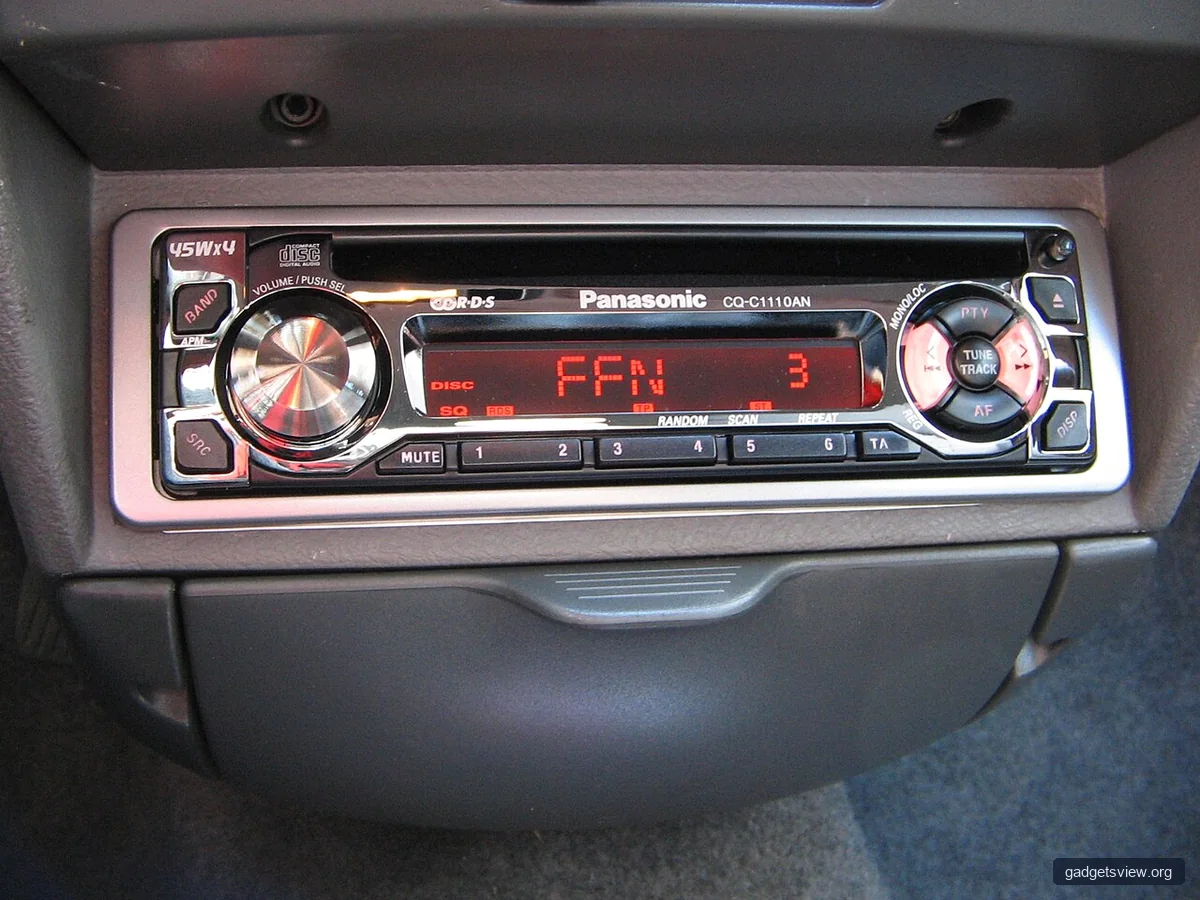
Clear wireless sound is not only about bluetooth version numbers. Cable quality, signal strength, and how you route the audio all matter too. A clean setup often sounds better than an expensive device installed poorly.
Strengths of a good bluetooth audio receiver:
- Lets you keep existing speakers and stereos.
- Reduces cable clutter.
- Works well for music, podcasts, and casual listening.
- Can be easy to move between rooms or vehicles.
Common limitations:
- Signal can drop with distance or interference.
- Sound quality depends on the source, codec, and connected speakers.
- Some units add slight delay, which may bother video users.
- Power and cable needs can vary by model.
To improve clarity, keep volume at a moderate level on both the source and the speaker. Very high phone volume can sometimes cause harsh sound. Also avoid running the receiver near strong wireless interference, like crowded USB hubs or metal enclosures.
Bluetooth Receiver vs. Bluetooth Transmitter: Which Do You Need?
Many shoppers mix these up. A receiver is for bringing wireless audio into a wired system. A transmitter is for sending audio from a wired source to wireless headphones or speakers. If you know the direction of the audio, the choice becomes much easier.
| Device Type | Main Job | Best For |
|---|---|---|
| Bluetooth audio receiver | Receives wireless audio and sends it to wired speakers | Older stereos, car AUX inputs, powered speakers |
| Bluetooth transmitter | Sends audio from a wired source to wireless headphones | TVs, airplanes, treadmills, game consoles |
| Bluetooth transmitter and receiver | Handles both sending and receiving | Mixed setups and travelers who want one device for both jobs |
Who should choose what? If you mainly want to stream music into an old speaker system, choose a receiver. If you want to listen privately from a TV or other wired source, choose a transmitter. If you move between different setups and want one unit for both roles, a bluetooth transmitter and receiver combo is the most flexible option.
Troubleshooting Common Bluetooth Receiver Problems
Most issues are minor and can be fixed without replacing the device. Start with the basics before assuming the receiver is defective. In many cases, one setting is wrong or the cable is not seated fully.
| Problem | Likely Cause | What to Try |
|---|---|---|
| No sound | Wrong input selected or loose cable | Check AUX/RCA input, reseat cables, raise volume slowly |
| Audio cuts in and out | Weak signal or interference | Move closer, reduce obstructions, unplug nearby noisy devices |
| Sound is distorted | Volume too high or mismatch in input levels | Lower source volume and speaker volume, then retest |
| Won’t pair | Not in pairing mode or already connected elsewhere | Reset pairing, remove old connections, try again |
If the problem keeps returning, check the manual for reset steps. Some receivers need a full power cycle or a pairing reset after switching devices. If the unit supports multiple saved devices, clear old pairings and start fresh.
FAQ
Can I use a bluetooth audio receiver with any speaker?
Only if the speaker has a compatible input, such as AUX, RCA, or another line-in connection. A wireless speaker that has no input port will not usually work with a receiver. Check the back panel or manual before buying.
Is an aux cord to bluetooth setup good for cars?
Yes, if your car stereo has a working AUX input. This is one of the simplest ways to add wireless streaming to an older vehicle. Just make sure the receiver has stable power and that the cable length does not interfere with driving.
What is the difference between a bluetooth transmitter and receiver combo and a single receiver?
A combo device can send and receive audio, while a single receiver only brings wireless audio into wired gear. Combo units are useful if you switch between TV headphones use and speaker playback. If you only need one direction, a basic receiver is simpler.
Do I need a headphone bluetooth transmitter for TV listening?
If your goal is to send TV sound to wireless headphones, yes, a headphone bluetooth transmitter is often the right type of device. It is made to take audio from a TV or other source and broadcast it to headphones. A receiver alone would not do that job.
How can I make my bluetooth audio receiver sound better?
Use short, good-condition cables, keep the receiver within a clear signal path, and avoid maxing out the volume on every device. If your model supports better codecs, make sure your phone or computer also supports them. If sound still feels weak, the limitation may be the speaker itself, not the receiver.
Conclusion
The best bluetooth audio receiver is the one that matches your gear, your space, and your listening needs. For most people, that means choosing the right input type, keeping the setup simple, and checking whether a transmitter or combo model fits better. If you are upgrading older speakers or a car stereo, start with the connection you already have, then pick the receiver that supports it cleanly.
Next, confirm your input ports, decide whether you need receiver-only or two-way support, and compare power and range before you buy. That small bit of planning can make wireless audio feel easy from day one.