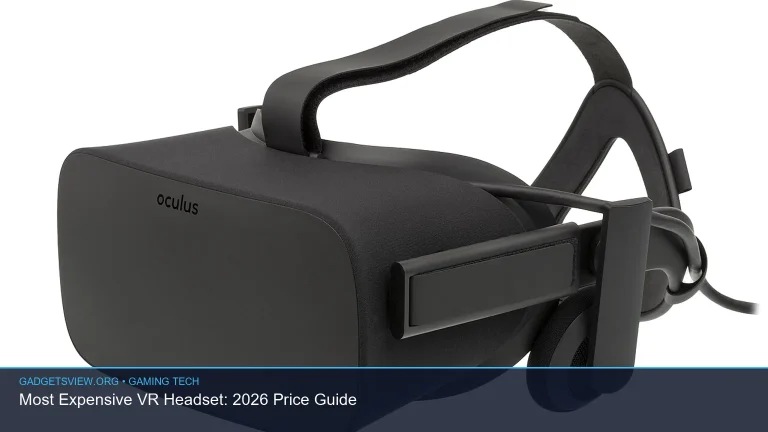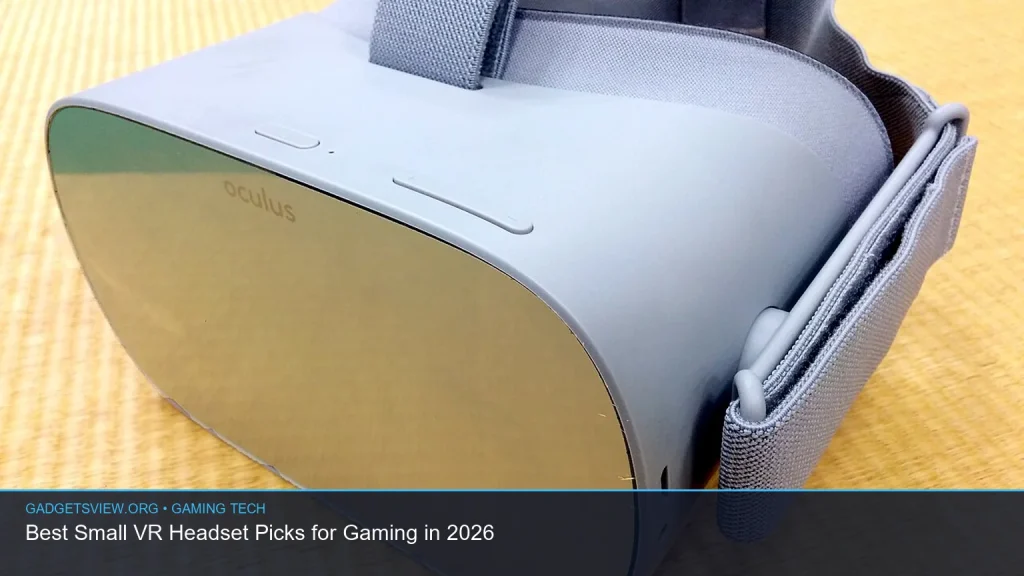
If you want the best small VR headset for gaming in 2026, the right pick depends on how you play. A smaller headset can feel lighter, fit more comfortably, and work better in shorter sessions or tight spaces. But size alone is not enough. You also need good tracking, strong lenses, solid comfort, and a game library that fits your setup. This guide breaks down what matters most, compares the main types of small VR headsets, and helps you decide which one fits your budget and platform.
📖 Table of Contents
- What “small VR headset” really means for gaming
- How to choose the right small VR headset for your setup
- Comparison table: which type of small VR headset fits your gaming style?
- Best use cases: who should choose which small VR headset?
- Special cases: iPhone VR headset and VR headset for Nintendo Switch
- What to check before you buy a compact gaming headset
- Common mistakes to avoid when shopping for a small VR headset
- FAQ
- Conclusion: the smartest way to choose a small VR headset
📌 Key Takeaways
- A small VR headset should balance size, comfort, display quality, and tracking, not just look compact.
- The best choice depends on your gaming platform: PC VR, standalone VR, mobile-style viewing, or console use.
- For most buyers, the smartest “small” headset is the one that feels light on your face and has strong software support.
- Check the full ecosystem before buying, since accessories, controllers, and game compatibility matter as much as the headset itself.
What “small VR headset” really means for gaming
When shoppers search for a small vr headset, they usually mean one of three things: a headset with a compact build, a lighter headset for longer wear, or a headset that works in a small play area. For gaming, those differences matter. A smaller shell can improve comfort, but only if the weight is balanced well and the display stays sharp enough for fast action.
It also helps to think beyond the headset size alone. A compact headset with weak lenses or limited tracking can feel worse than a slightly larger model with better clarity and movement support. In other words, small should mean easier to wear and easier to use, not stripped down.
How to choose the right small VR headset for your setup
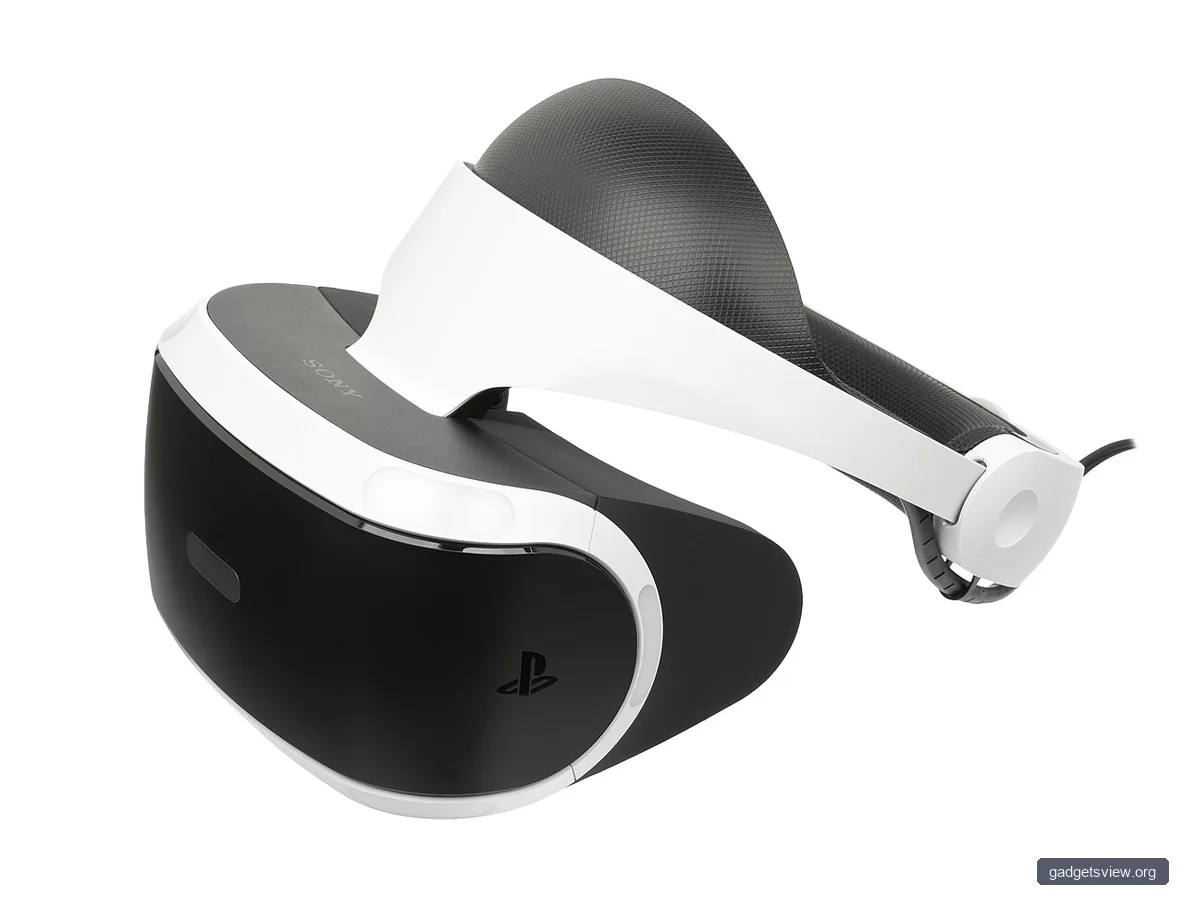
The best choice starts with your platform. Some headsets are built for PC VR, some are standalone, and some are best for simple mobile-style viewing. If you match the headset to your hardware and game library first, you avoid a lot of regret later.
1. Comfort and fit
Look for a headset with a balanced front-to-back feel, adjustable straps, and face padding that does not press too hard. A compact headset can still feel heavy if the weight sits too far forward. If you plan to play rhythm games, shooters, or long sessions, comfort should be a top priority.
2. Tracking and controllers
Good motion tracking matters more than many buyers expect. Fast games need stable controller tracking and head movement that feels accurate. If you play standing games, room-scale tracking is important. If you mostly play seated, a simpler setup may be enough.
3. Display clarity
A small headset should still deliver clear text, clean edges, and low visual strain. This is especially important in menu-heavy games and simulation titles. If a device is marketed as compact but has blurry optics, it may not be a good gaming choice.
4. Content ecosystem
Game support can make or break a purchase. Standalone headsets often offer the easiest start, while PC VR can offer the widest range of premium games. Before buying, check whether the headset supports the titles you actually want to play.
Comparison table: which type of small VR headset fits your gaming style?
| Headset type | Best for | Strengths | Limitations |
|---|---|---|---|
| Standalone compact headset | Easy setup, casual-to-serious gaming | No PC required, simple setup, flexible use | Game library may be smaller than PC VR |
| PC VR headset | Higher-end gaming and sim fans | Access to deep PC VR libraries and advanced settings | Needs a capable PC and more setup |
| Mobile-style VR viewer | Basic viewing and very light use | Usually simple and easy to carry | Not ideal for true gaming performance |
Best use cases: who should choose which small VR headset?
If you want the easiest path into VR gaming, a compact standalone headset is often the best fit. It removes the PC requirement and keeps setup simple. That makes it a strong choice for families, first-time buyers, and people with limited space.
If you want the most demanding games and the widest range of titles, PC VR remains the stronger option. This is where search terms like inexpensive vr headset pc often come up. The smart move is to focus on value, not just the lowest price, because a cheap headset that is uncomfortable or blurry can waste money fast.
If you only want occasional, lightweight use, a mobile-style viewer may be enough. But for real gaming, it is usually a compromise. You should treat it as a niche option rather than a full replacement for a proper gaming headset.
Who should choose what
- Choose standalone if you want the easiest small VR headset for gaming with minimal setup.
- Choose PC VR if you want deeper graphics, broader compatibility, and stronger long-term flexibility.
- Choose a basic viewer only if your use is light and you do not need advanced motion gaming.
Special cases: iPhone VR headset and VR headset for Nintendo Switch
Some shoppers are really looking for a headset that works with a phone or console, not a full VR gaming system. If you are searching for an iphone vr headset, be careful with expectations. Most phone-based options are better for simple immersive viewing than for true VR gaming. They can be useful for videos or basic apps, but they usually do not match the tracking and interaction of real VR headsets.
Likewise, a vr headset for nintendo switch is a different category from modern VR gaming headsets. Nintendo’s VR support is limited compared with dedicated VR platforms, so it is best to think of Switch-compatible options as special accessories rather than full-featured VR devices. If your goal is serious gaming, a dedicated headset will usually deliver a better experience.
What to check before you buy a compact gaming headset
Before you choose, verify the basics that affect real-world use. A small headset can still fall short if the strap digs in, the lenses blur at the edges, or the controllers feel awkward. Reading current specs and compatibility notes is important because headset bundles and revisions can change over time.
- Confirm platform support. Make sure the headset works with your PC, standalone ecosystem, or console plan.
- Check comfort features. Look for adjustable straps, padding, and a design that spreads weight well.
- Review game compatibility. Make sure your favorite games are supported before you buy.
- Look at tracking type. Inside-out tracking is common and convenient, but your play style may need more precision.
- Inspect accessory support. Extra straps, facial interfaces, and controller options can make a compact headset much better.
Common mistakes to avoid when shopping for a small VR headset
One common mistake is assuming smaller automatically means better. In VR, a headset can be compact and still uncomfortable if the front is too heavy or the fit is poor. Another mistake is buying based only on one feature, like resolution or price, without checking the full package.
It is also easy to overlook the software side. A headset with a smaller design but weak app support can feel limiting very quickly. That is why the best purchase is usually the one that fits your gaming habits, not just your desk or backpack.
FAQ
What is the best small VR headset for gaming in 2026?
The best small VR headset is the one that fits your platform, comfort needs, and game library. For many buyers, a compact standalone headset is the easiest all-around choice. For more advanced players, a small-feeling PC VR headset may be better if you already have the hardware to support it.
Is an inexpensive VR headset for PC worth it?
Sometimes, yes. An inexpensive vr headset pc can be a good value if it offers solid tracking, acceptable comfort, and good software support. The risk is that very cheap headsets may cut corners on optics or fit, so it is worth checking current reviews and compatibility before buying.
Can I use an iPhone VR headset for gaming?
An iphone vr headset is usually better for simple viewing than for serious VR gaming. Phone-based options can handle basic immersive content, but they usually do not deliver the tracking, responsiveness, or game depth of a dedicated VR headset.
Is there a good VR headset for Nintendo Switch?
A vr headset for nintendo switch is generally more limited than headsets made for PC or standalone VR platforms. If your goal is true VR gaming, a dedicated VR system is usually the better buy. If you only want occasional Switch-specific VR use, a compatible accessory may be enough.
What matters more: size or comfort?
Comfort matters more. A headset can be small and still feel bad if it presses too hard or sits unevenly. For gaming, the best compact headset is the one you can wear longer without distraction.
Conclusion: the smartest way to choose a small VR headset
The best small vr headset for gaming is not just the smallest one. It is the one that gives you the right mix of comfort, clarity, tracking, and platform support. Start with how you play, then narrow your options by fit and compatibility.
If you are ready to buy, compare the headset type against your setup, check the current software library, and confirm the latest specs before ordering. That simple process will help you choose a compact headset that feels good, works well, and lasts longer as a gaming investment.