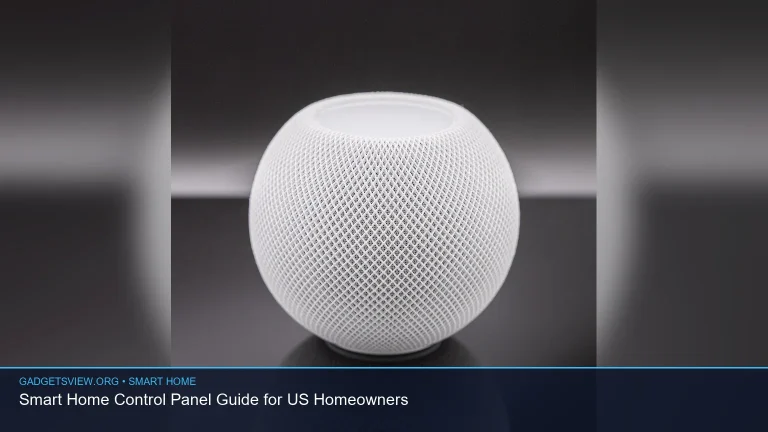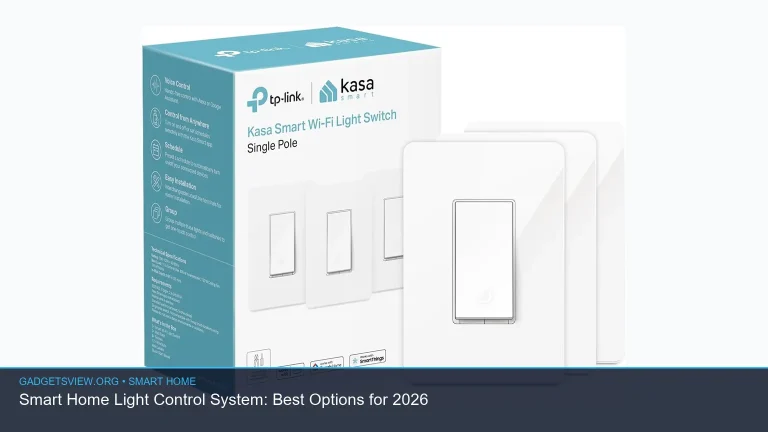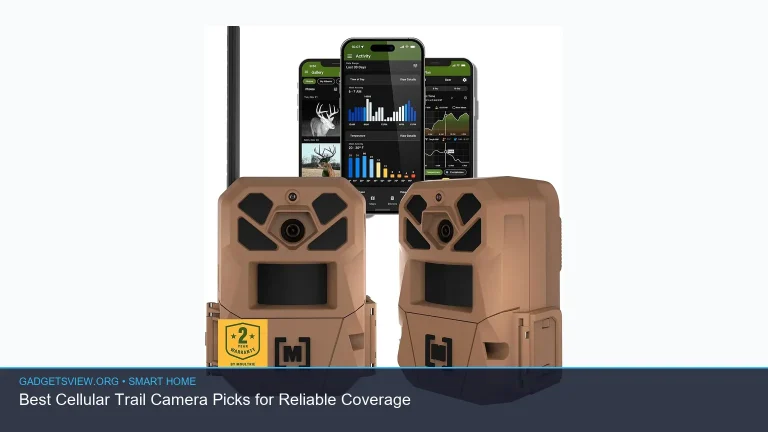
Smart home sensors are the easiest way to make a house feel safer, smarter, and more responsive. They can detect motion, leaks, doors opening, temperature changes, and more, then trigger alerts or automations that save time and reduce risk. The best pick for your US home depends on what you want to monitor, which ecosystem you use, and how much setup you want. Below, you’ll find the main sensor types, what matters when choosing, and how to build a reliable setup without wasting money.
📖 Table of Contents
- What smart home sensors do, and why they matter
- Best sensor types for most US homes
- How to choose the right smart home sensors
- Smart home sensors and your network: what to know
- Recommended sensor setup by home type
- How to install and use sensors the smart way
- When sensors are part of a bigger smart home
- FAQ
- Conclusion
📌 Key Takeaways
- Start with the risks that matter most: water leaks, entry points, motion, and temperature swings.
- Choose sensors that match your ecosystem, like Alexa, Google Home, Apple Home, or Matter-compatible platforms.
- Reliable Wi-Fi, router placement, and mesh coverage matter as much as the sensor itself.
- For many homes, a simple mix of contact sensors, leak sensors, and motion sensors covers the biggest gaps.
What smart home sensors do, and why they matter
Smart home sensors are small devices that watch for a specific condition and send data to your app or smart home platform. Some detect movement. Others track doors, windows, water, smoke, humidity, light, or temperature. When they work well, they help you respond faster and automate routine tasks.
For example, a contact sensor can tell you if a front door is open. A leak sensor can alert you before a slow drip becomes damage. A motion sensor can turn on lights when you enter a room, while a temperature sensor can help protect pipes, pets, or rooms that get too hot or cold.
The right setup is not about buying the most devices. It is about picking the sensors that match the real risks in your home.
Best sensor types for most US homes

If you are building a system from scratch, these are the most useful categories to consider first. They solve common problems and work well in apartments, condos, and single-family homes.
Contact sensors
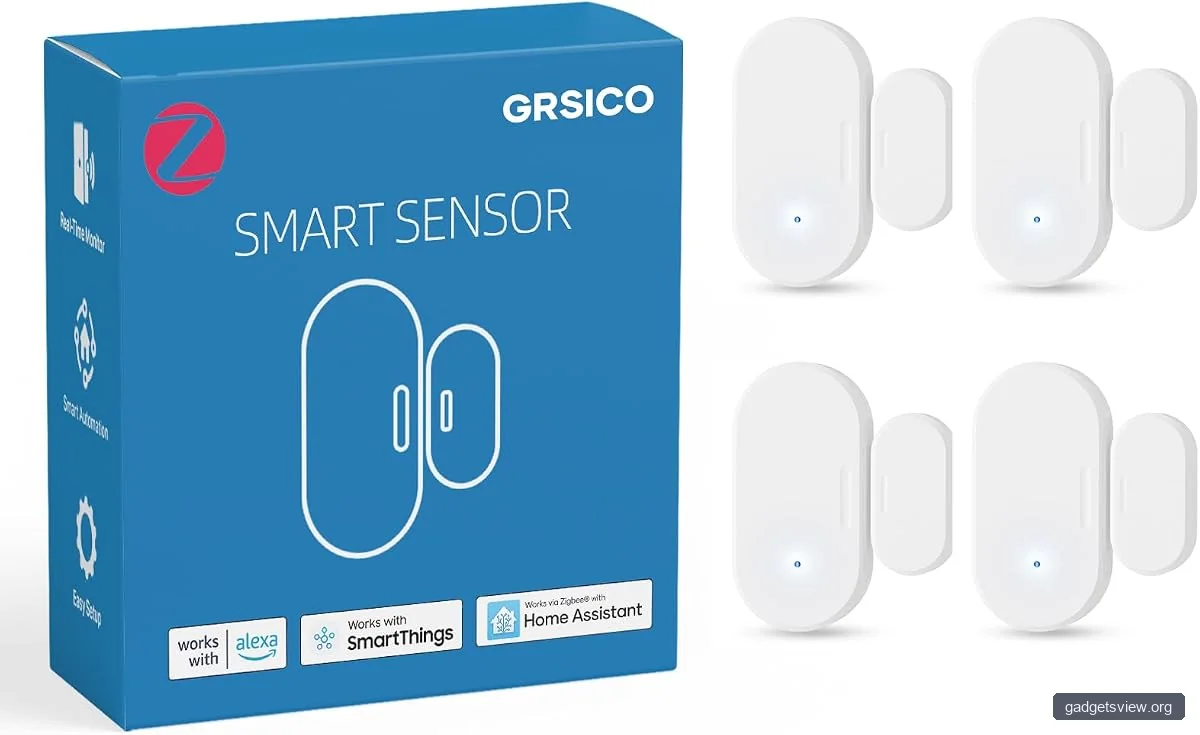
These are the best choice for doors, windows, cabinets, and gates. They help you know when an opening is opened or left ajar. Many homeowners start here because they are simple and practical.
Motion sensors
Motion sensors are useful for hallways, entryways, garages, and living areas. They can trigger lights, send alerts, or help with occupancy-based routines. They are also handy in rooms where you do not want to rely on a switch.
Water leak sensors
Water leak sensors belong near sinks, water heaters, dishwashers, washing machines, toilets, and basements. A small leak can create a large repair bill, so this category often gives the best peace of mind for the least effort.
Temperature and humidity sensors
These sensors help track comfort and spot issues early. They can be useful in baby rooms, basements, attics, garages, and near HVAC trouble spots. In colder US climates, they may also help you watch for freezing risk.
Smoke, carbon monoxide, and safety sensors
These are critical safety devices, but they should not replace code-compliant alarms. If you want smart alerts, look for devices that work with your platform and local safety expectations. Always follow current fire and life-safety guidance for your area.
How to choose the right smart home sensors
The best sensor is the one that fits your home, platform, and network. Before buying, think through these selection points.
| What to check | Why it matters | Best for |
|---|---|---|
| Ecosystem support | The sensor must work with your app, hub, or voice platform | Homes using Alexa, Google Home, Apple Home, or Matter |
| Connection type | Wi-Fi, Thread, Zigbee, Z-Wave, and Matter each behave differently | Users who want speed, battery life, or wide compatibility |
| Power source | Battery life affects maintenance and placement | Hard-to-reach places or low-maintenance setups |
| Alert speed | Faster alerts can reduce damage or improve safety | Leak detection, entry monitoring, and security alerts |
| Placement and range | Weak signal causes missed events and delays | Larger homes, basements, garages, and outdoor edges |
If you want a simple rule, start with compatibility first, then reliability, then ease of use. A sensor with great features is not useful if it does not connect well in your home.
Smart home sensors and your network: what to know
Many sensor problems are really network problems. If your Wi-Fi is weak, crowded, or poorly placed, sensors may lag, drop offline, or drain batteries faster than expected. This is why network planning matters as much as device choice.
You may see searches for the best wifi router for spectrum, an outdoor wifi router, or a router without wifi. Those terms reflect different needs. If you use Spectrum service, the best router is usually the one that fits your home size, supports enough devices, and works cleanly with your modem. An outdoor router may help in detached garages or patios, while a router without Wi-Fi can make sense if you already use access points or a separate wireless system.
| Network choice | Strengths | Limitations | Who should choose it |
|---|---|---|---|
| Standard Wi-Fi router | Easy to set up, broad device support | Can get crowded with many devices | Most homes with a small to medium sensor setup |
| Mesh Wi-Fi system | Better coverage across larger homes | More expensive than a single router | Multi-story or large homes |
| Hub-based setup | Often better battery life and local control | Requires a hub or bridge | Users who want many sensors and stronger reliability |
It also helps to know the difference between wifi modem vs wifi router. A modem connects your home to your internet provider. A router shares that connection across your devices. Some units combine both, but many homes use separate hardware. That distinction matters when you troubleshoot sensor lag or spotty coverage.
Recommended sensor setup by home type
There is no single best bundle for every home. Instead, match the sensor mix to your living space and daily routines.
Apartment or condo
Focus on entry points, leak risks, and a few motion sensors. A compact setup usually works well because there are fewer rooms and shorter signal paths. Contact sensors on the main door and a leak sensor under the kitchen sink are smart first choices.
Single-family home
Start with doors, windows, basement or laundry leaks, and temperature monitoring in problem rooms. If your home has multiple floors, plan for strong coverage so sensors stay connected. You may also want sensors near the garage and mechanical areas.
Older home
Older homes often benefit from a practical, low-maintenance approach. Look for sensors with dependable range and flexible placement. Because construction can interfere with signals, a hub or mesh network may be more helpful here than in newer homes.
Rental home
Choose sensors that are easy to install and remove. Battery-powered devices are often the best fit. Avoid anything that requires major wiring or permanent changes unless your landlord allows it.
If your setup includes voice control, you may also see accessories like a Google Home smart plug. That is not a sensor, but it can work well with sensors by letting you automate lamps, fans, or dehumidifiers based on motion, temperature, or humidity triggers.
How to install and use sensors the smart way
Good placement matters. A sensor in the wrong spot may miss events or trigger too often. Use this simple process to get better results from the start.
- List your top risks. Think leaks, entry points, temperature extremes, or occupancy.
- Map the highest-value locations. Start with front doors, water-prone appliances, and rooms that need climate monitoring.
- Check compatibility first. Make sure the sensor works with your platform or hub before buying more than one.
- Test automations one at a time. Confirm that alerts, lights, or routines trigger the way you expect.
- Review signal quality. If a sensor drops offline, move it, add coverage, or simplify the network path.
A smart home integrator can help if you want a larger system that ties sensors, lighting, locks, shades, cameras, and HVAC together. For many households, though, a careful DIY setup is enough. The main goal is not complexity. It is dependable response.
Also, keep an eye on Matter smart home news. Matter continues to improve cross-brand compatibility, which can make future sensor buying easier. If you want more flexibility over time, prioritizing Matter support is a smart move.
When sensors are part of a bigger smart home
Sensors work best when they connect to other devices in useful ways. A door sensor can trigger lights. A motion sensor can lower energy waste. A leak sensor can shut off a connected water valve if your system supports it.
You may also wonder what makes a TV a smart TV. In simple terms, it is a television with built-in internet features and apps. That matters because smart home ecosystems often extend to entertainment devices, not just lights and locks. A room can feel more connected when sensors and media devices work together in scenes or routines.
The bigger your setup grows, the more important it becomes to choose a platform that can handle multiple device types without constant manual fixes.
FAQ
What are the most important smart home sensors to buy first?
For most homes, start with contact sensors, leak sensors, and motion sensors. Those three categories cover entry awareness, water damage risk, and basic automation. If you live in a basement-heavy or climate-sensitive area, add temperature sensors next.
Do smart home sensors need Wi-Fi?
Not always. Some use Wi-Fi, while others use hubs or low-power wireless standards like Zigbee, Z-Wave, Thread, or Matter. If you have many devices, a hub-based or Matter-ready setup may be more stable than relying on Wi-Fi alone.
Can I use smart home sensors without a full smart home system?
Yes. Many sensors work through a phone app and basic alerts. A full smart home platform simply gives you more automation options. If you want to start small, buy one or two sensors and test them before expanding.
Are smart home sensors worth it in an older house?
Yes, but placement and signal quality matter more in older homes. Thick walls, long distances, and mixed materials can reduce range. In that case, a hub or mesh network may improve reliability more than buying extra sensors.
How do I decide between Wi-Fi and Matter-compatible sensors?
Choose Wi-Fi if you want easy setup and a small number of devices. Choose Matter-compatible sensors if you want broader future flexibility and better cross-platform support. If you are unsure, look for sensors that clearly list the ecosystems you already use.
Conclusion
The best smart home sensors are the ones that solve a real problem in your home. Start with leaks, doors, motion, and temperature, then build from there. Focus on compatibility, coverage, and reliable alerts, and do not overlook your network setup. If you want the smartest next step, pick one high-risk area, install one or two sensors, and verify that everything works before expanding.