If you want the best projector for gaming in 2026, focus on low input lag, bright enough output for your room, and a sharp image that holds up on a large screen. The right choice depends on how you play, where you play, and whether you care more about competitive speed or big-screen immersion. This guide breaks down the key features that matter, the trade-offs to expect, and the kinds of gamers each projector style suits best. Because product availability changes fast, always verify current specs before you buy.
📖 Table of Contents
- What Makes the Best Projector for Gaming?
- How to Choose the Right Gaming Projector for Your Setup
- Gaming Projector Types: Strengths and Limitations
- Which Specs Matter Most for Console and PC Gaming?
- Who Should Choose What? A Simple Buyer Verdict
- Setup Tips to Get Better Gaming Performance
- FAQ: Best Projector for Gaming
- Conclusion: Buy for Your Room, Not Just the Spec Sheet
📌 Key Takeaways
- The best gaming projector balances low input lag, good brightness, and image quality for your room.
- Short-throw models are often easier for gaming setups, especially in smaller rooms.
- Competitive players should prioritize responsiveness; cinematic gamers should prioritize contrast and screen size.
- Always confirm current specs, because gaming features can vary a lot by model and firmware.
What Makes the Best Projector for Gaming?
Not every projector that looks great for movies will feel great for games. For gaming, the most important factor is input lag, which is the delay between pressing a button and seeing the result on screen. Lower is better, especially for fast games like shooters, fighters, and sports titles.
Brightness matters too, but it depends on your room. A bright living room needs more light output than a dark den or basement, while a dedicated gaming space can get by with less. Resolution, refresh support, and motion handling also affect how sharp and smooth the game feels.
Core features to compare
- Input lag: The lower the better for fast-paced gaming.
- Brightness: Helps the image stay clear in rooms with ambient light.
- Resolution: Higher resolution improves detail, especially on larger screens.
- Refresh behavior: Useful for smoother motion and console compatibility.
- Throw distance: Determines how far the projector must sit from the screen.
- Picture modes: A game mode can reduce lag and improve responsiveness.
One common mistake is choosing a projector based only on resolution. A 4K-capable model can still feel sluggish if its gaming mode is weak. For many buyers, a fast 1080p projector can be a smarter pick than a slower high-resolution model.
How to Choose the Right Gaming Projector for Your Setup
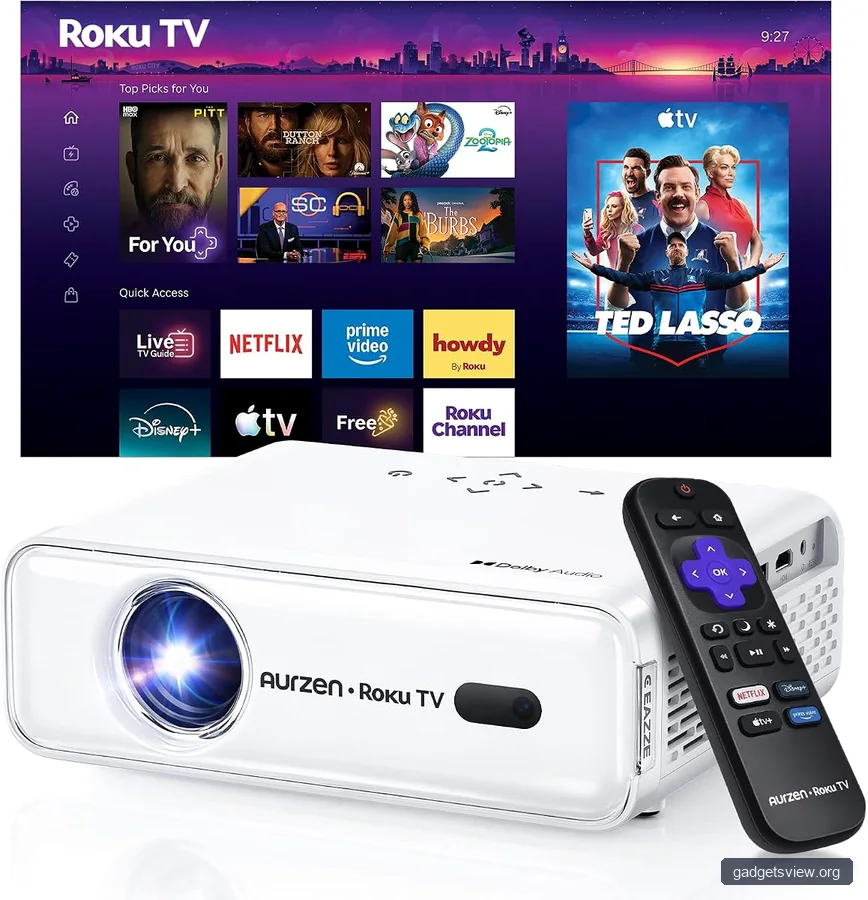
The right projector depends on where you play and what you play. If you use a console in a shared family room, you may need a brighter unit and a flexible throw distance. If you game in a dark room, you can lean harder into contrast, black levels, and image depth.
Start with the room, then match the projector to your game style. That simple order helps narrow the field fast and avoids paying for features you will not use.
Selection criteria that matter most
- Room light: Bright rooms need stronger output.
- Screen size: Bigger screens increase immersion but demand more brightness and better clarity.
- Distance limits: Small rooms often work best with short-throw or ultra-short-throw designs.
- Gaming type: Competitive, casual, co-op, and cinematic gaming all have different needs.
- Audio plan: Many gamers still prefer a separate soundbar or headset solution.
| Gaming need | What to prioritize | Best fit |
|---|---|---|
| Competitive play | Very low input lag, fast game mode, responsive controls | Fast 1080p or gaming-focused 4K projector |
| Living room gaming | Brightness, flexible placement, easy setup | Short-throw or bright standard-throw projector |
| Movie-like immersion | Contrast, color quality, large image | High-contrast 4K projector |
| Small room setup | Short throw, easy alignment, minimal shadows | Short-throw or ultra-short-throw projector |
Gaming Projector Types: Strengths and Limitations
Different projector types solve different problems. That is why there is no single best projector for gaming for every buyer. The goal is to match the projector style to your space and play habits.
Standard-throw projectors
These are the classic choice and can work well if you have room to place the projector farther from the screen. They often give you more flexibility in price and placement, and they may fit a broad range of use cases beyond gaming. The downside is that setup can be less convenient in tight spaces.
- Strengths: Flexible, familiar, often a good value.
- Limitations: Needs more distance and careful mounting.
Short-throw projectors
Short-throw units are popular for gaming because they create a large image from a shorter distance. That makes them easier to fit into bedrooms, apartments, and media rooms. They can also reduce shadows when you move in front of the screen.
- Strengths: Better for smaller rooms, easier placement.
- Limitations: May cost more and can require more precise alignment.
Ultra-short-throw projectors
Ultra-short-throw models sit very close to the wall or screen and can look clean in a living room. They are attractive for people who want a big display without running a long ceiling mount. The trade-off is that they can be more sensitive to screen choice, surface quality, and placement accuracy.
- Strengths: Clean setup, big image in a tight space.
- Limitations: Screen matching matters more, and gaming-specific performance varies.
Which Specs Matter Most for Console and PC Gaming?
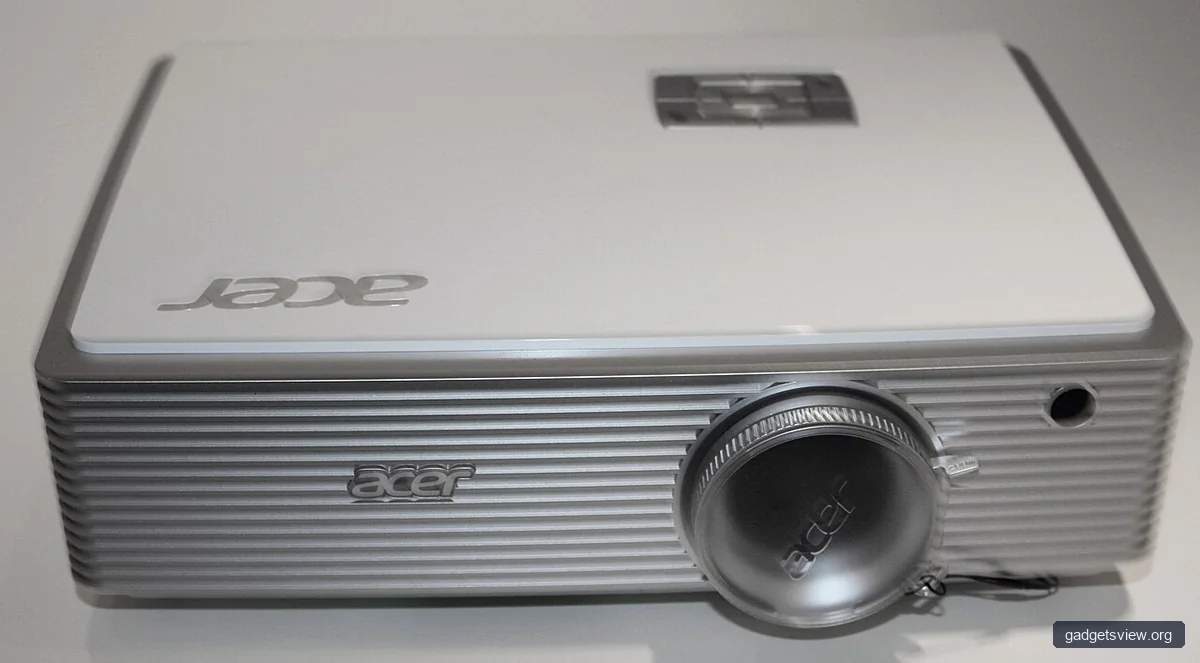
Console and PC gaming overlap, but they do not need the exact same projector features. Console players often want easy setup, good brightness, and consistent performance with common living-room distances. PC gamers may care more about responsiveness, fine detail, and support for their preferred frame rates and display modes.
If you play both, try to avoid extreme compromises. A projector that is excellent for movie night but sluggish in games may frustrate you over time. Likewise, a very fast projector that looks dull in a bright room may not feel like a good purchase.
For console gaming
- Choose a projector with a dedicated gaming mode.
- Look for strong brightness if you play in a living room.
- Check compatibility with current console output modes before buying.
For PC gaming
- Prioritize low latency and a responsive image.
- Confirm resolution support for your preferred setup.
- Consider whether the projector handles motion cleanly in fast scenes.
One useful rule: if you mainly play single-player adventures, sports games, or party games, you can lean more toward image quality. If you mainly play competitive shooters or fighting games, responsiveness should come first.
Who Should Choose What? A Simple Buyer Verdict
When shoppers ask for the best projector for gaming, they usually mean one of three things: the fastest, the brightest, or the most cinematic. Each one can be the right answer, but not for the same buyer.
| Buyer type | Best choice | Why it fits |
|---|---|---|
| Competitive gamer | Low-lag gaming projector | Fast response matters more than extra image features |
| Family room gamer | Bright short-throw projector | Works better in shared spaces with more light |
| Immersion-first player | High-contrast 4K projector | Better for story games, visuals, and big-screen impact |
| Apartment or small room user | Short-throw or ultra-short-throw projector | Easier to fit without a long projection distance |
Verdict: choose the fastest model if you care about reaction time, the brightest model if your room has light, and the most contrast-rich model if you want cinematic gameplay. For most US buyers, a gaming-focused short-throw projector is often the most practical middle ground.
Setup Tips to Get Better Gaming Performance
Even a strong projector can feel underwhelming if the setup is poor. Many performance complaints come from placement, picture mode, or room lighting rather than the projector itself. A few adjustments can make a noticeable difference.
Quick setup checklist
- Use the projector’s game mode if available.
- Minimize ambient light in the room when possible.
- Place the projector at the correct throw distance for your screen.
- Keep the image surface flat and clean.
- Check your console or PC output settings for the right resolution and refresh options.
- Use external speakers or a headset if built-in audio is weak.
If the image looks blurry or uneven, check alignment before changing advanced settings. If the game feels delayed, verify that game mode is enabled and that extra processing features are turned off. These small steps often solve the most common complaints.
FAQ: Best Projector for Gaming
Is a projector good for gaming?
Yes, if you choose one with low input lag and enough brightness for your room. Projectors shine when you want a large, immersive image. They are less ideal if your setup is too bright or if the projector has slow response.
What is more important for gaming: resolution or input lag?
For most gamers, input lag comes first. A sharp image is nice, but if controls feel delayed, the experience suffers. If you play mostly casual or single-player games, resolution can matter more than it does for competitive play.
Should I buy a short-throw projector for gaming?
Short-throw projectors are a smart option for many gamers, especially in smaller rooms. They are easier to place and can create a large image from a shorter distance. Just make sure the model still meets your brightness and latency needs.
Do I need a 4K projector for gaming?
Not always. A good 1080p projector can still deliver an excellent gaming experience if it is bright, sharp, and fast. 4K can be worthwhile if you want more detail and have a console or PC that benefits from it, but it is not the only path to a great setup.
How do I know if a projector is good for my game room?
Measure your throw distance, check your lighting, and decide whether you want a fixed screen or a more flexible setup. Then compare projectors by input lag, brightness, and throw type. If current specs are not clearly listed, verify them with the manufacturer or retailer before buying.
Conclusion: Buy for Your Room, Not Just the Spec Sheet
The best projector for gaming is the one that fits your space, your games, and your tolerance for setup. Start with low input lag, then match brightness and throw distance to your room. From there, decide whether you want speed, convenience, or cinematic impact most.
Before you buy, confirm current specs, gaming mode features, and placement requirements. That final check can save you from a mismatch and help you pick a projector that feels great every time you press start.