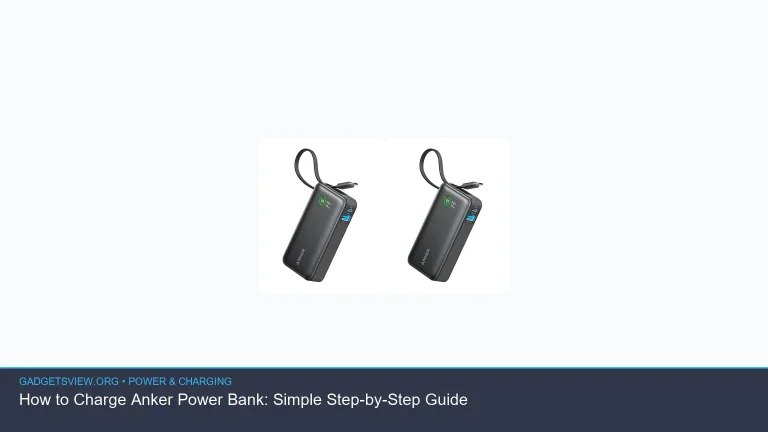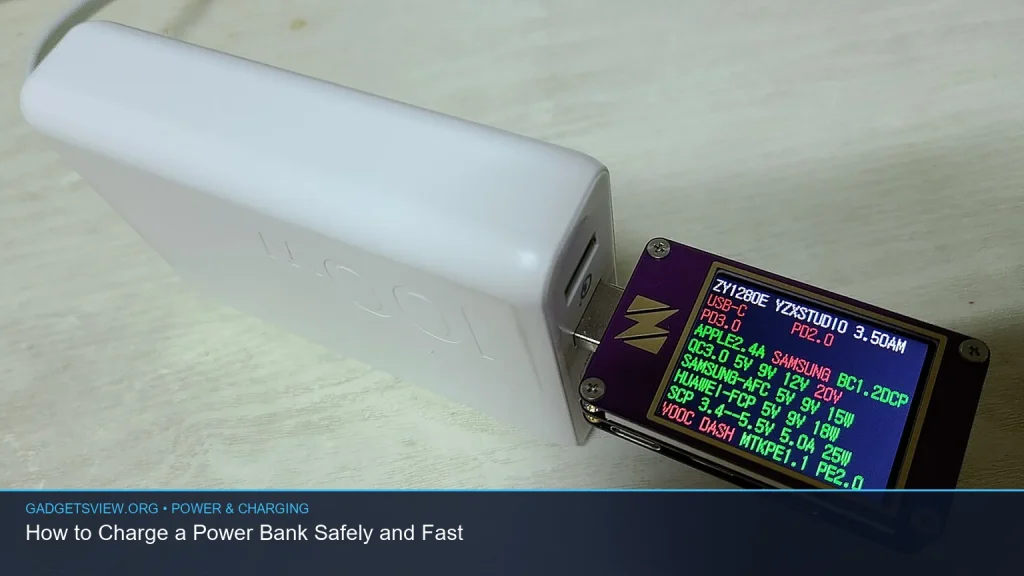
If you want to know how to charge power bank safely and fast, the short answer is: use the right charger and cable, plug into a stable power source, and stop the charge when the bank is full. A slow or damaged charger can waste time, while the wrong setup can shorten battery life or create heat. In this guide, you’ll learn the safest way to charge a power bank, how to speed it up without risking damage, and what to check if it seems slow or won’t charge at all.
📖 Table of Contents
- How to Charge a Power Bank Safely
- How to Charge Power Bank Faster Without Risk
- Step-by-Step: The Best Way to Charge a Power Bank
- Common Charging Mistakes to Avoid
- Why Your Power Bank May Charge Slowly
- How Long Should You Charge a Power Bank?
- When to Stop Charging and What to Watch For
- FAQ
- Conclusion
📌 Key Takeaways
- Use the charger and cable that match your power bank’s input rating for the safest and fastest charge.
- Wall outlets are usually faster and more stable than laptop USB ports or low-power adapters.
- Heat slows charging and can hurt battery health, so charge in a cool, open area.
- If a power bank charges slowly or not at all, check the cable, port, adapter, and power source before assuming the battery is bad.
How to Charge a Power Bank Safely
The safest way to charge a power bank is simple: connect it to a reliable power source using a quality cable that fits the bank’s input port. Most models charge through USB-C, micro-USB, or, less often, another input type. Always follow the label on the power bank or the user manual for the correct input voltage and current.
Before you plug it in, inspect the cable, port, and charger for damage. If the cable is frayed, the port is loose, or the charger feels unusually hot, replace it before use. Charging from a damaged accessory can lead to poor charging performance and may create a safety risk.
Safe charging basics
- Place the power bank on a hard, dry surface.
- Keep it away from blankets, pillows, and direct sunlight.
- Use a charger that matches the bank’s input needs.
- Unplug it once it reaches full charge unless the manual says otherwise.
Heat is one of the biggest enemies of battery health. A power bank that feels warm during charging is often normal, but it should not become too hot to touch. If it does, stop charging and let it cool down in a safe area.
How to Charge Power Bank Faster Without Risk
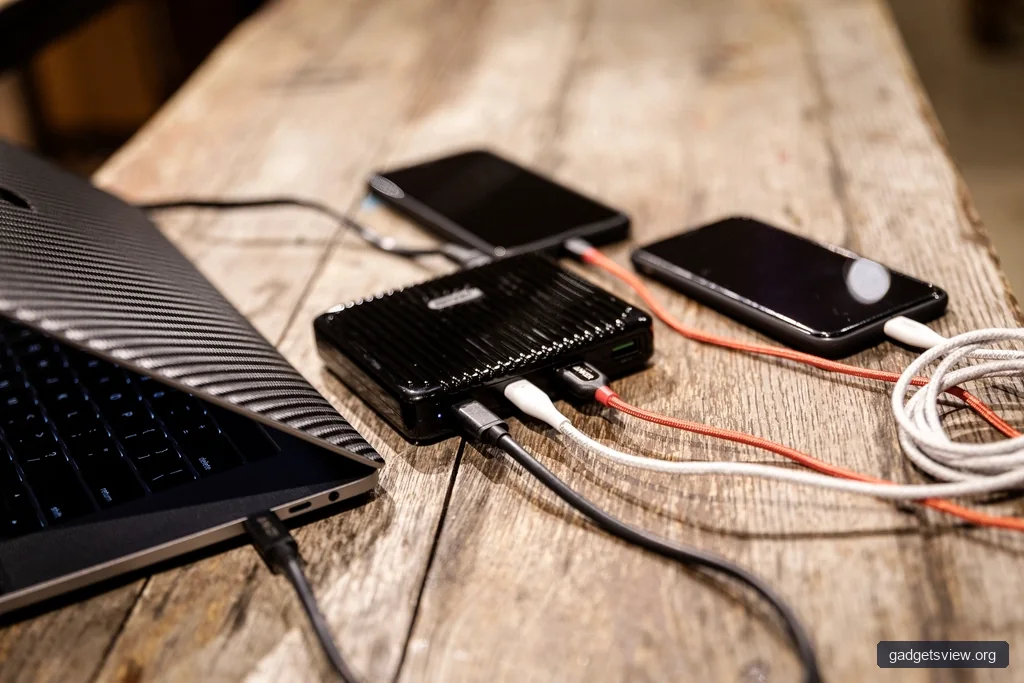
If you want to charge a power bank faster, the best method is to use a charger that can supply the highest input the bank supports. A wall charger is usually better than a laptop port or low-power USB hub. The key is not just using a bigger charger, but using one that the power bank is designed to accept.
Many power banks support faster input over USB-C, while older models may charge more slowly through micro-USB. If your bank supports USB-C input, that is often the fastest and most convenient option. Still, the exact speed depends on the bank’s design, so check the label or manual before assuming a faster charger will help.
What usually makes charging faster
- A wall adapter instead of a computer USB port
- A cable in good condition with proper data and power support
- Using the correct input port, such as USB-C if supported
- Charging at room temperature rather than in a hot car or cold garage
Do not try to “force” faster charging with random adapters or off-brand cables that do not meet the power bank’s input needs. Faster is only better when the hardware is designed for it. If the charger and cable are a mismatch, you may get slower charging, more heat, or unstable behavior.
Step-by-Step: The Best Way to Charge a Power Bank
- Check the input label. Look for the power bank’s input type and rating near the port or in the manual.
- Choose a proper charger. Use a wall charger that fits the input rating the bank supports.
- Use a good cable. Pick a cable that is undamaged and appropriate for the charging port.
- Plug into a stable outlet. Wall power is usually more reliable than a laptop or shared USB hub.
- Monitor the first few minutes. Make sure the charging light or display turns on as expected.
- Let it charge fully. Remove it when full unless your model has a safe pass-through or maintenance feature described by the maker.
If your power bank has an LED display, use it to track progress. If it uses indicator lights, the pattern may show the charge level or charging status. When in doubt, read the user guide so you know what each light means.
Common Charging Mistakes to Avoid
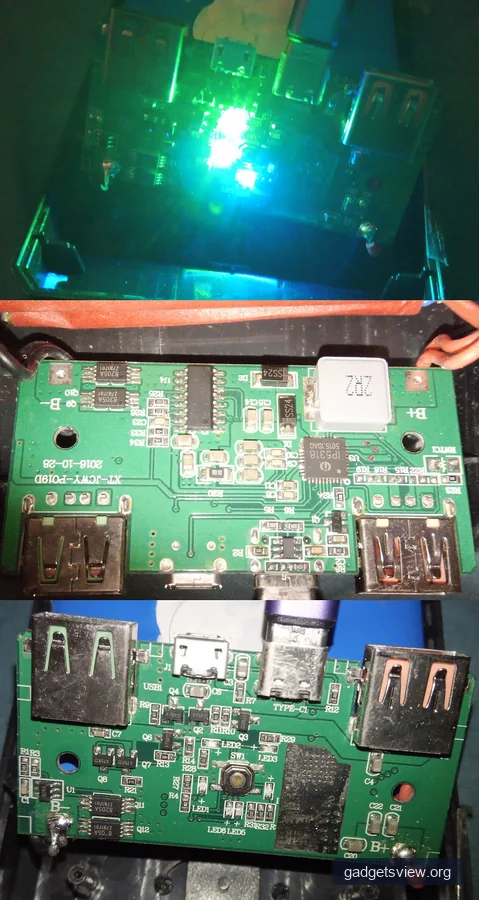
Many charging problems come from small mistakes that are easy to fix. The most common one is using a weak charger, such as a low-power USB port on a laptop. That may work, but it can take much longer than a wall adapter.
Another mistake is using the wrong cable. Some cables are fine for basic charging but may not support faster input or may lose power over distance. A poor cable can also make the connection unstable, which may cause the power bank to start and stop charging.
| Charging Method | Strengths | Limitations | Best For |
|---|---|---|---|
| Wall charger | Usually fastest and most stable | Needs a compatible adapter and outlet | Most users who want safe speed |
| Laptop USB port | Convenient when traveling | Often slower and less powerful | Backup charging only |
| USB hub or dock | Useful for desk setups | Power output may vary | Secondary option |
| Low-quality charger/cable | Usually none worth relying on | Can be slow, unstable, or unsafe | Not recommended |
Who should choose what
- Choose a wall charger if you want the best mix of speed, safety, and convenience.
- Choose a laptop port only when you need a backup option and do not mind slower charging.
- Avoid unknown cables or adapters if you care about long-term battery health and consistent performance.
Why Your Power Bank May Charge Slowly
If charging seems slow, the issue is often not the power bank itself. The charger may not supply enough power, or the cable may be limiting the input. In some cases, the battery may also slow down near the end of the charge cycle, which is normal.
Temperature matters too. Batteries charge more slowly when they are too hot or too cold. If the power bank has been sitting in a hot car or a cold room, let it return to a moderate temperature before charging it again.
Quick troubleshooting checklist
- Try a different wall charger.
- Switch to another cable.
- Test a different wall outlet.
- Check whether you are using the correct input port.
- Look for dust or lint in the charging port.
If the power bank still charges very slowly after these checks, the battery may be aging or the internal charging circuit may need attention. At that point, the user guide or manufacturer support is the best next step.
How Long Should You Charge a Power Bank?
There is no single charging time that fits every power bank. Capacity, charger power, cable quality, and input support all affect how long it takes. A small power bank may finish much sooner than a larger one, while a fast-input model can charge more quickly than an older design.
Instead of guessing by time alone, watch the indicator lights or display. Charge until the bank shows full, then unplug it. If the bank has a manual with recommended charge time or charging behavior, follow that guidance first.
When to Stop Charging and What to Watch For
Most modern power banks include built-in protection, but you should still pay attention during charging. Stop if you smell burning, notice swelling, hear crackling, or feel extreme heat. Those are signs to disconnect right away and stop using the device until it is checked.
Also stop if the bank repeatedly connects and disconnects, because that can point to a bad cable, dirty port, or internal fault. A stable charge should look steady, with normal indicator behavior and no unusual heat.
FAQ
Can I charge a power bank overnight?
Many modern power banks have charge protection that reduces risk when they reach full. Even so, it is better practice to unplug it once full. If the manual says the model supports safe extended charging, follow the maker’s guidance.
Can I use my phone charger to charge a power bank?
Yes, if the charger matches the power bank’s input type and power needs. A phone charger can work well, but it may charge slower if it is low power. Check the label or manual to confirm compatibility.
Is it bad to use the power bank while it is charging?
Some power banks support pass-through charging, but not all do. Using a bank while it charges can create extra heat and may reduce charging speed. Only do this if the product is designed for it.
Why does my power bank take so long to charge?
Common causes include a weak charger, a poor cable, the wrong input port, or a battery that is already aging. Heat and low temperatures can also slow the process. Try a better wall charger and cable first.
How do I know if my power bank is fully charged?
Most power banks show full charge with solid lights, all bars lit, or a display that reads 100%. The exact signal depends on the model. Check the manual if the indicator pattern is unclear.
Conclusion
Learning how to charge power bank safely comes down to three things: use the right charger, use a good cable, and keep the battery cool while it charges. For the fastest safe result, charge from a wall outlet and follow the power bank’s input rating. If charging is slow or unstable, start with the cable, charger, and port before assuming the battery is failing. When in doubt, check the manual and stop using any device that shows heat, swelling, or damage.