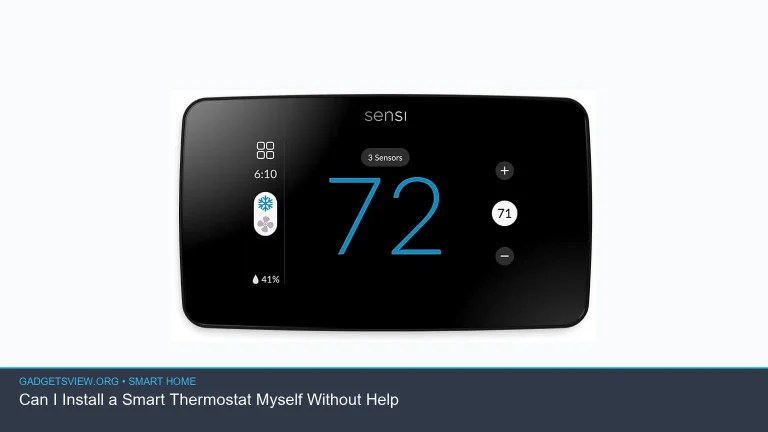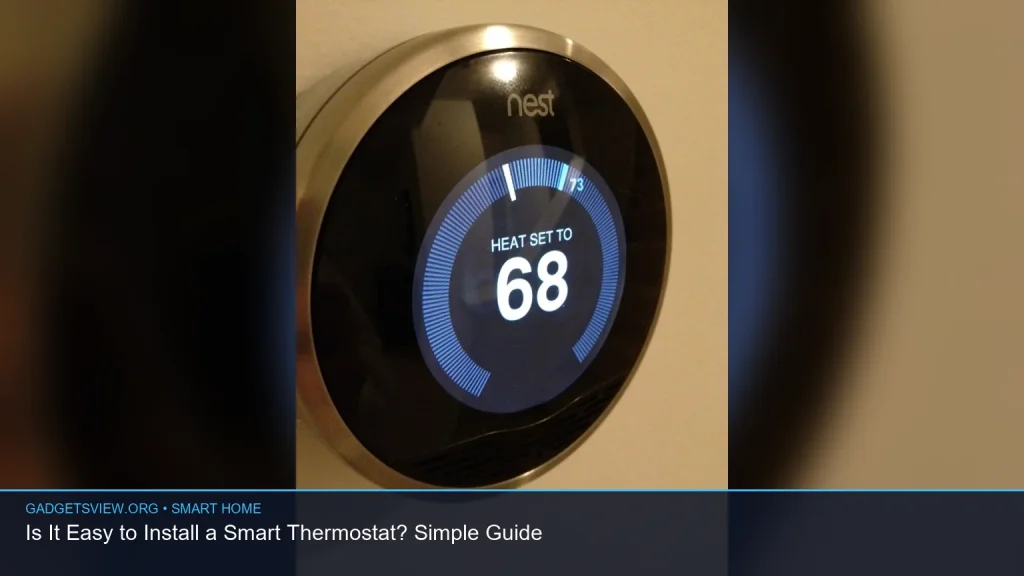
Yes, is it easy to install a smart thermostat for many homes? Often, yes. If your HVAC system is a fairly standard setup and you have a C-wire, the job can be simple enough for a careful DIYer. But some homes need extra wiring help, adapter kits, or a pro because the old thermostat wiring is unusual. The real answer depends on your system, your comfort with basic wiring, and how well you follow the setup steps. This guide explains what makes installation easy, what can trip you up, and how to decide whether to do it yourself or call an expert.
📖 Table of Contents
📌 Key Takeaways
- Installing a smart thermostat is often a doable DIY project if your HVAC system is simple and you follow the wiring steps carefully.
- The biggest make-or-break factor is compatibility, especially whether your system needs a C-wire or special adapter.
- Shut off power at the breaker before touching thermostat wires, and label every wire before removal.
- If you have heat pump, multi-stage, line-voltage, or uncommon wiring, professional installation may be the safer choice.
What “easy to install” really means
When people ask whether a smart thermostat is easy to install, they usually mean one of two things: “Can I do it myself?” and “Will it work with my system?” Those are not always the same question. A thermostat may be physically easy to mount, but still tricky if the wiring does not match the new unit.
For many US homes with a standard forced-air furnace and central air system, the process is fairly straightforward. You remove the old thermostat, label the wires, connect them to the new base, attach the display, and complete setup in the app. If your system is older, unusual, or missing a common wire, the job can become more involved.
Is it easy to install a smart thermostat? Start with compatibility
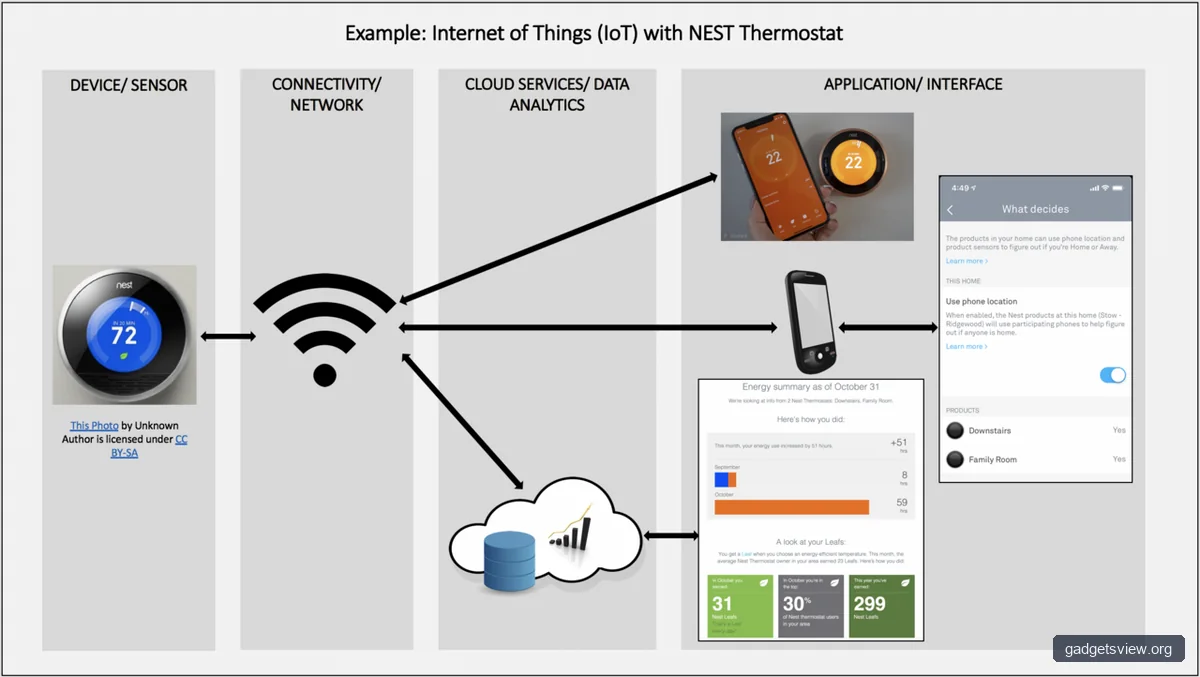
The most important step is checking whether the thermostat matches your HVAC system. Smart thermostats are not universal, and the wrong choice can lead to errors, short cycling, or no power at all. Before buying or installing anything, confirm the type of heating and cooling equipment you have.
Common systems that are often easier to work with include single-stage gas furnaces, conventional central air, and simple heat-only or cool-only setups. More complex systems such as heat pumps, multi-stage systems, radiant heat, or line-voltage baseboard heat can need special support. When in doubt, verify your system type at the furnace or air handler, not just at the wall thermostat.
| System type | DIY difficulty | Why |
|---|---|---|
| Standard furnace + central AC | Usually easy | Common wiring and clear setup steps |
| Heat pump | Moderate | Needs correct O/B, aux, and reversing valve setup |
| Multi-stage HVAC | Moderate to hard | More wires and system-specific configuration |
| Line-voltage baseboard heat | Hard | Different wiring and thermostat requirements |
What tools and prep make the job easier?
Good prep can turn a stressful project into a simple one. You do not need a large toolkit, but you do need the basics and a calm approach. Rushing is where most DIY mistakes happen.
Before you begin, gather a small screwdriver, a phone or camera, labels or masking tape, and a flashlight. It also helps to have your HVAC model information nearby, since setup questions often ask what type of heating and cooling equipment you use. If your home has old wiring, take clear photos before disconnecting anything.
Simple prep checklist
- Turn off power to the HVAC system at the breaker.
- Remove the thermostat cover and photograph the wire layout.
- Label each wire before disconnecting it.
- Check for a C-wire or unused wire in the wall.
- Read the setup guide before mounting the new device.
A C-wire, or common wire, is one of the biggest reasons installation becomes easier or harder. Many smart thermostats need steady power, and a C-wire helps provide it. If your old thermostat worked without one, that does not always mean the new one will.
Step-by-step installation guide
If your system is compatible, the basic installation process is manageable. The exact screens and wire labels may differ by brand, so always follow the instructions that come with your device. Still, the general flow is the same for most smart thermostats.
- Turn off HVAC power. Use the breaker, not just the thermostat controls.
- Remove the old thermostat faceplate. Take a photo of the wiring before touching anything.
- Label every wire. Match each wire to its terminal letter or color position.
- Disconnect the wires. Keep them from slipping back into the wall.
- Mount the new base plate. Make sure it sits level and secure.
- Connect the wires. Insert each wire into the correct terminal and tighten firmly.
- Attach the thermostat display. Snap it into place only after wiring is complete.
- Restore power and run setup. Follow the app or screen prompts carefully.
- Test heat and cool modes. Confirm the system responds as expected.
Do not skip the test step. Run both heating and cooling if your home has both, and wait long enough to see whether the system starts correctly. If the thermostat shows an error or the HVAC does not turn on, stop and review the wiring before trying again.
Common installation problems and how to handle them
Even simple installs can hit a snag. Most issues come from wiring confusion, missing power, or an HVAC system that does not match the thermostat’s assumptions. The good news is that many problems are easy to diagnose once you know what to look for.
| Problem | Likely cause | What to do |
|---|---|---|
| Thermostat will not power on | No C-wire, breaker off, or loose wire | Check breaker, re-seat wires, review power requirements |
| Heat or cool will not start | Wrong terminal mapping or system setup | Compare labels, redo setup, verify equipment type |
| Fan runs but no heating or cooling | Miswired control signals | Turn power off and review each connection |
| System short cycles or behaves oddly | Compatibility issue or configuration error | Check setup options and consult the manual |
One important caution: if your wires are not labeled clearly, or if you find extra wires you do not recognize, do not guess. Stop and confirm the wiring diagram for your HVAC system. Guessing can cause damage or create a comfort and safety problem.
When DIY is a smart move, and when to call a pro
DIY installation makes sense when your system is standard, the wiring is clear, and you are comfortable following directions step by step. It is also a good option if the thermostat maker offers strong compatibility tools and clear support documents. In those cases, the process is usually more patience than skill.
Professional installation is the better choice if your home has a heat pump, multi-stage system, line-voltage heating, damaged wiring, or no clear C-wire solution. A pro is also helpful if you are replacing a very old thermostat or if the HVAC equipment labels are hard to identify. Paying for help can be worth it if it prevents wiring mistakes and lost time.
| Best for | Choose DIY if… | Choose a pro if… |
|---|---|---|
| Simple systems | You have clear labels and a standard setup | You are unsure which wires go where |
| Complex systems | Only if you are experienced and confident | If you have heat pump or multi-stage equipment |
| Safety concerns | Power is easy to shut off and verify | Wires are damaged, hidden, or uncertain |
Verdict: If your system is standard and well labeled, DIY is usually the better fit. If the wiring is unclear or the HVAC setup is complex, professional installation is the safer and faster choice.
FAQ
Do I need a C-wire to install a smart thermostat?
Often, yes, but not always. Many smart thermostats work best with a C-wire because it provides stable power. Some models can work without one using a power adapter or other method, but compatibility depends on your exact HVAC system and thermostat design.
Can I install a smart thermostat myself if I have no electrical experience?
Yes, if the system is simple and you are careful. The task is usually low-voltage and more about wiring accuracy than advanced electrical skill. That said, if you feel unsure at any point, it is better to pause and get help than to guess.
How long does a typical installation take?
For a straightforward system, many homeowners can finish in under an hour, including setup and testing. More complex systems may take longer, especially if wiring changes or app troubleshooting are needed. Plan extra time so you do not rush the job.
What should I do if the thermostat does not turn on after installation?
First, confirm the breaker is on and the wires are fully seated. Next, check whether the thermostat needs a C-wire or another power source. If it still does not power up, compare your wiring to the setup guide or contact support before doing more changes.
Conclusion
So, is it easy to install a smart thermostat? For many homeowners, yes. If your HVAC system is standard and the wiring is clear, the process is usually a manageable DIY project.
The best next step is to check compatibility before you buy or install anything. Confirm your system type, look for a C-wire, and read the setup instructions all the way through. If the wiring looks unfamiliar or your HVAC setup is complex, bring in a pro and save yourself the stress.