If you want to use a projector on a white wall, the good news is that it can work well for casual home viewing. The key is knowing when a wall is “good enough” and how to set up the room for the sharpest image, best contrast, and least glare. In this guide, you’ll learn how to improve picture quality, avoid common setup mistakes, and decide when a screen is worth it. If you are comparing a wall setup with a screen or TV, this will help you choose the right path for your space and budget.
📖 Table of Contents
- What a White Wall Can Do Well
- Set Up the Room for Better Picture Quality
- Prepare the Wall So It Looks Clean and Even
- Get the Projector Position Right
- Know When the Wall Setup Is Hurting the Image
- Special Cases: Short Throw, Interactive, and Smart Projectors
- Should You Stick With a Wall or Move to a Screen?
- FAQ
- Conclusion
📌 Key Takeaways
- A smooth, matte white wall can work well for movies, streaming, and casual gaming if the room is dim.
- Most picture problems come from wall texture, poor alignment, too much ambient light, or an underpowered projector.
- Projector placement matters as much as the wall itself. Centering, distance, and height all affect sharpness and geometry.
- If you want the best contrast and consistency, a screen still beats a wall, but a wall is a solid starting point.
What a White Wall Can Do Well
A white wall gives you a simple, low-cost projection surface. It is often good enough for movies, sports, and streaming shows, especially in a dark or dim room. If you are using a projector for casual home entertainment, the wall may deliver a very satisfying image without extra gear.
The main benefit is convenience. You do not need to mount a screen, and you can test your projector quickly. For many people, that makes a white wall the easiest way to get started before investing in a larger setup.
How does a projector work on a wall?
When people ask how does a projector work, the short answer is that it sends bright light through a lens and onto a surface. The wall reflects that light back to your eyes. A smooth white surface reflects more evenly, which helps the image look cleaner.
That said, a wall is not the same as a purpose-built screen. Even a painted wall can show small bumps, roller marks, or color shifts that affect detail and contrast. So the wall is a practical option, but not always the best possible one.
Set Up the Room for Better Picture Quality
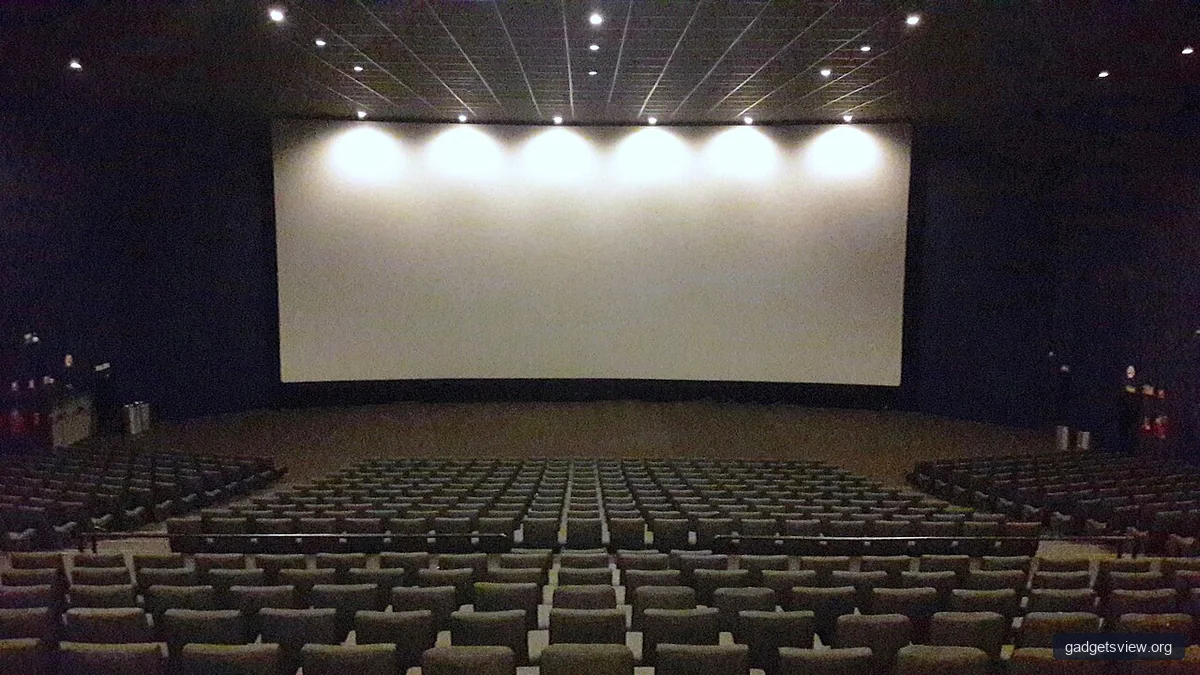
Room lighting is one of the biggest factors in projection quality. A white wall will look best when the room is dark or at least dim. Daylight, lamps, and bright reflections can wash out the image fast.
If possible, pick a room where you can control the light. Close blinds, dim overhead lights, and avoid placing lamps near the viewing area. This matters even more if you are using a smaller unit like a gpx mini projector, which may need a darker room to look its best.
Choose the right projector type for the space
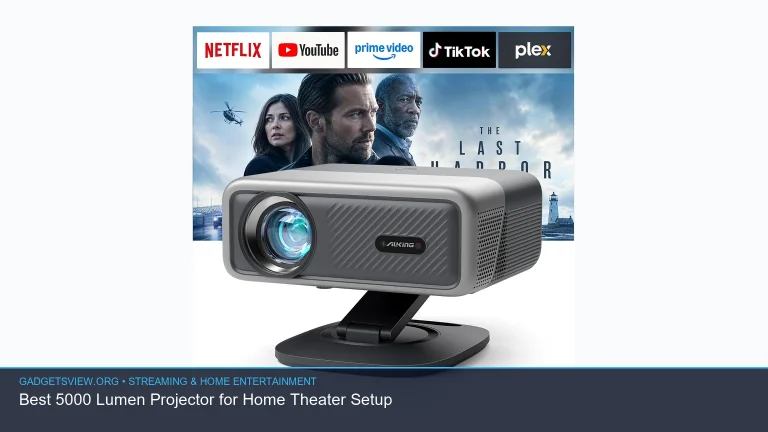
Different projector styles fit different rooms. A long throw projector works well when you can place the unit farther from the wall. A laser short throw projector is better for tighter rooms because it can create a large image from a much shorter distance.
If you are building a dedicated projector room, short throw models can reduce shadows and keep the setup cleaner. If you only use the projector sometimes, a standard setup may be simpler and more flexible.
| Setup Option | Best For | Strengths | Limitations | Who Should Choose It |
|---|---|---|---|---|
| White wall | Casual home viewing | Low cost, fast setup, easy to test | Wall texture and lighting can reduce quality | Beginners and budget-conscious users |
| Projection screen | Better contrast and consistency | More uniform image, better brightness handling | Extra cost and installation | Users who want a more polished result |
| Motorized projector screen | Living rooms and shared spaces | Hides when not in use, looks clean | More complex install, higher cost | Homeowners who want convenience and a neat look |
If you are comparing a projector vs tv, think about how you watch most often. A TV usually wins for bright rooms, everyday ease, and sharpness. A projector can win for size, movie nights, and a more theater-like feel.
Prepare the Wall So It Looks Clean and Even
The wall itself can make or break the image. A flat, smooth, matte white wall works best. Glossy paint can create hot spots and glare, while textured paint can soften detail and make the picture look projector pixelated even when the projector is fine.
If the wall is uneven, patch holes and sand rough spots first. Small flaws become much more visible once the projector turns on. For the best result, use a clean white paint with a matte finish and let it dry fully before projecting.
When a wall is not enough
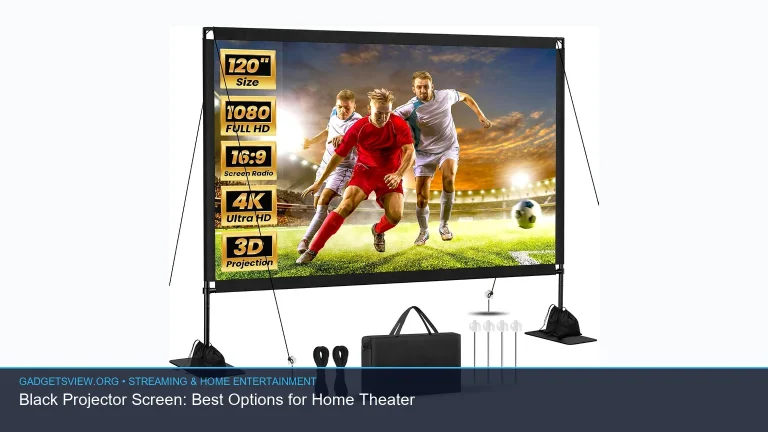
Some rooms need more control than paint can offer. If the wall has visible texture, stains, shadows, or odd color tones, a screen may be a better choice. A motorized projector screen can be especially useful if you want the room to switch between normal use and movie mode.
People sometimes search for a “google projector” because they want a simple streaming-friendly setup. In practice, the best result still depends more on room light, placement, and surface quality than on the brand name alone.
Get the Projector Position Right

Placement affects focus, image shape, and comfort. The projector should be centered with the wall whenever possible, and the lens should line up with the middle of the image. If the unit sits too high or too low, you may need to use keystone correction, which can reduce image quality slightly.
Start by measuring the image size you want, then place the projector at the distance recommended in the user manual. Since each model is different, it is smart to verify the throw range before mounting or buying furniture for the setup.
- Choose the wall area and clear nearby furniture or decor.
- Measure the image size you want before placing the projector.
- Set the projector at the recommended distance for that size.
- Center the lens as closely as possible with the wall.
- Adjust focus and only use keystone correction when needed.
- Check the image from your main seat, not just up close.
If your image still looks soft, check the lens focus first. A blurry or projector pixelated look may come from being out of focus, too much digital correction, or a wall that is too textured.
Know When the Wall Setup Is Hurting the Image
Even a decent wall has limits. The biggest warning signs are dull contrast, visible texture, color hotspots, and uneven edges. If the picture seems washed out even in a dark room, the wall may be the bottleneck.
Another clue is when bright scenes look fine but dark scenes look muddy. That often means the wall is reflecting too much ambient light or the projector is not bright enough for the room. In some cases, the fix is better light control. In others, it is time for a screen.
| Problem | Likely Cause | What to Try |
|---|---|---|
| Image looks washed out | Too much light in the room | Close blinds, dim lights, move lamps away |
| Image looks soft or pixelated | Focus issue, wall texture, or digital correction | Refocus, reduce keystone, smooth the wall |
| Edges look bent or trapezoid-shaped | Projector not aligned | Recenter the projector and lower keystone use |
| Dark scenes look weak | Surface reflects too much or projector lacks brightness | Improve room control or consider a screen |
Special Cases: Short Throw, Interactive, and Smart Projectors
Some setups need more than a standard movie projector. A laser short throw projector is useful when you want a large image without placing the unit far from the wall. That can help in small living rooms or spaces where people walk through the beam.
An interactive projector is a different use case. These are often chosen for learning, presentations, or touch-style interaction, not just home movies. If that is your goal, the wall must be very flat and the room should support precise alignment.
Smart features can also affect the experience. A projector marketed like a google projector may include built-in streaming tools or Google TV-style features, which can reduce the need for extra devices. Still, the surface and room setup remain just as important as the software.
As for an oled projector, that term is often used loosely in consumer searches, but you should verify what the display technology actually is before buying. For home use, the practical question is less about buzzwords and more about brightness, contrast, and how well the projector fits your room.
Should You Stick With a Wall or Move to a Screen?
The best choice depends on how often you watch and how polished you want the picture to look. A wall is fine for a casual setup, especially if the room is already dark and the wall is smooth. A screen becomes more appealing when you want a more consistent and theater-like result.
| If You Value… | White Wall | Projection Screen |
|---|---|---|
| Lowest cost | Best | Not as good |
| Image consistency | Fair | Best |
| Easy setup | Best | Good to fair |
| Best movie-night look | Good | Best |
Who should choose what? Choose the wall if you want an easy, low-cost setup and are okay with some tradeoffs. Choose a screen if you watch often, care about image quality, or want the most polished result. A motorized projector screen makes sense when you want the screen to disappear after use and keep the room flexible.
FAQ
Can I use any white wall for a projector?
Not really. The best wall is smooth, matte, and evenly painted. If the wall is glossy, textured, or uneven, the picture may look dull or slightly distorted.
Why does my projector look pixelated on a white wall?
That can happen for several reasons. The projector may be out of focus, too close or too far for the image size, or forced to use too much keystone correction. Wall texture can also make the image look less sharp.
Is a projector better than a TV for home use?
It depends on your priorities. A TV is usually better for everyday viewing in bright rooms. A projector is often better if you want a larger picture and a more theater-like feel.
Do I need to replace the projector lamp often?
It depends on the projector type and how often you use it. If brightness drops, colors look weak, or the image becomes unstable, lamp wear may be a factor. Always check the manufacturer’s guidance before replacing a projector lamp.
Is a white wall good enough for a mini projector?
Yes, for casual use it often is. A model like a gpx mini projector can work fine on a clean white wall, but it may need a darker room and careful placement to look its best.
Conclusion
A projector on a white wall can be a smart, simple way to enjoy movies and streaming at home. For the best result, focus on three things: a smooth matte wall, controlled room lighting, and accurate projector placement. If you want a sharper, more consistent picture later, a screen is the next upgrade to consider. For now, start with the basics, test your room, and adjust from there.