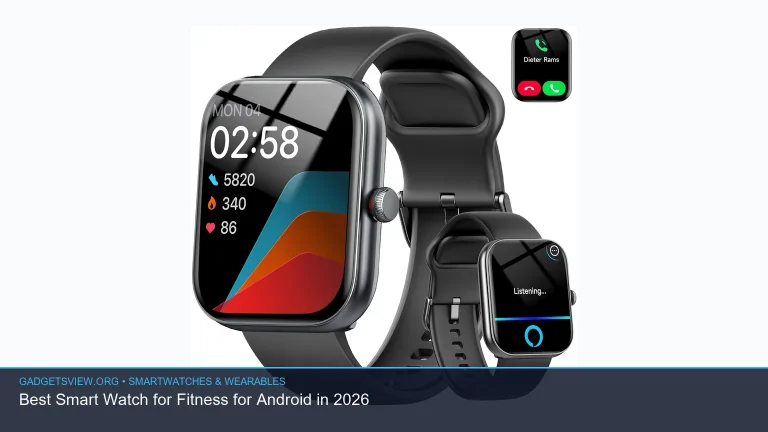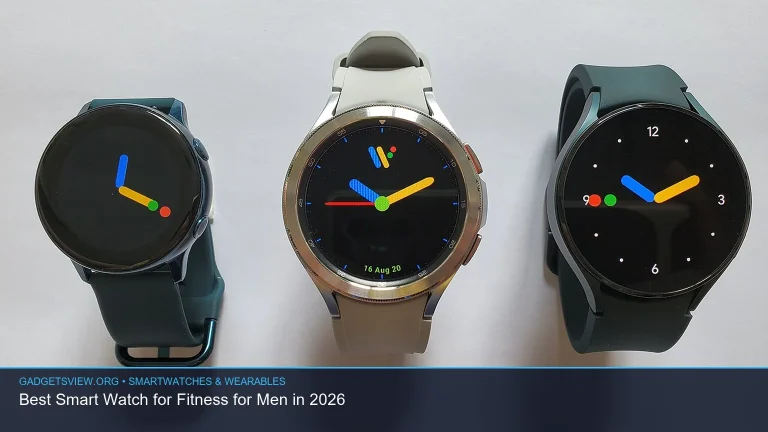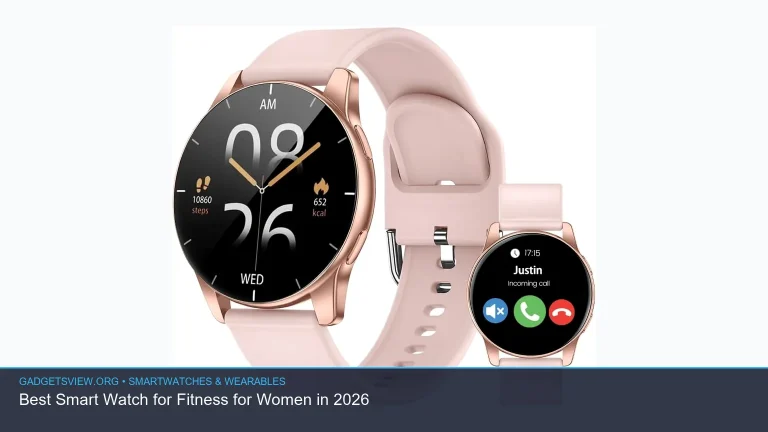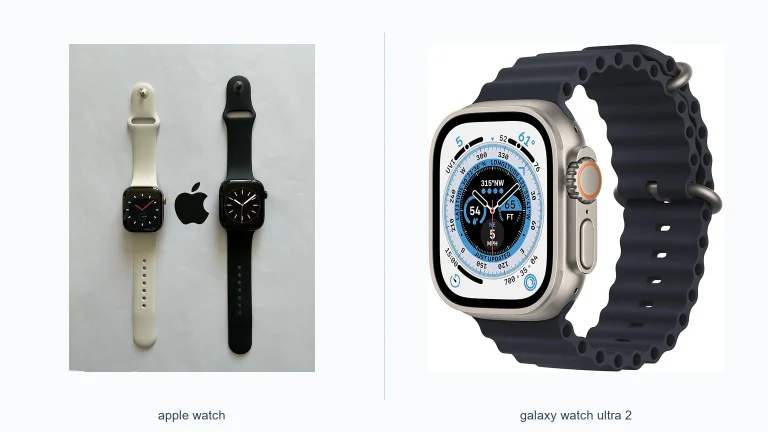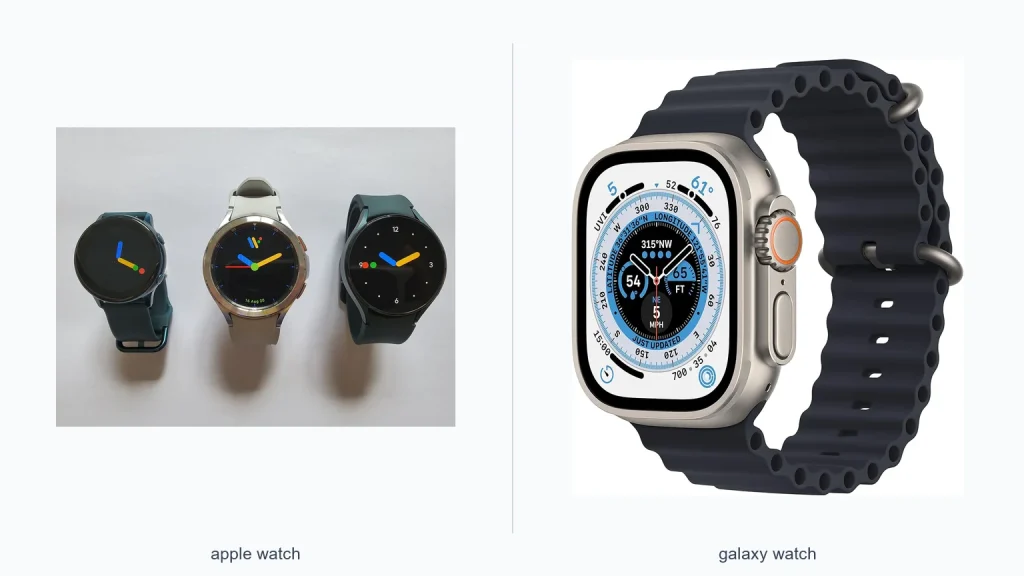
If you’re comparing the apple watch vs galaxy watch vs pixel watch, the best pick depends on your phone, your health goals, and how much you care about app support. In most cases, the Apple Watch is the strongest all-around choice for iPhone users, Galaxy Watch is the best fit for many Android users, and Pixel Watch makes sense if you want a clean Google-first experience. The right answer is less about “best overall” and more about “best for your setup.” Here’s how to choose with confidence.
📖 Table of Contents
📌 Key Takeaways
- Apple Watch is the safest pick for iPhone owners who want the deepest phone integration and the broadest app support.
- Galaxy Watch is often the most flexible Android option, especially for people who want a polished feature set and strong style choices.
- Pixel Watch is the most Google-native option, which appeals to users who prefer a simple interface and Google services.
- The best watch is usually the one that matches your phone ecosystem first, then your fitness, battery, and design preferences.
Quick Verdict: Which Watch Wins for Most Buyers?
There is no single winner for everyone. If you use an iPhone, the Apple Watch is usually the clear choice because it integrates best with iOS and Apple services. If you use Android, the decision becomes more personal, with Galaxy Watch and Pixel Watch offering different strengths.
The easiest way to narrow the field is to start with your phone. Smartwatches tend to work best inside their own ecosystem, and that can affect setup, notifications, app support, and health features. Once that’s settled, compare battery life, design, and the software experience.
| Watch | Best For | Main Strength | Main Limitation |
|---|---|---|---|
| Apple Watch | iPhone users | Best iPhone integration | Not the right choice for Android |
| Galaxy Watch | Android users who want flexibility | Strong feature set and broad appeal | Experience can vary by phone and software support |
| Pixel Watch | Google-first Android users | Clean Google software experience | More limited ecosystem breadth than some rivals |
Apple Watch vs Galaxy Watch vs Pixel Watch: The Core Differences
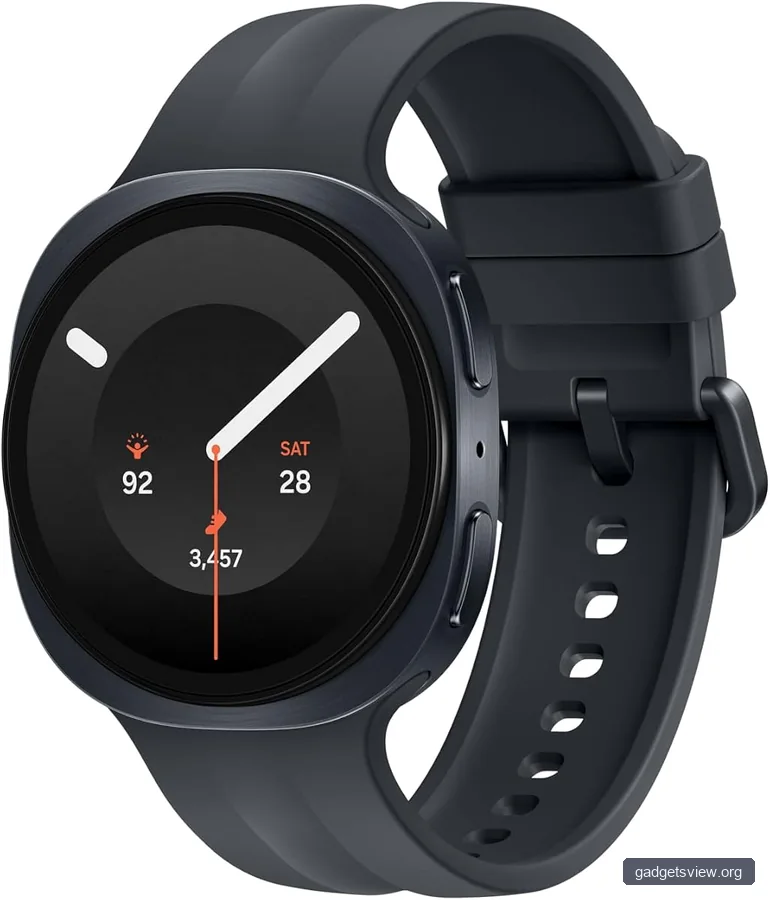
These three watches can all track fitness, show notifications, and run apps, but they do not serve the same audience. The biggest difference is not the screen or the sensor list. It is how each watch fits into the phone you already own.
Apple Watch is built for iPhone users, and that gives it a major advantage in ease of use. Galaxy Watch and Pixel Watch are built for Android, but they take different paths: Galaxy Watch leans broader and more feature-rich, while Pixel Watch leans cleaner and more Google-focused.
1) Ecosystem Compatibility
This is the first filter. If you have an iPhone, Apple Watch is the natural match. If you have an Android phone, Apple Watch is off the table, so your realistic choice is between Galaxy Watch and Pixel Watch.
That matters because smartwatch value often comes from small things: how fast notifications sync, how smoothly calls work, how easy it is to reply to messages, and how well health data shows up in your phone apps. A watch with great specs can still feel frustrating if it does not play nicely with your phone.
2) Software Experience
Apple Watch tends to feel polished and tightly controlled. Many users like that because it makes the watch easy to understand. The tradeoff is less openness compared with Android options.
Galaxy Watch often gives Android users a more customizable feel. Pixel Watch usually feels simpler and more Google-like, which can be a plus if you want a straightforward interface without extra clutter. Your preference here may come down to whether you want more options or less noise.
3) Fitness and Health Focus
All three can serve as capable fitness companions, but the real question is which ecosystem you trust most for tracking your habits. Apple Watch is often the reference point for many health-minded buyers because it is deeply tied to Apple Health. Galaxy Watch and Pixel Watch also bring strong health features, but the experience may vary depending on your phone and apps.
If your priority is consistent activity tracking, sleep monitoring, and notification-based habit support, all three can fit. If you want the smoothest path from watch data to phone dashboards, the ecosystem match matters more than any one sensor feature.
Selection Criteria That Matter Most
To make a smart choice, compare the watches using a few practical criteria. These are the factors most buyers will feel every day, not just on launch day.
- Phone compatibility: Choose the watch that matches your phone first.
- Battery expectations: Think about whether you want a watch you can wear all day and charge nightly, or one that better fits heavier use patterns.
- App and notification flow: Check how your most-used apps behave on the watch.
- Health and fitness needs: Decide whether you care most about workouts, sleep, reminders, or general wellness tracking.
- Design and comfort: A watch you do not enjoy wearing will not help much, no matter how capable it is.
For many buyers, battery life is the deciding factor after compatibility. Some people are fine charging every day. Others want a watch that feels less demanding. Since battery performance can vary by model and settings, it is worth verifying current product details before buying.
| Selection Factor | Why It Matters | What to Check Before Buying |
|---|---|---|
| Compatibility | Determines whether the watch works well with your phone | Phone model and operating system support |
| Battery | Affects daily convenience | Typical use expectations and charging routine |
| Health features | Important for wellness and fitness tracking | Workout support, sleep tracking, and app integration |
| Design | Affects comfort and daily wearability | Case size, band comfort, and display style |
Strengths and Limitations of Each Watch
It helps to think in tradeoffs rather than winners and losers. Each watch is strong in a slightly different way, and each one has limits that can matter a lot depending on your needs.
Apple Watch Strengths
- Best fit for iPhone users.
- Strong app ecosystem and smooth integration with Apple services.
- Familiar interface for many people already using Apple devices.
Apple Watch Limitations
- Not a real option for Android users.
- May be more than some casual users need if they only want basic notifications and step tracking.
Galaxy Watch Strengths
- Strong option for Android users who want flexibility.
- Often appeals to buyers who want a more feature-rich smartwatch experience.
- Good choice if you want a broad smartwatch that feels less tied to one single Google service layer.
Galaxy Watch Limitations
- Experience can depend on the phone ecosystem and software version.
- Some users may find the feature set more complex than they need.
Pixel Watch Strengths
- Clean, Google-first experience.
- Good fit for users who rely heavily on Google services.
- Simple interface can be appealing if you want less friction.
Pixel Watch Limitations
- Less broad than some rivals for users who want maximum flexibility.
- May feel most compelling only if you are already invested in Google’s ecosystem.
Who Should Choose What?
If you want the clearest answer to the apple watch vs galaxy watch vs pixel watch debate, start here. This is the most practical way to choose based on real-world use, not specs alone.
- Choose Apple Watch if you use an iPhone and want the most seamless smartwatch experience.
- Choose Galaxy Watch if you use Android and want a flexible, feature-rich watch that can suit a wide range of users.
- Choose Pixel Watch if you use Android and prefer a simpler, Google-centered experience.
If you are torn between Galaxy Watch and Pixel Watch, ask one question: do you want broader flexibility or a more streamlined Google feel? That answer usually points you in the right direction. For many buyers, the best watch is the one that disappears into the routine and just works.
FAQ
Can you use Apple Watch with Android?
No, Apple Watch is designed for iPhone users. If you use Android, you should focus on Galaxy Watch or Pixel Watch instead.
Is Galaxy Watch better than Pixel Watch?
Not always. Galaxy Watch may be better for users who want more flexibility, while Pixel Watch may be better for those who prefer a simpler Google-first experience. The better choice depends on what kind of Android user you are.
Which smartwatch is best for health tracking?
All three can handle common health and fitness tasks, but the best choice depends on which phone ecosystem you use and how you want your data organized. If health tracking is a top priority, check how each watch syncs with the apps you already use.
What matters more: features or compatibility?
Compatibility usually matters more. A watch with fewer features that works smoothly with your phone often feels better day to day than a more advanced watch that does not integrate well.
Should I wait for updated models before buying?
If you are close to a purchase, it can be worth checking current model pages and recent reviews. Smartwatch lineups change often, so verifying current features, battery claims, and software support is a smart final step.
Conclusion
The best pick in the Apple Watch vs Galaxy Watch vs Pixel Watch comparison comes down to ecosystem first, then style and features. Apple Watch is the strongest choice for iPhone users, Galaxy Watch is a versatile Android option, and Pixel Watch is the best fit for buyers who want a clean Google experience.
Before you buy, check current product details, confirm phone compatibility, and decide what matters most: battery, comfort, health tracking, or software simplicity. That simple process will help you choose the watch that feels right every day, not just on paper.