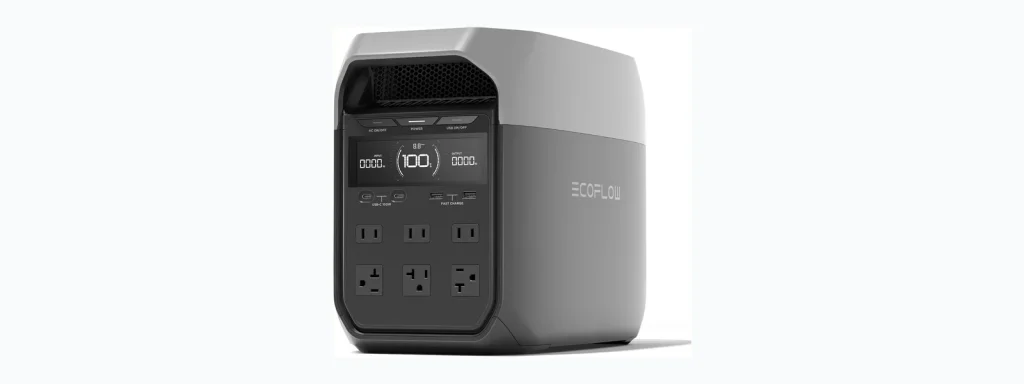
Portable power stations for camping let you run lights, charge phones, power coolers, and run small appliances without a generator. This guide explains how to pick a reliable unit, what features matter, and how to use and maintain one safely at camp. Read on to match a charging solution to your trip style and devices.
📖 Table of Contents
📌 Key Takeaways
- Match capacity and output to the devices you plan to run, not just to headline watt-hours.
- Consider recharge options you’ll actually use at camp: solar, car, or shore power.
- Weight and form factor matter for backpacking; mid- to high-capacity stations suit car or RV camping.
- Follow safe setup and maintenance steps to extend battery life and avoid hazards.
Why campers choose portable power stations
Campers use portable power stations to replace noisy gas generators and bulky battery setups. They offer quiet, plug-and-play power for small appliances and electronics. A good station provides multiple ports, simple controls, and predictable runtime when paired with your device list.
Understanding your power needs first makes it easier to pick a practical, reliable option and avoid common pitfalls like undersizing or neglecting recharge plans.
How to choose a portable power station for camping
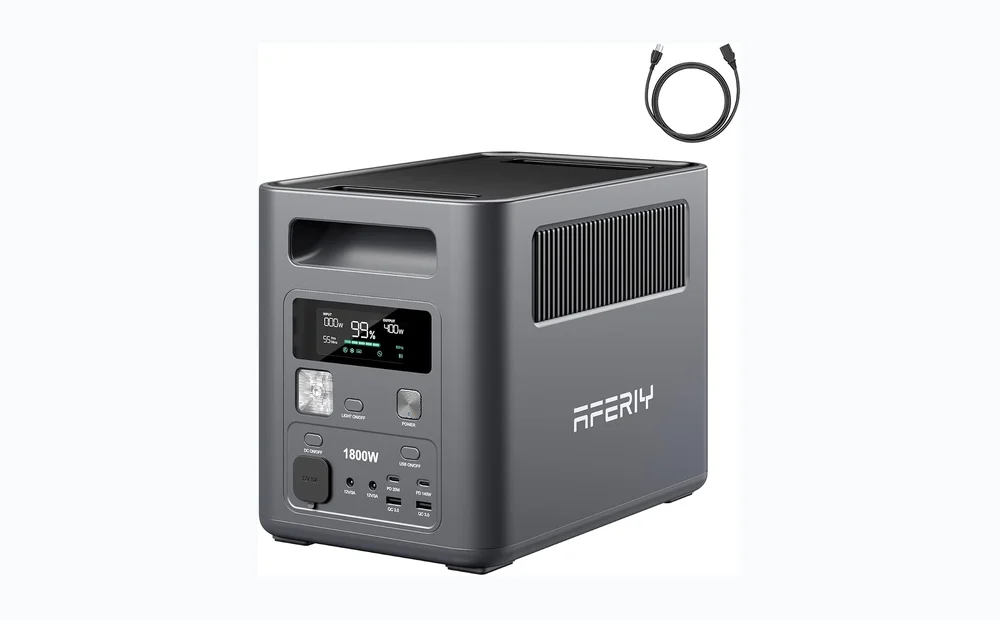
Start by listing the devices you need to run and how long you expect to use them. Next, follow these steps to narrow choices.
- Inventory devices: list each device and whether it needs AC, DC, or USB power, and estimate daily hours of use.
- Estimate usable capacity: look for a unit with enough usable energy to meet your daily needs plus a margin for inefficiency.
- Check output types: ensure the station has the ports and continuous output for your highest-draw devices.
- Review recharge options: confirm you can recharge the station at camp using solar panels, a vehicle, or mains power.
- Consider weight and packing: decide whether portability or capacity is the priority for your trip type.
- Factor in durability and support: prefer models with clear warranty and accessible customer service for peace of mind.
Selection criteria to keep in mind:
- Usable energy vs. advertised capacity (confirm manufacturer notes on usable output).
- Peak and continuous output limits for appliances like pumps or small heaters.
- Number and type of ports (AC outlets, USB-A, USB-C PD, 12V outputs).
- Recharge flexibility (solar input compatibility, car charging, AC charging speed).
- Weight, size, and handle design for transport.
- Safety features: overcurrent, thermal, and short-circuit protection.
Comparison: form factors and who they suit
| Compact / Lightweight | Mid-range | Heavy-duty / High-capacity | |
|---|---|---|---|
| Best for | Weekend car camping, charging phones and lights | Multi-day trips, running small coolers and laptops | Off-grid RVing, long stays, powering multiple appliances |
| Portability | Very easy to carry; fits in a tote or backpack | Manageable for car or short carry distances | Bulkier and heavier; needs vehicle support |
| Typical outputs | Limited AC outlets and USB ports | Balanced mix of AC, USB, and DC outputs | Multiple AC outlets and higher continuous output |
| Recharge options | Quick AC recharge or small solar panels | Solar-friendly; faster AC and vehicle recharge | Optimized for large solar arrays and fast AC recharge |
Strengths and limitations
- Compact: Strengths — light and easy to pack. Limitations — limited runtime for high‑draw devices.
- Mid-range: Strengths — best balance of portability and usable power. Limitations — may still be bulkier for backpacking.
- Heavy-duty: Strengths — longest runtimes and more outlets. Limitations — heavier and usually more expensive to move and recharge.
Who should choose what
- Pick a compact unit for short car camping trips and charging essentials.
- Choose a mid-range station for multi-day camps when you need to power a cooler and several gadgets.
- Choose a heavy-duty station if you plan long off-grid stays in an RV or need to run multiple appliances repeatedly.
Charging options and setting up at camp
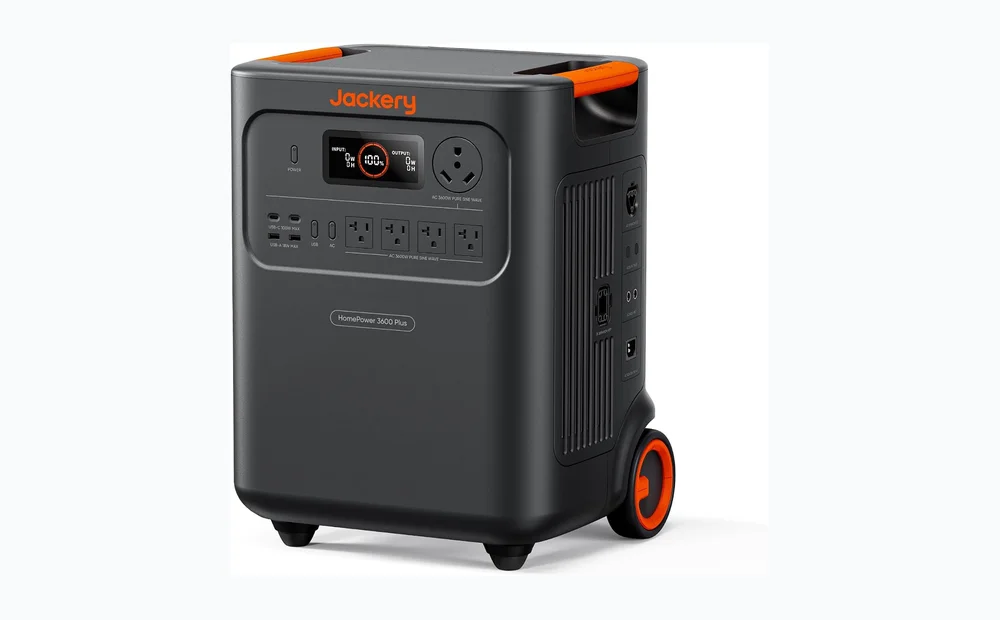
Most stations accept multiple recharge sources. Confirm compatibility and connectors before you head out. Solar is attractive for long stays, but real-world recharge depends on panel size and sun conditions.
Common recharge methods:
- AC wall charging — fastest when hookups are available at a campground.
- Solar charging — flexible and silent, best with panels that match the station’s input type.
- Car charging — convenient for top-ups while driving; generally slower than AC.
Cautions when charging: use the recommended cable and adapter. Avoid charging in direct rain without weather protection. If you plan solar, test the system at home and confirm the panel connectors match the station.
Setup, safety, and maintenance
Safe, simple setup reduces risk and extends battery life. Follow these ordered steps each time you set up a station at camp.
- Place the station on a flat, stable surface away from direct heat or standing water.
- Connect devices and check combined draw before powering critical loads.
- Choose a recharge plan: solar array angle, car, or AC. Start charging as needed to avoid deep discharge.
- Monitor temperature; stop charging or reduce load if the unit feels very hot.
- Store the station partially charged for long-term storage per manufacturer guidance.
Cautions:
- Avoid using the station to run high-draw resistive heaters unless manufacturers explicitly permit it.
- Keep vents clear for airflow. Do not block cooling ports.
- Don’t expose lithium-based units to extreme temperatures for prolonged periods.
- Follow manufacturer instructions for storage charge level and periodic maintenance.
Troubleshooting and quick fixes
| Problem | Possible cause | Quick fix |
|---|---|---|
| Station won’t power a device | Port type mismatch or output limit exceeded | Use the correct port and try a lower-draw device; consult the manual for output limits |
| Unit not charging from solar | Incorrect panel connection or low sun | Verify connectors and input settings; angle panels for better sun or use AC/car to top up |
| Rapid battery drain | Background loads or inefficiencies | Unplug unused outputs and avoid high-draw appliances; consider larger capacity for the trip |
| Overheating or shutdown | High ambient temp or heavy load | Reduce load, move to shade, let the unit cool before restarting |
FAQ
- How long will a portable power station run my devices?
Runtime depends on the station’s usable energy and the device’s power draw. Estimate device wattage and plan conservatively for conversion losses.
- Can I use solar panels from different brands?
Often yes if the connectors and voltage range match the station’s input. Check the station’s documentation before connecting third-party panels.
- Is it safe to leave a station charging overnight?
Follow the manufacturer’s guidance. Many units support unattended charging, but ensure ventilation and avoid charging in wet conditions.
- Can a power station run a refrigerator or small heater?
Some can run small compressors briefly, but heaters draw heavy power and can quickly deplete capacity. Confirm continuous and surge output limits before attempting.
Conclusion: Start with a clear device list, choose a station that matches usable capacity, and plan realistic recharge options. Next step: make a shortlist of models that meet your criteria, then verify manufacturer output limits, port types, and warranty details before buying or renting for your trip.