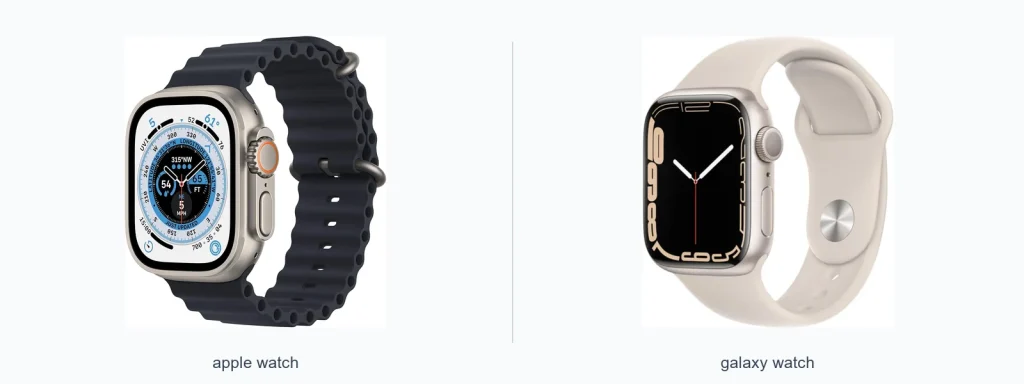
The Apple Watch vs Galaxy Watch features comparison boils down to two different ecosystems and design philosophies. If you use an iPhone, the Apple Watch integrates tightly with calls, messages, and Apple services. If you use Android, Galaxy Watches offer broader handset compatibility and strong fitness tracking. This guide compares core features, strengths, and limitations so you can pick the watch that fits your phone, habits, and priorities.
📖 Table of Contents
- apple watch vs galaxy watch features: core differences at a glance
- Quick comparison table
- Design, screens, and customization
- Health and fitness features
- Battery, performance, and software
- Compatibility and app ecosystem
- How to choose: selection criteria, strengths, and limitations
- Who should choose what — clear verdicts
- FAQ
Products mentioned
- Apple Watch SE (GPS, 40mm)
View current product details - Apple Watch SE (2nd Gen) (GPS, 40mm)
View current product details - Apple Watch Ultra [GPS + Cellular 49mm] Titanium Case with Midnight Ocean Band, One Size (Renewed)
View current product details - Apple Watch Series 7 (GPS, 41mm) Starlight Aluminum Case with Starlight Sport Band, Regular (Renewed)
View current product details
Availability, specifications, and prices can change; verify them on the product page.
📌 Key Takeaways
- Apple Watch delivers the smoothest experience for iPhone users through deep system integration and a mature app ecosystem.
- Galaxy Watch models work best with Android phones and emphasize customization and wider handset compatibility.
- Health and fitness tracking is strong on both, but the available sensors and how data is shared differ by platform.
- Choose based on phone compatibility, which health features you value, and how much you prioritize apps versus battery life.
apple watch vs galaxy watch features: core differences at a glance
![Apple Watch Ultra [GPS + Cellular 49mm] Titanium Case with Midnight Ocean Band, One Size (Renewed)](https://gadgetsview.org/wp-content/uploads/2026/09/apple-watch-vs-galaxy-watch-fe-inline-1.webp)
This section contrasts the central design choices behind each platform. The Apple Watch is built to extend iPhone features. Galaxy Watches aim to be more flexible across Android devices. Both focus on health, notifications, and style, but they prioritize different integrations and user flows.
Quick comparison table
| Feature | Apple Watch | Galaxy Watch |
|---|---|---|
| Platform / OS | watchOS, tightly integrated with Apple services | Samsung’s Wear OS variant, designed for Android phones |
| Best phone pairing | iPhone | Android phones (better when paired with Samsung phones) |
| App ecosystem | Large, curated app store with many native apps | Growing app support with many Android-compatible apps |
| Health & fitness | Comprehensive tracking and health features integrated with Health app | Strong tracking, with Samsung Health as the hub |
| Customization | Multiple bands and faces; hardware styles from SE to Ultra | Many watch faces and band choices; varied case styles |
| Battery approach | Optimized for daily use with fast charging routines | Focus on longer standby options on some models |
Design, screens, and customization
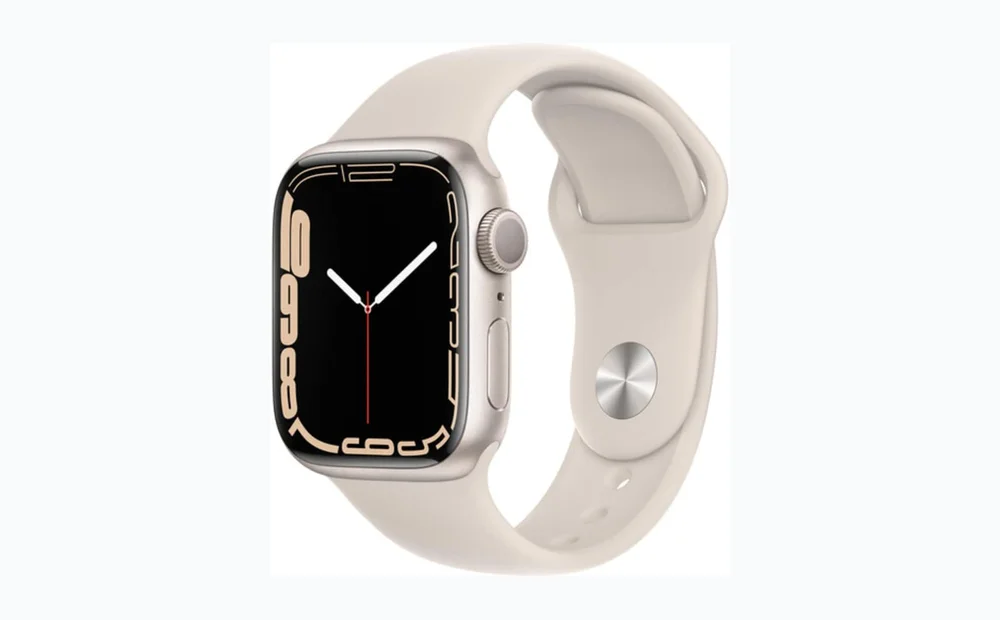
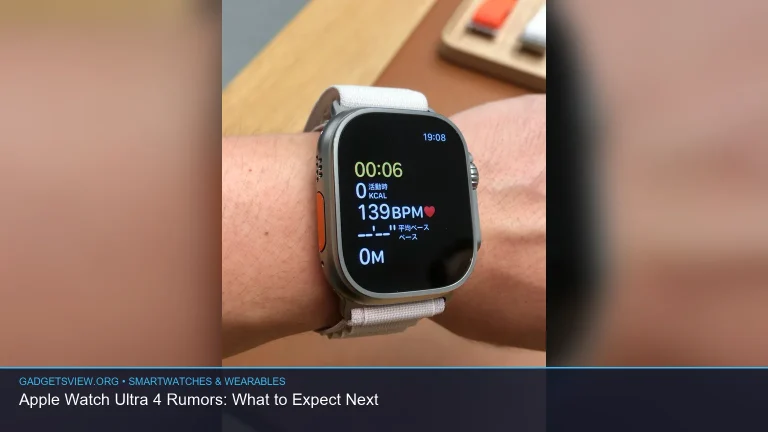
Both product lines offer a range of case materials, band choices, and watch faces. Apple provides models from entry-level to premium, such as the Apple Watch SE, Apple Watch SE (2nd Gen), Apple Watch Series 7, and Apple Watch Ultra. Samsung’s Galaxy Watch series also spans sporty to premium designs.
Apple’s watch faces and bands are tightly curated to match updates to watchOS. Galaxy Watches often provide more third-party face styles and broader on-device customization. Choose the style that matches your wardrobe and comfort needs.
Health and fitness features
Health tracking is a major selling point for both watches. Each platform includes activity tracking, heart-rate monitoring, workout detection, and sleep tracking. The way data is recorded and presented varies between Apple’s Health app and Samsung Health.
If specific medical-grade features or advanced metrics matter, check the latest official feature lists from Apple and Samsung before you buy. Availability of features can also vary by model and region.
Battery, performance, and software
Apple focuses on fluid performance and frequent watchOS updates. Galaxy Watches run Samsung’s Wear OS variant that blends Samsung features with wider Android compatibility. Both platforms receive regular software updates, though the update cadence and feature set depend on the manufacturer.
Battery habits differ by what features you use, such as always-on display, GPS, and cellular. If battery life is a top priority, compare real-world reports and official guidance for the specific model you’re considering.
Compatibility and app ecosystem
Compatibility is decisive. Apple Watches are designed to work with iPhone and leverage Apple services like iMessage, Apple Pay, and Siri. Galaxy Watches pair broadly with Android phones and offer strong support for Samsung phones in particular.
App availability matters if you use third-party fitness services, music apps, or transit apps. Apple’s app store for watchOS tends to have many watch-first apps. Samsung’s platform supports many Android apps and ongoing growth in Wear OS apps is closing gaps.
How to choose: selection criteria, strengths, and limitations
Selection criteria
- Phone ecosystem: Which phone do you use daily?
- Primary use: notifications, fitness, sleep, or a smartwatch as a phone substitute?
- Design fit: do you prefer a compact watch or a larger, rugged design?
- App and service needs: which apps must run natively on the watch?
- Battery expectations: daily charging versus multi-day use.
Apple Watch — strengths and limitations
- Strengths: Seamless iPhone integration, polished watchOS apps, consistent updates, curated accessories.
- Limitations: Requires an iPhone for full functionality; fewer direct Android options.
Galaxy Watch — strengths and limitations
- Strengths: Works well across Android phones, flexible customization, strong fitness tools tied to Samsung Health.
- Limitations: Some deep integrations work best with Samsung phones; app availability varies by model and platform updates.
Who should choose what — clear verdicts
If you use an iPhone and want the smoothest integration with your phone, messaging, and apps, an Apple Watch is the practical choice. Models such as the Apple Watch SE (GPS, 40mm), Apple Watch SE (2nd Gen) (GPS, 40mm), and higher-end options like the Apple Watch Series 7 or Apple Watch Ultra fit different budgets and use cases.
If you use Android and want broader device compatibility, strong customization, and a watch that pairs well with non-Apple phones, a Galaxy Watch is likely the better fit. Consider how important third-party apps and specific health features are to your routine before deciding.
FAQ
- Can I use an Apple Watch with an Android phone?
No. Apple Watch requires an iPhone for full setup and ongoing functionality.
- Do Galaxy Watches work with iPhones?
Some basic pairing may be possible, but Galaxy Watches do not offer the same level of integration with iPhone as they do with Android phones. Expect limitations.
- Which watch is better for fitness tracking?
Both offer strong fitness features. The best choice depends on which fitness apps and health services you want to use and which phone you pair the watch with.
- Are there rugged options for outdoor use?
Yes. Both lines include models aimed at outdoor and active users. Check each model’s official feature list to confirm suitability for your activities.
Conclusion — next step
Decide by phone compatibility first. If you have an iPhone, shortlist Apple Watch models that fit your size and feature needs. If you have Android, compare Galaxy Watch options and focus on which model supports the apps and battery life you want. For either route, review the latest official feature pages to confirm availability in your region before buying or testing a model in person at a store.