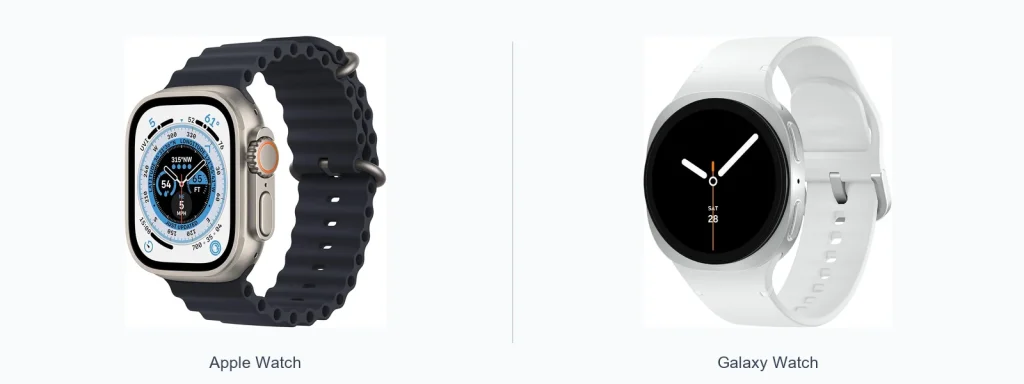
The Apple Watch vs Galaxy Watch debate comes down to ecosystem, software preferences, and what you value most from a wrist device. If you use an iPhone, an Apple Watch usually gives the smoothest integration. If you favor Android, especially Samsung phones, a Galaxy Watch often pairs more naturally. Read on to compare design, software, health tools, daily use, and which watch fits different priorities.
📖 Table of Contents
Products mentioned
- Apple Watch Series 9 (GPS + LTE) 45MM Midnight Aluminum Case Black Sport Band (Renewed)
View current product details
Availability, specifications, and prices can change; verify them on the product page.
📌 Key Takeaways
- Choose an Apple Watch for the tightest iPhone integration and a polished app experience.
- Choose a Galaxy Watch for stronger Android/Samsung compatibility and flexible hardware choices.
- Both lines deliver robust health and fitness tracking, but exact features and third-party app access differ.
- Decide based on phone ecosystem, preferred apps, and whether battery life or customization matters most.
Apple Watch vs Galaxy Watch: a quick overview
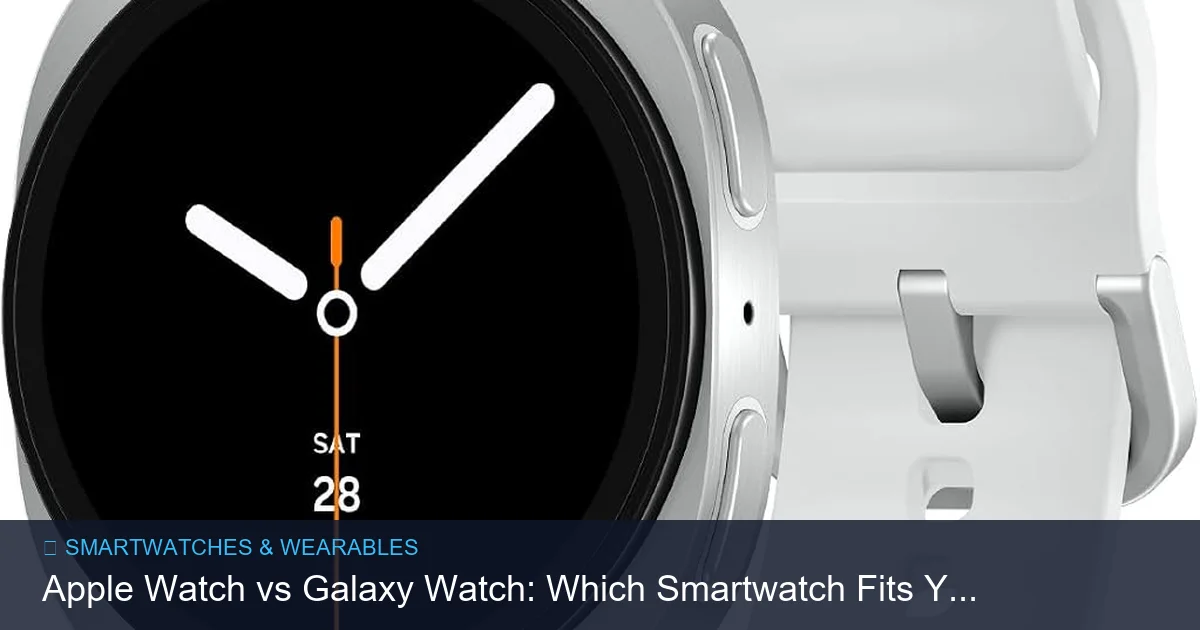
At a high level, the Apple Watch and Galaxy Watch target similar needs: notifications, activity tracking, and quick interactions without pulling out your phone. The core difference is platform focus. Apple Watch is built around watchOS and iPhone features. Galaxy Watch is built to integrate with Android and Samsung services, while also offering more hardware variety to match different styles.
Design and hardware
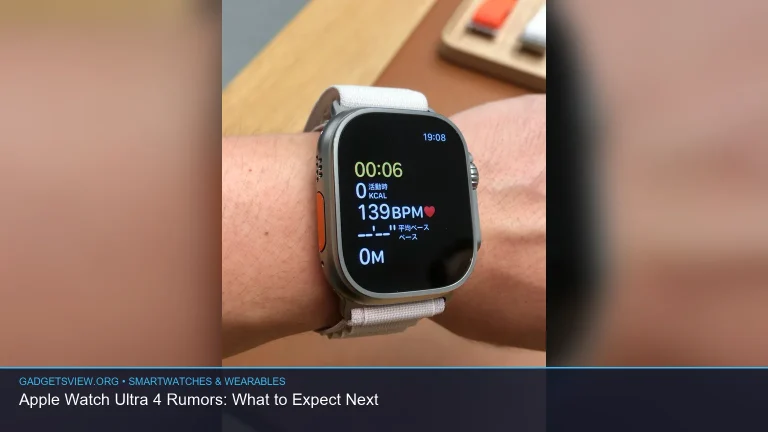
Both families offer premium build options and multiple case sizes and finishes. Apple Watch designs emphasize a square face with rounded corners and a strong accessory market for bands. Galaxy Watches typically use a more traditional round face option and sometimes include a rotating bezel or digital crown for navigation.
Materials, screen clarity, and durability are competitive across both. If you prefer a conventional watch look, Galaxy Watch models often lean that way. If you prefer a recognizable, app-forward design, Apple Watch models are distinct and wearable with numerous bands and case options.
Software, apps, and ecosystem
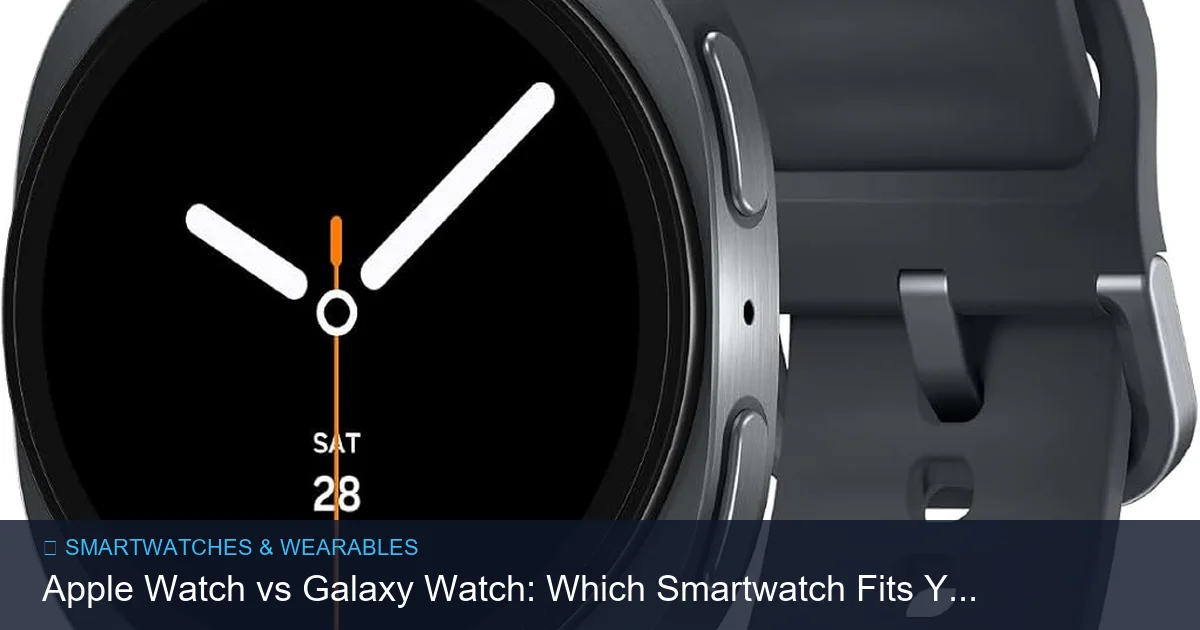
Software experience is where the watches show their personalities. Apple Watch runs watchOS, which is tightly integrated with iOS. Notifications, messaging, Apple Pay, and Home controls feel native when paired with an iPhone. The App Store for watchOS supports many first-rate third-party apps tailored to the platform.
Galaxy Watch runs on a platform designed to work best with Android phones and Samsung services. It supports a range of apps and can leverage Samsung Pay, Samsung Health, and other Galaxy ecosystem features. Cross-platform app availability can vary, and some features may be limited outside their native phone ecosystem.
Health, fitness, and safety features
Both watch families focus heavily on health and fitness. Expect built-in activity tracking, heart-rate monitoring, guided workouts, and sleep tracking. Each platform offers advanced features that may include fall detection, irregular rhythm notifications, and workout auto-detection, though exact feature availability varies by model and region.
Third-party fitness app support is strong on both platforms, but the experience differs. Apple Watch benefits from tight integration with Apple Fitness and many developers building specifically for watchOS. Galaxy Watch benefits from Samsung Health and broad compatibility with popular Android fitness services.
Battery, charging, and daily use
Battery expectations differ depending on model and how you use the watch. Many users charge their smartwatch nightly; others stretch a day or more between charges with lighter use. Charging styles vary too—wireless chargers, magnetic docks, and proprietary stands are common across both brands.
Daily comfort, notification handling, and quick interactions are polished on both platforms. How well voice assistants, message replies, and music playback work will depend on phone pairing and app permissions. Consider how often you’d like to charge, whether you use onboard music or LTE, and how much you rely on continuous health monitoring.
Comparison table and selection criteria
| Category | Apple Watch | Galaxy Watch |
|---|---|---|
| Best phone pairing | iPhone | Android (best with Samsung) |
| Design options | Square face; many band choices | Round and sporty options; traditional watch look available |
| Software & apps | Polished watchOS apps; deep Apple integration | Flexible Android support; strong Samsung services |
| Health & fitness | Advanced sensors and app ecosystem | Comprehensive tracking and Samsung Health integration |
| Customization | Large accessory market; watch faces | Watch faces, bands, and some models with physical bezel |
Selection criteria
- Phone ecosystem: The single most important factor. Choose the watch that pairs best with your phone.
- App needs: Check whether your favorite fitness or productivity apps are available on the watch platform.
- Battery habits: If you prefer multi-day battery life, verify model-specific performance from reliable sources before buying.
- Style and comfort: Try on different sizes and bands where possible to check fit and look.
Strengths, limitations, and who should choose what
Both lines are strong, but their advantages match different priorities. Below is a concise guide to help decide.
Apple Watch — Strengths
- Seamless iPhone integration for calls, messages, and Apple services.
- Large number of high-quality watchOS apps and watch faces.
- Consistent software updates from Apple and ecosystem continuity.
Apple Watch — Limitations
- Best experience requires an iPhone.
- Design is fairly uniform (square case), which may not suit everyone.
Galaxy Watch — Strengths
- Better native fit for Android and Samsung users.
- More traditional watch styling and hardware variety.
- Strong fitness tracking and flexible customization options.
Galaxy Watch — Limitations
- Some features may be limited or different when paired with non-Samsung Android phones.
- App selection and certain integrations can vary compared with the Apple Watch ecosystem.
Who should choose what — quick verdict
- Choose Apple Watch if you use an iPhone, want the smoothest ecosystem integration, and value mature third-party apps and features tuned to iOS.
- Choose Galaxy Watch if you use Android (especially Samsung), want a round-watch look or specific hardware choices, and prefer deeper Samsung service integration.
- Undecided buyers should test pairing with their phone and evaluate must-have apps and comfort before purchasing.
FAQ
Can I use a Galaxy Watch with an iPhone?
Some Galaxy Watch features work with iPhones, but functionality and app integration are usually more limited than with Android phones. Verify compatibility details from the manufacturer before buying.
Do Apple Watches work with Android phones?
No. Apple Watches are designed to pair only with iPhones. If you have an Android phone, an Apple Watch is not a suitable option for full feature use.
Which watch is better for running and workouts?
Both platforms offer solid running and workout tracking. The best choice depends on the apps and coaching services you prefer and whether you need specific metrics or integrations with third-party fitness platforms.
Are there cellular versions of these watches?
Both brands have offered cellular-capable models that let you make calls and use data without a phone nearby. Cellular availability and carrier support vary, so check current options and carrier compatibility.
How should I decide between models within each family?
Prioritize the features you use most—size and fit, battery life expectations, health sensors, and whether you need LTE. Read recent reviews and manufacturer details for the specific model you’re considering.
Conclusion — practical next step
Match your phone ecosystem first, then evaluate features that matter: design, apps, health tools, and battery habits. If you use an iPhone, start by comparing Apple Watch models like the current Series lineup. If you use Android, especially a Samsung phone, compare the latest Galaxy Watch options. Try them on in person when possible and confirm app compatibility to make the best choice for your daily life.