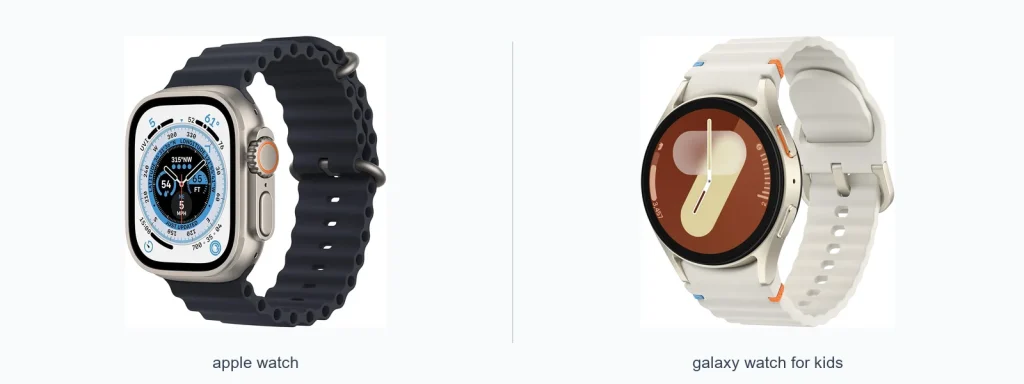
Choosing between an Apple Watch and a Galaxy Watch for kids comes down to three things: the phone ecosystem you already use, the safety and parental controls you need, and how much ruggedness and battery life you expect. If your child uses an iPhone at home, Apple Watch models like the Apple Watch SE (GPS, 40mm) or Apple Watch SE (2nd Gen) are designed to work smoothly with Apple’s tools for families. If your household is Android-first, Galaxy Watches pair better there, though feature parity and parental tooling differ. This guide compares key areas so you can pick the right watch for your child.
📖 Table of Contents
- Apple Watch vs Galaxy Watch for kids: how they compare
- Compatibility and setup
- Safety, parental controls, and location
- Calling, messaging, and connectivity
- Durability, battery, and daily wear
- Apps, fitness tracking, and screen experience
- Comparison table: quick side-by-side
- Selection criteria: what to prioritize
- Strengths and limitations
- Who should choose what — clear verdict
- Frequently asked questions
- Conclusion and next step
Products mentioned
- Apple Watch SE (GPS, 40mm)
View current product details - Apple Watch SE (2nd Gen) (GPS, 40mm)
View current product details - Apple Watch Ultra [GPS + Cellular 49mm] Titanium Case with Midnight Ocean Band, One Size (Renewed)
View current product details - Apple Watch Series 7 (GPS, 41mm) Starlight Aluminum Case with Starlight Sport Band, Regular (Renewed)
View current product details
Availability, specifications, and prices can change; verify them on the product page.
📌 Key Takeaways
- Choose the watch that matches your family phone ecosystem: Apple Watch for iPhone households; Galaxy Watch for Android/Samsung households.
- Safety features, like emergency calling, location sharing, and contact limits, vary by platform and often require a carrier plan for cellular models.
- For most kids, an Apple Watch SE (GPS, 40mm) or comparable Galaxy Watch model balances features, size, and parental control without the cost/complexity of flagship models.
- Check compatibility, battery expectations, and whether you need LTE/cellular before buying — those details affect cost and practicality.
Apple Watch vs Galaxy Watch for kids: how they compare
![Apple Watch Ultra [GPS + Cellular 49mm] Titanium Case with Midnight Ocean Band, One Size (Renewed)](https://gadgetsview.org/wp-content/uploads/2026/09/apple-watch-vs-galaxy-watch-fo-inline-1.webp)
This section looks at the big-picture differences between Apple Watch and Galaxy Watch platforms for kids. The two ecosystems take different approaches to setup, parental controls, and app access. If you already own devices from one brand, that tends to be the simplest route.
Apple Watch models integrate tightly with iPhones and include Apple-specific family tools. Galaxy Watches tend to pair best with Android phones and may rely on Samsung or third-party apps for family features. Cellular service, durability, and available third-party kid-focused apps are important follow-ups in your decision.
Compatibility and setup
Compatibility is the most practical starting point. Apple Watches require an iPhone for initial setup and management, so they’re an obvious choice if your household uses iPhones. The Apple Watch SE (GPS, 40mm) and Apple Watch SE (2nd Gen) are often recommended as entry points because they run the same watchOS platform as pricier Apple models.
Galaxy Watches generally pair with Android phones through the Wearable app and work best with Samsung Galaxy phones. Some Galaxy Watch features may be limited with non-Samsung Android phones. If you plan to use advanced features or carrier-based family plans, verify compatibility before buying.
Safety, parental controls, and location
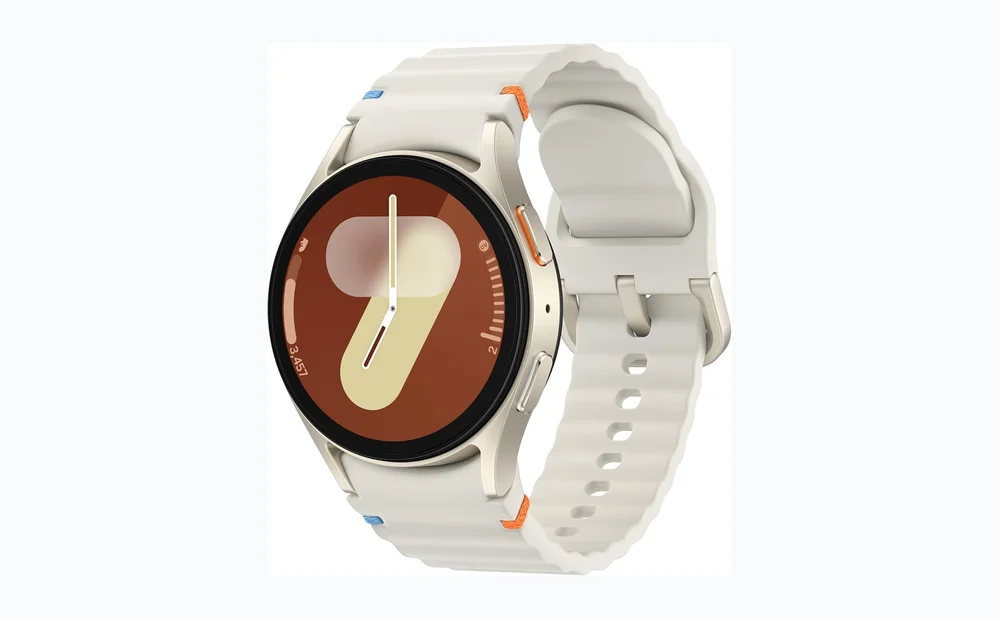
For kids, safety and control are the biggest concerns. Look for configurable contact lists, SOS/emergency calling, location sharing, and the ability to manage app access. On both platforms, some of these features are built in and some depend on carrier support or third-party apps.
Apple provides family-focused setup options that let a parent manage a child’s watch from their iPhone, including contact restrictions and location sharing. Galaxy Watches rely on Samsung’s wearable tools plus third-party family apps; functionality can vary by model and phone pairing.
Calling, messaging, and connectivity
Both ecosystems offer models with cellular connectivity and GPS-only options. Cellular models can let a child call or receive messages independently of a phone, but they typically require a separate carrier plan. Confirm whether your wireless carrier supports the specific watch model you choose.
Think about whether you want full voice calling, text messaging, or limited contact lists. Also check whether the watch supports Wi‑Fi-only communication in certain settings and whether group or family plans are available from your carrier.
Durability, battery, and daily wear
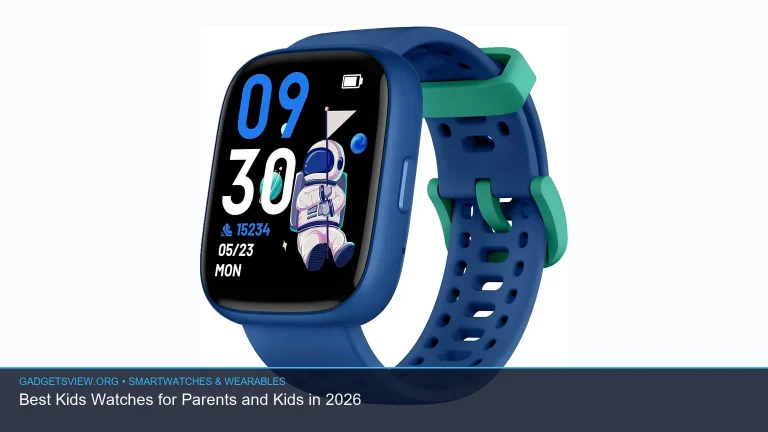
Durability and battery life are practical concerns for kids. Watches intended for adults can be fragile, so consider protective bands, cases, or a model with a robust build. Many parents prefer smaller, simpler models for younger children to reduce weight and accidental damage.
Battery expectations vary widely by use (GPS active, cellular on, or standby). Don’t assume flagship features translate to better battery life for a child’s daily routine. If you need extended battery endurance, research model-specific manufacturer claims and user reports before committing.
Apps, fitness tracking, and screen experience
Both platforms offer basic fitness tracking and activity rings or equivalents. These can motivate kids to move, but advanced health metrics available in higher-end models may not be necessary for kids and can complicate the experience.
App ecosystems differ: Apple’s App Store has a large selection of watch apps, and Google/Samsung’s offerings vary by model and OS version. For younger children, simpler interfaces and fewer apps are often better. Consider setting up only essential apps and limiting app installs via parental controls.
Comparison table: quick side-by-side
| Apple Watch (family-focused) | Galaxy Watch (Android-focused) | |
|---|---|---|
| Best for | Families using iPhones | Families using Android/Samsung phones |
| Setup | Managed via parent iPhone (Family Setup options available) | Managed via Wearable app and third-party tools; varies by phone |
| Safety features | Built-in emergency and location sharing tied to Apple services | Location and emergency options depend on model and apps; carrier support varies |
| Cellular | Cellular models exist; require carrier plan | Cellular models exist; require carrier plan |
| App ecosystem | Large watch app library via App Store | Good app selection through Google/Samsung ecosystems; varies by device |
Selection criteria: what to prioritize
- Phone ecosystem: Match the watch to the parent’s/main phone for easiest setup and management.
- Safety needs: Decide whether you need SOS, continuous location sharing, or limited contact lists.
- Connectivity: Choose GPS-only or cellular depending on independence and carrier options.
- Durability and size: Pick a watch that fits a child’s wrist and can handle everyday play.
- Battery life: Expect different results based on usage; avoid heavy-feature models if you want longer runtime.
- Budget and replaceability: Kids sometimes lose or damage gadgets—factor in replacement risk.
Strengths and limitations
Apple Watch — strengths
- Smoother integration with iPhones and parental management tools.
- Simple, consistent interface with wide app availability.
- Good options in the SE models for a balance of features and size.
Apple Watch — limitations
- Requires an iPhone for setup and best functionality.
- Cellular models need a carrier plan, adding recurring cost.
- Higher-end models may be larger and more expensive than needed for kids.
Galaxy Watch — strengths
- Works well with Android phones and Samsung services.
- Often flexible with third-party apps and carrier offerings on Android.
- A range of sizes and price points to suit different needs.
Galaxy Watch — limitations
- Functionality and parental tools can vary by phone model and OS version.
- Fewer official family-specific management features compared with Apple’s approach.
- Some features may require additional apps or configuration.
Who should choose what — clear verdict
If your family already uses iPhones, an Apple Watch is typically the simplest, most cohesive choice. The Apple Watch SE (GPS, 40mm) and Apple Watch SE (2nd Gen) are sensible places to start because they support the same ecosystem tools parents expect.
If your household is Android-first or uses Samsung phones, a Galaxy Watch will usually provide better compatibility and fewer setup hurdles. Match the watch model to your child’s age, wrist size, and the level of independent connectivity you want them to have.
For most parents: pick a mid-range model that supports basic safety features and can be managed from the parent’s phone. Avoid flagship race-to-the-top models unless you need their specific features.
Frequently asked questions
Will an Apple Watch work with an Android phone?
No. Apple Watches require an iPhone for setup and full functionality. They are designed to pair with Apple devices.
Can a Galaxy Watch be used without a phone?
Some features work standalone (like fitness tracking), but most Galaxy Watches need a phone for setup or to manage advanced features. Cellular models can provide calling and messaging with a carrier plan.
Do these watches need a separate carrier plan for kids?
Cellular-capable watches generally require a carrier plan to use independent calling and data. GPS-only models do not, but they need the parent’s phone for some features.
Are there kid-specific watch models to consider?
There are kid-focused watches from other brands with simplified interfaces and built-in SIMs. If you want a budget or more rugged option, compare those against Apple and Galaxy models for features and management tools.
Conclusion and next step
Match the watch to your family’s phone ecosystem first, then check safety features, carrier support, and size. If you use an iPhone, consider a mid-range Apple Watch like the Apple Watch SE (GPS, 40mm) or Apple Watch SE (2nd Gen). If your home is Android-based, choose a Galaxy Watch that pairs well with your phone.
Next step: make a short checklist (phone model, need for cellular, key safety features, preferred size) and verify those items against the specific watch model and carrier before buying. If possible, try the watch in-store to confirm comfort and ease of use for your child.