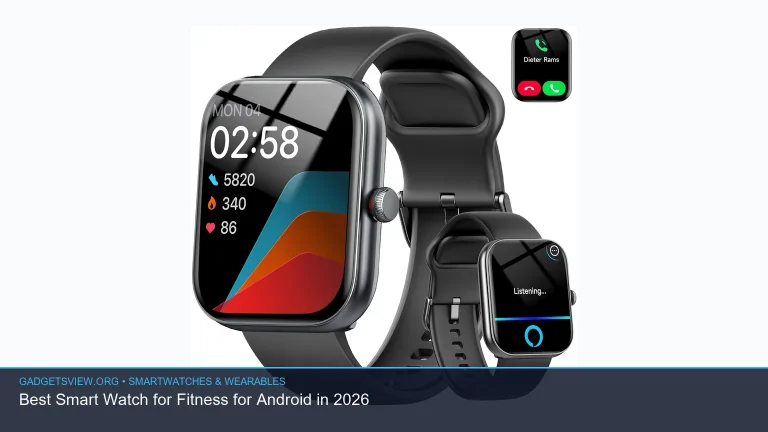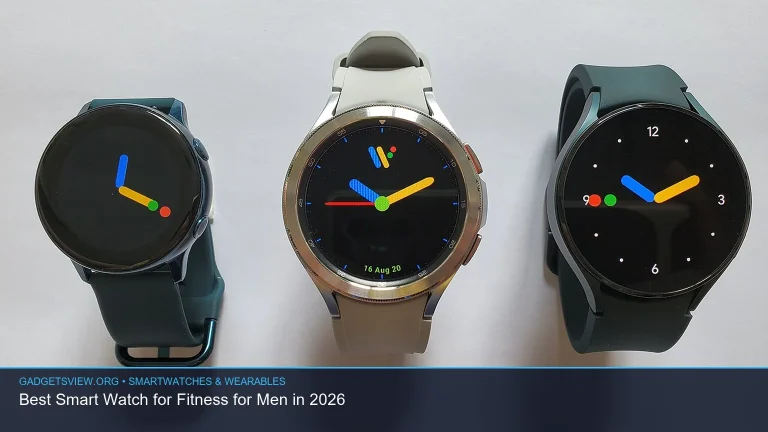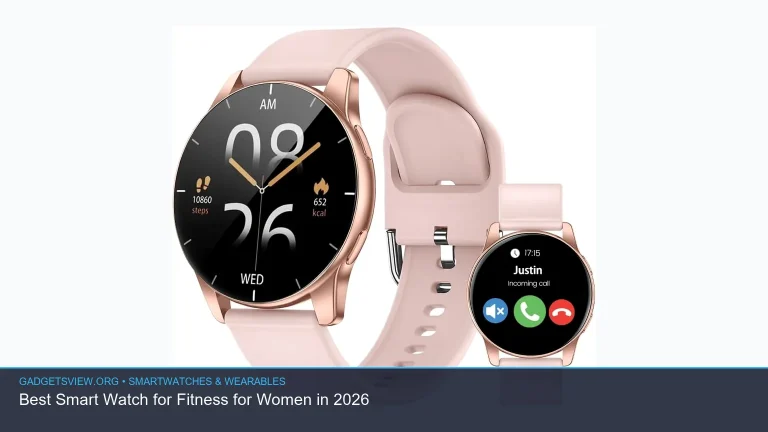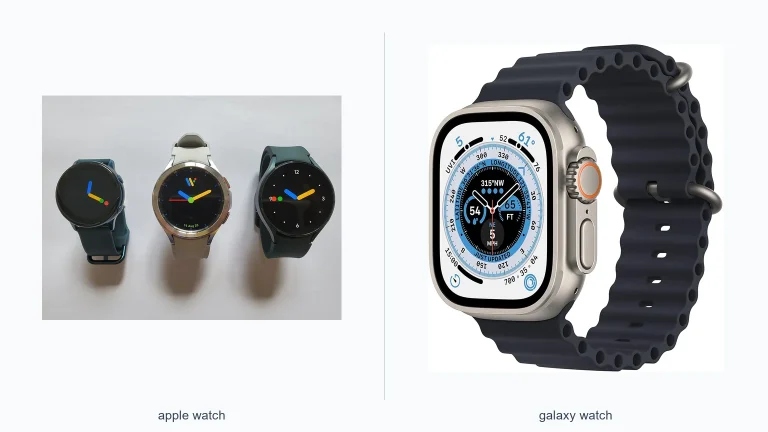
Choosing between wearable powerhouses often comes down to one core question: which phone is in your pocket? When evaluating the apple watch vs galaxy watch 8, your smartphone operating system remains the central dividing line. Apple Watch delivers industry-leading haptic feedback, fluid animations, and deep iOS synergy. Meanwhile, the Galaxy Watch 8 builds on Samsung’s circular aesthetics, comprehensive body metrics, and deep Wear OS customization. In this guide, we break down expected differences in design, battery expectations, health tools, and daily usability so you can make the right investment.
📖 Table of Contents
- Ecosystem Lock-In: The Deciding Factor
- Design Philosophy: Circular Classic vs. Rectangular Canvas
- Health and Fitness Tracking Expectations
- Performance and Everyday Software Features
- Battery Life and Daily Charging Habits
- apple watch vs galaxy watch 8: Core Differences Overview
- Which Smartwatch Fits Your Needs Best?
- Frequently Asked Questions
- Next Steps for Buyers
📌 Key Takeaways
- OS Exclusivity: Apple Watch works exclusively with iPhone, while Galaxy Watch 8 requires an Android phone and works best within the Samsung Galaxy ecosystem.
- Design Language: Apple favors a squarish screen optimized for reading lists and text, whereas Samsung embraces a traditional round watch dial.
- Health Insights: Both platforms offer advanced heart health and sleep tracking, but Samsung includes native body composition analysis.
- Battery Philosophy: Both devices generally target one to two days of standard use, making charging convenience and sleep routines key factors.
Ecosystem Lock-In: The Deciding Factor
The biggest distinction between these two smartwatches is compatibility. An Apple Watch cannot pair with an Android phone under any official capacity. If you carry an iPhone, the Apple Watch provides the smoothest notification handling, seamless Apple Pay transactions, and tight integration with Apple Fitness.
Samsung adopts a similar strategy for the Galaxy Watch line. The Galaxy Watch 8 runs Google’s Wear OS with Samsung’s One UI Watch overlay. While it pairs with most modern Android devices, certain advanced features like ECG recording and blood pressure tracking traditionally require a paired Samsung Galaxy phone running the Samsung Health Monitor app.
Because cross-platform use is essentially off the table, your current mobile phone dictates your options. Switching smartwatch platforms realistically means switching your entire mobile hardware setup.
Design Philosophy: Circular Classic vs. Rectangular Canvas
Apple and Samsung take fundamentally different approaches to wrist aesthetics. Apple has remained committed to its rounded rectangle since the original release. This shape mimics miniature smartphone displays, making it easier to read emails, scroll through message threads, and view complex data graphs.
Samsung designs the Galaxy Watch to look like traditional jewelry. The circular display blends naturally with classic fashion, making it feel closer to a timeless timepiece. It appeals directly to users who want digital power without screaming that they are wearing a computer on their arm.
Screen real estate works differently between the two. The corners of a rectangular Apple Watch offer more functional space for text. A circular display cutouts the edges, which sometimes pushes text toward the center or requires extra scrolling.
Materials and Daily Comfort
Both brands prioritize comfortable daily wear with premium lightweight options. Expect aluminum builds for entry-level models and titanium or stainless steel finishes for premium editions. Each brand uses proprietary band attachment mechanisms, though third-party adapters make strap swapping accessible on both sides.
Health and Fitness Tracking Expectations
Health management is the primary reason many shoppers buy a premium smartwatch. Both Apple and Samsung invest heavily in biometric research, but their feature sets emphasize slightly different metrics.
Apple Watch focuses on passive monitoring and actionable simplicity. Its heart rate tracking ranks among the most consistent in consumer wearables. Features such as irregular rhythm notifications, cardio fitness scores, and cycle tracking operate quietly in the background without overwhelming the user with raw data.
Samsung’s BioActive Sensor system provides a broader look at physical wellness. Galaxy Watch models traditionally include Bioelectrical Impedance Analysis (BIA), allowing users to estimate body fat percentage and skeletal muscle mass directly from their wrist. For athletes interested in body composition shifts, Samsung holds a distinct structural advantage.
Sleep tracking is robust on both platforms. Both monitor sleep stages, skin temperature variance, and blood oxygen levels. Both ecosystems have also gained regulatory clearance for sleep apnea risk detection, turning both devices into valuable nocturnal wellness companions.
Performance and Everyday Software Features
The daily software experience highlights distinct differences between watchOS and Wear OS. Apple Watch leverages watchOS for ultra-smooth responsiveness. Apps launch almost instantly, and Apple’s Taptic Engine provides subtle, realistic physical feedback that remains unmatched in the industry.
The Galaxy Watch 8 benefits from Google’s Wear OS platform combined with Samsung’s custom skin. This setup provides access to the Google Play Store on your wrist, bringing apps like Google Maps, Spotify, and WhatsApp into sharp focus. Samsung users also enjoy customizable watch faces with interactive widgets and tiles.
Voice assistance is another key point of contrast. Apple Watch relies on Siri, which processes many requests directly on the device for fast execution. The Galaxy Watch gives users a choice between Samsung’s Bixby and Google Assistant, giving Android users superior natural-language querying and smart-home flexibility.
Battery Life and Daily Charging Habits
Battery endurance remains a regular talking point for modern smartwatches. Neither standard model is built for week-long backcountry expeditions without a charger. Both Apple and Samsung engineer their mainstream watches to deliver all-day battery life, typically landing around 18 to 40 hours depending on screen brightness, GPS activity, and cellular use.
Because battery performance tops out at roughly one to two days, daily charging habits matter. Fast charging allows both watches to gain meaningful power during a morning shower or while winding down before bed. If sleep tracking is essential to you, planning a consistent 30-minute charging window each day is necessary regardless of which platform you select.
Users who require multiple days of continuous GPS tracking must look toward specialized endurance models like the Apple Watch Ultra or Samsung’s Galaxy Watch Ultra series.
apple watch vs galaxy watch 8: Core Differences Overview
To help visualize how these platforms stack up, review the structural comparison below. Note that exact hardware configurations for unreleased models should be verified against official manufacturer specifications upon launch.
| Feature Category | Apple Watch Series | Galaxy Watch 8 Expected Profile |
|---|---|---|
| Operating System | watchOS | Wear OS powered by Samsung |
| Phone Compatibility | iOS only (iPhone) | Android only (Optimized for Galaxy) |
| Display Profile | Rectangular OLED | Circular Super AMOLED |
| Health Standouts | Precision heart rate, ECG, Vitals tracking | Body composition (BIA), ECG, sleep metrics |
| Smart Assistant | Siri | Google Assistant or Bixby |
| Typical Battery Span | 18 to 36 hours (Standard models) | 24 to 40 hours (Standard models) |
Strengths and Limitations
Understanding where each platform shines helps narrow your buying decision:
- Apple Watch Strengths: Class-leading haptics, unmatched app ecosystem uniformity, seamless Apple Pay integration, and exceptionally reliable heart rate tracking.
- Apple Watch Limitations: Strictly locked to iPhones, square design does not appeal to lovers of traditional watch dials, requires near-daily charging.
- Galaxy Watch 8 Strengths: Classic circular styling, native body composition analysis, flexibility of Google services, and broader customizable watch face options.
- Galaxy Watch 8 Limitations: Best features require a Samsung phone, circular display shows less text per glance, third-party app smoothness can vary compared to watchOS.
Which Smartwatch Fits Your Needs Best?
The answer to this comparison is straightforward for most buyers. If you carry an iPhone, the Apple Watch is your only practical choice between the two. Attempting to use a Wear OS watch with workarounds leads to degraded notification reliability, broken health syncing, and frustrating software bugs.
Conversely, if you carry a Samsung Galaxy phone or another modern Android device, the Galaxy Watch 8 represents the peak of mainstream Android smartwatches. It integrates naturally with your notification shade, syncs your alarms, and leverages Google Assistant seamlessly.
If you are currently considering switching your phone operating system, the watch experience may sway you. Those who prioritize clean software, unmatched tactile feedback, and intuitive fitness rings will love watchOS. Those who prefer a traditional timepiece silhouette, custom watch faces, and detailed body fat metrics will feel right at home with the Galaxy Watch.
Frequently Asked Questions
Can I pair a Galaxy Watch 8 with an iPhone?
No. Modern Samsung Galaxy Watches running Wear OS do not support iOS. If you use an iPhone, you must choose an Apple Watch or an OS-agnostic fitness tracker from brands like Garmin or Fitbit.
Can an Apple Watch work with a Samsung phone?
No. Apple Watches require an iPhone for initial setup, data syncing, and ongoing software updates. There is no official Android companion app for Apple Watch.
Do both watches track sleep apnea?
Yes. Recent generations from both Apple and Samsung have received FDA clearance for sleep apnea risk detection. They analyze breathing disturbances and sleep disruptions over multiple nights to alert users to potential breathing abnormalities.
Which watch has a better selection of third-party apps?
Apple Watch generally leads in third-party app polish and developer support. However, Samsung’s integration with Google Wear OS provides a robust library of major titles, including Google Maps, Spotify, and popular fitness trackers like Strava.
Next Steps for Buyers
Before purchasing your next smartwatch, start by auditing your current phone and mobile accessories. Check your cellular carrier if you plan to activate a standalone LTE plan, as wearable connectivity fees vary. If you are awaiting official release announcements for upcoming models, verify confirmed battery capacities, screen brightness ratings, and pricing directly with Apple and Samsung before making your final investment.