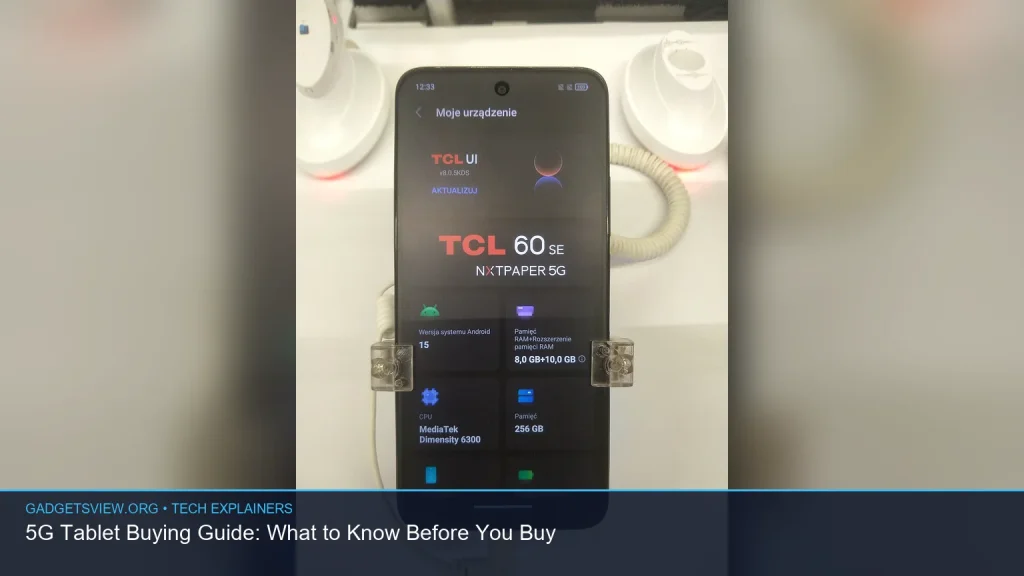
If you’re shopping for a 5g tablet, the main question is not just “which one is best?” It’s whether you really need cellular data, which network bands matter, and how much you should pay for the convenience. This guide breaks down the practical differences between Wi‑Fi and 5G tablets, the features that matter most, and the trade-offs to expect before you buy.
📖 Table of Contents
- What a 5G Tablet Actually Gives You
- 5G Tablet vs Wi‑Fi Tablet: Which One Fits Your Life?
- 5G Tablet Buying Guide: The Features That Matter Most
- When 5G Is Worth Paying For
- When a Wi‑Fi Only Tablet Is the Smarter Buy
- How to Compare 5G Tablet Options Before You Buy
- Common Limitations to Watch For
- FAQ: 5G Tablet Questions Buyers Ask
- Conclusion: Buy for How You Will Use It
📌 Key Takeaways
- A 5G tablet is best for people who need internet away from home, not just at a desk or on Wi‑Fi.
- The real buying decision goes beyond 5G support. Screen size, battery life, storage, and app performance matter just as much.
- Carrier compatibility is critical. A tablet can support 5G but still not work well on your chosen network if the bands or plan do not match.
- For many buyers, a Wi‑Fi-only tablet plus a mobile hotspot may cost less than paying extra for built-in cellular.
What a 5G Tablet Actually Gives You
A 5G tablet can connect to mobile data networks through a SIM or eSIM, just like a phone. That means you can browse, stream, video call, or work online without depending on Wi‑Fi. For travelers, field workers, students, and commuters, that flexibility can be the main reason to buy one.
But 5G is not a magic upgrade on its own. A tablet still needs a good display, enough battery, and a fast processor to feel responsive. If those basics are weak, the 5G connection will not make the device feel premium.
5G Tablet vs Wi‑Fi Tablet: Which One Fits Your Life?
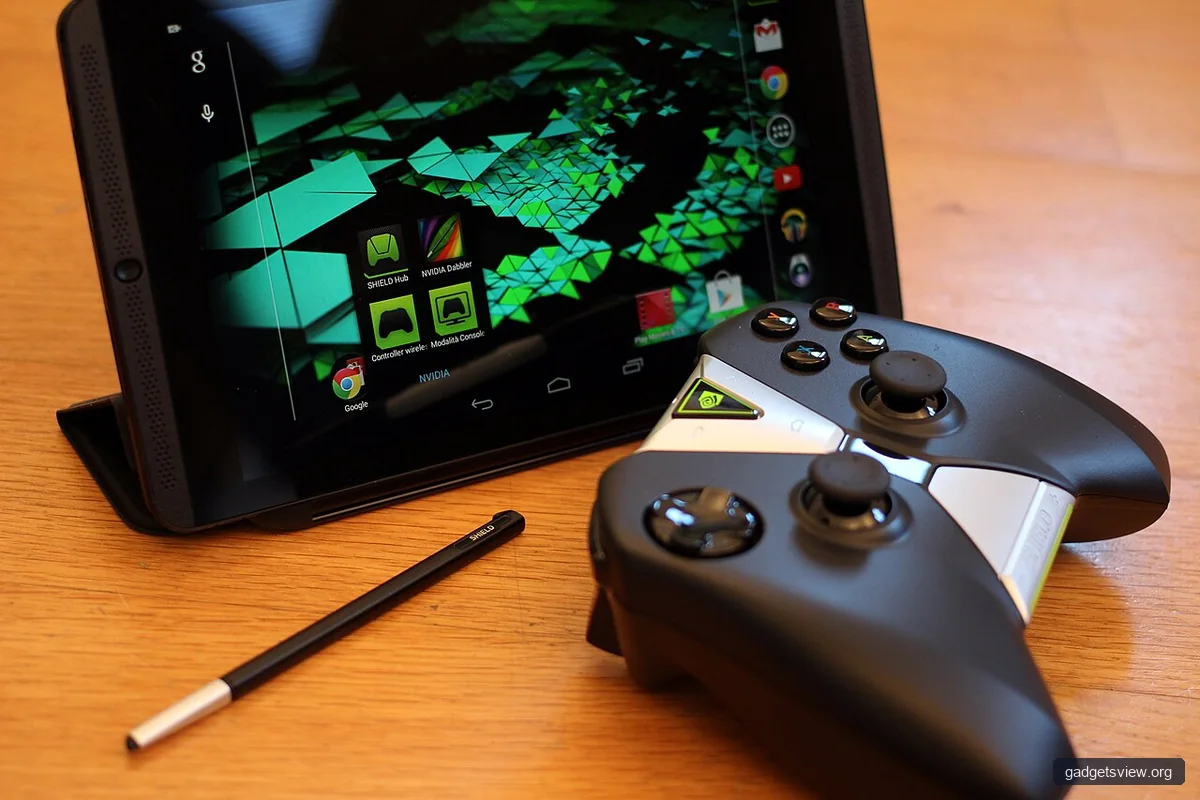
The right choice depends on where and how you use the device most. A Wi‑Fi tablet is usually simpler and cheaper, while a 5G tablet adds mobile access and more convenience. That convenience may be worth it if you regularly work outside the house or need internet in cars, airports, schools, or job sites.
| Category | 5G Tablet | Wi‑Fi Tablet |
|---|---|---|
| Best for | Frequent travel, remote work, mobile productivity | Home use, office use, school, casual streaming |
| Upfront cost | Usually higher | Usually lower |
| Ongoing cost | Cellular plan or add-on line may apply | No cellular bill if you stay on Wi‑Fi |
| Convenience | Works almost anywhere with coverage | Depends on nearby Wi‑Fi or hotspot access |
| Best value | If you truly need mobility | If you mostly use it in one place |
Verdict: choose a 5G tablet if you want built-in internet away from Wi‑Fi and plan to use it often. Choose Wi‑Fi only if you mostly stay near home, work, or school and can live with hotspot sharing when needed.
5G Tablet Buying Guide: The Features That Matter Most
When you compare a 5g tablet, start with the parts you will notice every day. Many buyers focus only on network support, but that is only one piece of the experience. The tablet’s screen, battery, and performance will affect satisfaction far more often than 5G speed.
1. Confirm network compatibility first
Not every 5G tablet is compatible with every carrier in the US. Look for support for your carrier’s network bands, and verify whether the tablet is certified for that network. If you are buying unlocked, double-check both the model number and the carrier support page before you commit.
2. Decide between eSIM and physical SIM
Some tablets use a physical nano-SIM, while others support eSIM, and some support both. eSIM is convenient if you switch plans often or want quick activation without a card. A physical SIM may be easier if you prefer a simple setup or already have a SIM from your carrier.
3. Pick the right screen size and panel
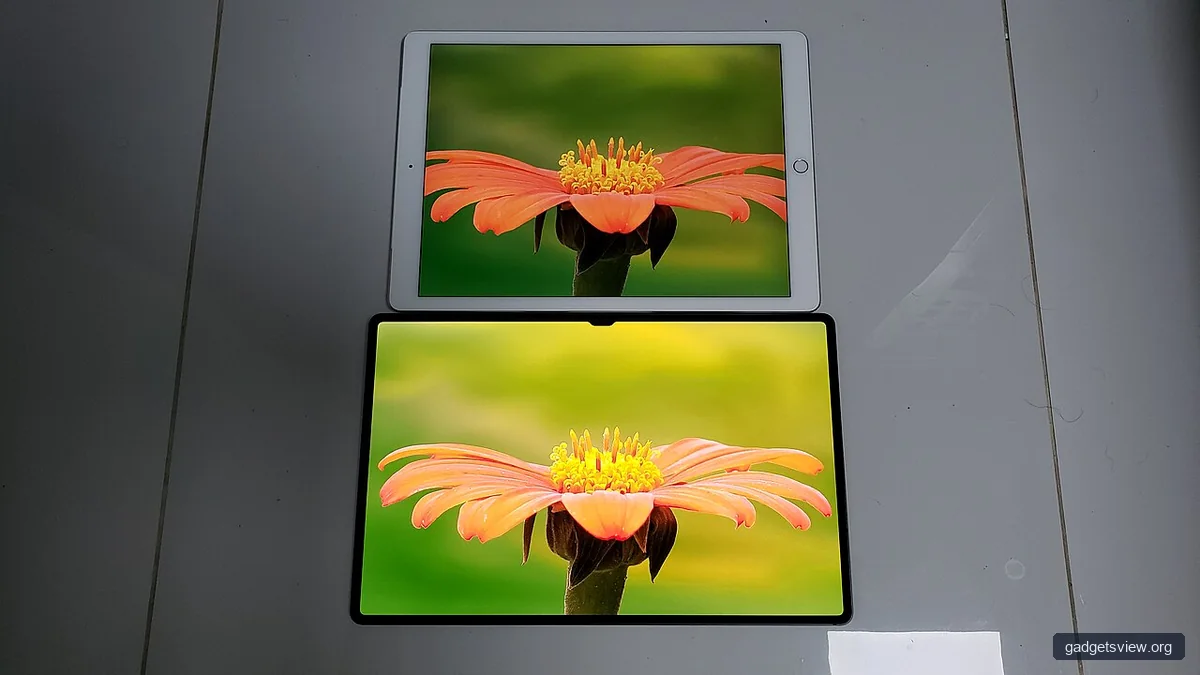
Larger screens are better for split-screen work, note-taking, and movies. Smaller tablets are easier to carry and may feel lighter for reading or travel. Also look at resolution and panel quality, since a sharp, bright screen can improve everything from web browsing to video calls.
4. Check battery life in real use, not just on paper
Cellular radios can use more power than Wi‑Fi, especially in weak signal areas. That means a 5G tablet may drain faster when it is constantly searching for a signal or switching networks. If you will use it all day away from a charger, battery capacity and software efficiency matter a lot.
5. Look at storage and memory for your workload
If you keep lots of offline video, large files, games, or creative apps, you need more storage. RAM also matters for multitasking, tab switching, and keeping apps open in the background. For a smoother experience, choose enough memory for your actual use, not just the minimum spec sheet.
When 5G Is Worth Paying For
Built-in 5G makes the most sense when internet access is part of the tablet’s core job. If you use a tablet for navigation, field work, sales calls, schoolwork on the go, or travel, cellular access can be more than a luxury. In those cases, the extra cost may be easier to justify because the tablet stays useful in more places.
It is also useful if you want a backup connection. For example, if your home internet goes down and your tablet has a data plan, you may still be able to keep working or studying. That said, backup use alone may not justify the higher purchase price unless you expect to need it often.
When a Wi‑Fi Only Tablet Is the Smarter Buy
If your tablet will mostly stay on a couch, desk, or kitchen table, Wi‑Fi only is often the better value. You avoid the higher device cost and the monthly cellular bill. You also reduce setup complexity, which can be a plus if the tablet is for a child, a senior, or a casual user.
Many people can solve occasional off-network needs with a phone hotspot. That may not be as seamless as always-on 5G, but it can be enough for light use. The key is being honest about how often you will actually need internet outside Wi‑Fi.
How to Compare 5G Tablet Options Before You Buy
Use a simple checklist before you choose. This keeps the decision focused on value rather than marketing claims. It also helps you avoid paying for features you will never use.
- Check carrier support. Confirm the exact model works with your US carrier and plan.
- Choose the right size. Smaller tablets are easier to carry; larger ones are better for work and media.
- Review battery expectations. Pay attention to battery use with cellular turned on.
- Match storage to your habits. Offline video, games, and files take space fast.
- Consider accessories. Keyboard cases, pens, and stands can change how useful the tablet feels.
- Compare total cost. Include the device, data plan, and any extras you need.
Quick decision table
| If you are… | Choose this | Why |
|---|---|---|
| A frequent traveler | 5G tablet | You need internet in more places without hunting for Wi‑Fi |
| A home or school user | Wi‑Fi tablet | Lower cost and simpler setup are usually enough |
| A remote worker | 5G tablet | Better for reliable mobility and field use |
| A light user | Wi‑Fi tablet | You likely do not need recurring cellular costs |
Common Limitations to Watch For
There are a few trade-offs that buyers often overlook. First, 5G coverage is not equal everywhere, so your experience may vary by city, suburb, and indoor location. A tablet may support 5G on paper but still spend time on slower connections if coverage is weak.
Second, not all 5G is the same in practice. Some networks are faster or more consistent in some places than others, and performance can depend on congestion, signal strength, and the tablet’s antenna design. Third, the cost of the data plan can make a seemingly affordable tablet much more expensive over time.
Finally, a tablet with cellular support is still not a laptop replacement for everyone. If you need heavy multitasking, file management, or advanced software, think about whether a 2-in-1 or laptop would serve you better.
FAQ: 5G Tablet Questions Buyers Ask
Do I need a special plan for a 5G tablet?
Usually yes. Most carriers require a tablet data plan or a line added to an existing account. The exact options and device support rules vary, so verify the current plan details with your carrier before buying.
Will a 5G tablet work on 4G LTE too?
In most cases, yes. Many 5G tablets can fall back to 4G LTE when 5G is unavailable. That can help with coverage, but speeds and performance will depend on the local network.
Is a 5G tablet better than using my phone hotspot?
Not always. A phone hotspot can be a good low-cost solution for occasional use. A 5G tablet is better if you want always-available mobile data without draining your phone battery or dealing with hotspot setup.
Should I buy unlocked or carrier-branded?
Unlocked models usually give you more flexibility if you change carriers or travel. Carrier-branded models may be easier to activate and may include special financing or promotions. The best choice depends on how much flexibility you want.
What matters more: 5G support or tablet performance?
For most buyers, performance matters more day to day. A fast, well-built tablet with Wi‑Fi only can feel better than a sluggish 5G model. Buy 5G when mobility matters, not as a substitute for good hardware.
Conclusion: Buy for How You Will Use It
The best 5g tablet is the one that fits your real routine. If you need dependable internet away from Wi‑Fi, cellular support can be worth it. If you mostly use your tablet at home or on campus, Wi‑Fi only may save money without much sacrifice.
Before you buy, verify carrier compatibility, compare total cost, and make sure the screen, battery, and storage fit your needs. That simple approach will help you choose a tablet that feels useful on day one and stays useful later.